
Security and advertising are the most obvious concerns when it comes to connecting your appliances and devices via smarthome technology. We must take precautions to protect our identity and our privacy. We should also be careful in our new wifi connected homes with the content that can come across these connections. In this final part of our Connected Home series we’ll talk about the content available on our smarthome devices and what we can do to filter that content.
Unsupervised Content
After a recent Setting Digital Boundaries workshop a mother asked me what I knew about the parental controls on Amazon Echo. I hadn’t ever set one up and hadn’t really looked into them so I didn’t have many answers for her at the time. She told me why she had asked: her daughter likes to ask Echo to play songs that she likes but she’s young and her words don’t always come out sounding like they should. This causes the Echo to mis-hear what is said and the devices has, more than once, played a song that is not from any playlist they’ve set up and is not at all appropriate for a young toddler. With the increasing popularity of the Amazon Alexa and Google Home parental controls are becoming a major topic on tech forums and blogs. The reason it’s such a major part of the discussion is because there aren’t (yet) any real parental controls.
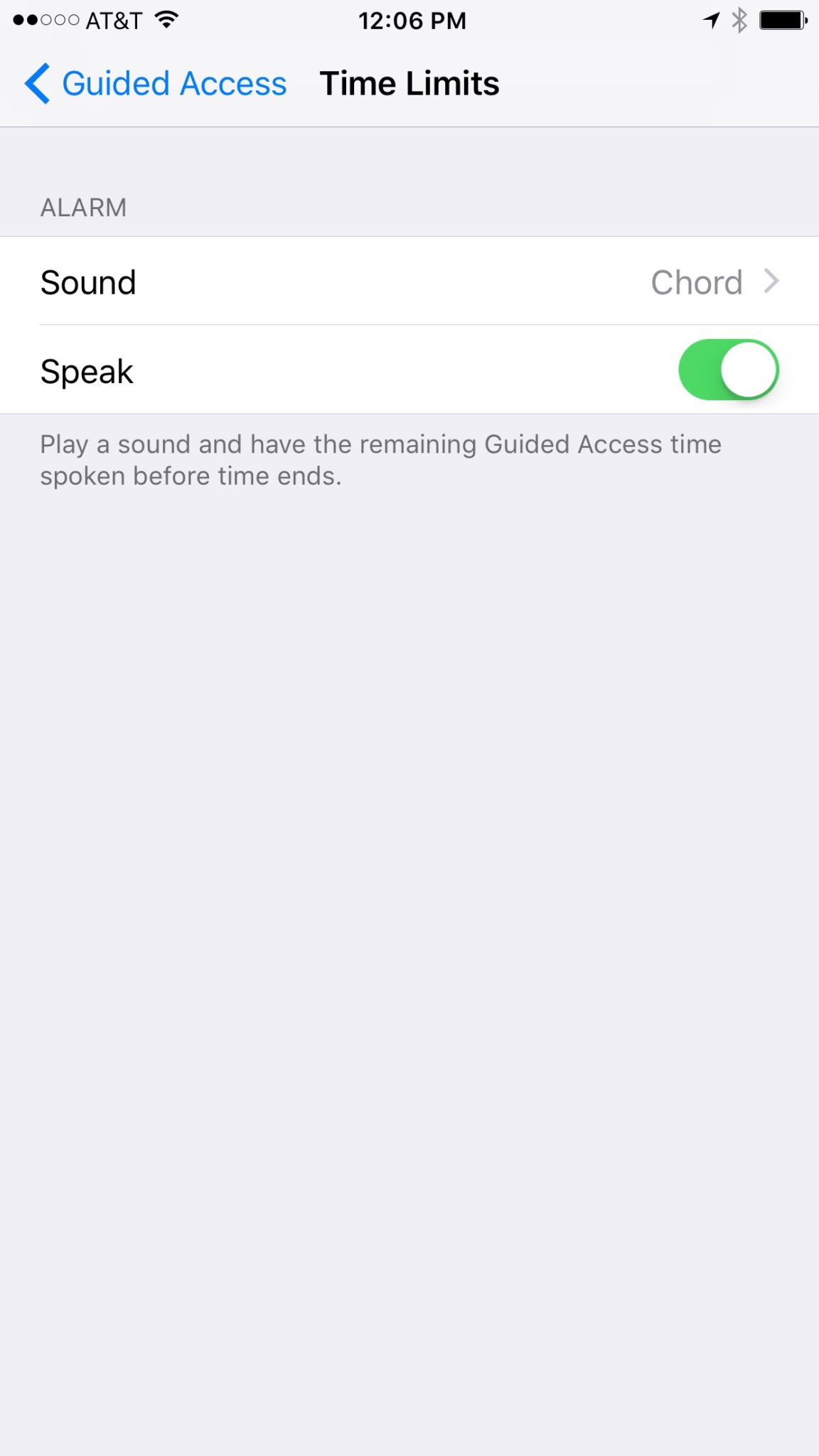
On the Amazon products you can set a pin to make purchases. This will keep your child from making an order and you being shocked to find a two hundred dollar doll house at your door. That’s about it, though. There aren’t any music or video rating limits that you can set. There aren’t any separate voice commands that will let Alexa know the child is in the room. So far, there isn’t much. Google only has the filter settings you’ve given YouTube to protect from inappropriate content. These filters are strictly for video content though and won’t block explicit lyrics.
It’s likely that more effective parental controls will become a reality on these popular products sooner rather than later but until then you should take precautions to keep your children from encountering more of the internet then you’re ready for them to connect to.
What Parents Should Know
My advice is to hold off on extensive use of Alexa, Echo, or Google Home until real parental control options are made available. If you have already been using these devices or you’ve decided you can’t live without them I recommend setting up what restrictions are available. Protect yourself from surprise purchases with a pin on your Alexa or Echo and set your YouTube filter to protect your children from videos you wouldn’t want them to see. Other apps or web video and audio services that have parental controls may protect your family when connected through your smarthome device as well. Right now this is about all you can do but if you’re going to use these devices then something is better than nothing.
Should Your Home Be Connected?
The level of connectivity in your home is obviously a choice your family has to make. There are absolute benefits to having your house connected to a network and working together to make your life easier. The reality, though, is that these conveniences could come at a cost. Some may feel the cost isn’t that high and some may say it’s unfounded fear or foil hat conspiracy theory. My advice is to just stay informed. No matter your decision become a student of the way your connected home works. Reset passwords often, and don’t store your personal data somewhere that is easily accessible through your smart home device network. If you just use common sense and think ahead of the potential risks you may be able to be wired up like it’s the year 2025. Just do it with wisdom.







 The courts will decide whether or not Apple is guilty of unfair business acts but as parents, we have to look closely at the question of responsibility with tech. Yes, there is a level of concern that is acceptable for a company to consider when they are producing a product, however, the first layer of responsibility should lie with parents. No, your kids shouldn’t text and drive and they are hearing that from all over. The question is “are they hearing it from you?” Are they seeing something different from you? If you are texting and driving while your kids are hearing the message that it’s wrong and dangerous, then you are removing a layer of education that can be critical to your child or teen’s safety. Our example is very important.
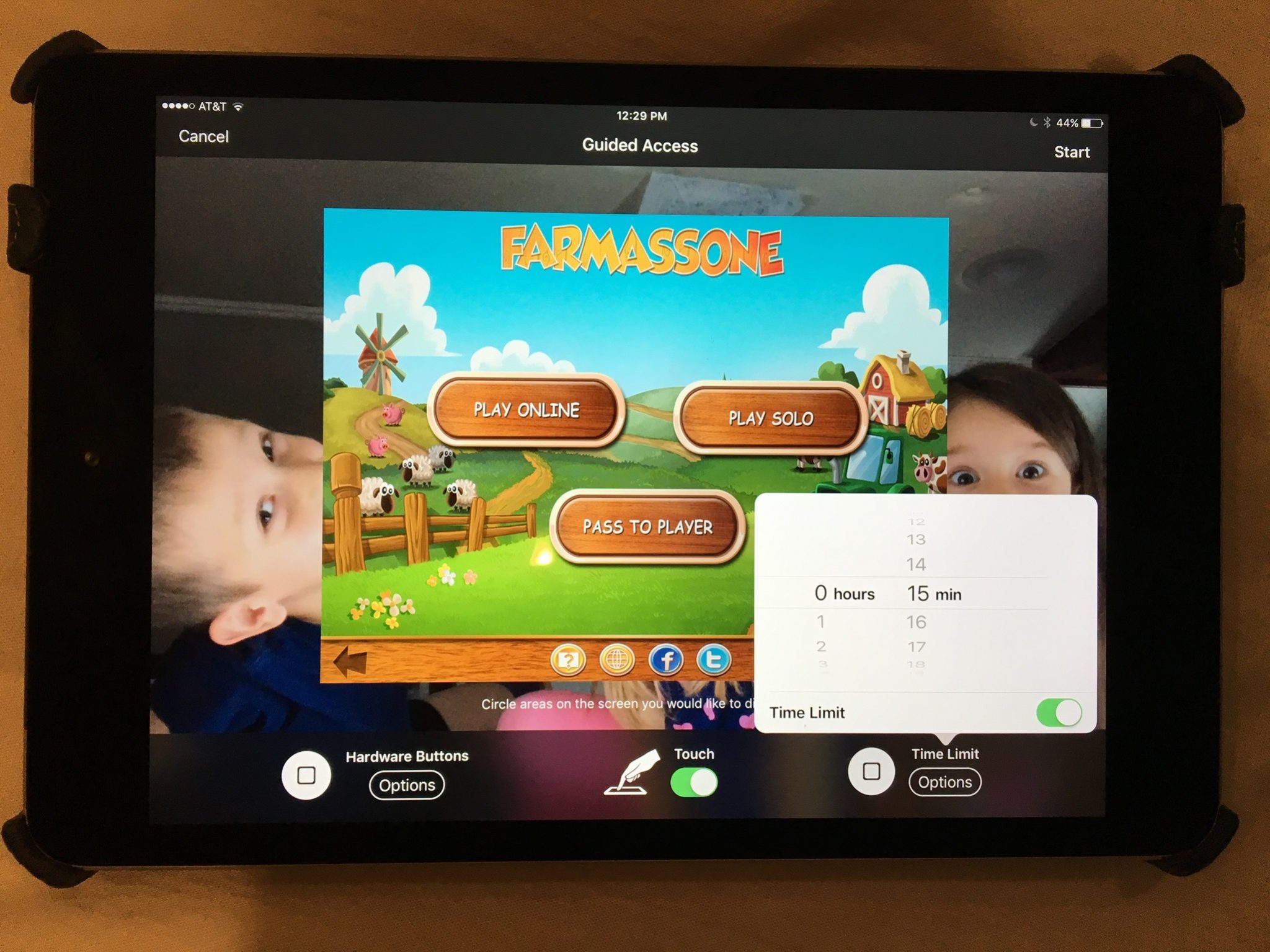
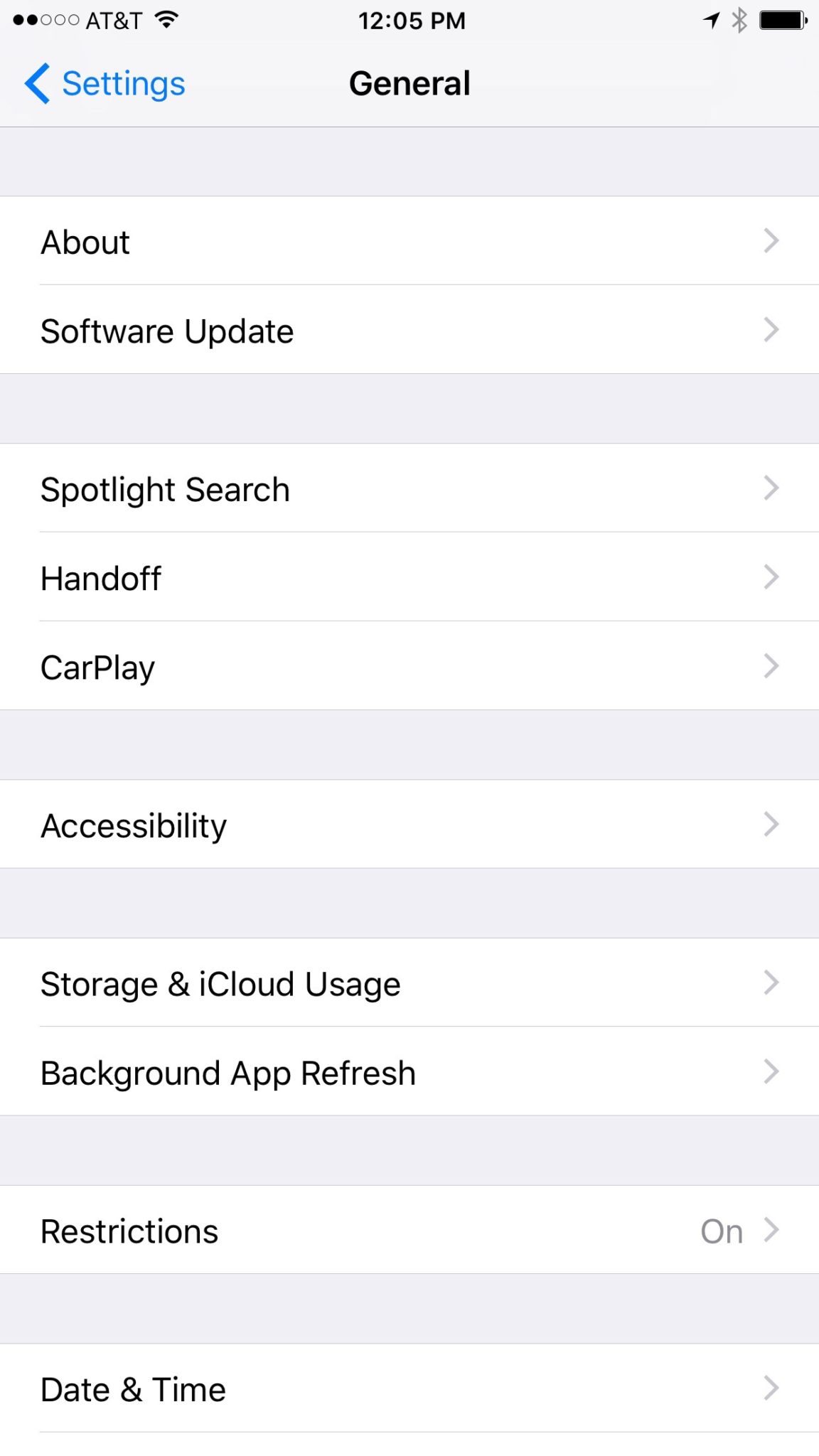
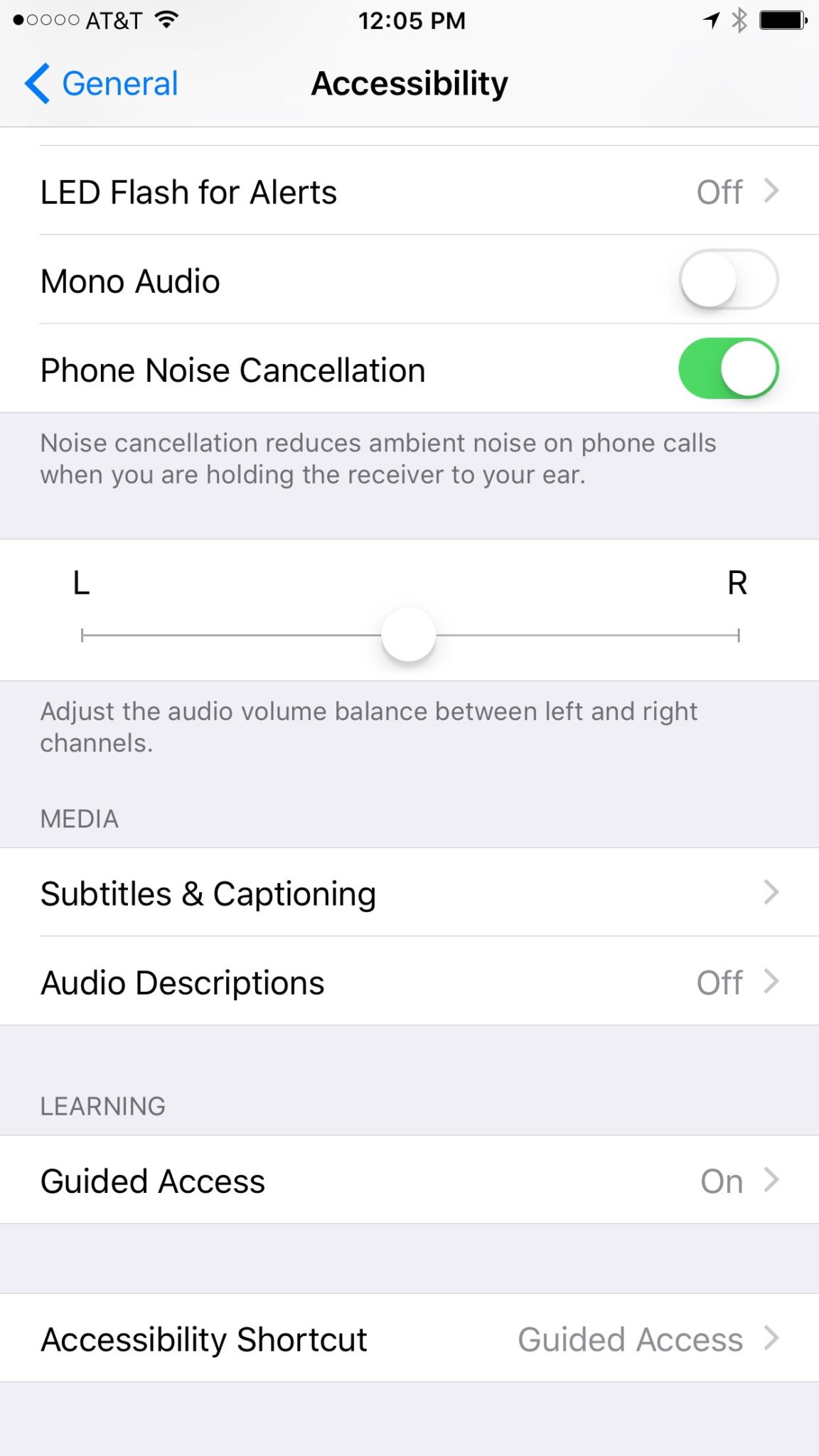
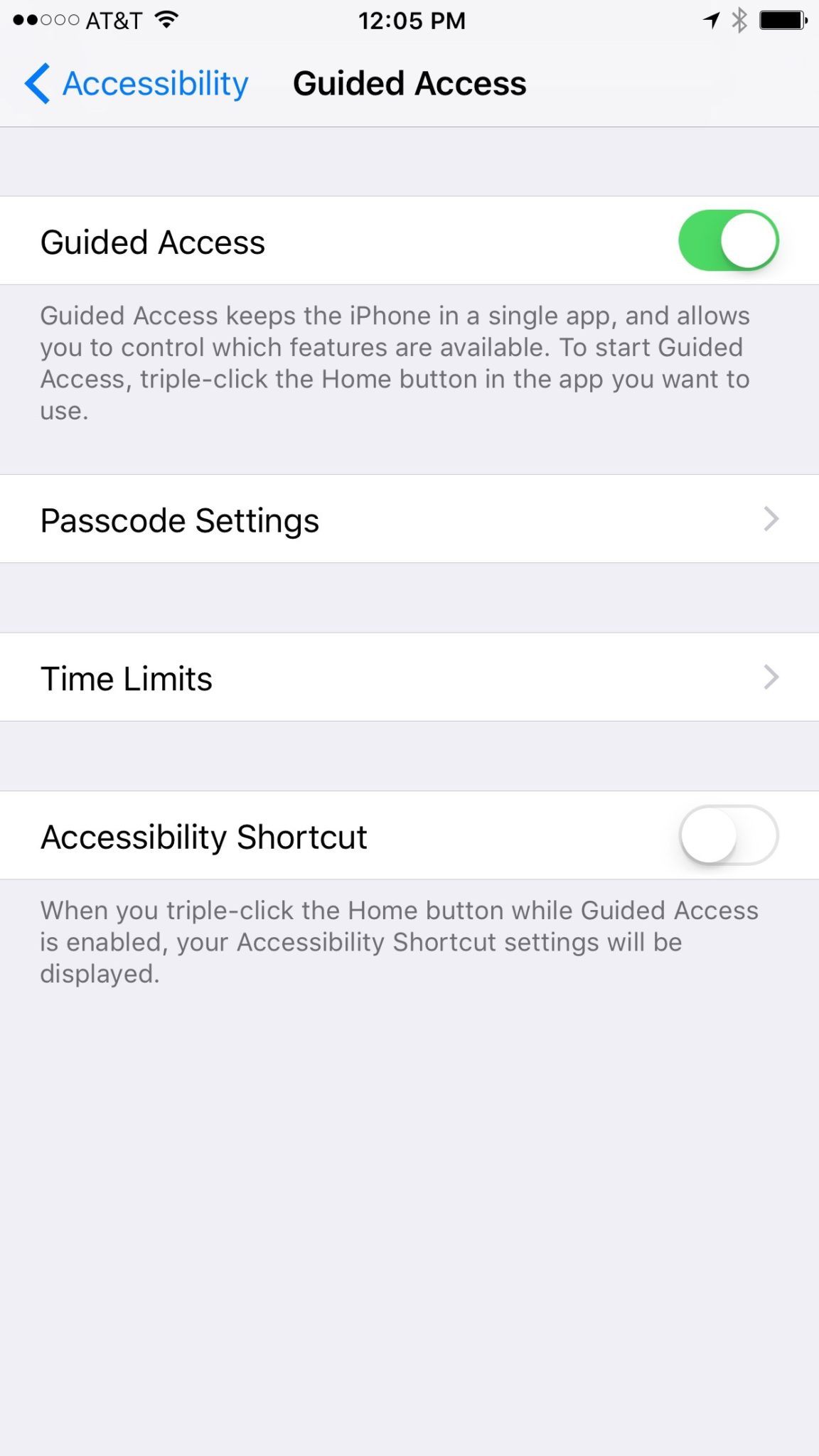

 We aren’t living in a passing phase of technology. The digital and social media culture is here to stay and is going to get even more different as the years progress. If the three days of following CES taught me anything it’s that our world is only getting more digital. With virtual and augmented reality becoming a very real option for gaming, movies, and other entertainment it’s only a matter of time until we are updating our instagram stories by hitting a button on our smart-glasses or blinking a pattern so our contacts recognize what we are trying to post. It sounds like science fiction but it’s becoming more and more a reality.