There could be a number of reasons you’d want to download all of your Facebook data. Maybe you’re making a fresh start but don’t want to lose photos and videos, maybe something’s going on and you need message data downloaded, or maybe you just want to back up all your data for when the giant electromagnetic pulse goes off someday and the internet comes crashing down. Whatever reason you’re interested, here are the simple steps you can take to download all of your Facebook info at once. The tutorial video is at the bottom of this post.
1. Go to your settings page.
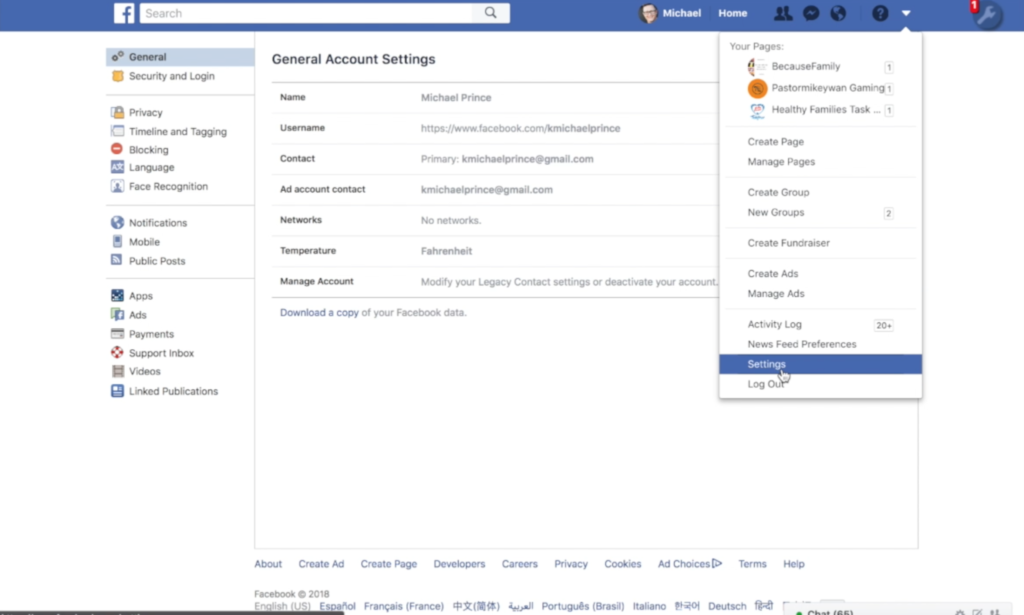
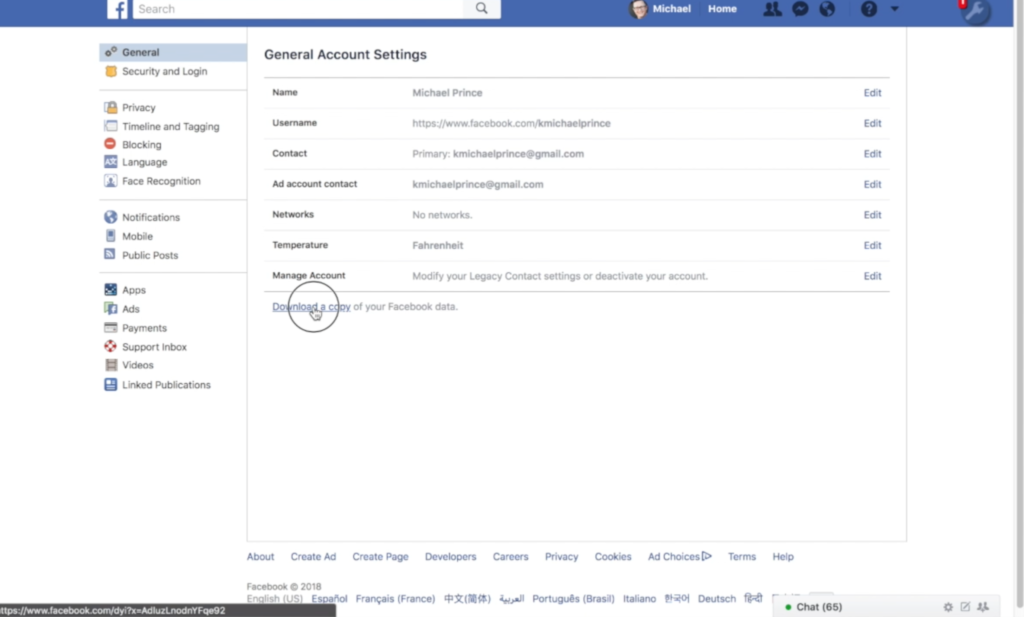
2. Click on Download a copy Facebook Data
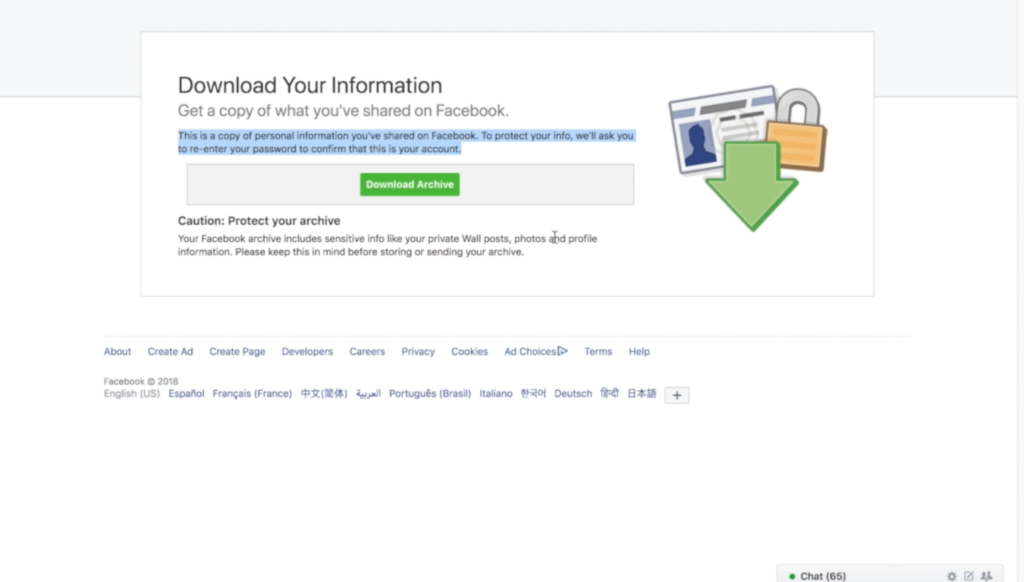
3. Click download archive.
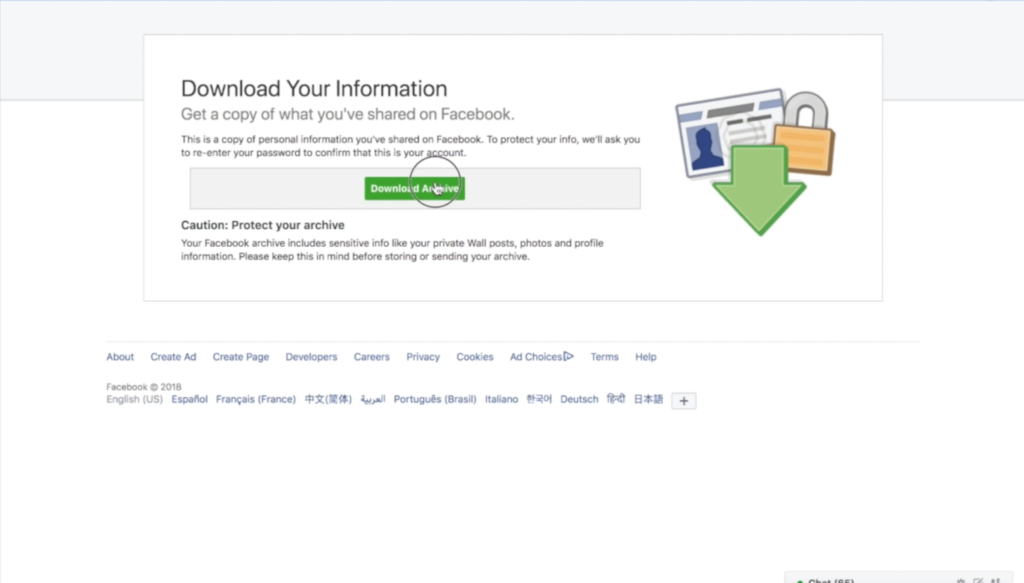
4. Enter your password and click Submit
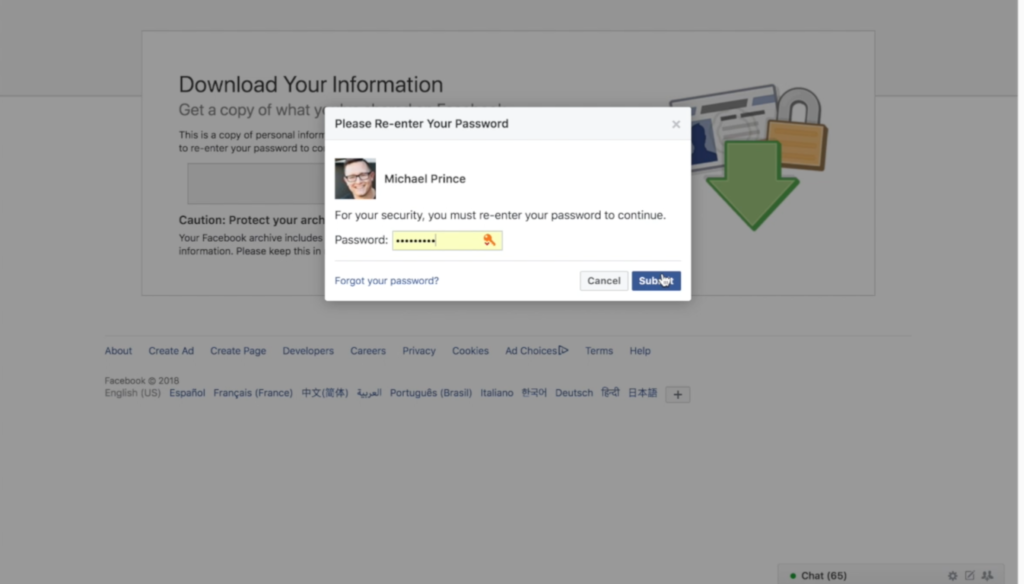
5. Your data downloads as a zip file.
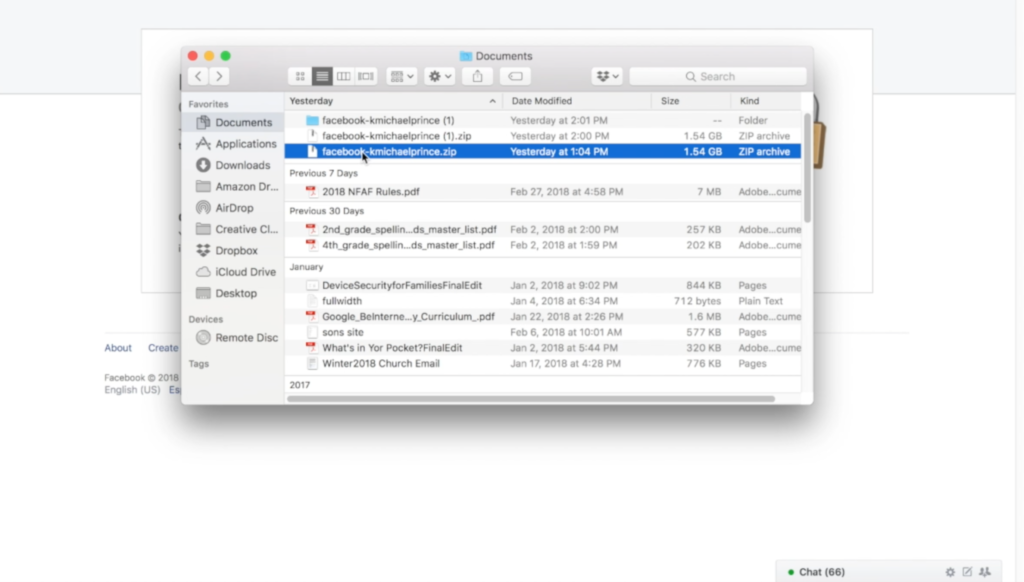
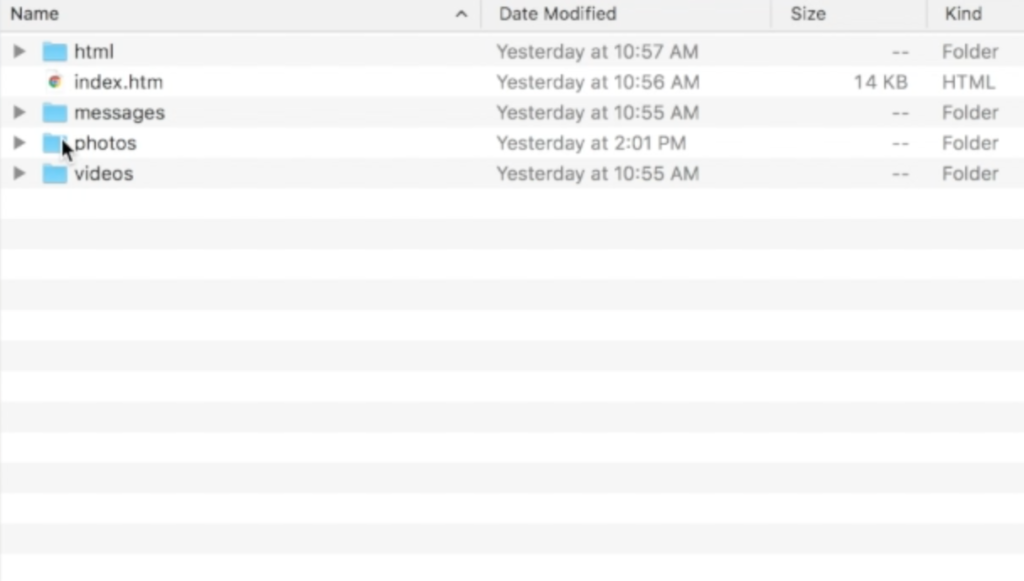
6. Once unzipped, you’ll see your files separated into folders.
7. Keep somewhere safe and share with caution as some of the data is personal.
There are the instructions. Here’s a video tutorial: