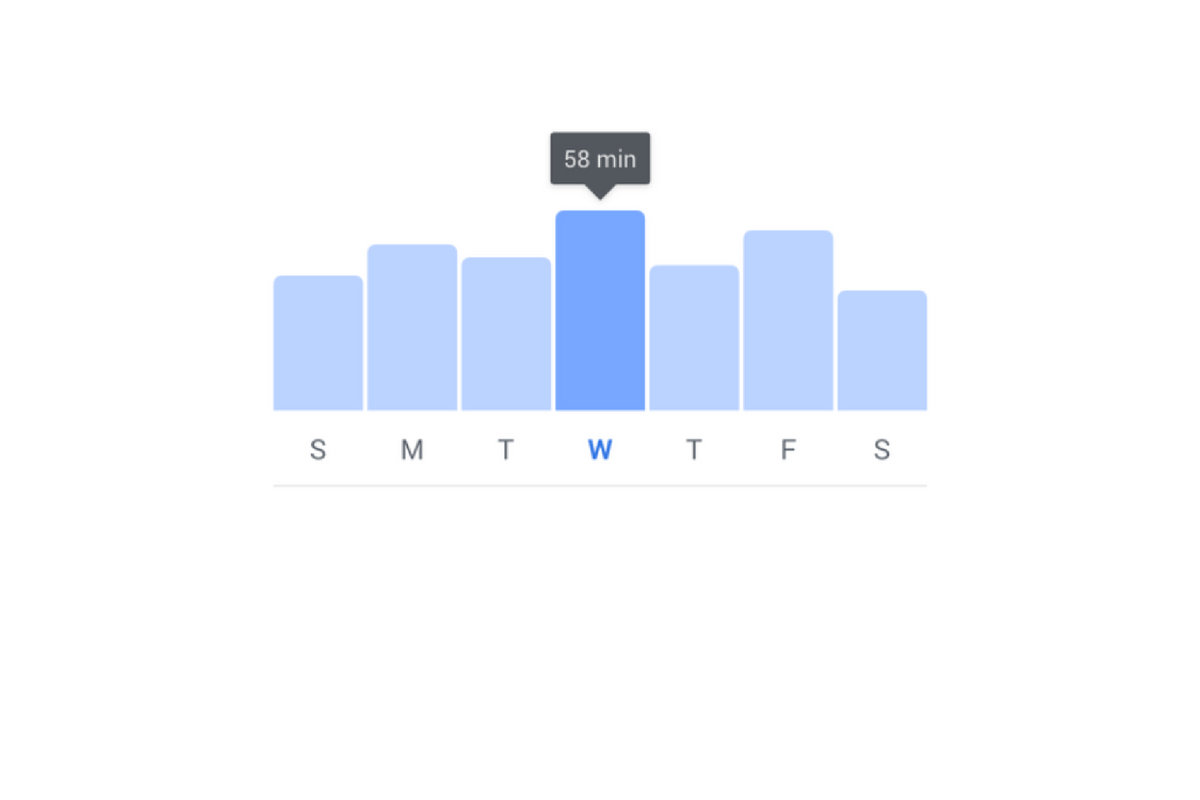
I have had an extension installed in Google Chrome for a while that limits the amount of time I spend scrolling on Facebook. I can scroll and scroll until eventually hitting a limit that I set for myself. My only frustration is that it didn’t work in the app. Well, now I can breath easier since Facebook is releasing a new system for monitoring and controlling the amount of time you spend in their apps. The folks at Facebook say they want your time in their apps to be interesting and inspiring, not mind-numbing so they’ve introduced some new options and a dashboard.
The new dashboard will show you how much time you’ve been spending in the app. You’ll also be able to set reminders and schedule a time to turn off notifications. The reports and settings will be found by tapping on the menu on the lower right of the Facebook app and by opening the settings in your Instagram app. You’re looking for the item called “Your Time on Facebook” in the FB app and on Instagram, you’ll open “Your Activity.”
Facebook is hoping that this will encourage the more thoughtful use of their apps and alleviate the addictive nature of the infinite scrolling social media timeline. Since the “Time Well Spent” movement began, companies have been taking more responsibility to find ways to help people be more intentional with their social media use. The past ten or so years have proven that social media isn’t going away and that folks will use it even to their own detriment.
NOTE: I, personally, haven’t received the update with these features yet as it is rolling out in batches over the next month or so. As soon as I do, though, you’ll see a tutorial on how to check your time spent and manage your settings on both Instagram and Facebook.
What Parents Should Know
This is a good opportunity to discuss the need for online time management with your kids. Since these companies are beginning to take it so seriously, we can use the news to encourage members of our families to do the same. Tell your kids about the features and ask them to use it, even if just to check in on the amount of time they’ve spent. It is amazing what changes you might make when you realize how much of your day is spent mindlessly scrolling a social media feed. If your kids are younger, I advise you to use these and any other resource you can to help them be thoughtful with their time online. Discuss time management with them and help them make healthy decisions so they’ll grow up with good habits.