Tag: update

  • YouTube Rebrand and New Style Is Going Live Today

    YouTube Rebrand and New Style Is Going Live Today

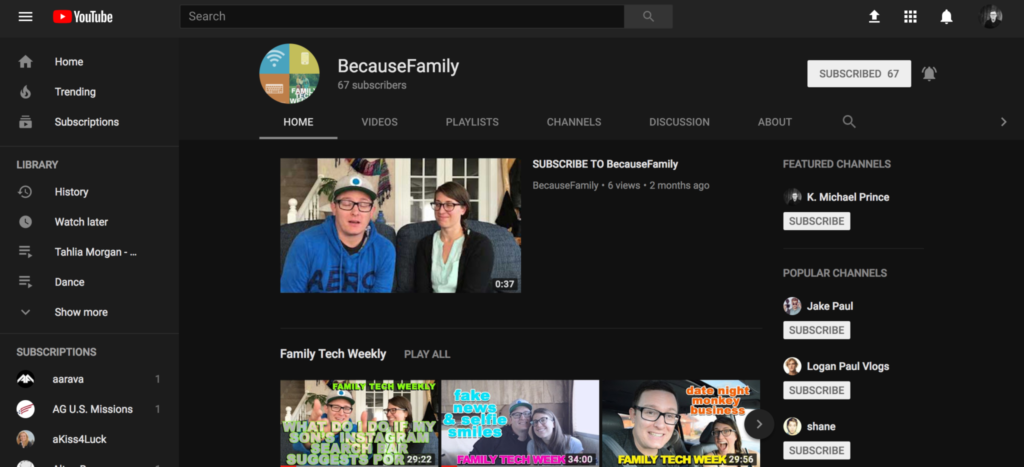
    YouTube has launched an update for their app and their in-browser site. The update features a whole new theme (dark-mode,) a new logo, speed controls, and more compatibility with different video dimensions. The logo and dark mode are welcomed changes among YouTube users and the ability to work better with verticle smartphone videos seems to be a no brainer these days. Much of the update has been available as a beta test for some users but the availability went public today. New gesture controls allow you to fast forward or rewind videos and they’re hinting at the ability to swipe between previous and next videos. Finally, they are continuing to update the app to feature recommended videos on the lower third of the screen during playback. While you may only watch YouTube videos within your Facebook timeline when your friends share them. Your kids are using YouTube every single day and it’s one of the top search engines in the world. This update is a big deal.
    What Parents Should Know

    Many of our kids spend hours per day watching videos on YouTube. Some of them even produce their own content. You can guarantee that they have noticed (or were anticipating) this update. Why not use the knowledge you learned in this article to start up a conversation with them about their activity on the site and app. Ask them about their channel. How many subscribers do they have? What kind of content do they produce? What kind of things do people say in comments? You should know these things and this update is a welcome way to bring up the topic.

    Here is some advice for you to wrap up this article. I recommend subscribing to your kids’ YouTube channel if they have one. If you don’t know if they have one or not you should ask. Even better is the option or logging in to their account on your own device so that you get notifications whenever they get comments and messages. Maybe you could share a channel or account with them. Then you can see their viewing history and know what kinds of videos they are watching based on what’s being recommended by YouTube. Either way, you should be involved with what video content your kids are taking in and producing. Using this latest update to spark the conversation is a great idea.


  • Musical.ly Updates Adds “Watch Next” Recommendations

    Musical.ly Updates Adds “Watch Next” Recommendations

    Musical.ly announced earlier this summer that they are going to be featuring original shows from networks like NBC, Seventeen Magazine, and Viacom. We’ve written before about how we don’t like their lack of age verification even though the CEO seems to think it’s no big deal. The lip-syncing video app’s newest update will put more previously unseen and original content in front of your kids. The updates include a “Watch Next” feature that will use what’s called “computer vision” to see what they are watching and make a decision about what other videos (original content or user generated) to recommend they view next.

    The No. 1 goal of the new app design is to make “a wide range of content more accessible,” Hofmann said. – Variety.com

    This update also includes a new look and feel to the app and some new ways to personalize your profile page. The most interesting addition, from a parental control standpoint, is the idea that an algorithm is going to be recommending more videos for your kids to watch.

    What Parents Should Know

    This feature isn’t entirely new to streaming apps. You’ve seen Netflix, Amazon, Hulu, and YouTube feature videos or shows that they think you might enjoy. Their recommendations are based on what you’ve been watching, just like those in the Musical.ly app. The concern, here, is some of what may be available on Musical.ly and the fact that most parents don’t keep an eye on what their kids do on the app. 

    I still don’t recommend parents allow this app on their kids’ and young teenager’s phones because of the lack of age verification. It’s still on our uninstall list and will remain there until they take the risk of predators contacting kids on this app more seriously.

  • Facebook Adds GIFs and Live Video to the in App Camera

    Facebook Adds GIFs and Live Video to the in App Camera

    If your Facebook feed is like mine there are only one or two people using the FB Stories feature at any given time. Instagram and Snapchat pretty much own the story market but Facebook is still chasing that “all inclusive social media app” unicorn.  Today, the app updated to include the ability to go live from the FB Story camera, to turn your images/video into a nifty GIF, and to share text over a colored background. (Much like the text status backgrounds available on your FB timeline.) It’s a bit surprising that the story feature hasn’t caught on as quickly on Facebook as it did on Instagram which has more users on Stories than Snapchat has over their entire app. There are more people using Facebook every day but they seem to prefer the timeline method to the 24-hour stories.

    One thing is certain, however, the apps that are popular with the younger crowd are the ones that get the most out of their stories feature. Facebook is, obviously, trying to attract that same crowd again since their average user’s age has increased over the past several years. Buffing up Facebook Stories is an attempt to reach out to that exact demographic. We’ve seen a small surge in the number of younger users to join or re-join Facebook but it’s nowhere near the growth that we’ve seen on Instagram and Snapchat.

    What Parents Should Know

    You still can’t take Facebook off of your apps to watch list. Your kids most likely prefer Instagram or Snapchat (if you allow them to use it) but some of these new features, which are designed to attract the teen and pre-teen demographic, could draw some kids back to Facebook. My advice is for parents to have their teen’s login information and to check in every now and then. You’ll want to see what messages they’ve received and what is showing up on their and their friend’s story. For many younger people, the fact that their parents use Facebook is a deterrent for them but some of the camera features and other new additions could cause them to change their minds. It’s important that you know if they have a Facebook account and keep an eye on what is going on there.

  • Snapchat Update Adds New Effects and Sharable Links

    Snapchat Update Adds New Effects and Sharable Links

    Snapchat’s latest update will give the camera background effects and allow you to change your voice without using one of their filters. The other major feature is the ability to share links and open them within Snapchat’s very own browser. While you can’t type a url into the address bar at the top of the browser you can click around online and end up at any website you’d like. That’s right, that means your kids can now browse the internet within Snapchat. This has always been possible in other social media apps like Twitter, Instagram, and Facebook but now Snapchat will allow users to tap right on a picture and open a link without leaving the app.

    What Parents Should Know

    If the Discover Page, disappearing photos, private video chat, and SnapMap isn’t enough to put this on your uninstall list, perhaps the ability to access the entire internet without leaving the app will help you pull the trigger. Yes, this feature is available in other social media apps but when you factor in all of the other features that can be a detriment to your internet safety plan it puts Snapchat at the top of my uninstall list.

  • Instagram Rolls Out Major Updates to Direct Messaging

    Instagram Rolls Out Major Updates to Direct Messaging

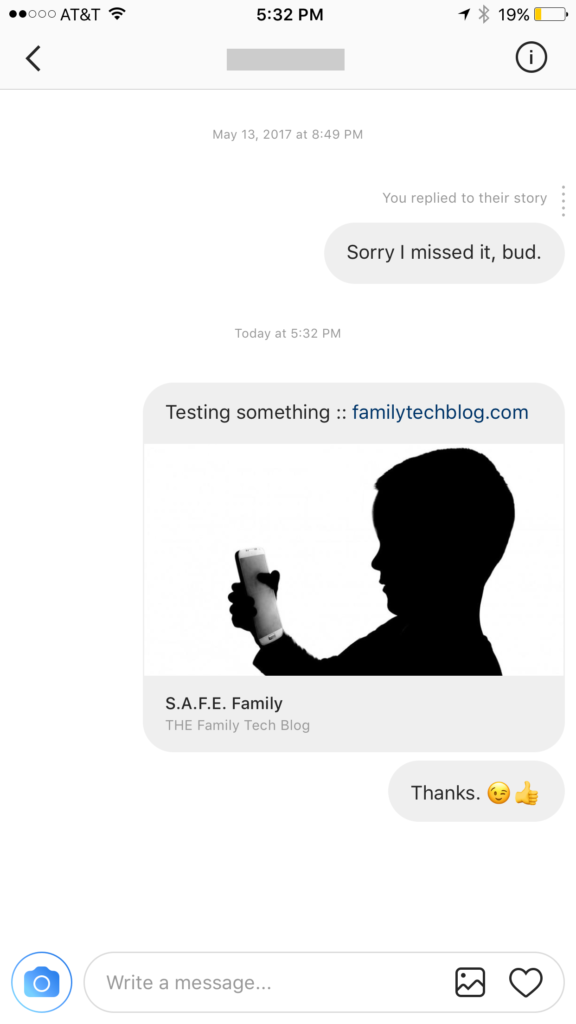
    Instagram has launched their seemingly weekly major update today with a focus on their direct messaging feature. Now it’s possible to see previews of links and to send full size images. (Not just squares.) While most of Instagram’s updates have focused on it’s Stories feature, the DM gets quite a bit of attention every now and then too. There seems to be a race between Instagram and Snapchat to develop the best private messaging option out there. Features like link previews and removing the image dimension limits will go a long way to make Instagram a serious contender for direct messages.


    Link previews look a lot like in FB Messenger.

    What Parents Should Know

    Obviously it’s important to know who your kids are talking to online. Private messages open up the possibility for kids to contact people they don’t really know very well. This can lead to full, private conversations with videos and images that are difficult for parents to monitor. There is no way to disable direct messaging in the Instagram app so if your kids are using the service they have the ability to contact people in private. These messages won’t show up on their image timeline and images won’t be stored on their phones unless they manually save them. This can result in private messaging that may cross your line of what’s appropriate.

    Links that show up in Instagram will open in the Instagram browser when clicked. This means some accountability software and filters won’t take affect. You should keep that in mind when deciding whether or not to allow them to use Instagram.

    My advice, as always, is to take whatever measures you’re most comfortable with to monitor your kids Instagram activity. The only way to monitor their private messaging is to have their login information. I show you how to log in as them on your own device in a video here. Prevention, monitoring, and conversation are the most important things you can do to keep your kids from unwanted material online.

  • Here is Everything Snapchat Added in it’s Big Huge Update

    Here is Everything Snapchat Added in it’s Big Huge Update

    Snapchat’s fastest growing demographic is young adults but it still built it’s success on the short lived selfies of High School kids. Your High School kids. Today Snapchat released a major updates that adds some very new, never before seen features. While I don’t expect these new additions to make Snapchat more of a problem. I do think its smart for parents to understand what the apps their kids use are capable of. Here’s what’s new:


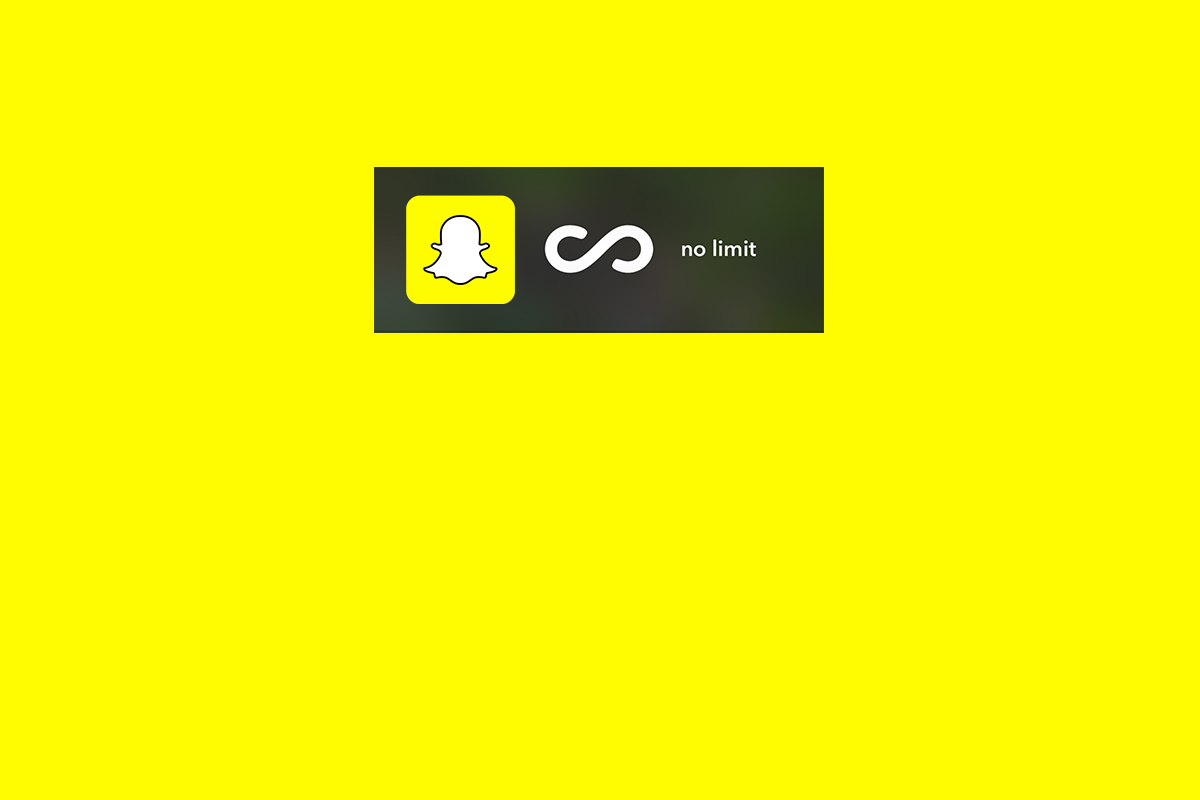
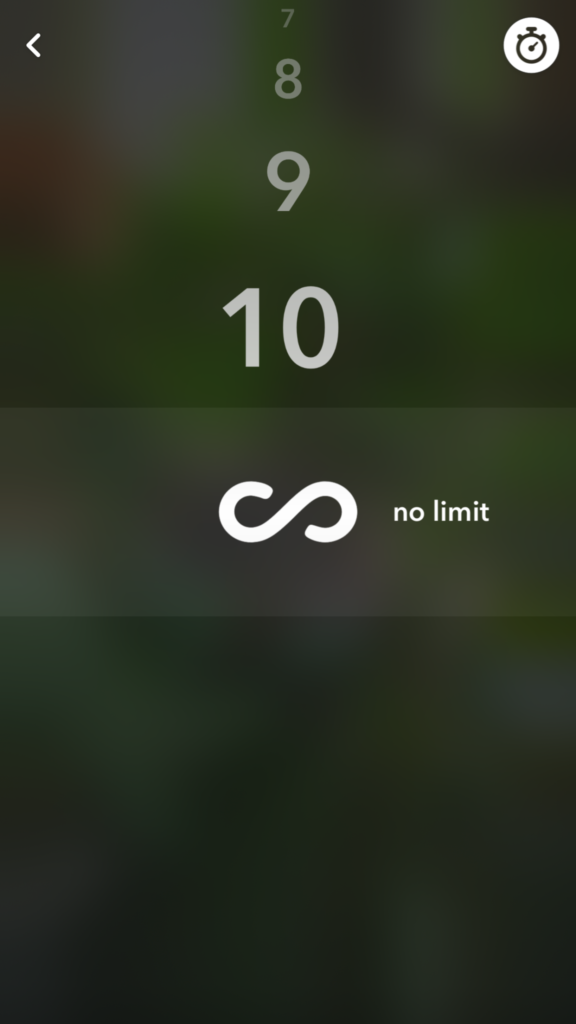
    No Time Limit

    You can now post you images without a time limit counting down until transitioning to the next photo. Videos also have a “play forever” option that will loop your videos. The “disappearing” images is what made Snapchat such a novelty at the beginning. This is a major step away from that.


    Emoji Brushes

    This is pretty much just a way to draw with emojis. Dumb? Maybe. Annoying? Definitely. Will it be used like crazy? Absolutely. You’ll be seeing emojis plastered all over snapchat images now. Enjoy!


    Magic Eraser

    This is just what it sounds like. It’s probably the coolest new feature in this update. It allows you to cut out sections of your photo and replaces the background automatically. This makes whatever you erased disappear like it was never in the photo in the first place. Features like this have been available in photo editing software but it’s the first time we’ve seen it in a social media camera.

    What Parents Should Know

    As I already mentioned these features don’t necessarily make Snapchat a more dangerous app. (It’s already on our uninstall list, mostly because of the potentially adult themed articles in the Discover section.) If you’ve been telling your teen they can’t install Snapchat this update might make it a bit more difficult. You are sure to hear “but mom, so and so has it” or “all of my friends..” just remember that while these updates are cool, there are other reasons you may not think this app is smart for your teen to have. This update doesn’t change any of that.


  • Snapchat’s Search Update Can Connect Your Kid to their Favorite Celebrity Influence

    Snapchat’s Search Update Can Connect Your Kid to their Favorite Celebrity Influence

    Snapchat’s interface has been a topic of conflict for some users of the app. It’s a bit counter-intuitive and there hasn’t been any simple way to find and connect with other users. Discover, Stories, and group chat have been parts of recent updates that seem to be an attempt to attract more users to the app. Their newest update is an attempt to simplify the experience with a search bar.

    The development team has used this update as an opportunity to replace the search bars located at different sections of the app with one centrally located search tool that will search the entire app. Not only will users be able to find their friend’s most recent stories, the group chats and stories they’ve been apart of, and stories related to the same event or location, but they’ll also be able to find users they don’t yet follow and stories from “Discover Media” partners as well. That crazy article they heard their friends talking about is now just a search away, whether they follow the poster or not.

              Also Check Out: Snapchat Spectacles: Now You CAN Document Every Meaningless Second

    The update is starting slow and rolling out to Android users first. It will be available on iOS very soon though. Snapchat’s user-base is growing steadily and the majority of their users (sixty percent) are under 24 years old. While it’s popularity with millennials is growing their teen user numbers aren’t dwindling so your son or daughter are likely to use Snapchat or if they don’t they probably want to.

    What Parents Should Know


    Whether or not Snapchat is a no-go for your family is obviously up to you. It’s important, either way, to understand the functions and purpose of the app. The main goal of Snapchat is social connection. That’s all well and good between your kids and their friends, the concern is the access that brands have to the users of the app. Gone are the days when you could go to the bathroom and miss or just sit and ignore a commercial. We are raising our children in a world where the brands they use allow them to become fans and communicate directly to them.

    This new update will make it even easier for your kid or teen to become a follower of their favorite celebrity or product. If you prefer to have some kind of say over what products and famous people are able to share their “message” with your children then you should pay very close attention to Snapchat and apps like it. (Instagram, Musical.ly) On iOS you can use Family Sharing to keep an eye on what your kids are downloading. If you don’t want to or can’t set-up Family Sharing then the old fashion take the phone and give it a look is always a good option as well. Either way, don’t ignore the messages your children are getting through their social media accounts. You may be surprised how different those messages may be than the lessons you try to teach them every day.