Tag: tweens

  • unGlue is a Great Way to Teach Your Older Kids Screen Time Management

    unGlue is a Great Way to Teach Your Older Kids Screen Time Management

    *unGlue is FamilyTechBlog.com’s latest affiliate

    UPDATE: You can use the promo code “SAFE10Off” to save 10% when you subscribe to unGlue!

    The most common concern among parents when it comes to tech use is that their kids spend too much time on their screens. There are plenty of options out there to help you monitor and limit the amount of time spent using tech, but unGlue is one of the first ones that allows you to put the control in your kids’ hands. The advice of the FamilyTechBlog has always been to help your kids know that you are on their team when it comes to internet safety and digital health. What better way to partner up than to give them choices as to how they spend their internet time? UnGlue lets you do just that.
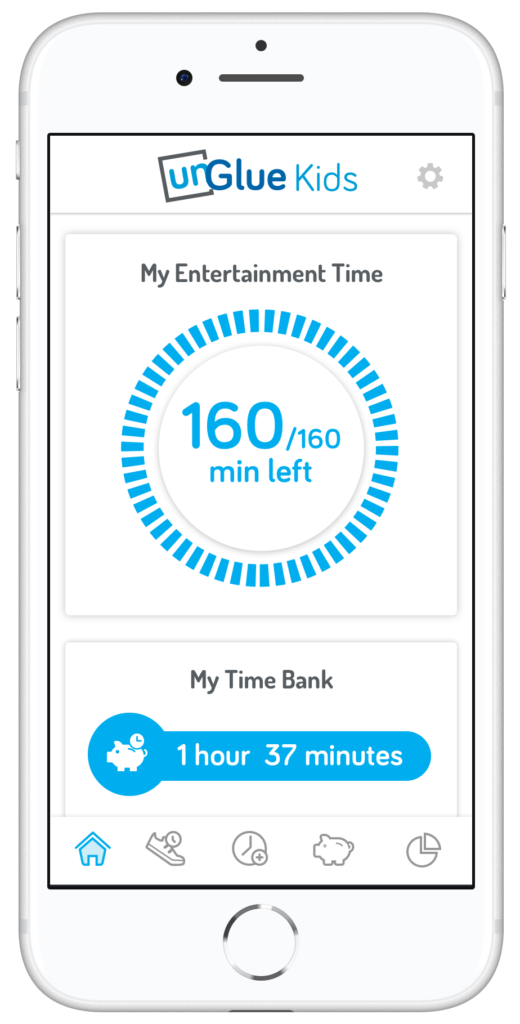
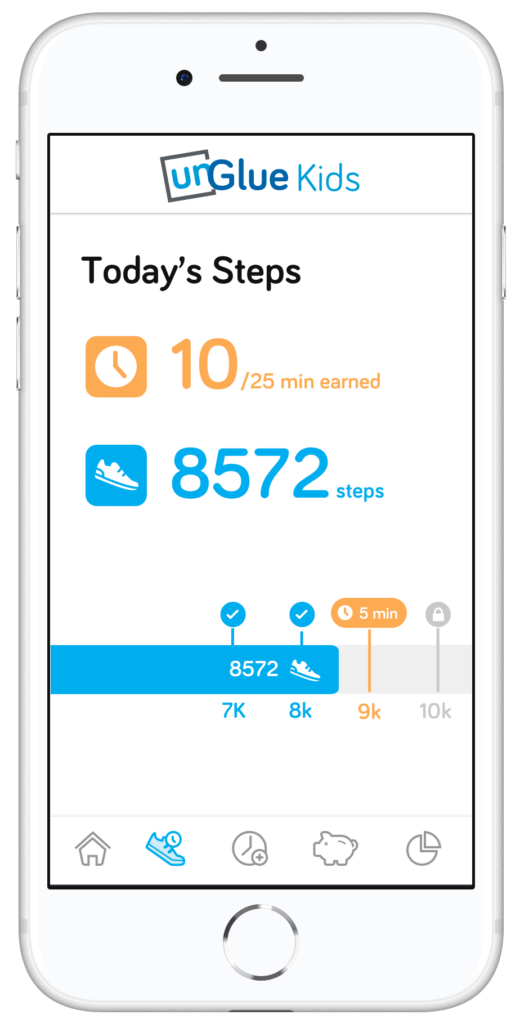
     

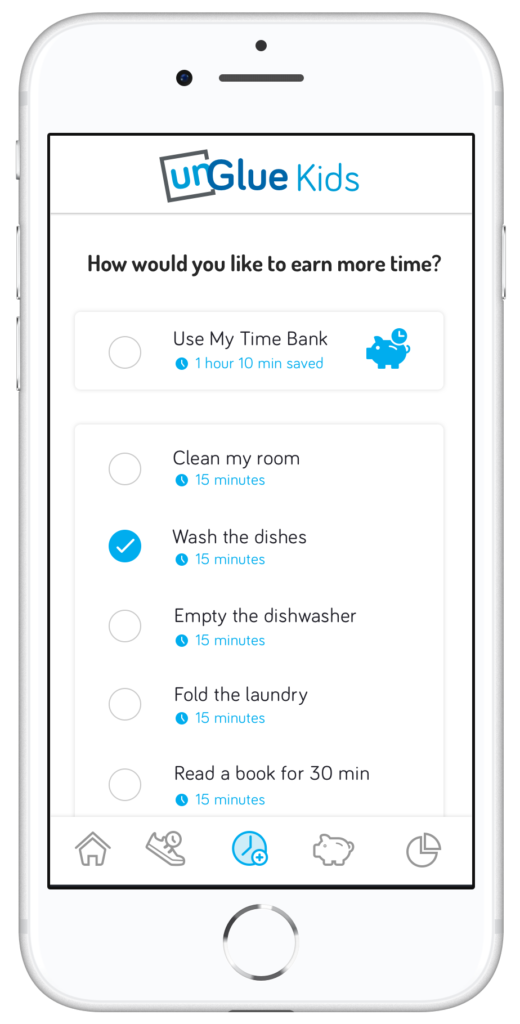
    unGlue’s features include an adult content filter, monitoring online time, trading steps or chores for more time, entertainment time rollover, and screen time scheduling. The best part is that most of this activity can be done in the kid’s version of the app. The parents set the limits but then the kids get to decide how they use their time and even how they can earn even more time. Rollover allows them to save up some of today’s time to use tomorrow if they’d like.

    How it Works

    At home, unGlue works through your wifi. You install software on your main home computer (only works while turned on) and it mirrors your router traffic to see the web activities on the devices you have set up. While on the go, unGlue uses a VPN to keep track of what is being done online. These methods mean your time is managed everywhere you go. You can even set up guest access in your home. If you don’t have a home computer to set up unGlue on, they have a device called the unGlue Puck that will only cost you $30.

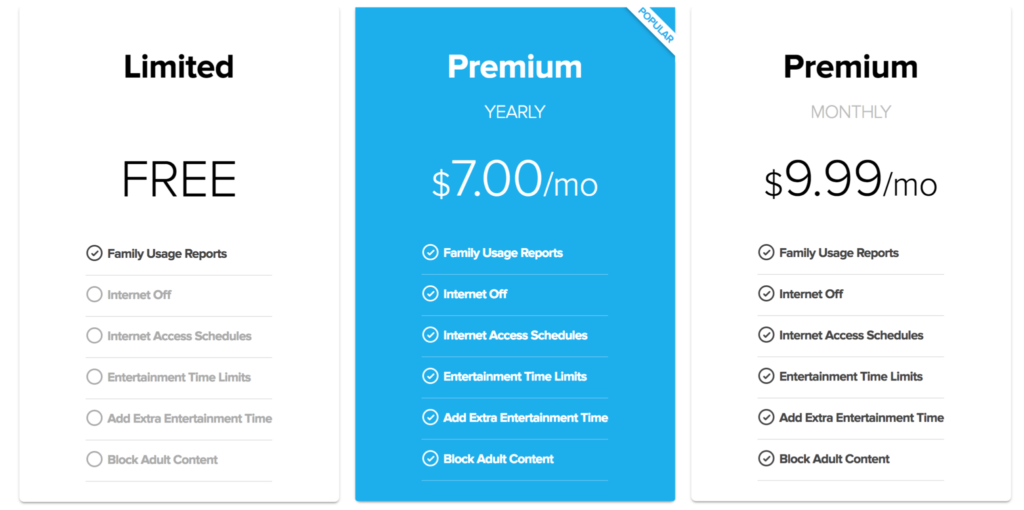
    Speaking of cost, you can download the unGlue app for free and start monitoring online time right away. If you want to set up and use the other features you can subscribe for $9.99 per month or $84 per year. Both subscription options include full-featured access to unGlue.
    What Parents Should Know

    Managing screen time can be a challenge for people of all ages. The best way to ensure your kids have a good attitude about the time they spend online is to start teaching them young and to lead by example. Track your own screen time and set some limits for yourself. This will help your kids see that you are as committed to a healthy digital attitude as you are asking them to be. Using unGlue is simple and is an especially good option for those of us with older kids. Other options just monitor our kids and give us the option to turn the internet on and off at will and on a schedule. That’s a good way to manage screen time for your younger kids but studies show that our older kids need guidance and boundaries but not overbearing rules and regulations.

    Our hope is that the resources we partner with for parents can each bring a unique approach to your digital boundaries strategy. In my opinion, unGlue is the choice for parents of older kids who are ready to start managing their own time online. The option to earn more time through activity and chores adds another element that teaches your kids lessons they’ll have to continue to learn as they grow older. Download unGlue now and start monitoring. I think you’ll find it useful enough that you decide to subscribe in no time.

  • Update the YouTube Kids App, You’ll Be Glad You Did

    Update the YouTube Kids App, You’ll Be Glad You Did

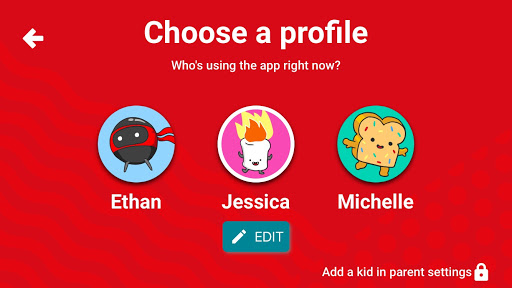
    We are big fans of YouTube Kids. While it isn’t foolproof, it is the best option available right now to let your kids enjoy their favorite videos on YouTube.The newest version makes it even more useful for parents. This update allows you to add profiles with a birthdate and a new avatar to ensure your kids are getting content appropriate for their age and interests. This will be super helpful for parents like us, who have multiple kids using one device. My recommendation is that you update your YouTube Kids apps as soon as possible and if you haven’t used it yet, what are you waiting for? Go download it.

    Stay tuned for a video review of the YouTube Kids update soon.


  • Musical.ly Teams Up with Apple Music to Sell You More Stuff

    Musical.ly Teams Up with Apple Music to Sell You More Stuff

    Musical.ly allows users to film themselves lip-syncing and performing current pop music hits and scenes from movies or TV shows. It has become one of the most popular apps for teens and pre-teens and a connecting point for music artists and their fans. In fact, there are now Musical.ly stars who are seeing success in more mainstream markets as well. Most of them are quite young teenagers. Today, Musical.ly has announced that they’re partnering with Apple Music to provide the song clips that make up their lip sync library. They will also be promoting subscriptions to the music streaming service and allowing Apple Music subscribers to listen to full versions of songs.

    Musical.ly grew a ton in 2016 and has seen a tapering off in their young audience during the beginning of 2017. This move seems to be a way to bring more value and financial stability to Musical.ly while putting Apple’s music streaming service in front of another audience. Apple Music has been chasing Spotify for subscriptions and the aren’t gaining ground. This is an obvious attempt to target Musical.ly’s young audience with their option for streaming music. Allowing full versions of the songs kids are lip syncing to in the app is adding value that many of the app’s users will see as valuable. Possibly valuable enough to ask their parents for a subscription to Apple Music. That is if they don’t have the ability to sign up on their own.

    What Parent’s Should Know

    I have been pretty outspoken on my disdain for Musical.ly in the past. One of the major reasons is the lack of an age restriction to sign up and the CEO’s attitude about it. Now I see another potential hang up for parents who’s kids use the app. There are already songs available on the app that many parents may feel are unsuitable for the age of their kids that use the app. Now the entire songs will be available if you are one of the 20million families who have an Apple Music subscription. If you don’t have a subscription be warned that the app will be consistently asking your pre-teen if they’d like to sign up for one. Also, there are likely to be features made available that won’t be useful without an account with Apple Music. How many times will your 13 year old have to be blocked from using a song until they start asking you to subscribe for them. Advertising is still, however, the least of my worries with Musical.ly.

    Parents of young teens should pay close attention to what their kids do on Musical.ly. If your young daughter is spending a lot of time singing and dancing in front of her camera know that there is no age verification so the fourteen year old boy who watches every one of her videos could actually be anyone, anywhere, of any age. In this day and age where kids are being asked to meet up by strangers and actually saying yes, there is no reason for your kid to be unsupervised on an app like Musical.ly. I recommend and uninstall if your kid is under 17 and then to closely monitor their use of the app. 

  • The Hooked App is as Addictive as it Sounds

    The Hooked App is as Addictive as it Sounds

    We all want our kids to read more so an app that claims to have had users reading for over 500,000 hours sounds like a godsend. It is, in fact, a great idea and a pretty original way to get it’s users to read. The Hooked app isn’t new, having launched in 2014, but it’s rating number 6 in the iOS app store today. It’s popularity is growing fast.

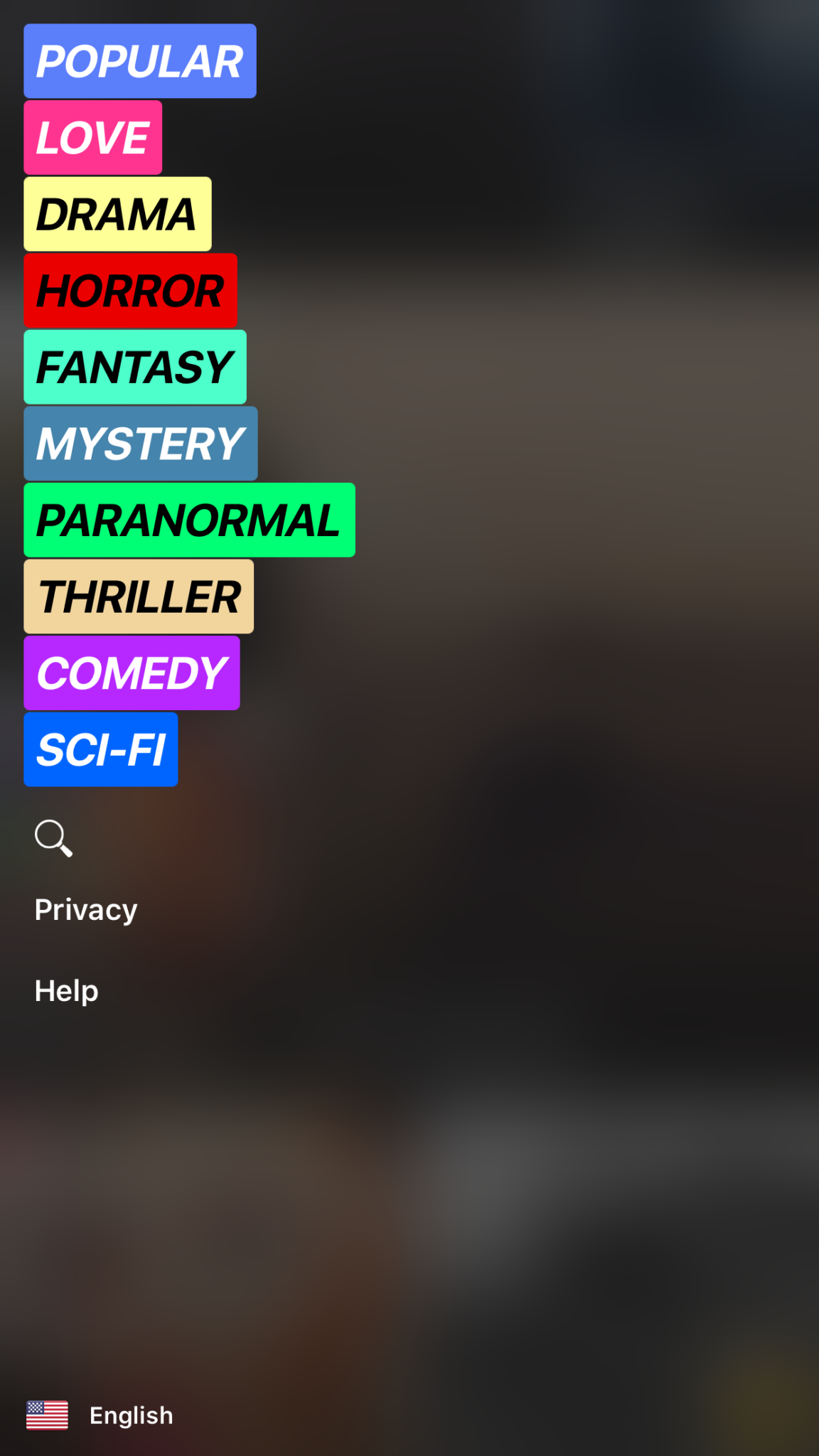
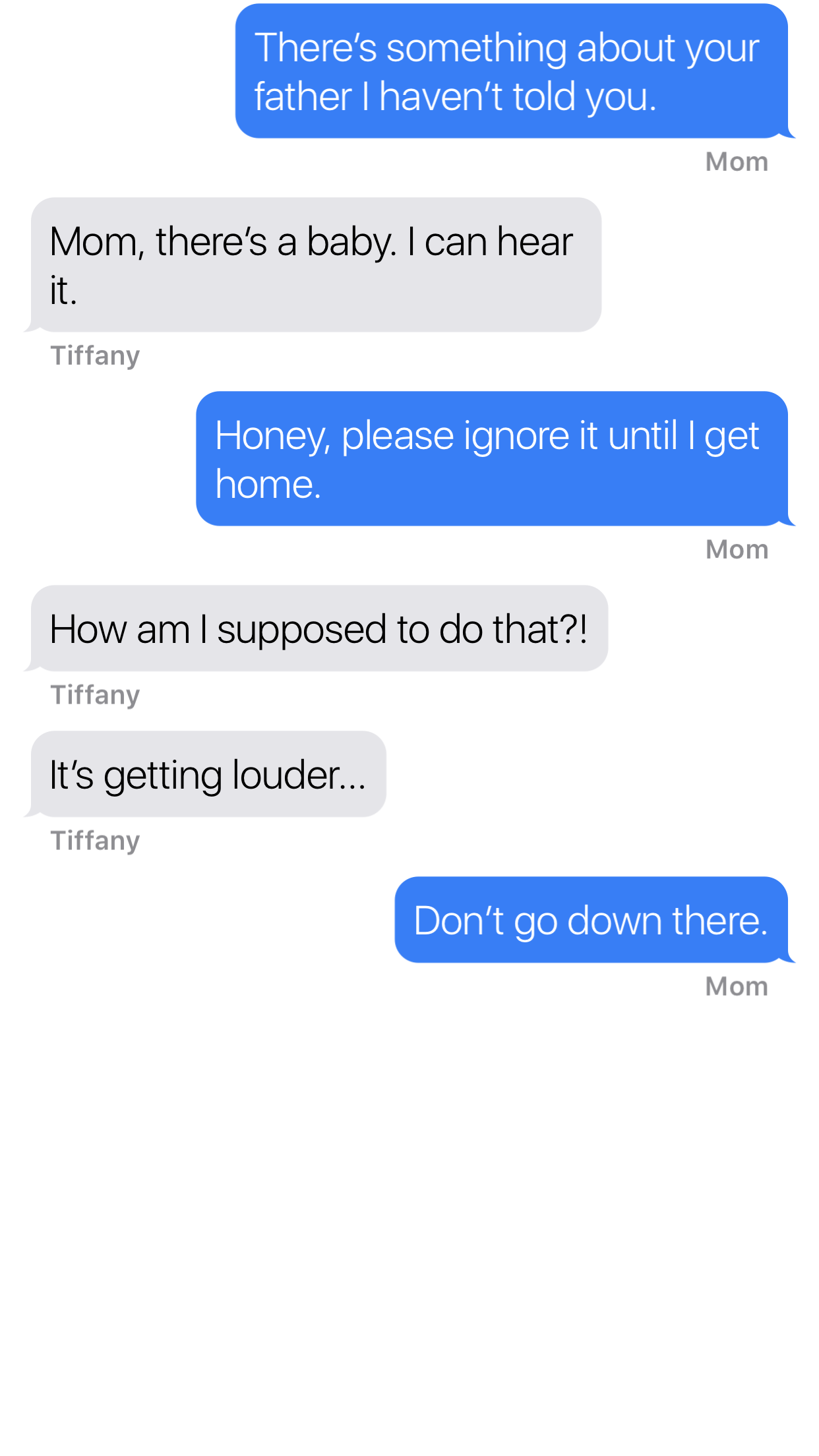
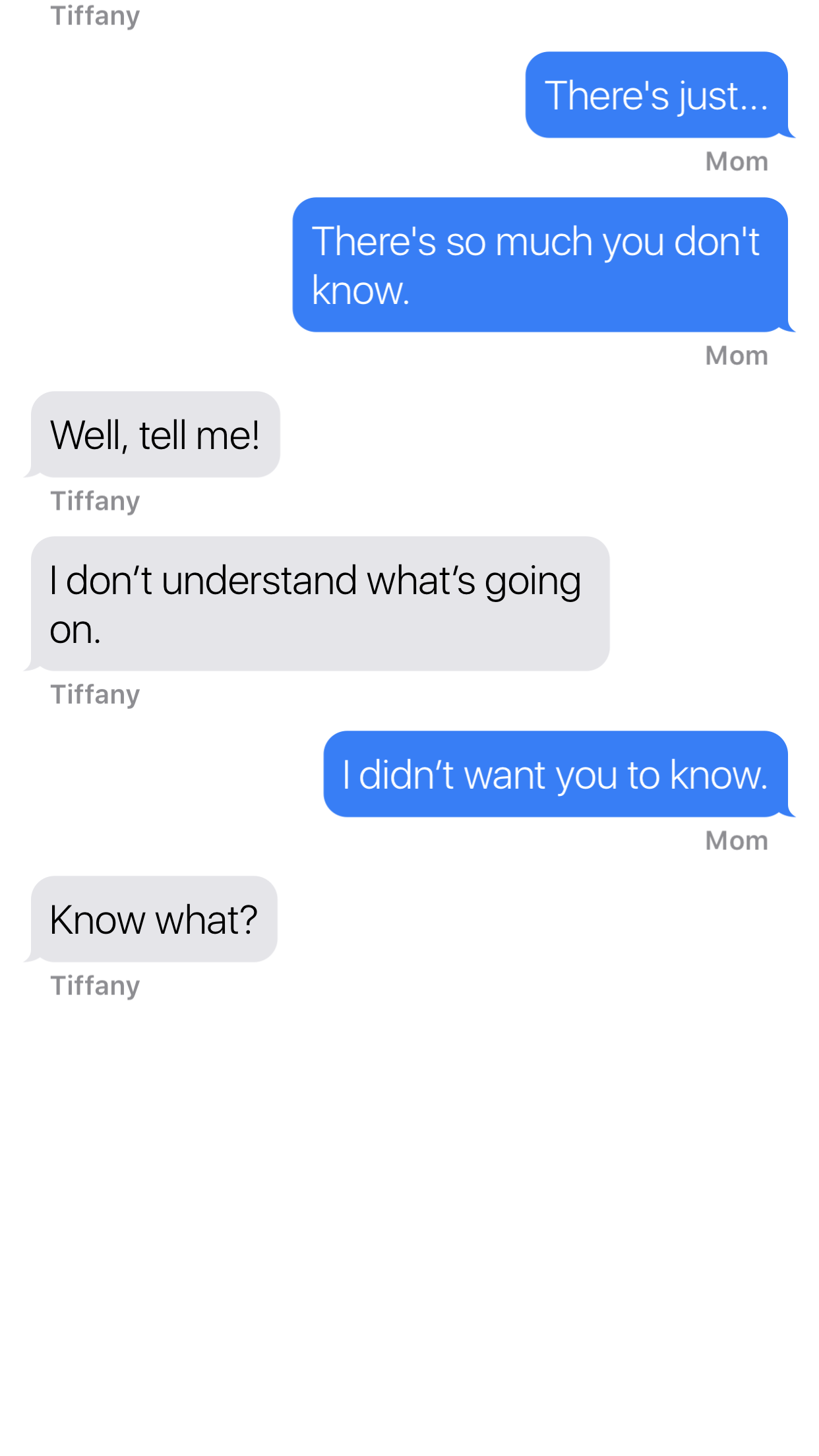
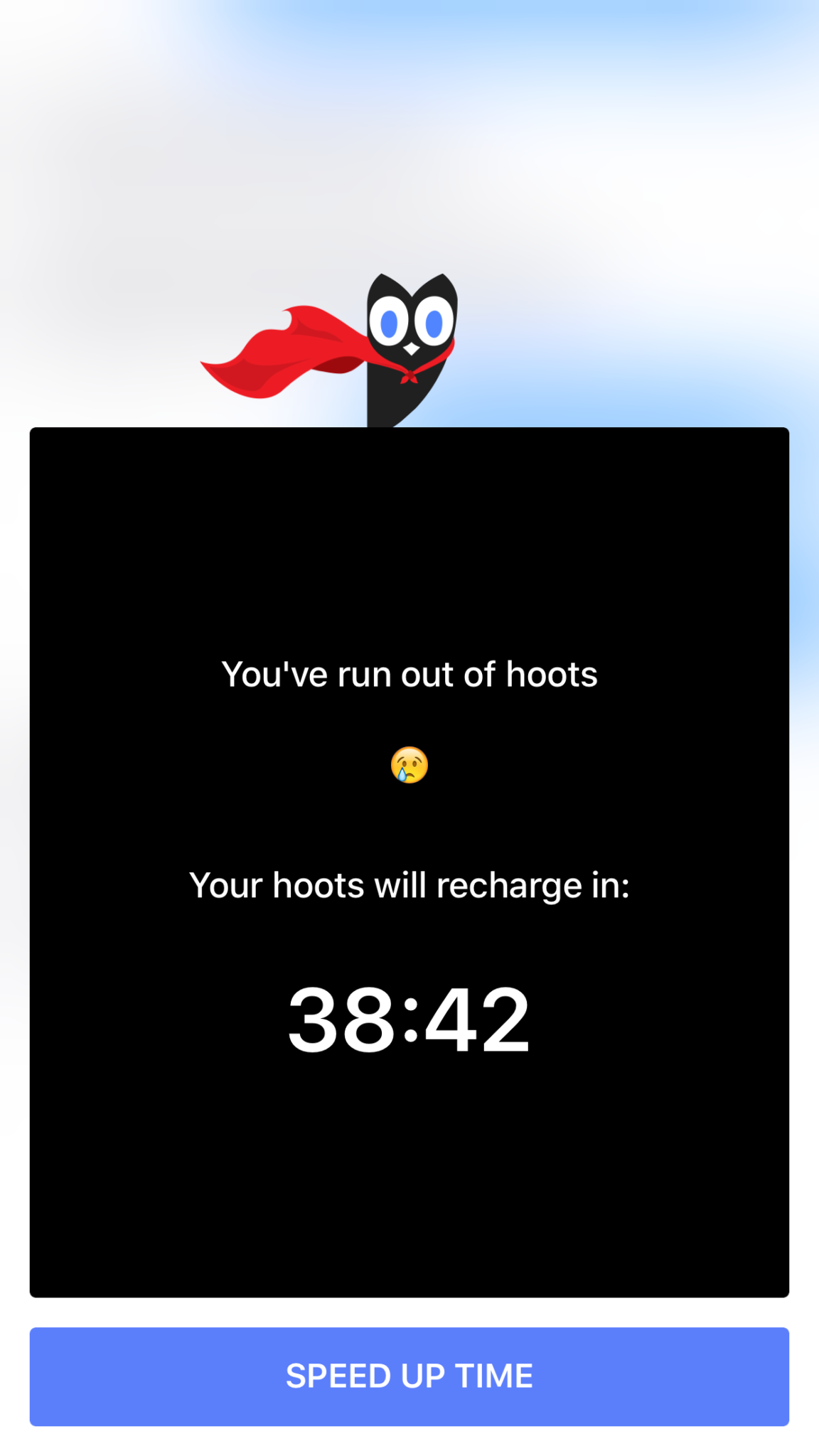
    Hooked is an app that tells stories in the form of text messaging conversations. The story topics include comedy, horror, fantasy, and sci fi. Each story has a title page photo, many of which feature a pretty girl or couple in a romantic or suggestive pose. When you’ve made your choice the story unfolds one text message at a time, usually in the form of a conversation between a couple of people. You can tap the screen to reveal the next message and you may find yourself in a tapping frenzy to reach the next plot twist. Then, however, you’ll suddenly be halted by the Hooked Owl asking you to pay for more “Hoots.” A “Hoot” is a click/tap and you only have a certain amount of them every hour. Once you’ve used them up you’ll be prompted to buy more or sign up for a weekly or monthly subscription to get unlimited “Hoots.” If you’re like me and not ready to invest fiscally in finding out the next line of the story you can just wait until the next hour begins.

    The Hooked app cashes in on the obvious popularity of texting by using it as a storytelling venue. This makes it very appealing to the younger aged adults and teenagers. The target audience for the Hooked app is ages 13-24 but I wouldn’t just look over the app if I saw it on my teen’s phone.

    What Parents Should Know

    The Hooked app consists of some very mature themed stories but is targeting younger teens.  The stories are delivered in a way that your teens and tweens will definitely find appealing. I found myself anxious to find read the next message as the story progressed. Obviously the story really started to climax right before I ran out of “Hoots” so I would have to wait a while to continue reading. While this did get me to close the app for a while, the $7.99 per month for unlimited “Hoots” is a low price tag for being able to sit all day long and click through these stories.

    My issue isn’t really with the way the stories are delivered, it’s actually a creative way to tell these tales. The “one post at a time” method lends itself to a lot of suspense and a pretty entertaining read. The problem I have is the addictive nature of this app, if you can tap an unlimited number of times and go from story to story you’d very easily find yourself reading through a hundred of these stories in just a few days. Also, these stories can be pretty mature, dramatic, and suspenseful. The categories feature love and thriller options and the stories get quite intense at times. The texting storytelling method also makes them a bit more eerie. Users can also write stories which makes for a completely new potential problem there. Any time you’re dealing with User Generated Content it’s hard to be sure what your kids may read.

    My advice is to know your child and their maturity level well before you let them use Hooked. I wouldn’t go by the 9+ rating it has in the app store, I would assume your child should be a bit older. Keep in mind that many of these stories are written by users of the app. Since the content can’t be guaranteed to be safe for any age group, you should help your teen or tween by involving yourself in their decision to use Hooked. If they do read on the app, I recommend asking them what the stories are about and what they like about them. Keep yourself in the loop and informed as much as possible.

  • PODCAST: Why is the Instagram Search Bar Recommending Porn

    PODCAST: Why is the Instagram Search Bar Recommending Porn

    The Wishbone App could be an bad idea for your tween daughter. Apple is making some changes in the app store. Amazon Prime Video now has parental controls. What can you learn from search bar auto-fill terms?


    Video Version

    – Social Media Links

    Facebook: http://facebook.com/4pointfamilies
    Instagram: http://instagram.com/becausefamily
    Twitter: http://twitter.com/becausefamily

    – Newsletter Signup

    Ministry Updates:: http://eepurl.com/R7Btr
    Weekly Blog Posts:: http://eepurl.com/cvnhXD

    – Websites

    Ministry Site:: http://becausefamily.org
    Tech Blog:: https://safe.becausefamily.org
    Michael’s Speaking Info:: http://kmichaelprince.org

    – Donate and Affiliate Links

    http://BecauseFamily.org/partnership

    Music by Kevin MacLeod at http://Incompetech.com

  • These Games Let Your Tween Play Out Their Own Soap Opera

    These Games Let Your Tween Play Out Their Own Soap Opera

    I was doing research for an app to write about when an ad came up. The ad was for a game called Episode and it featured cartoon animated teen girls in situations that would only come from some mid-day television show. For example there was one girl deciding whether or not to perform CPR on her shirtless and handsome male companion. He winks at the “camera” and she thinks he may be faking so the player gets to chose her next move. “Perform CPR” or “Kiss him to find out.” This scenario is one of thousand available on these games that are developed by a company called Episode Interactive.

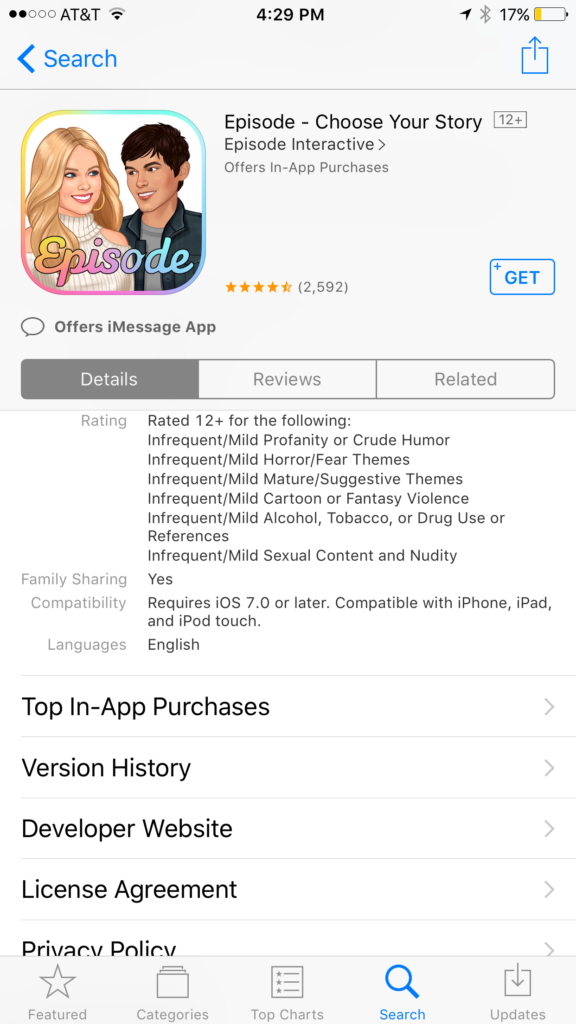
    Their apps are all interactive story games that put the player in control of the choices of the main characters. Each app features thousands of stories to play out. The scenarios feature romance, mystery, comedy, family, and a bunch more. The situations that the character is placed in during the stories can often be very adult oriented. Decisions whether or not to have sex. A choice to run away from a potential mugger or try to attack them back. There are some very dramatic and grown up themes in these games. A look at the description will tell you that the games are rated for ages twelve and over for various reasons including, sexual themes, drugs and alcohol, violence, and nudity.

    These games are a choose your own adventure of sorts for the new generations. They target young tweens with the glam of what it’s like to be a teenager or what High School life is like. It’s all obviously very fictitious but our kids buy these messages hook, line, and sinker. Think of apps like this as romance novels that are targeting your ten to twelve year old daughter. I say it’s targeting tweens because the app I was reviewing when I saw the ad for Episode was one that is obviously mostly populated with young girls. Your daughters will believe a message about who they are and what gives them value. Apps like this are speaking to a certain version of that message. We as parents must play defence against the wrong message to successfully teach the correct message.

    What Parents Can Do

    My advice is to make sure your child is far older than the recommended age for these games before you let them play. They are obviously meant to mimic the soap operas of our parent’s days and they feature exactly the same types of themes. The maturity of your child is best understood by you, their parent. It is usually not a good idea to take the age recommendation of an app, game, or other form of entertainment as the law and gospel. You have to use your own judgement. Unfortunately for some kids these themes are mild compared to things they’ve dealt with in real life. But for many of our ten, eleven, and twelve year olds, these games can introduce topics that they may not be mature enough yet to navigate. That’s why it’s so important for you as a parent to step in and see what they’re doing on their phone or tablet.

    Apps like Episode are easy to spot because they don’t hide their themes in the ads on the app store. It’s pretty obvious what they feature in your game. My advice is to use something like Google Play’s parental settings, or Apple’s Family Sharing to ensure you’re seeing every app being installed by your kids. If you see something that looks like it could be a choose your own adventure style of soap opera game then think seriously about the potential questions your child will be asked while they play it.


    Get Our Latest Posts in Your Inbox

    * indicates required