Tag: tricks

  • Three Tech Rules in My House

    Three Tech Rules in My House

    I get asked a lot about how I handle my kids’ technology in my house. It is easy to answer this question because I am pretty active in my kids’ tech lives and also because my kids are pretty young. Below are three of our most important rules for keeping our own four kids safe online.

    Rule #1 | It isn’t YOUR device.

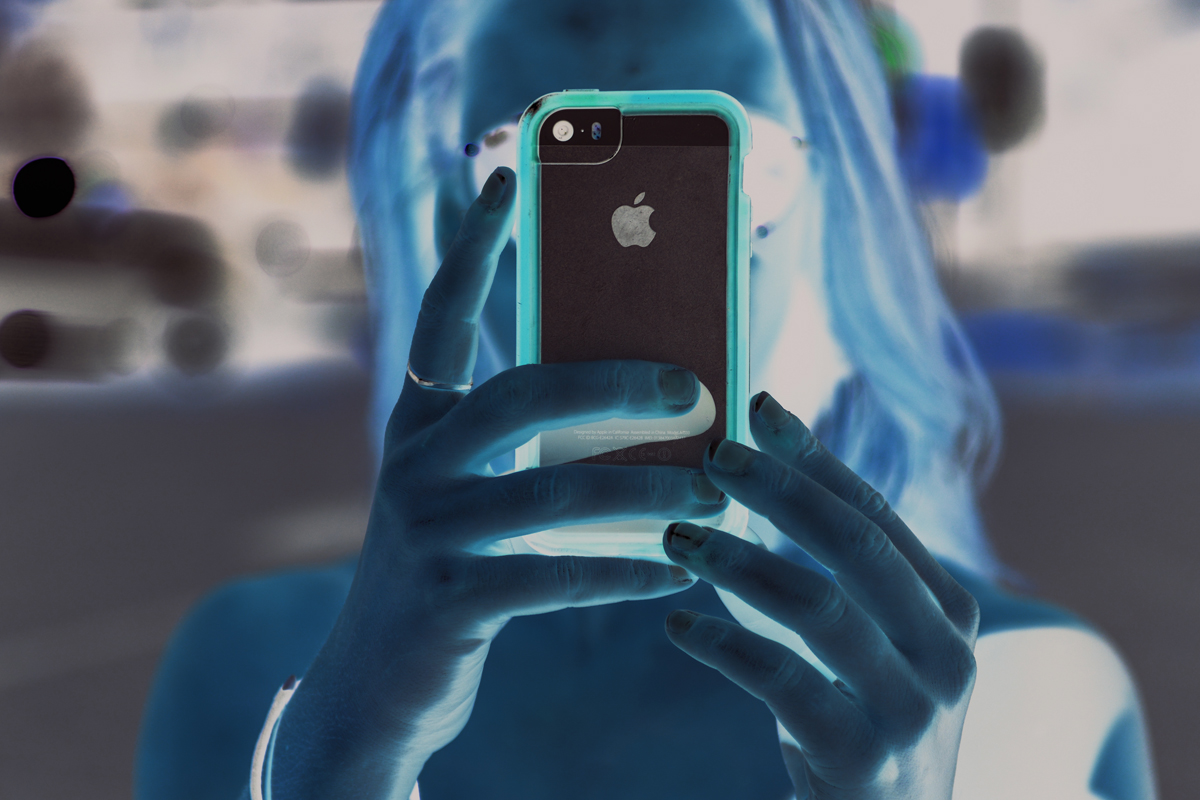
    My kids don’t have their own tech devices. We have a shared iPad 2 and iPad Mini and a couple of old iPhone 4s that our kids use. They often try to claim one of the devices or another as their own but we quickly remind them that they don’t own any of them. We tested it with our ten year old for a few weeks and it caused too many problems. Him thinking he could do whatever he wanted because it was just his device led to a lot of frustration when we tried to enforce our boundaries. The solution was simple. All of these devices are shared, you can’t tell your sister not to use it and you can’t take it to bed with you at night. Done.

    Rule #2 | No tech in bed with you.

    This one is a bit tricky since my kids use their devices to listen to noises or music as they go to sleep. The rule, however, is no browsing once it’s lights out. We often just set it for them and forget it so the device stays across the room. There are studies to show that viewing the glowing screen at night can hinder your ability to rest. Lack of rest can cause serious health concerns in our children. Once I explained all of this to my kids, they have done pretty well to respect the “No tech in bed” rule. They want to be healthy just as badly as we want them to be.

    Why I Told My 10 Year Old EVERYTHING About Pornography

    Rule #3 | You gotta ask first.

    My children aren’t allowed to just grab a device and do as they wish. They don’t have passcodes (because built-in restrictions and a wifi content filter are set up) but if they are caught hiding in another room doing something on a device they lose the privilege for at least a week. We make them ask and when they are playing or watching something we nearly always require that it is in a common area. That part of the rule is flexible when they are doing schoolwork on an app and don’t want to be disturbed or but most of the time they have to be somewhere where everyone’s eyes can see their screen. They always, have to ask though. Mom and Dad must know you are using that device. If we find out they were hiding (and we have our ways) there is a major cost.

    We have more rules but these are the simplest and most easily implemented of our plan. They require no software installation or tech knowledge. It’s really just parenting, plain and simple. Your kids need you to set some boundaries. Maybe you can start with these three rules. Do you have some different rules or different ways to implement these same rules? Tell me about them in the comments below.

  • Screen Free Week Tips and Tricks

    Screen Free Week Tips and Tricks

    Scheduled post.

    It’s the middle of the week. How have you done so far with no screen time? I can guarantee my family and I have been struggling as much as anyone. I thought it would be good to give you some tips for celebrating this screen fast week. Here are some of our ideas:

    1. Go to a theme park
    2. Go Put Put
    3. Read Some Books
    4. Cook Together
    5. Play Basketball or Another Sport
    6. Play a Board Game
    7. Go Roller Skating
    8. Play a Trivia Game
    9. Play Charades
    10. Take a Hike

    Those are ten of our ideas, here are some resources from ScreenFree.org: http://www.screenfree.org/additional-resources/

    Good job sticking to your screen free challenge so far. Shoot us an email and let us know how you’re doing. BecauseFamily@gmail.com.

  • iPhone X Face ID Won’t Keep Your Kids Out of Your Phone

    iPhone X Face ID Won’t Keep Your Kids Out of Your Phone

    One of the best ways to keep your phone safe is to make sure it’s locked so your kids can’t get into it without you knowing. This allows us, as parents, to have apps or games we wouldn’t let them use without worrying that they’re going to get into them. Maybe you keep your kids off your phone because your filters aren’t as strict, maybe you don’t want them reading all of your messages, maybe you just don’t want them resetting your Mario Run scores. Whatever your reasons for locking down your phone, the new iPhone X’s facial ID feature isn’t your best option. Here’s why.


    The statistical probability is different for twins and siblings that look like you and among children under the age of 13, because their distinct facial features may not have fully developed. If you’re concerned about this, we recommend using a passcode to authenticate. – support.apple.com

    What Parents Should Know

    Apparently, young undeveloped faces can trick the facial recognition software on the iPhone X and let a child get access to your phone. If your phone isn’t locked down then your kids will have access to those in-app purchases, unfiltered searches, and accessing unapproved entertainment or social media you’ve blocked on their devices. Apple recommends you use a passcode if you have small children. This recommendation seems to hint that they’ve just accepted that this will be a limitation of their Face ID feature. My tip is to take Apple’s advice. Use a passcode if you have an iPhone X. If you want an iPhone X mostly because of Face ID then you may reconsider.


  • The Best Way to Keep Your Kids Safe On Youtube

    The Best Way to Keep Your Kids Safe On Youtube

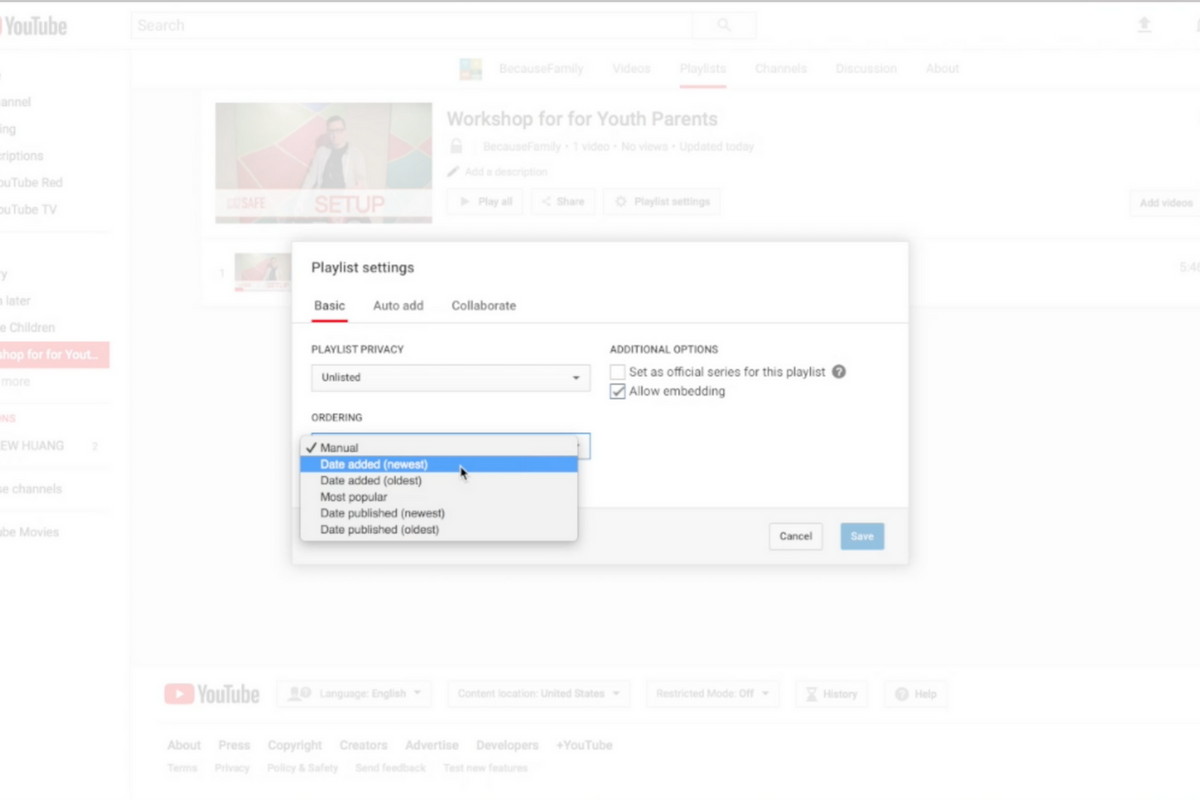
    Parents are always asking me for advice on keeping their kids safe on YouTube. Especially parents of older kids who may feel like YouTube Kids is a bit too young for their liking. I recommend building approved playlists. Find videos on YouTube that you are ok with them watching and put them in a playlist. This will allow them the freedom to watch videos without you pulling up each one while still keeping them safe from happening upon something inappropriate. You can also add playlists to your library that have been created by another channel. Then, you just have to discuss with your kids that they should only watch videos from the playlists you’ve put in the library. This keeps things safe. Watch the video below to learn how to build these playlists and hear more about why it’s a good idea.


    This is also a great idea for teachers and ministers who may want to show videos but don’t want something showing up unintentionally. If you’re playing videos from your playlist, you won’t accidentally show some video you haven’t pre-screened. YouTube can be an awesome tool but there is a lot of content on there that may not be classroom friendly. Use this tutorial to help you set up playlists and keep that stuff off your screen.

    UPDATE: Here’s a video tutorial to help you set up a playlist on the mobile app.

  • YouTube Rebrand and New Style Is Going Live Today

    YouTube Rebrand and New Style Is Going Live Today

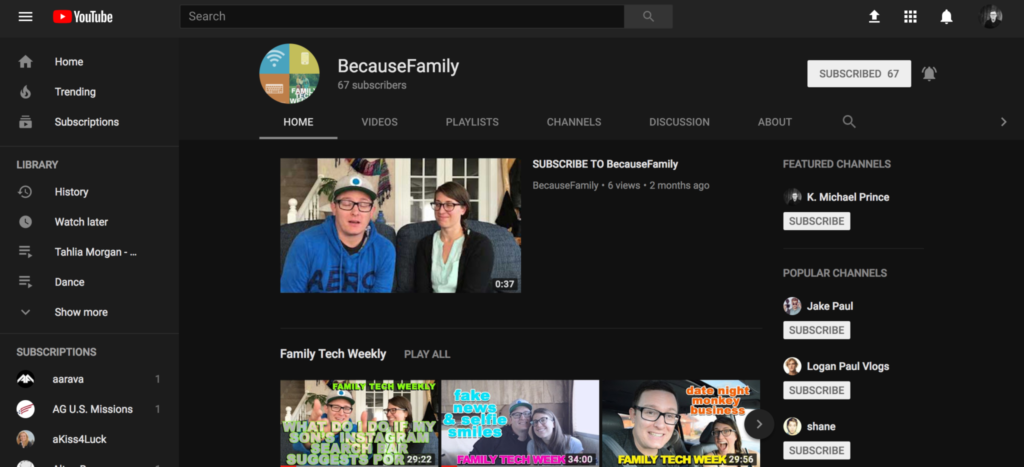
    YouTube has launched an update for their app and their in-browser site. The update features a whole new theme (dark-mode,) a new logo, speed controls, and more compatibility with different video dimensions. The logo and dark mode are welcomed changes among YouTube users and the ability to work better with verticle smartphone videos seems to be a no brainer these days. Much of the update has been available as a beta test for some users but the availability went public today. New gesture controls allow you to fast forward or rewind videos and they’re hinting at the ability to swipe between previous and next videos. Finally, they are continuing to update the app to feature recommended videos on the lower third of the screen during playback. While you may only watch YouTube videos within your Facebook timeline when your friends share them. Your kids are using YouTube every single day and it’s one of the top search engines in the world. This update is a big deal.

    What Parents Should Know

    Many of our kids spend hours per day watching videos on YouTube. Some of them even produce their own content. You can guarantee that they have noticed (or were anticipating) this update. Why not use the knowledge you learned in this article to start up a conversation with them about their activity on the site and app. Ask them about their channel. How many subscribers do they have? What kind of content do they produce? What kind of things do people say in comments? You should know these things and this update is a welcome way to bring up the topic.

    Here is some advice for you to wrap up this article. I recommend subscribing to your kids’ YouTube channel if they have one. If you don’t know if they have one or not you should ask. Even better is the option or logging in to their account on your own device so that you get notifications whenever they get comments and messages. Maybe you could share a channel or account with them. Then you can see their viewing history and know what kinds of videos they are watching based on what’s being recommended by YouTube. Either way, you should be involved with what video content your kids are taking in and producing. Using this latest update to spark the conversation is a great idea.

  • How Your Teen Uses Social Media Differently Than You

    How Your Teen Uses Social Media Differently Than You

    I’ll never forget when this mother came to me and asked me why her kid is using all of these different social media sites. “I can barely keep up with Facebook. How does she do it?” The answer is simple. Your kids use social media in a much different way than you do. All of their friends are there and they all use it in the same way. While you can’t be (and shouldn’t be) expected to change how you use your social accounts in order to mimic your teen; insight into how they see the social media world can go a long way to help you keep them safe.

    They Use Each Platform Differently

    Believe it or not, there is a different way to use each social media platform. Snapchat has a purpose, as does Instagram, and even Facebook. Your teenager understands these differences and most likely uses each one accordingly. Snapchat exists to stay constantly connected with your friends. They keep up their streaks (consistent daily messages) and share the details of their lives on the private posts they send their friends. They then post the more broad and appealing snaps publicly for all to see on their story. Their Instagram is all about public posting and putting their best foot forward. (Whatever that may mean.) Facebook, if they’re there at all is for sharing the stuff they want the authority to see. It’s considered the most public of their social media connections and they use it as such. While you may take a photo on Instagram and connect it to your Facebook, Twitter, and LinkedIn, your teens don’t do that much. Each platform has its purpose and is used in a way that it’s meant to be used.

    They Use It  to Meet New People

    Social media has long been a great way for some of us to keep in contact or make contact with old friends. When we meet people in person we quickly go follow them on their social media profiles. The opposite is often true for your teenager. Young people use social media to find and begin relationships with new people. There are apps dedicated to this activity, some of which will even let you randomly connect and video chat or send private messages to these strangers. There are no such things as strangers for your teens when it comes to their online activities. People on social media are potential new friends to them. It could be a sense of anonymity or security that comes from being online instead of face to face that causes this attitude but either way your teenagers are meeting new people on social media all the time.

    They Self Edit

    I think I used the phrase “best foot forward” earlier and that’s the truth. While some of us may air our dirty laundry or share prayer requests or complaints about what’s happening in life on social media most teenagers don’t behave that way. They prefer to put forward the best version of themselves, even if it is over filtered and made up. The masks and filters available on the cameras in their favorite social media apps give them the ability to doctor up their photos in such a way that makes them seem cuter, or thinner, or smoother complected. They write their descriptions to portray the same image. They’ll do their best to come up with the most clever caption for their photo or they’ll use the emoji that is the most popular and interesting to get the reaction that they want. The most common practice is deleting or archiving posts that don’t get enough likes. Not only do they edit themselves before they post, they’ll edit their entire account by only allowing posts with the most likes and comments to continue to exist. Young people use social media to portray the version of themselves they want everyone to think is truly them. This is probably one of the main reasons they live on social media.

    They Live There

    You probably remember when you started using Facebook or Instagram. You can probably go back in your photo archives and find the first few pictures you took with a Snapchat style filter or mask. For most of us, social media is something that we’ve added to our lives and we use it to document and share much of what we do in our lives. For your teen, though, the realities can often become blurred. Many teenagers live on or through their social media accounts. Since the version of themselves they’re showcasing on social media is the filtered and edited version, teens often prefer to experience that life to the one they live offline. When I speak to teens, I always remind them that their online lives and offline lives are one in the same but they rarely put that together on their own. Any thing that happens to them MUST be shared. Many times they’ll even make decisions about real life based on what it will look like when they share it online. They aren’t like us. We’re talking about digital natives, the world they live in is a gray area between what’s done on the internet and what is done every day in real life.

    What Parents Should Know

    There are many ways that teens use social media differently than their parents. These are just a few examples but they should be eye opening ones. The only way to help our kids understand the blurred vision they can often have is to gently advise them as to what is healthier. Have conversations with them about what they could do instead of worrying so much about how they represent themselves online. Help your kids build confidence by using your own words and actions to show them how much value they have. The generation of teenagers that are growing up today have a confusing road ahead of them and moms and dads (or aunts uncles grandmas and grampas) are the only ones who can help them unravel the confusing path they have to travel.

  • PODCAST: Parental Controls Showdown – Android v iPhone

    PODCAST: Parental Controls Showdown – Android v iPhone

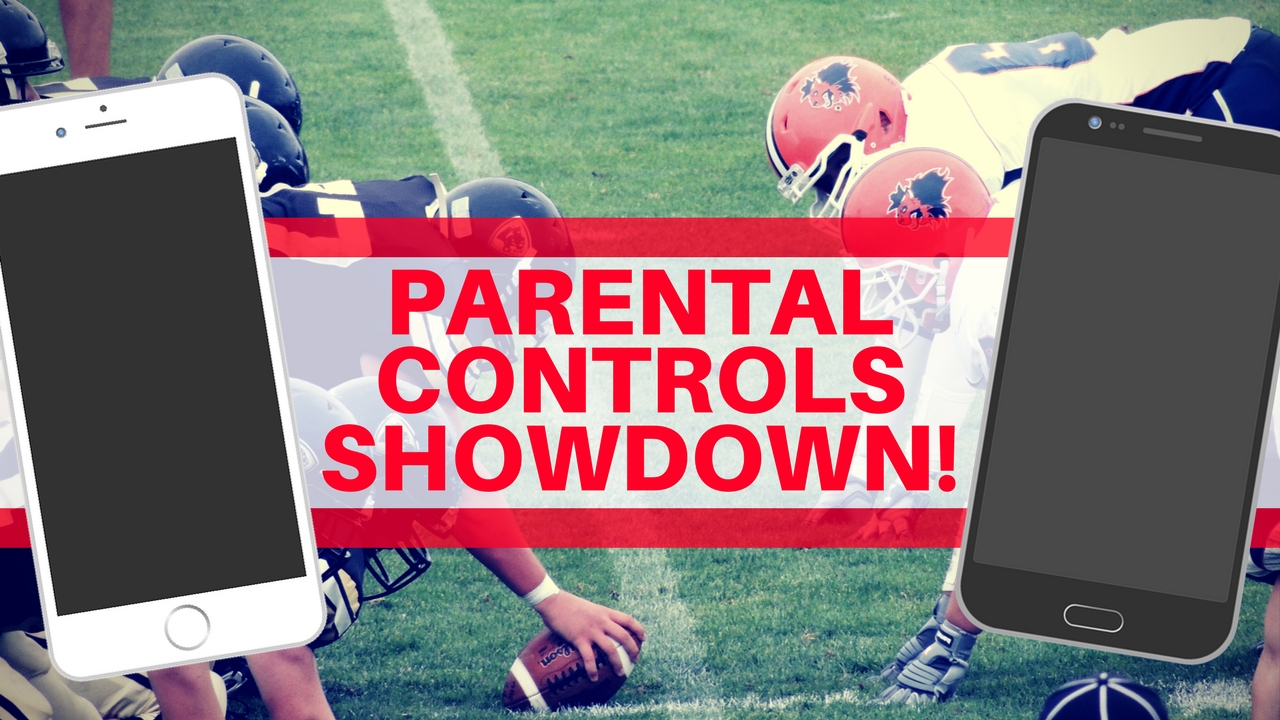
    FAMILYTECHWEEKLY: The parental control showdown! Which OS has better built in parental controls? iOS or Android?

    Buy a book for an underprivileged family: https://www.facebook.com/donate/22627…

    Social Media Links

    Facebook: http://facebook.com/4pointfamilies
    Instagram: http://instagram.com/becausefamily
    Twitter: http://twitter.com/becausefamily

    Newsletter Signup

    Ministry Updates:: http://eepurl.com/R7Btr
    Weekly Blog Posts:: http://eepurl.com/cvnhXD

    Websites

    Ministry Site:: http://becausefamily.org
    Tech Blog:: https://safe.becausefamily.org
    Michael’s Speaking Info:: http://kmichaelprince.org

    Donate and Affiliate Links

    http://patreon.com/becausefamily
    http://BecauseFamily.org/partnership

    Music by Kevin MacLeod at http://Incompetech.com


  • Teaching Your Kids Healthy Tech Habits

    Teaching Your Kids Healthy Tech Habits

    One of the most popular questions I get when I do tech safety workshops for parents is “how do I set restrictions for my older teen?” I think the most important thing to remember is that you’re not just setting restrictions, you’re teaching healthy habits. The brain of an adolescent is developing in such a way that your guidance is critical as they navigate these murky digital waters.

    I like the term healthy when it comes to internet use because right and wrong is subjective. Your sixteen year old may believe that it’s ok to watch YouTube videos for five hours on a Saturday afternoon but you can use facts to help him understand that it may not be healthy. Our conversation with our teenagers shouldn’t be about what digital habits are right and wrong but what is healthy. Here are three critical factors to keep in mind while teaching healthy tech habits.

    Relationship

    Boundaries without relationship become rules and rules were made to be broken. Because of your healthy relationship you can help your teenager understand that the rules exist to protect them. You can create a safe place for them to come to when they need guidance on their tech habits, about how they’ve been treated online, or about regrets regarding something they’ve seen or done online.

    As parents we shouldn’t close the door to conversation with instant judgement or constant nagging about the time they spend online. I recommend using digital means to keep track (with their knowledge) of what they do online and only bringing it up when it becomes a consistant problem. Relationship is the most important part of any internet safety strategy.

    Transparency

    Openness and transparency is key, not just on your teen’s part but on your part as well. It is critical that you are transparent with them about your tech habits. They need to understand that you’re trying to get it right as well and that the habits they develop now will affect them as they grow older. The best way for them to learn this is by watching you and hearing about how you’re having to deal with these same issues now. Whether you’re trying to keep them from dangerous content or help them avoid tech addiction, they should understand that you’re trying to protect yourself from those things too. The quickest way to cause your teen or young adult child to stop taking you seriously is for you to not practice what you preach.

    Time Management

    Obviously time management will be critical as your child graduates high school and enters college. Between jobs, studying, and extra activities they’ve probably already had to develop some form of time management skill. The lure and appeal of constantly available video, music, and gaming entertainment can make time management more difficult now than it’s ever been.
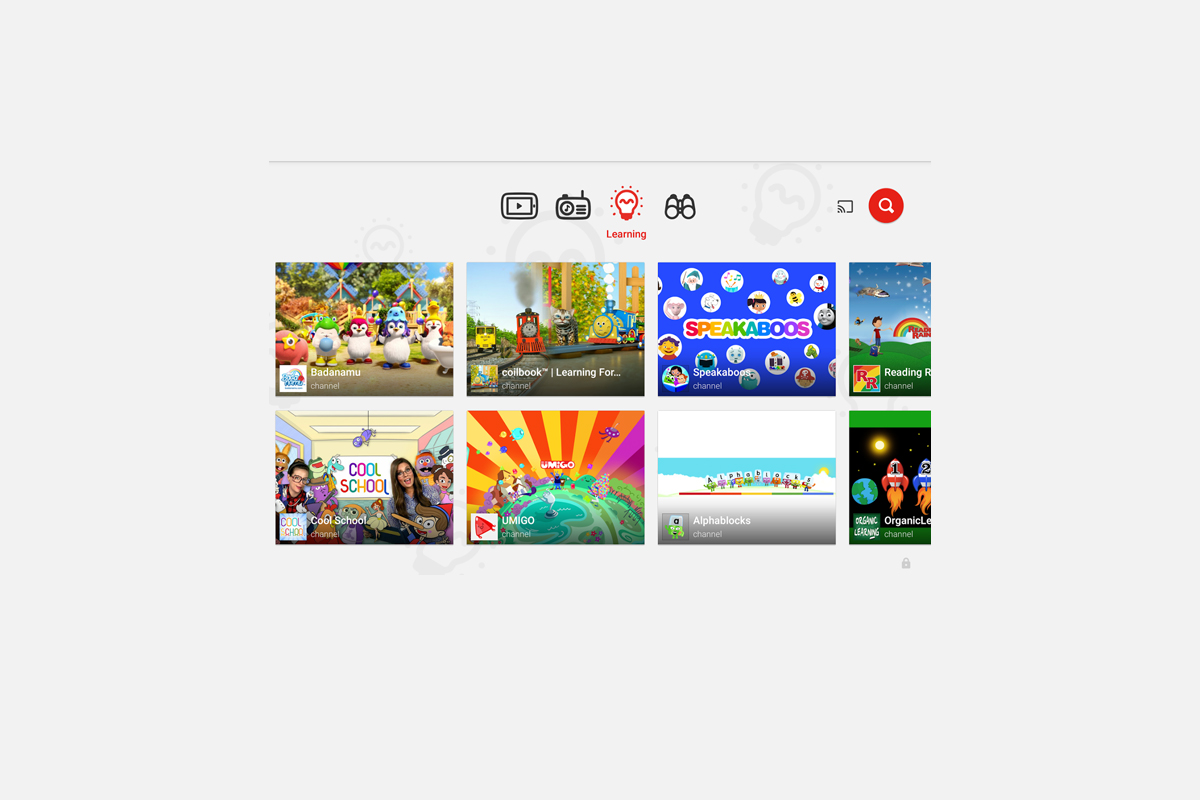
    You have to help your teen understand what good time management looks like. Point them towards content on the tech that they enjoy, like YouTube videos, podcasts, or productivity apps and other tools that will help them learn more about healthier time management habits. Encourage them to use these tools alongside some of the entertainment they consume.

    All three of these steps are related to each other and will greatly impact one another. If you don’t have a good relationship with your child that encourages communication, if you aren’t being a good example, and if you aren’t teaching and showing time management skills your kids are going to have a hard time navigating healthy tech habits. Online life is a real part of our world and it’s too important to ignore so utilize these steps and let me know what others you have used that have been successful.

  • YouTube Kids Coming to Your Smart TV

    YouTube Kids Coming to Your Smart TV

    The kids version of YouTube kids has been talked about a lot. Mostly because of breaches in their algorithm based filtering system. Cartoons are disguised as silly kid shows and take a turn towards the inappropriate. The way YouTube Kids governs their content has been under scrutiny for months with mere apologies as a response. Well, now this service may be coming to your Smart TV.

    Specifically, the app will come to the following TVs: all 2015-2017 LG webOS TVs (via the LG content store); all 2013-2017 Samsung Smart TVs and Blu-ray players (via the Samsung App Store); and, following a firmware update, 2016-2017 Sony TVs (with the exception of Android TV, which is coming soon). – Techcrunch

    YouTube Kids is an effort to allow children to gain access to the content that’s appropriate for them without coming in contact with more inappropriate videos. YouTube has even launched some original content, featuring some successful kid related YouTube entertainers. Millions have adopted this service and use it as a way to entertain their children. As mentioned above, there is always a concern when algorithms are used to filter adult content. I recommend parents eyes are on YouTube Kids often. In fact, I had a little rant about it the other day.

    Follow Us On Facebook

    What Parents Should Know

    As I said, Parents shouldn’t accept YouTube’s algorithm as a foolproof way to keep your kids from seeing something they don’t want them see. There are those out there who disguise their more adult oriented entertainment as kid shows for whatever reason. Moms and dads should be checking in on what their kids are watching. I think the move to smart tvs is a good thing because making the screen bigger allows parents to more easily see what is being viewed. If YouTube Kids is available on your tv, maybe you could let them watch their toy unboxing videos on there next time and peak in on what they’re watching every now and them.

  • Smartphone Separation Anxiety is Actually a Thing!

    Smartphone Separation Anxiety is Actually a Thing!

    Our world is advancing rapidly towards another new technology age. With computers in our pockets all day long it was only a matter of time until we became so dependant on them that the thought of losing them is one of our greatest fears. Researchers are finding that that time has come. Results released last week from a study done by Eotvos Lorand University in Hungary shows evidence that young people suffer significant stress if they are separated from their smartphones. 

    The study was small, only testing 87 volunteers, and asked subjects to take simple math tests in a mostly empty room. Some of those who participated kept their phones, others were asked to turn theirs off, another group locked up their phones and were given someone else’s phone instead, and the final group put their smartphone in a locked cabinet and couldn’t have access to it during the entire study. The findings were pretty much what any of us would expect.

    Those who kept their phones (whether on or off) had no noticeable signs of stress about the test they were taking and the group that had someone elses phone showed a very low stress level as well. The other group (the people with their phones locked in a cabinet) showed significant heart rate fluctuations, an indicator of high stress and similar to symptoms shown by people suffering from PTSD, and tended to drift towards the cabinet their phones were locked in. The volunteers in this group were also very fidgety, scratching their faces and pacing. The researchers took these results as an indicator that there may be a very real link to smartphone separation and anxiety. 

    What Parents Should Know

    This test was a very small sample study and will likely be followed up with some more extensive research. Small as it may be, though, I think we have all either seen or experienced firsthand the symptoms of smartphone separation anxiety. I, personally, make a conscious effort to spend extensive amounts of time without my phone, just to keep from getting so attached. I still find myself reaching for it when it isn’t there. It may seem obvious but I think these tests are a good idea because we should know more about how our habits affect us. 

    As parents it is important that we understand that addiction to technology is very real. While research is only now beginning to explain what’s happening when we get hooked on our electronics, the findings are disheartening. Our brains can actually be trained to ignore stimuli that isn’t on a screen and prefer the phone, tablet, or television over a book, a real sunset, or even someone’s face. We should be aware of how much time our children are spending using their technology and work hard to teach them healthy habits. We have to set the example first, and then set boundaries that will help them understand limits, why we have them, and what happens if we ignore them.

    Use consequences that truly fit the crime for overuse of technology. If they feel a small example of that separation anxiety from being grounded from their phone for a week, you have an opportunity to help them see that their feelings of stress should be avoided and can be avoided with a more healthy attitude towards their digital lifestyle.