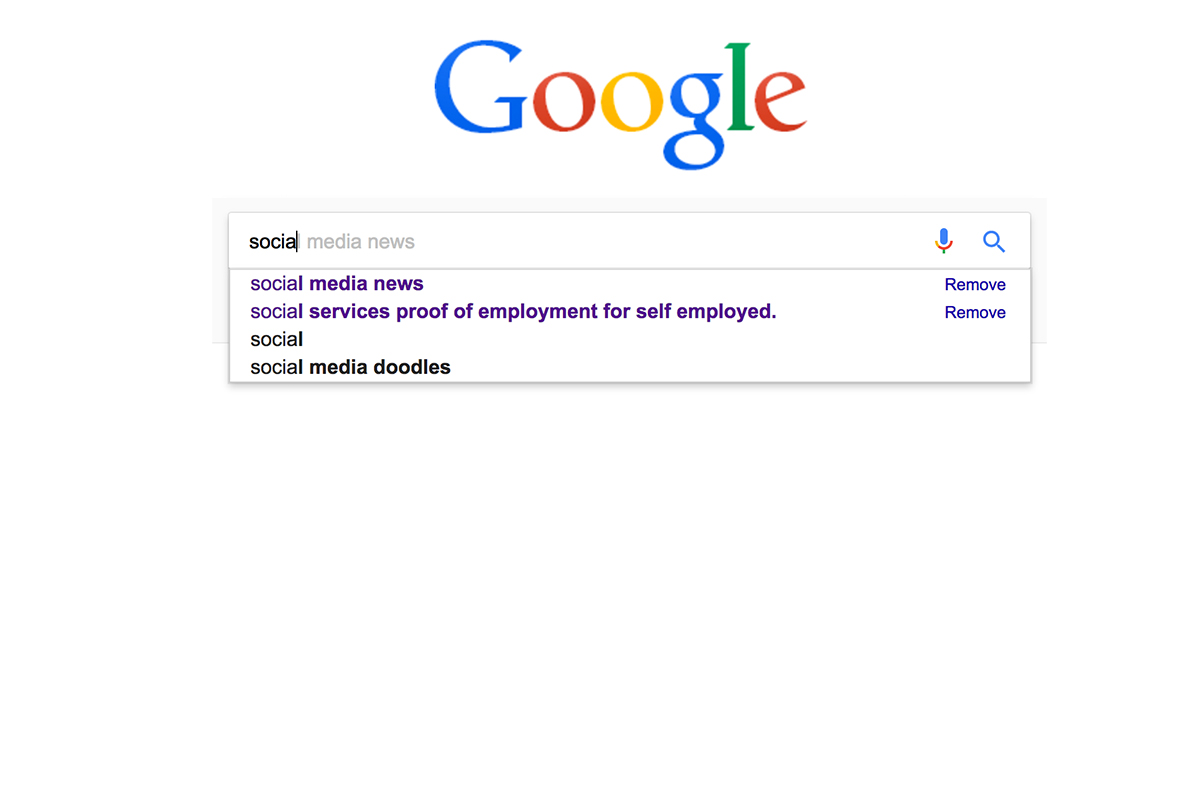
I have no better advice for parents than putting your eyes on the devices your kids use as often as possible. As long as you’re communicating with your child it isn’t spying to take a peek at what their friends are posting on social media or what they’ve been searching for in their web browser. I do not, however, advise that you let yourself get too worked up over the recommended search results or auto-complete results in the social media apps your kid/teen uses. It can be frightening to type in a couple of letters and get a dropdown full of accounts you’re unsure of or search terms you wouldn’t want them to be searching for. The initial reaction of parents is usually to be concerned that this means their child has been looking for something inappropriate in the past. That isn’s always the case and I’ll try to explain why.
Instagram, Facebook, Pinterest, and other photo or video sharing sites use algorithms that combine your past searches, popular items on their site, and your location to recommend the search results that may interest you. I don’t recommend parents take suggestions from these apps as evidence that their child was doing something inappropriate. You can, however, on many of those sites go find a search history and actually see what they have typed in the search bar in the past. This information is also deletable though. Regardless, looking at the search history is a much better way to monitor what your child is doing on these sites than assuming something from the first two letters you type in to the search bar.
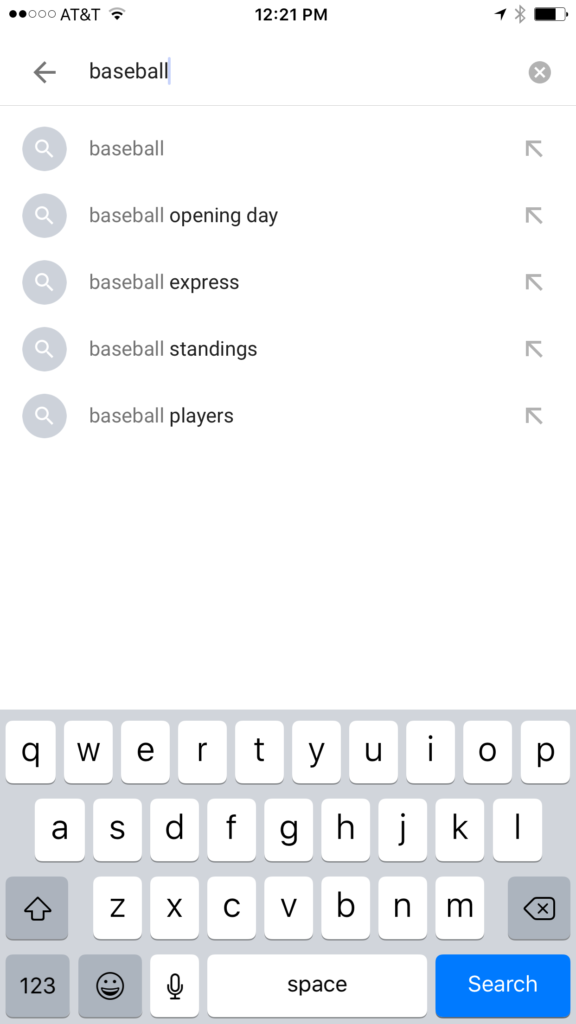
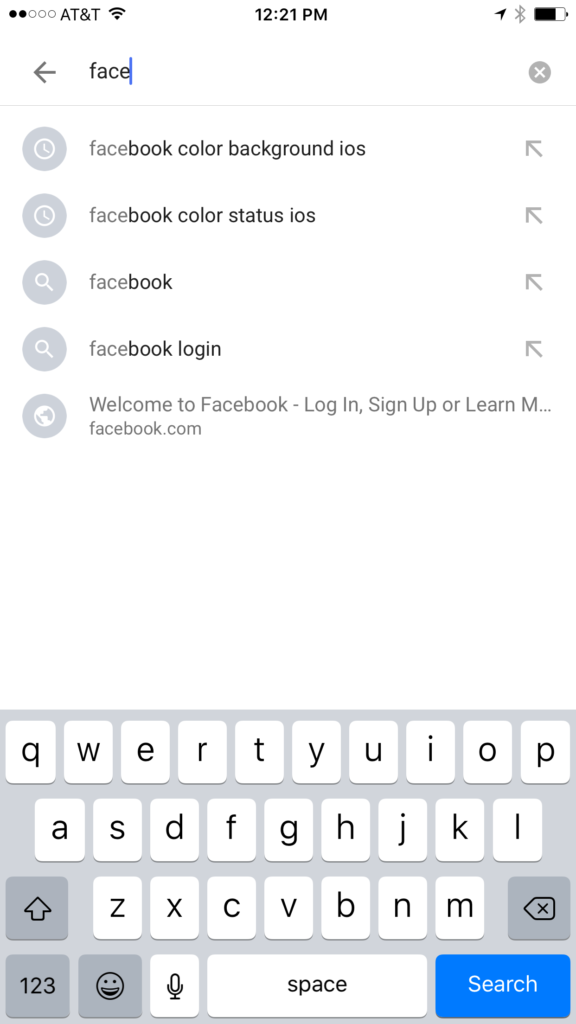
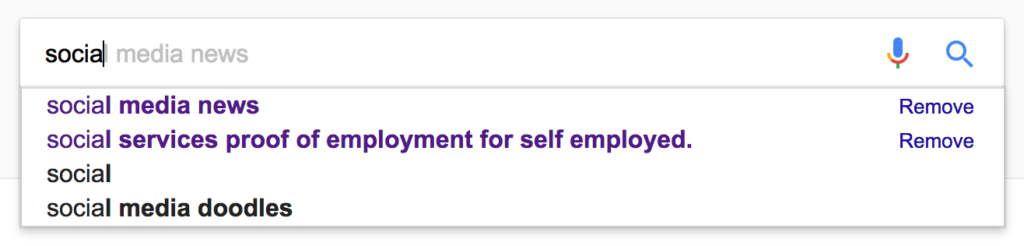
Google and YouTube are the two most popular search engines on the internet. Thankfully, they’re a bit easier to monitor. The Google app has identifiers to help you know why it’s recommending certain things. You’ll see a clock icon if the recommendation is from search history and a magnifying glass icon if it is just recommended based on other data. On your browser the auto-complete results are a different color and you receive an option to remove them if they’re from history. YouTube, being a part of Google, uses the same methods to identify auto-complete search items.
What Parents Should Know
There is a lot to consider when you’re trying to monitor your child or teen’s online activity. Because so much of the internet is now consumed with photo and video sharing it goes without saying that some of the content you wouldn’t want your child accessing makes it’s way to those platforms almost immediately. This being said, there are better ways to monitor than trying to creep through search histories. I recommend using a good accountability software like Accountable2You or a filter like NetNanny. Another option is to install the social media apps they’re using and get to know how the search bars work for yourself. Find out if it’s using your history to establish the items it recommends for you or not. As you get used to it you’ll be able to get a better feel for what’s happening in your child’s account when you check their device.
Remember that communication is key. Your kids should know you’re looking at their devices and social media accounts. Rules are good but without conversation and relationship they create conflict. Your goal is to set boundaries that will help your children develop healthy habits. A healthy approach to monitoring and regulating their internet usage will speak volumes to them about your family’s online safety standards.