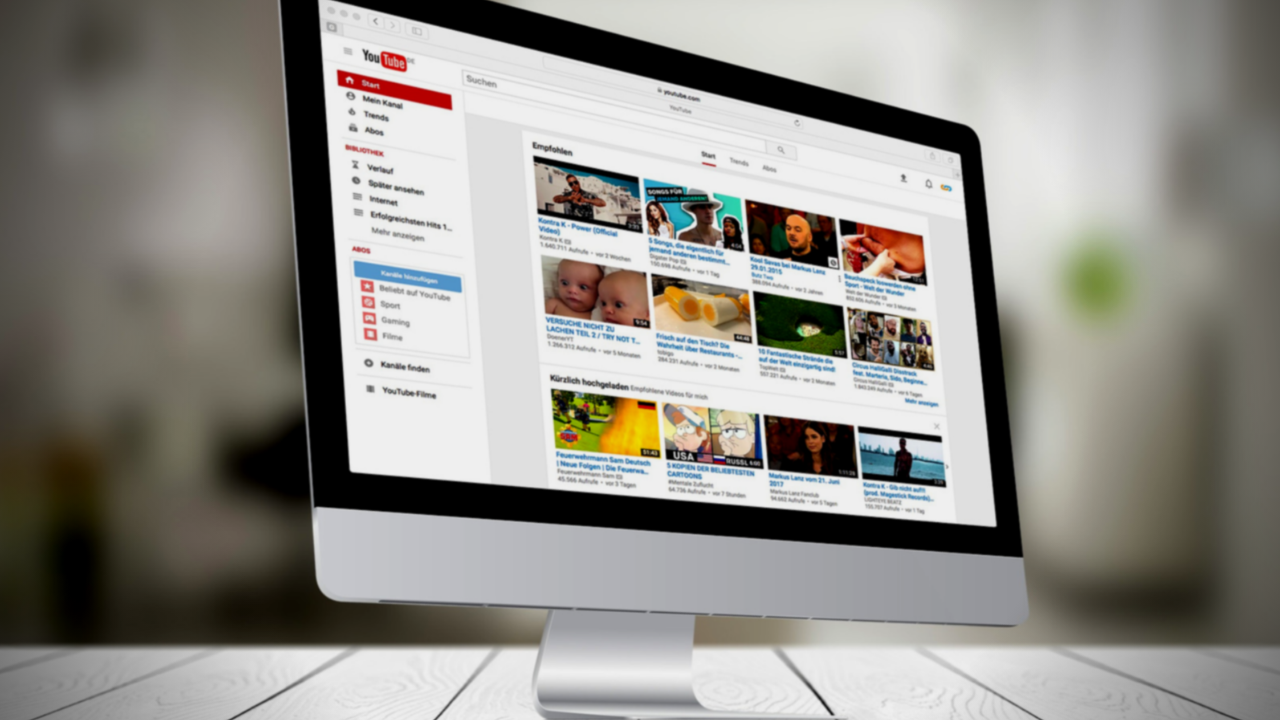

I am an avid YouTube viewer. I get most of my entertainment from the video streaming service, watching gaming videos, D&D streams, and educational tutorials. I have noticed a trend since YouTube changed its policies for creators to be more responsible for their channel’s content as it pertains to advertising to children.
Since YouTube cannot collect viewer data from videos that are intended for children, the company has asked creators to label whether their videos are for kids or not. They are also using an algorithm to view popular videos and identify the content as meant for kids or not meant for kids. This algorithm has content creators concerned for the viability of their channel. This has caused them to be more blatant with crude content and swearing in order to make it very obvious to this algorithm that their video is not meant for children.
One YouTuber that I enjoy watching, partially because he isn’t overly crude, has been starting his videos with strings of swear words and jokingly saying “This video isn’t for kids YouTube, just be aware, not meant for children.” One of the reasons he feels the need to say this so blatantly is because he plays video games on his channel that may appeal to children. The images of the game alone could lead a person or artificial intelligent software to believe the video was made for children even though that isn’t this creator’s main target audience. Another YouTube content creator that I know has lamented on social media that his channel, which is family-friendly, has lost hundreds of dollars monthly in revenue since YouTube changed their policies.
SirWillow is a Family-Friendly YouTube Channel with nearly 30,000 subscribers and over 4 and a half million views.
- Would you be willing to tell me a percentage your ad revenue went down when YouTube changed their policies?
I’m still waiting to see how it all sorts out, but right now in my case I’m looking at about a 30% drop, but it’s in a state of flux. What will be telling will be the end of January when the full force of the new policies kicks in.
- How have the changes to the ad policy changed your process for making videos?
In my case, it hasn’t changed any of my process. But I may not be the norm in that regard. I know several that do YouTube “full time” and for them, it has meant some drastic changes. I know at least one that is likely going to shut down, another is cutting back on YouTube to increase time in other projects. For me, it’s been a hobby that has brought in a part-time job income, and while the income has dropped it’s still going to fit the same role. It has meant a change in how many videos though. I am cutting back my production some from 10-12 videos a month to closer to 7.
- Your videos are “family-friendly.” Do you think that YouTube is becoming a less friendly place for families in general or is it mostly up to creators?
I absolutely think YouTube is becoming less family-friendly, and these changes are going to directly impact that and make it worse. The changes are going to pretty much destroy financial benefits for anyone producing kid-focused videos, and there are a lot of family-friendly channels that are going to get caught in that backwash and cut back or stop producing. It’s also going to be harder to find kid and family-friendly videos because of all of the blocks that will remove them from the normal algorithms that recommend videos.
And there are a number of producers who have, as you mentioned, increased cursing and crude language, along with images and subjects to make it clear that they aren’t “kid-focused” It’s going to make it hard to find, and hard to produce and make money, kid and family-friendly content.
My thanks to SirWillow for answering these questions for me. He does videos about theme parks and what it has been like working at theme parks. Go check out his channel!
What Parents Should Know
It should be very clear by now that YouTube isn’t intended for children. It is becoming harder and harder for people who make videos for kids to sustain a profitable channel on the site. This is causing some different reactions. Some kids’ channels are switching to a subscription method where you can sign up to pay monthly for more content from them. Others are changing to Facebook or Twitch because of their less strict ad policies.
The only real way to be sure your kids aren’t watching videos that aren’t intended for their age is for you to control what they are viewing. Legally, our young kids (under 13) are supposed to be using only apps intended for their age group. The legal responsibility, however, doesn’t fall to our kids or even us as their parents, it falls to the company. Hundreds of millions of dollars worth of fines have been handed out by the FTC for companies illegally collecting data from children. They are being investigated and forced to make changes. The changes seem like they should be good for the safety of our children but so far they are only truly helping protect the company from the repercussions of disobeying child safety laws.
When the safety measures protect only from advertising info being collected, they may be intended to protect children but in practice, they seem to be increasing the volatility of the content on the service while only protecting the service itself. Parents are the only true guardians of our kids’ hearts and minds. The only way to protect them from adult content and crude language on the videos they watch are to take responsibility for their screen time ourselves. Here are some tips:
- Only allow screens in a public area.
- Limit headphone use so you can hear what they are watching.
- Build playlists on YouTube to ensure they are only watching videos meant for kids.
- Use apps like PBS Kids or DisneyPlus to keep them watching family-friendly videos.
- Use YouTube kids instead of YouTube; while not foolproof its a far better option than basic YouTube.
- Limit the amount of time watching videos; the more time spent on YouTube the more chance of coming across inappropriate content.
Parents should take the steps necessary to protect their children online. Companies should be held responsible for their advertising practices and the content on their sites and apps but the responsibility for protecting our children falls strictly to parents. When the measure taken by companies to protect kids backfire by causing creators to lose money unless they swear, use violent and sexist language, or show adult images on their videos, the measure don’t protect our kids, they make the app more dangerous. Parents are the gatekeeper. Protect your children.

Podcast: Play in new window
Subscribe: Apple Podcasts | Spotify | RSS