Tag: products

  • Get Parental Control Tools for Cheap on Amazon’s Prime Day

    Get Parental Control Tools for Cheap on Amazon’s Prime Day


    Meet Circle, Our Favorite Home WiFi Parental Control Solution

    We love Circle. It monitors our kids online activity and protects them from happening upon websites they should be avoiding. I recommend Circle everywhere I go and to everyone I talk to. They have released a NEW VERSION of Circle that includes a year of premium features when you buy the device. If you are ok with having the older version (which is still supported, at least for now) you can get it for a third of the original price on Amazon right now.

    A Kid Friendly Watch with Messaging

    You may not want your child to have their own phone but need them to be able to contact you when necessary. This watch uses the Android operating system and allows GPS tracking, WiFi, Calls and Messaging. It also has a camera. The watch is kid sized, made for children ages 4-12. If you want the phone call option you will need to get a sim card from your cell service provider (Verizon and Sprint not supported.)

    Have Some Screen Free Fun!

    Parental Control doesn’t always mean keeping them safe while on technology. Sometimes it means keeping them off of tech completely. Board games are a great way to achieve the goal of entertaining your kids without screen time.

    Whatever age your kids are, there are some awesome off screen games available on Amazon’s Prime Day today. Whether you want to build a Unicorn Army, expand civilization through villages and farms, or collect jewels to earn more points than your opponents, these games are a ton of fun! Check out the deals on these tabletop games and sit down with your family, with no screens, and have a good time. Board games encourage eye contact, communication, healthy competition, and creative/critical thinking. They are good for learning as well as fun.

     

    Enjoy Each-other Outdoors

    Sometimes you just have to get outside. These activities will give you a chance to leave the technology indoors and head out for some “green time.”  Use your aim and dexterity to score as many points as possible in the classic Ladder Toss game which is on sale at a special Prime Day price for then next couple of days. If you’d rather toss Horse Shoes, this kid safe version of the outdoor favorite is also priced for Prime Day. If you want a new twist on an old classic, check out this Cornhole/Golf Chipping Target combo. It’s only $40 today.

    Thanks for partnering with BecauseFamily (Four Point Families 501c3)

    BecauseFamily exists to protect children and teenagers by bridging the technology gap between them and their parents. As we work to provide resources to parents and kids alike, you partnership helps us continue our mission to keep kids safe. Your options for supporting BecauseFamily are available at BecauseFamily.org/partnership and include direct donation through PayPal, ongoing support of our media content through Patreon, using our affiliate links, and signing up to support us on smile.amazon.com. The links above all direct you to the smile.amazon.com page for those products. You may be asked to sign up for who to support, search Four Point Families to elect us as the benefactor of your Amazon Smile donations. We are eternally grateful for your support!

  • Instagram and Snapchat go Full Consumer Sales, Will Your Kids Migrate?

    Instagram and Snapchat go Full Consumer Sales, Will Your Kids Migrate?

    If it seems like every time you find the social media platform you like it gets ruined by marketers and salespeople that’s because that is exactly what is happening. First it was advertising, random ads showing up in between your friend’s IG Stories about their kids and coffee shop visits, now we’re seeing actual shopping being added to social media. Snapchat and Instagram seem to be going the way of Facebook by adding ways for companies to add products to their stories so you can shop right inside the app. 

    Instagram has expanded their discover section (when you tap the search icon) to include a shopping tab. This tab will be populated with products that are relevant to your activity on Instagram and will lead you to story posts that allow you to tap on products directly to make a purchase. Snapchat is also going to be adding in-app shopping with “Collections.” Collections will show up in between your friend’s stories and on the Discover page. These posts will give you the ability to actually select items you’d like to buy from within the app.

    What Parents Should Know

    You can expect to see these new shopping features roll out on Instagram and Snapchat over the next several days. Some have already been added. Your kids will notice them too and I expect a couple of different responses. First, kids are used to being advertised to. It happens to them all day long every single day. There is advertising in social media, in their games, and between all of the YouTube videos they watch. Many kids won’t be phased and may even find some useful stuff to buy in Instagram or Snapchat. 

    Secondly, I can see kids getting annoyed with the over focus on ads and migrating to a different option for their social media experience. Many kids already enjoy messaging through ad lite options like WhatsApp and Kik. They video chat with their friends through Houseparty, WhatsApp, GroupMe, or WeChat instead of Snapchat, IG, and Facebook messenger. I imagine their social media profiles will become more of a place to present the best versions of themselves instead of where they go to mindlessly scroll a timeline and connect with friends. 

    As parents, we should always know what apps our kids are using to connect with their friends. Do these apps require age verification are the default settings open and public so that anyone on the app can contact our kids? These are the questions we have to ask ourselves and our kids when they move from one social media platform to the other. Instagram is already so full of moms and dads that many kids are setting up secret “spam” accounts to avoid their oversight. The shopping features being added could lead to more kids moving on to other apps. Keep an eye on their downloads and on this site to see what they’re downloading. 

  • Get This Screen Time Management Subscription for 30% Off!

    Get This Screen Time Management Subscription for 30% Off!

    *FamilyTechBlog.com is an affiliate partner with unGlue

    We’ve shared unGlue with you before. It is a very good way to start helping your older kids learn to manage their screen time. Once it’s all set up you can let your kids decide how they manage the time you’ve given them on their devices. They can save it, earn more, or just use it all up. There’s a lot that unGlue can do and features are being added often. It’s affordable and useful. Best of all, you can use the monitoring tools for free and if you subscribe soon, you can save 30% during their spring sale. Learn more about unGlue below and click the links to check it out for yourself.

    How it Works

    [reposted] At home, unGlue works through your wifi. You install software on your main home computer (only works while turned on) and it mirrors your router traffic to see the web activities on the devices you have set up. While on the go, unGlue uses a VPN to keep track of what is being done online. These methods mean your time is managed everywhere you go. You can even set up guest access in your home. If you don’t have a home computer to set up unGlue on, they have a device called the unGlue Puck that will only cost you $30.

    Speaking of cost, you can download the unGlue app for free and start monitoring online time right away. If you want to set up and use the other features you can subscribe for $9.99 per month or $84 per year. Both subscription options include full-featured access to unGlue. For a limited time, you can subscribe for 30% off.


  • Parental Control Hardware “Circle” Announces Integration with “FamilyTech” Apps

    Parental Control Hardware “Circle” Announces Integration with “FamilyTech” Apps

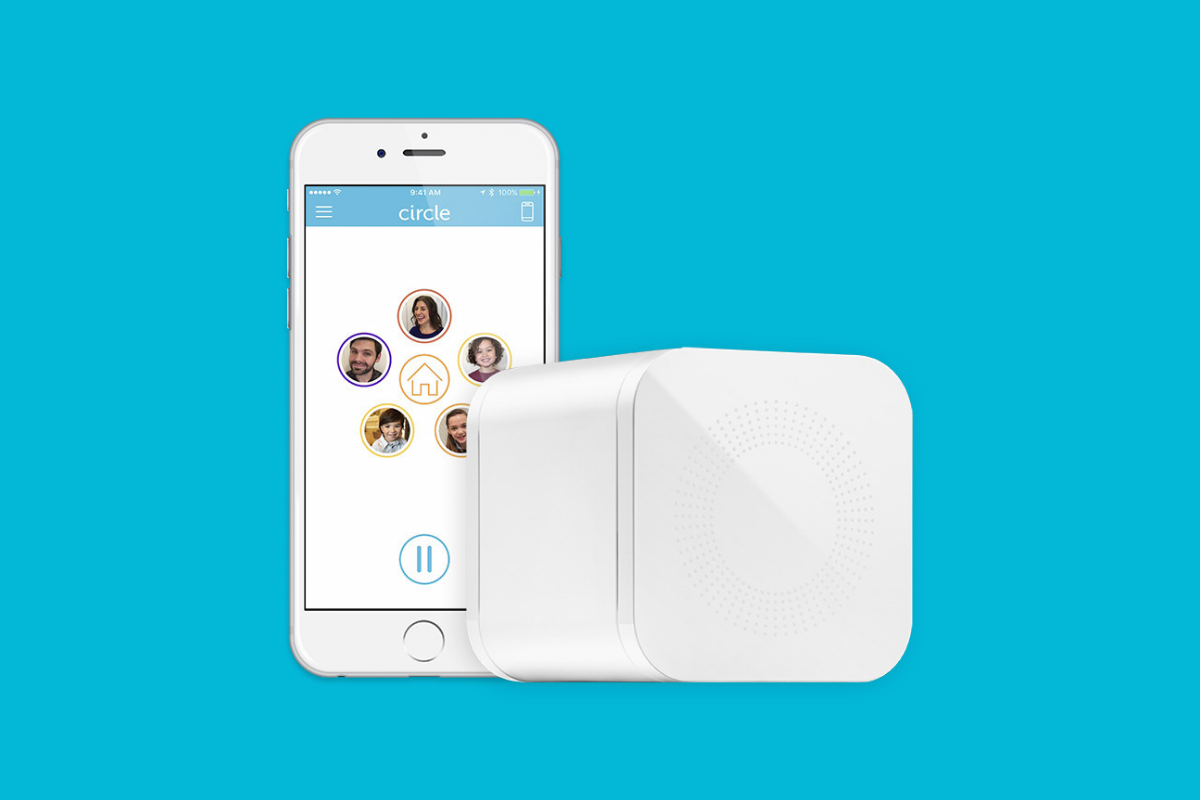
    Circle is one of our favorite resources to recommend to families. With its simple to use app and customizable, profile based filters Circle is one of the most accessible parental control options out there. At a price tag of only $99 it’s affordable too. Today, Circle announced Circle Connections, the roll out of integrations of some new resources to make it one of the most extensive filter and time management apps available. These integrations will soon add the ability to stop notifications from social media apps while your child is driving and allow you and your kids to use Amazon Alexa to set and monitor your time limits. Launching first, however, is a partnership with FamilyTech.

    The new platform, Circle Connections, allows Circle users to connect other partner apps, devices, and services to offer rewards, automate features, and much more. These other pieces of Circle help leverage some of the biggest drivers of family life: screens, physical activity, teen driving, and social media.

    FamilyTech launched late last summer and is a chore/time management system developed by CEO Chris Bergman. The system features four apps. Mothership, the hub for setting chores and giving rewards. ChoreMonster, an app for kids that rewards them for meeting their chore goals. Honeydo, a way for couples to communicate what needs to be done and get more accomplished. And Landra, the home productivity solution for older kids and teenagers. This partnership is going to set Circle up to be one of the most extensive time management and parental control options available to parents.

    For Example

    With Circle’s time limits, the integration with FamilyTech can do a lot for parents. Imagine your child has an excellent week of chores. The choremonster app asks what reward they would like and they choose to extend their bedtime. ChoreMonster will communicate with Circle and their bedtime will be extended to whatever reward time you’ve set up. Pretty much automated rewards. That sounds awesome.

    As mentioned, some of the functionality will be released in future updates but the integration with FamilyTech is rolling out now. If you have circle, be sure to update often and take a look at what FamilyTech’s apps can do for you. If you don’t have Circle yet, maybe this will be a pretty good reason to give it a go.

  • This App Turns Deleting Bad Photos into Good Clean Fun

    This App Turns Deleting Bad Photos into Good Clean Fun

    The Struggle is Real

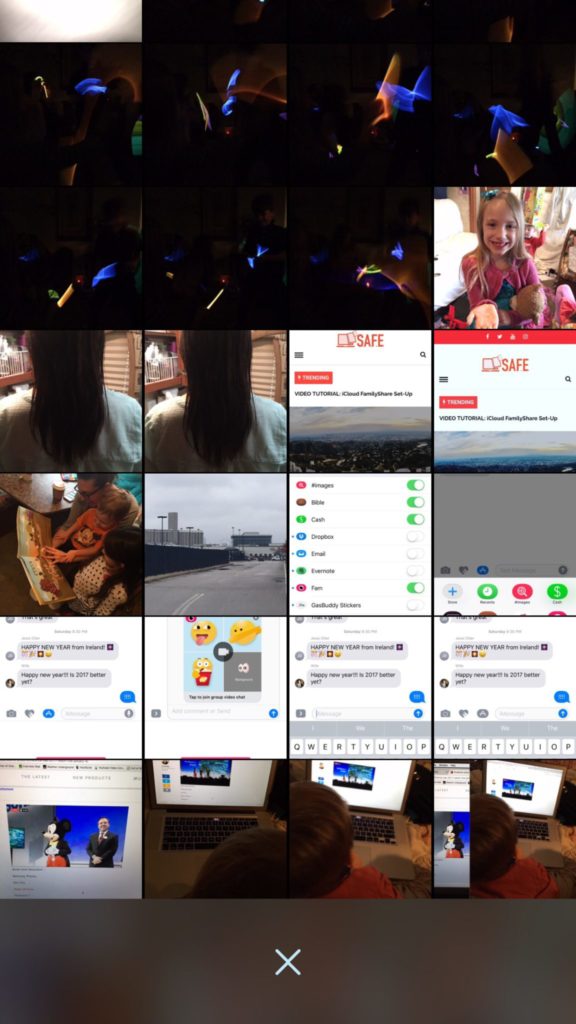
    Taking photos of a two year old, five year old, seven year old, and nine year old is a process. We’ll take six to ten to find the one that looks good. The result of this is our phones filling up with a crazy number of unusable pictures that don’t get deleted because, well, it’s a pain in the butt. Photowipe is a new app that will make deleting those unintentionally motion blurred pics easier and maybe a little bit fun.

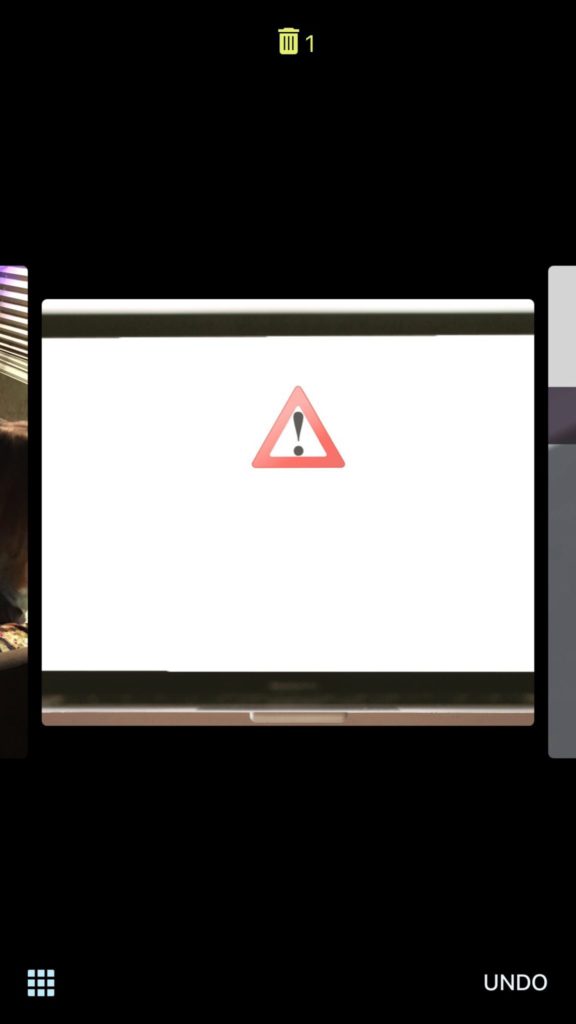
    The app will show you large versions of the pictures on your camera roll and will delete them based on your gestures on the phone. Simply swipe to the side to see the next photo or swipe up to add the current picture to the “trashcan.” The deleted photos will be stored for thirty days in a trash folder unless you force delete them all, which I will be doing every time.

    Also Read: Are your teens hiding photos in a calculator?

    We Say Give it a Try

    It’s a pretty good idea and actually a bit crazy that it’s just now come to be. Now it’s super simple to get rid of those pictures of your toddler’s nasty spaghetti face that you took because you thought it would make a good text message to your husband or all the memes you’ve saved to your camera roll to post in Facebook comments. You can use the slideshow below to get started.