Tag: product review

  • Turn Your Drawings into Playable Games with Doodlematic

    Turn Your Drawings into Playable Games with Doodlematic


    Doodlematic lets you take a picture you’ve drawn on paper and turn it into a playable mobile game. 

    I met Martin Horstman, the dad who developed Doodlematic at CES2020. He talked me through how you can take any kind of art, as long as it uses the colors the APP recognizes, to create a real playable mobile game. They sent us their box set and we were able to play with it. My son had a blast drawing out games, especially platformer games that you had to jump from platform to platform an achieve goals. 

    To use Doodlematic, you simply draw the game on paper, take a photo of it, the APP processes  it, and then you play. You can then share it in the Doodlematic app and other people can jump in and play your games if you’ve allowed them to be public. 

    How it Works

    There are two types of games you can create on doodle matic. You can make the platformer, like I mentioned already, or you can make an Angry Birds style launch game where you shoot your “avatar” over to knock over targets. It’s all based on a series of different colors that create different types of objects in the game. Anything black is your platform or your ground. Red is obstacles, things that get in your way and end the game when your avatar touches them. Blue items are your goals and anything green is your character or avatar. 

    Your avatar jumps from platform to platform trying to grab the blue goals while avoiding all of the red obstacles. The app uses the colors to develop the Games behavior. This allows kids to basically make the game whatever they want it to be. The best part is there’s a lot of trial and error. I don’t know how many times my son drew something, took a photo of it, and then realized game just didn’t work properly. Not because the app was messed up but because his drawing didn’t allow the Doodlematic to do what it needed to do to make the game playable. Back to the drawing board, literally. Just a few fixes here and there and the games was doing what he wanted it to. 

    What You Get

    Doodlematic comes in a box with notebooks to guide you through the game creation process. It takes you through a step by step tutorial showing you what to draw and how to use that to create the behavior you want in game. 

    Doodlematic is probably usable for any kid over three years old. Once they can draw a little bit and grab a pen or pencil, they can create a game in the app. There are some advanced controls you can set up that make things move back and forth constantly or make the obstacles do things.  You can learn how to do that as you gain more experience in Doodlematic. However, all you have to do to get started is draw with the proper colors and play your games. 

    Apps like Doodlematic are great for kids because they teach them that trial and error process that’s necessary in developing any kind of technology. If you’re learning to code or if you’ve done any website building or graphic design you know that there’s a lot of times you start to create something that just cannot work. Then you have to go back to the drawing board. Doodleatic gives you a similar experience but it’s also still fun. It doesn’t take away any of the excitement because you know what you did wrong and can fix it.Then, suddenly, your game is working. That sense of reward and excitement is real and kids love it. 

    I have four kids. All of them have loved Doodlematic. My boys loved it. My Girls Loved it. My twelve year old loved it and my five year old loved it too.? I recommend checking it out at the website below and getting your family into Doodlematic and make yourself some games. You’ll love it.

    ThinkDigital.com


  • New Video Series will Help You Find Your Favorite Parental Control Software

    New Video Series will Help You Find Your Favorite Parental Control Software

    I am asked about new Parental Control software resources all the time. I always look into each one seriously and develop an opinion on them based on what they offer, how easy they are to set up, and how much they cost. I have worked with enough parents to know the barriers that they will allow to keep them from using a software so those issues are always top of mind.

    The Parental Control Research video series will be a way for me to walk parents thought my study of each parental control offering and break down their ability vs their cost to determine their value. Stay tuned to the BecauseFamily YouTube channel and this site to be updated on the weekly episodes of Parental Control Research with Michael.

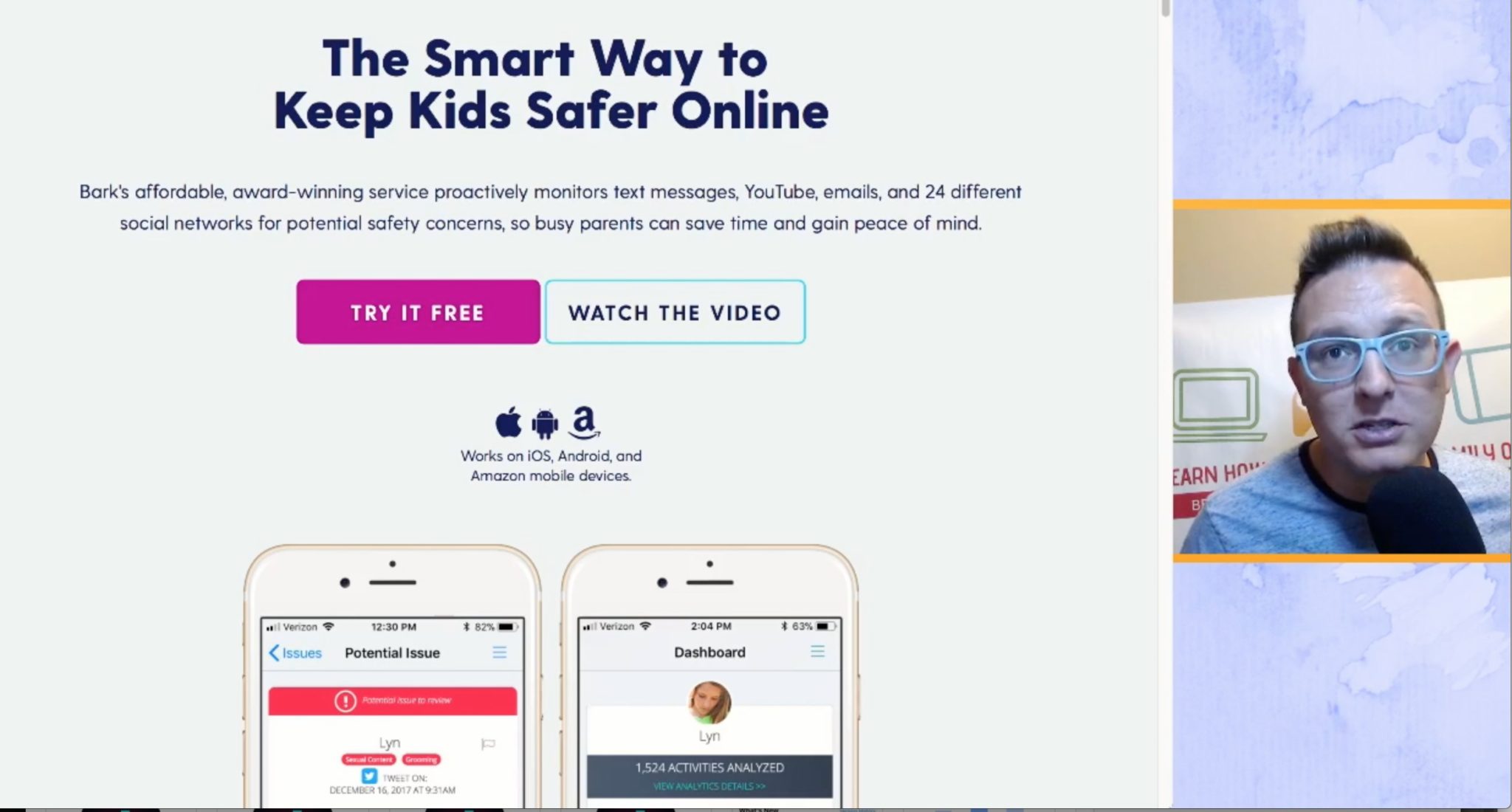
    Episode 1 Features BARK, an algorithm based monitoring software made to keep tabs on what your kids are communicating about in messaging and on social media. I find it to be a simple setup, and an even simpler system to use since it is based on reporting to you, not you going to check the data. 

    You can use our affiliate link to sign up for BARK here. Thank you for reading FamilyTechBlog and for subscribing to our YouTube channel. Think of another software you’d like me to check out? Comment below and I’ll get right on it. We’re doing our best to keep your kids safe by educating you on what’s going on in the online world. 

  • Protect Your Whole Family for A Buck a Month with Net Nanny

    Protect Your Whole Family for A Buck a Month with Net Nanny

    I recommend two major tools for protecting your children online. Accountability software and an internet filter. You know about our connection with Accountable2You but now I’m excited to have partnered with one of the best internet filter options out there, Net Nanny. The best part is that for the next couple weeks, they’re offering their best deal at an even bigger discount, %35 off.

    What is Net Nanny?

    Net Nanny is an internet filter and time management software. With customizable filters, remote management, and filter reports it’s one of the best options on the market.


    You create your admin account and can set up everything from there. With different users you’re able to customize your filters depending on who you’re protecting. Social media monitoring will report cyberbullying, sexting, privacy concerns, and any unexpected contacts by potential predators.

    Internet filters are critical for protecting your children and teens from unwanted content online. There are, however, ways to get around many filters. Some of the most common ways are image searches, i.p. address lookups, and proxies. These things are all problems for some filters because of the way that filter works. Many filters use the name, address, or metadata (informational tags built into web pages) to know if the content on the site is inappropriate. If the site is one that is trying to engage young users, they can often hide their content with unrelated metadata. They can also put their sites behind something called a proxy. The proxy will disguise the address and i.p. of the site so a filter doesn’t know what kind of content is on it.

    Net Nanny can’t be fooled so easily. Their system’s specialty is the ability to read the content on the page in real time to determine whether or not the site contains adult images or language. This allows them to block web pages no matter how you get to them. If you have younger kids it may not seem as big of a deal to have such a foolproof system. Unfortunately it’s getting harder and harder to protect them from content that may try to get through. If, however, you have caught your teen or child looking at something inappropriate you will definitely want to equip your computers and devices with the best filter software available. I think Net Nanny is one of the best.

    If you click the link you can sign up for their “Family Protection Pass.” A year of access to Net Nanny for just $60. That’s 12 bucks a month to cover up to five devices. $.99 per month per device. If you have more to cover you can get their next level to protect 10 devices for $89.99. There is also an option for coverages for 15 computers, smartphones and tablets for $119.99. Whichever option you choose, the link below will include us as affiliates and contribute a portion of your payment to BecauseFamily. This will help us continue to do free workshops and educate parents on how to protect their families online.