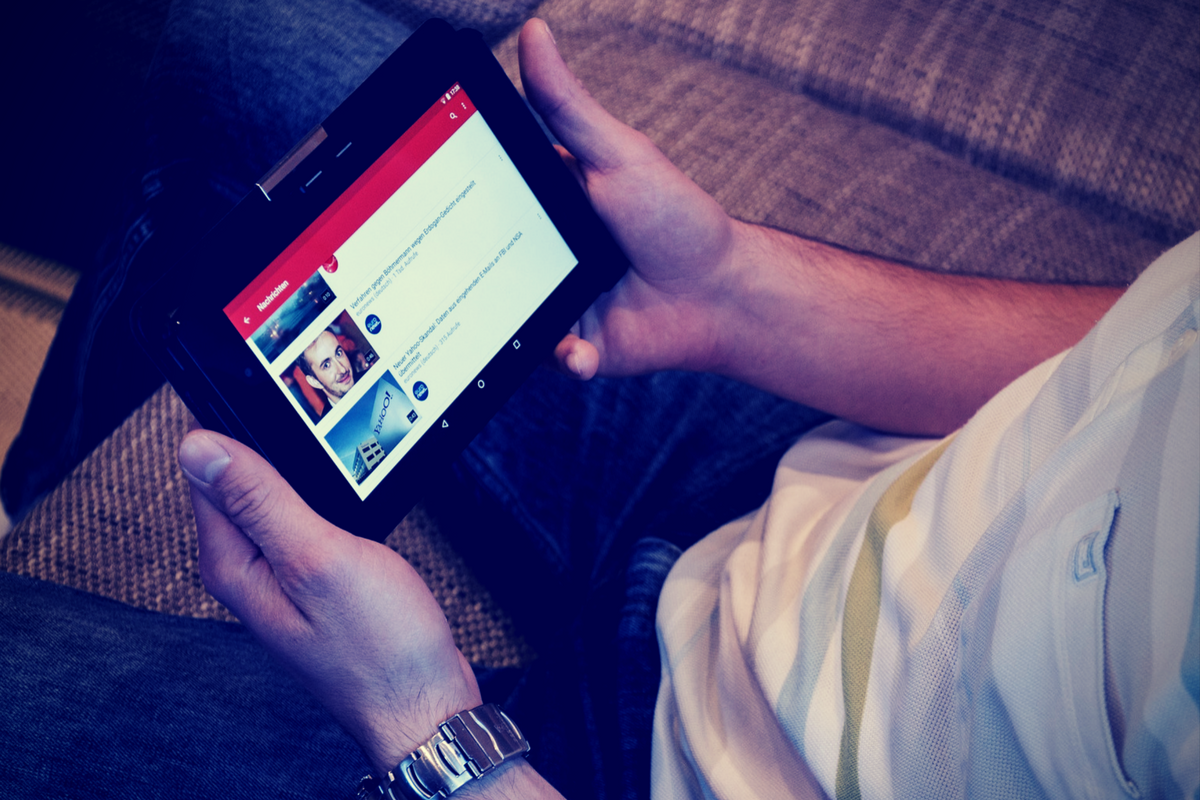
I spoke to a mother just a few days ago who was lamenting the idea of her son having his own YouTube channel. He didn’t post much but she was concerned about people finding him or learning about him through his videos. She was also concerned about bullying in the comments of his videos which is a real concern since YouTube commenters are notoriously ruthless. YouTube’s most recent update is going to either help solve or intensify these problems.
YouTube begins rolling out a new update today that will bring private messaging to the video streaming app. The feature is an attempt to keep people on the YouTube app to discuss and share videos they’re viewing on YouTube. Currently, these videos are shared on other social media sites and discussed there but YouTube wants to play a larger role in the social game. Private sharing and chat will allow users to discuss videos and respond with more comments and even reply with another video. The biggest concern with this feature is that you can’t block users who try to contact you. You can, however, deny their requests to chat.
What Parents Should Know
Any app that allows private messaging should be taken seriously by parents. Kids of all ages love YouTube and the dangers of allowing them unsupervised access to user uploaded internet videos have been well documented. Adding the ability to send and receive private messages, while it can allow them to discuss videos with people they know without the risk of comment trolls bullying them, provides an opportunity for strangers or who knows who to contact our kids through YouTube. Since predators use social media to learn about and groom their victims, YouTube’s private messages could be a way for those ill meaning individuals to do their work.
I advise that you allow your kids to watch YouTube on YouTube Kids only. If the videos they like aren’t available there then only let them watch on a browser on a computer. The other option is to share the YouTube account with your children and install the app on your own device. This way you can see who they’re messaging, what they’re talking about, and even be alerted when they receive a new message. I don’t ever recommend spying on your kids. My advice is that you discuss your parental control and monitoring methods with them so they know you’re there to look out for them. You’re supposed to be the safe place.
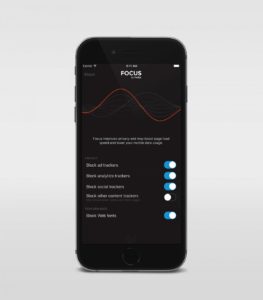 While I am all for the battle for internet privacy and freedom from being tracked by marketers, private browsing presents a major problem when trying to protect our kids from inappropriate online content. Keep in mind that a popular name for private browsing is “Porn Mode.” The ability to view sites without anything being stored on your computer, including a history of your surfing habits, is, of course, a way for our kids to view adult content without us knowing.