We don’t like Snapchat. It has a history of allowing content that isn’t appropriate for kids even though the app is rated 12+ in the app store. The app is built around disappearing messages that are a nightmare for trying to prevent predatorial communication and sexting. Now, Protect Young Eyes has written an article highlighting the fact that, in just a few taps on your screen, you can get from Snapchat’s home page to Pornhub, the most popular pornography site on the internet. They even included a video that shows how easy it is to navigate to the adult site without ever leaving Snapchat’s app.
Most filters for iPhone don’t monitor browsers in apps like Snapchat and Facebook. This is why the ability to connect to adult websites within these apps is so dangerous. It only takes a few taps on your screen to go from the Snapchat story to the “Premium” page on which you can click links to all of their other accounts. These links don’t open other apps that would be blocked by Screen Time or other parental control software. Instead, it opens in a browser within Snapchat, allowing access without being blocked by your filter or sometimes even reported by your Accountability software. The only real way to keep your kids off of those sites is to limit which apps they are allowed to use by blocking the app altogether.
*This article is for parents and there is discussion of x-rated content. You have been warned.
The Snapchat Discover page has been my main source of concern for kids and teens when it comes to the photo-sharing app. I posted a video over a year ago announcing that Snapchat was being added to my uninstall list because of the Discover page. This magazine rack style page featured articles from all kinds of magazines and other publications that highlighted sexuality, drug use, and other adult themes. As I began to understand the discover page, it became obvious to me that this app was intended for adults even though it’s used by High School and even Junior High students all over the country.
The latest source of concern with Snapchat for parents is, as I’ve been saying, the Discover page. A new feature from Cosmo, called “Cosmo After Dark” features content that Cosmo themselves calls X-Rated. These articles are about everything from how to masturbate properly, to truth and dare ideas, and pornography site recommendations. I won’t say much more about this because the video below says it all.
Remember, this video is from a year and a half ago, I saw this content coming from a mile away!
Parents, PLEASE, pay attention to this news and require your child to uninstall Snapchat NOW. Use your parental control software to block data access to the app, do whatever you can to keep them away from the over-sexualization that social media is instilling in our children. Snapchat has really always been about sex, they seem to be really going for it now with this new “after-hours” content.
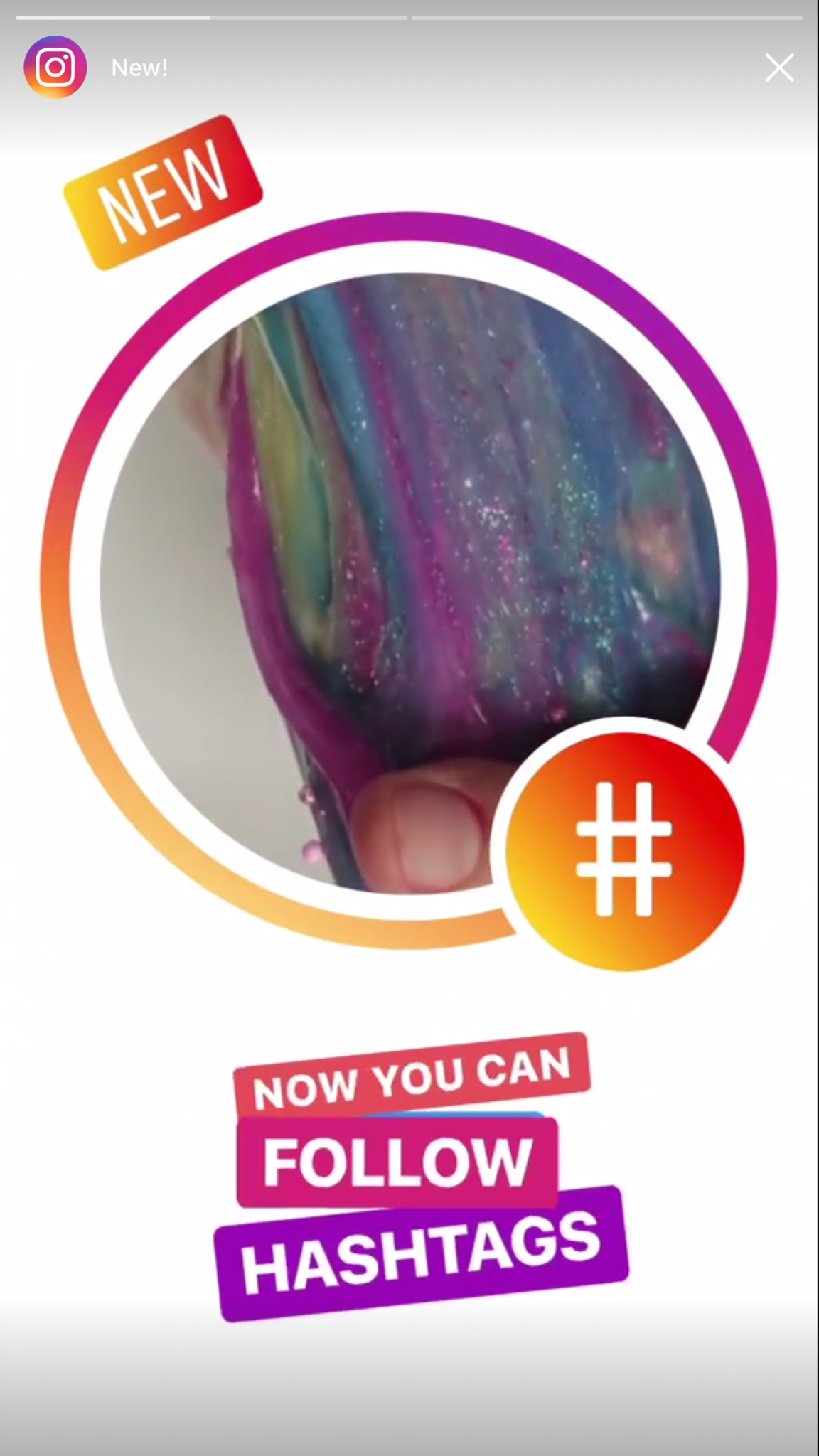
Instagram has just released an update that adds the ability to follow hashtags. This feature allows you to keep tabs on interests or events that you’re interested in without having to search for the tag every few minutes. It’s easy to follow a hashtag. Just search for the tag and then a follow button appears with the results. Or you can click on a hashtag in a post or story and then click follow when that result appears. From then on the hashtag will show up in your instagram timeline just like the people you follow. When you are done seeing everything posted under that tag appear in your Instagram feed, you can just go back to the hashtag search result and tap “Unfollow.”
What Parents Should Know
Being able to follow hashtags has been a “thing” for a while now on Twitter. It has long been a way for events or products to feature themselves and allow attendees or fans to keep up with what’s going on. The problem with our kids blindly following hashtags is the potential for other users to abuse the tag and use it to get attention on their content. Some of that content may not be very wholesome. Pornography is fairly easy to access on Instagram if your kids know where to look. The potential for these adult-oriented posts to add a non-related hashtag so that followers will see their content is cause for concern.
Imagine your teen follows #pokemon on Instagram. All someone would have to do is put the #pokemon tag on their innapropriate photo and it would, likely, show up on your his Instagram feed.
Also, sharing the hashtag for an event you’re currently attending is, in essence, the same as sharing your location information. If you kids are sharing a Prom Night hashtag, then whoever wants to can follow that hashtag and see all the activity and who knows what plans could come from that. Unfortunately, with every great new feature, there seems to be a new danger that accompanies it. My advice is to encourage your kids to post with hashtags after an event has ended. Kind of like posting the memories of the event instead of live-photo-blogging every little thing they’re currently doing. Including where they’re headed next. You don’t have to have too big of an imagination to think of some ways that could be dangerous.
I have a list that you can download here of all the apps I recommend you remove from your kids’ phones if you see them. Tumblr is on that list because of the overwhelming amount of easily accesible explicit content. A few months ago Tumblr launched a way to turn off the automatic safe search required by apple on all iOS devices. Now they’ve added a “safe mode” to their app and website to keep NSFW (not safe for work) content from appearing in your Tumblr feed. This mode is available in the settings of the app and website in your browser. It will be automatically on for people who’s age is under 18 and who aren’t logged in to Tumblr when accessing content.
The safe mode works, not as a filter to keep out content, but as a cover to hide NSFW images so any onlookers won’t see. The feature adds a cover on posts with explicit content that can be removed by tapping or clicking “show post.” The goal isn’t to keep sensitive material from appearing in your feed, it’s meant to keep you from getting caught looking at the sensitive content. The safe search option, together with this safe mode setting could lead you into a false sense of security with what is available for your kids to see on Tumblr but these settings aren’t meant to keep this content away from people trying to find it. They are more suited to keep folks from scrolling past something on accident. Both security modes can easily be bypassed in settings that can’t be protected by a password.
What Parents Should Know
The fact remains that pornography is by far the most commonly searched content on Tumblr (over 20% of all searches are for porn the next most popular is literature at just over 7% of all searches.) Explicit content is easily available on Tumblr and because of that I caution parents about this app all of the time. This is one app that I recommend be uninstalled and a social media platform that I would keep my kids from altogether. My advice is that you add Tumblr to your filter blacklist and your accountability software red flag list. This will keep the entire site off of your kids phones and computers and give you peace of mind that they won’t find any of the easily accesible images so prevalent on the site.
Is there porn on Pinterest? Does Pinterest allow porn? I’ve heard both of these questions many times and the answers are very very different. Today, as Pinterest announced their new approach to advertising videos on their site and app, I’m reminded of the many parents who have discussed the potential dangers of Pinterest with me at workshops and other events. Lets unpack a few of those dangers, what Pinterest’s approach is, and what parents can do about it.
There IS porn on Pinterest.
I can confirm that there is pornography on Pinterest in two ways. First of all, I started some searches for inappropriate topics and (without having to click through to results) could see that there was porn available. Just typing the first few letters of these search terms produced recommended searches that told the entire story.
These results pretty much let you know what is available on the site and in the app. Searching more specific terms would, obviously, produce more specific results.
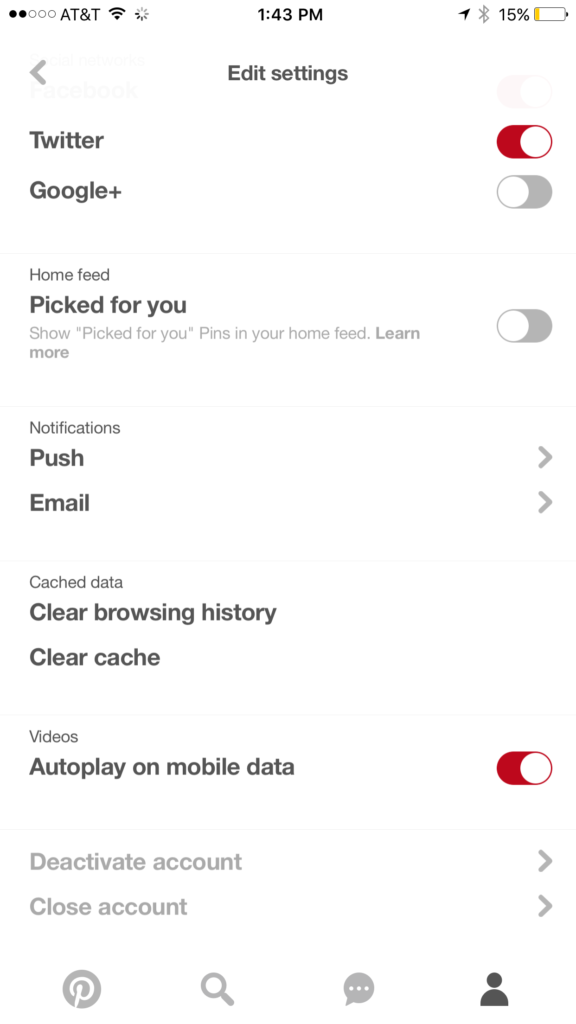
While this covers intentionally searching for content, your kids may not be the type to have been in to that before so you don’t expect them to go searching for it. This is where it gets a bit tricky. Pinterest feeds you new content in two different ways. They show you pins from people you’ve decided to follow and they show you pins that have been “picked for you.” Pinterest uses what you do in their app and site as well as what you do on other websites to recommend different things to you. If you’ve liked art before then you’ll start to get more art posts. If you’re into geeky quotes, you’ll see pins from people you don’t follow based on what you’ve pinned or viewed in the past. This can lead to being shown pinners who’s pins may not line up with what you’d consider “safe” for your kids. There is, however, a way to turn off the “picked for you” option. See the image below:
Go into your profile, then settings, and you can turn off personalization AND picked for you.
Pinterest Doesn’t Allow “Explicit Content.”
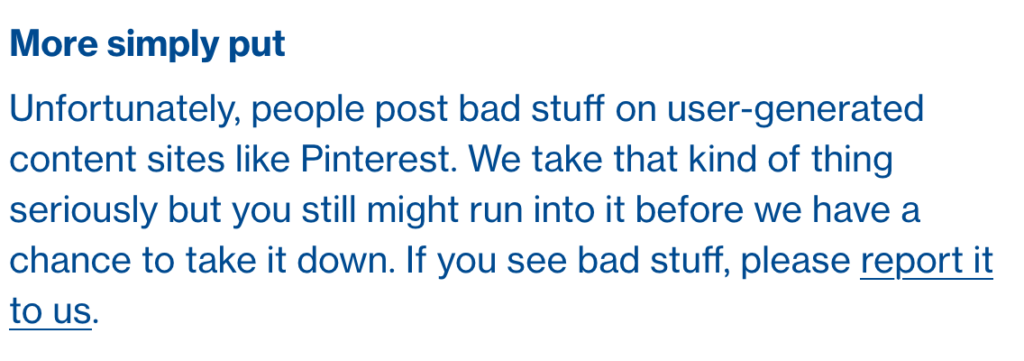
From Pinterest’s terms of service.
Pinterest’s rules don’t allow explicit pornography to be posted but it relies on reporting from users to identify and remove the offending pins. This means that the post can be up for days or weeks before it gets enough reports to have it taken down. Another thing to keep in mind is that Pinterest will still use their own definition of “explicit.” You may think something is not good for your 14 year old son to view while they view it as art or expression. This means you have to truly stay on top of what they’re seeing.
What Parents Should Know
Again, much is left to interpretation. Some parents may say a photo of a nude statue is artistic and cultural and some might say it’s inappropriate. While some folks think any nudity should be considered explicit, there are parents who would disagree unless it’s in a sexual situation or atmosphere. There are many factors that keep photo sharing sites like Pinterest from making a blanket NO NUDITY rule.
I would prefer if there were some way to turn off nudity as an option for users but as of right now that isn’t possible. It also isn’t easy to monitor what content is being viewed in the Pinterest apps. Yes, the service is built to work best on the mobile apps, my recommendation is that you limit your younger teen (over 13 to comply with the service agreement) to using Pinterest on a browser. Use something like Accountable2You to monitor their activity so you can be alerted if they’ve come across something inappropriate. This could help keep you from difficult situations stemming from your kids happening upon something adult oriented on Pinterest.
So, to answer the question, is Pinterest safe for your kid or teen? The answer is no and yes. No it isn’t recommended for your child. The age restriction to get an account is 13. I would, however, begin to ease up on a strict anti-Pinterest rule as my kids enter their teen years but I would monitor their usage in the most effective way possible. Just because you’ve never seen anything when you creep Pinterest doesn’t mean it isn’t there. Know that this risk is real and that your kids are as susceptible as any. Take precautions BEFORE anything regretful happens.
How can you see what you want on your social media timeline? Is there a porn on/off switch for tumblr? Android instant apps will screw up your accountability software.
The Wishbone App could be an bad idea for your tween daughter. Apple is making some changes in the app store. Amazon Prime Video now has parental controls. What can you learn from search bar auto-fill terms?
I have no better advice for parents than putting your eyes on the devices your kids use as often as possible. As long as you’re communicating with your child it isn’t spying to take a peek at what their friends are posting on social media or what they’ve been searching for in their web browser. I do not, however, advise that you let yourself get too worked up over the recommended search results or auto-complete results in the social media apps your kid/teen uses. It can be frightening to type in a couple of letters and get a dropdown full of accounts you’re unsure of or search terms you wouldn’t want them to be searching for. The initial reaction of parents is usually to be concerned that this means their child has been looking for something inappropriate in the past. That isn’s always the case and I’ll try to explain why.
Instagram, Facebook, Pinterest, and other photo or video sharing sites use algorithms that combine your past searches, popular items on their site, and your location to recommend the search results that may interest you. I don’t recommend parents take suggestions from these apps as evidence that their child was doing something inappropriate. You can, however, on many of those sites go find a search history and actually see what they have typed in the search bar in the past. This information is also deletable though. Regardless, looking at the search history is a much better way to monitor what your child is doing on these sites than assuming something from the first two letters you type in to the search bar.
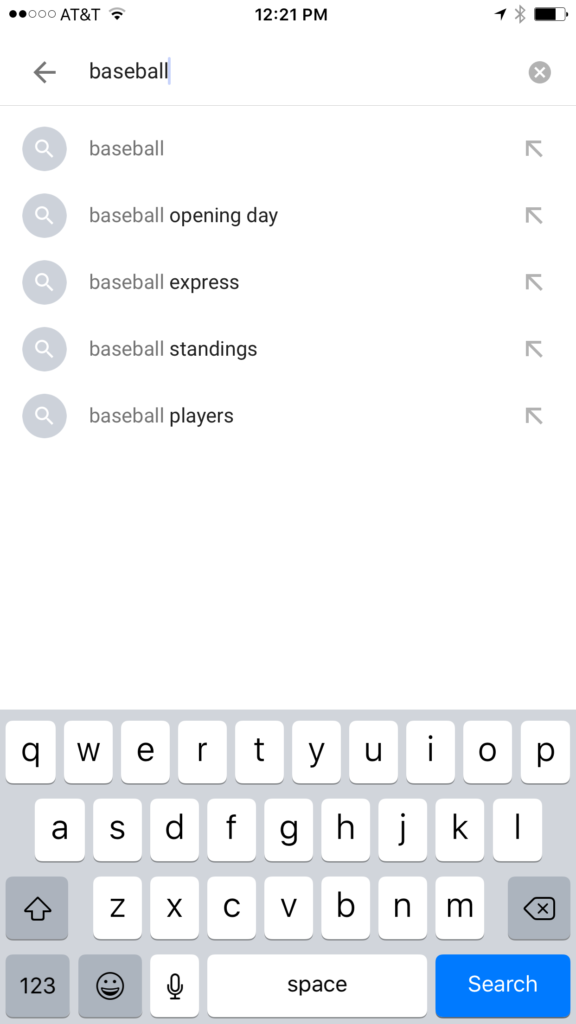
All based on popular searches.
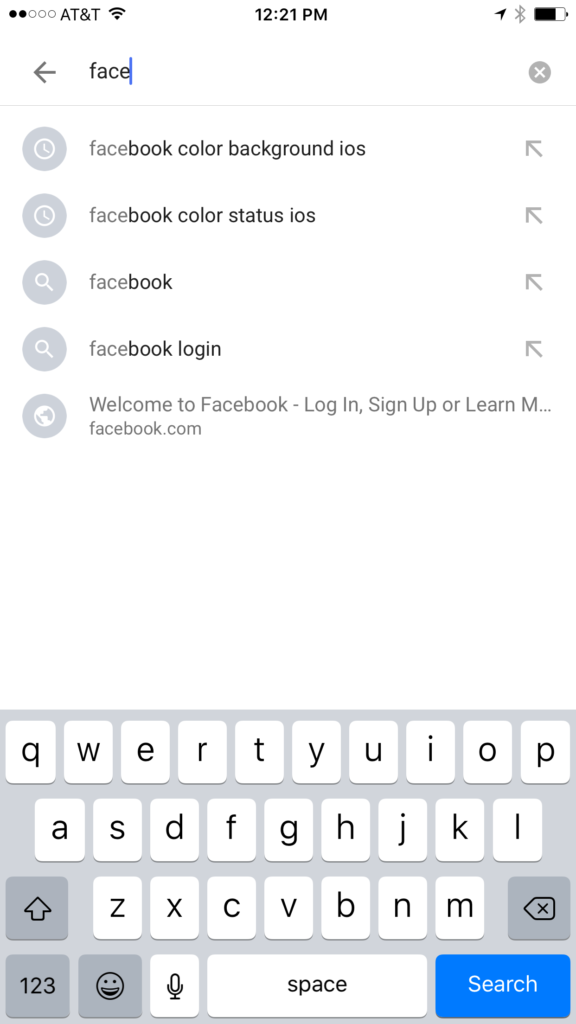
Recommended from previous searches.
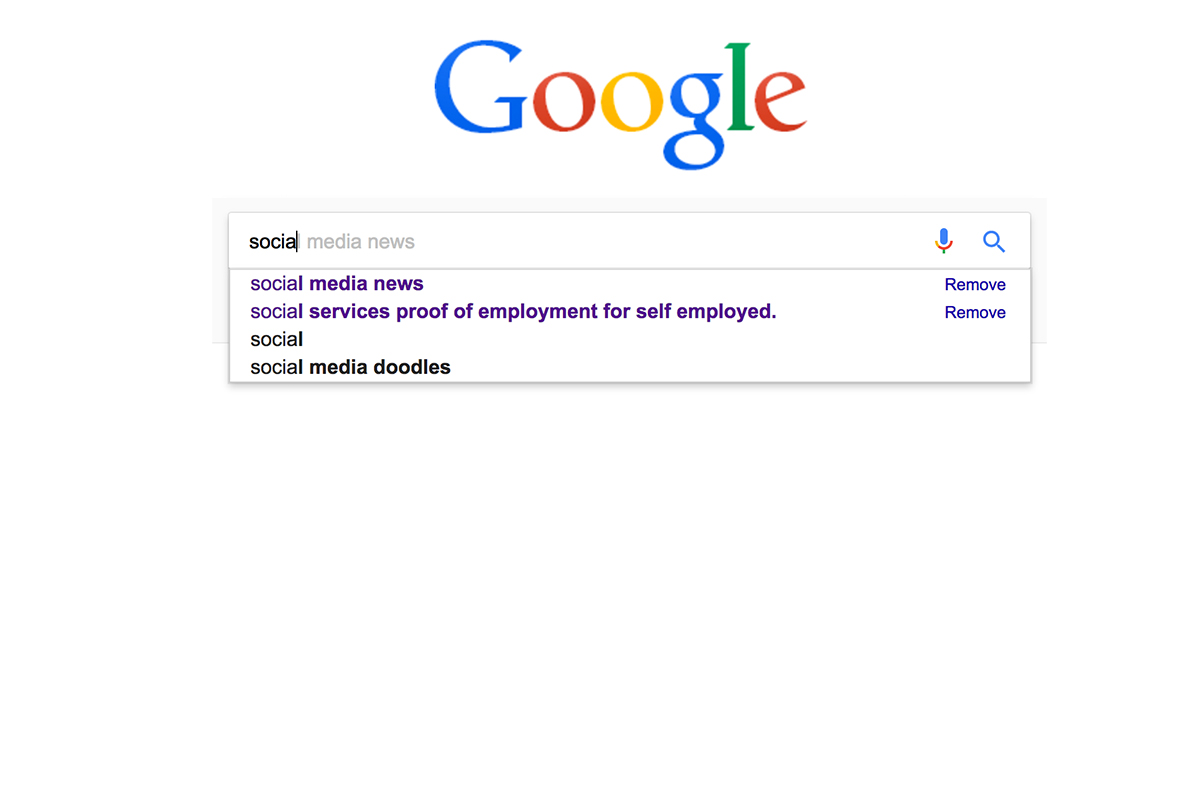
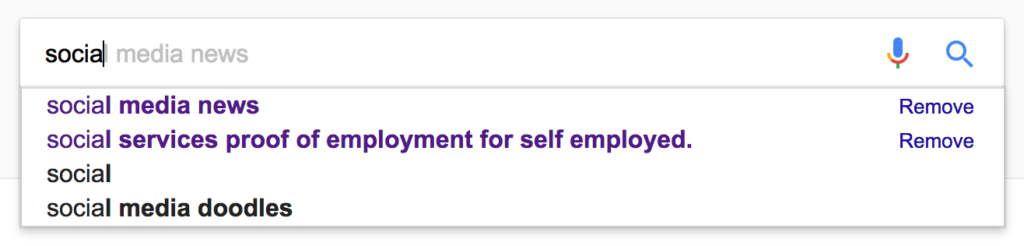
Google and YouTube are the two most popular search engines on the internet. Thankfully, they’re a bit easier to monitor. The Google app has identifiers to help you know why it’s recommending certain things. You’ll see a clock icon if the recommendation is from search history and a magnifying glass icon if it is just recommended based on other data. On your browser the auto-complete results are a different color and you receive an option to remove them if they’re from history. YouTube, being a part of Google, uses the same methods to identify auto-complete search items.
What Parents Should Know
There is a lot to consider when you’re trying to monitor your child or teen’s online activity. Because so much of the internet is now consumed with photo and video sharing it goes without saying that some of the content you wouldn’t want your child accessing makes it’s way to those platforms almost immediately. This being said, there are better ways to monitor than trying to creep through search histories. I recommend using a good accountability software like Accountable2You or a filter like NetNanny. Another option is to install the social media apps they’re using and get to know how the search bars work for yourself. Find out if it’s using your history to establish the items it recommends for you or not. As you get used to it you’ll be able to get a better feel for what’s happening in your child’s account when you check their device.
Remember that communication is key. Your kids should know you’re looking at their devices and social media accounts. Rules are good but without conversation and relationship they create conflict. Your goal is to set boundaries that will help your children develop healthy habits. A healthy approach to monitoring and regulating their internet usage will speak volumes to them about your family’s online safety standards.