Tag: pictures

  • Is FaceApp Sending all of Your Private Data to Russia?

    Is FaceApp Sending all of Your Private Data to Russia?


    Last week everyone was posting pictures of themselves looking older or younger. They were all using FaceApp, an Android and iPhone app that uses AI to change your face to make you look older or younger, change your gender, and all kinds of different things. Then, suddenly everyone who had been posting pictures of themselves began sharing articles about the privacy dangers of FaceApp. What is true? What does FaceApp do with your pictures? Should we use apps like this? Here are the answers I found.

    Your Pictures Aren’t in Russia

    One of the major concerns due to political news lately is that all of these pictures have been stored by the Russians since the company that makes FaceApp is in Russia. The truth is that these pictures are stored on servers owned by Google and Amazon. Many of the photo apps you use including some of the social media apps you frequent use the same server companies to store your pictures and posts. There is no evidence to suggest that your images are being collected by the Russian government or even companies in Russia.

    Your Photos are Deleted after 48 Hours

    The face app privacy policies state that photos uploaded to their servers are usually deleted after 48 hours. They do state that some photos may be kept for analytical purposes but that they are not sent to the FaceApp companies. These photos are used by the artificial intelligence to make it smarter and help it do a better job of editing photos for people.

    FaceApp Terms Mention Affiliate Companies and Governments

    The policies of FaceApp do allow for them to give your photos to other companies “in their network.” Again, they say that this is for analysis purposes and not data tracking. They also say that they’ll give your photos to law enforcement if requested through legal means. 

    You Can Use FaceApp Without Giving Personal Information

    The company that makes FaceApp says that 99% of their users don’t login to the app. That means there are no ways for them to have your personal or identifying information. The only thing that they collect in those cases are your photos. If you have location settings turned off for your camera then there isn’t much personal data that can be gained from the images. All they actually have is a picture of a non-identified person’s face. Also, FaceApp only uses the photos you tell it to upload. Not your whole camera roll. 

    “…please note that we may transfer information, including personal information, to a country and jurisdiction that does not have the same data protection laws as your jurisdiction.” FaceApp Privacy Terms

    FaceApp Doesn’t Handle Data Differently than any Other Social Media Service

    The only major difference between FaceApp’s privacy policies and those of Facebook and Instagram are how much terminology they use to describe them. Personal data and photos are basically handled the same way by all these companies. You may consider it more of a fair trade off for Facebook and Instagram to collect your data in exchange for the services they provide. You also may be less inclined to be worried because of Facebook and Instagram being from the United States. Either way, your data is being used in the same way by all of these companies.

    Musical.ly is now Tik Tok


    Just Share Smart

    These instances of public outcry about the privacy policies of an app or a company are a great time to be reminded of the importance of thinking before you share. The truth is that everything, once shared on the internet, is public domain. It belongs to every citizen of the web and not to you any more. This should govern every choice you make on every site you visit and every app you use. If you wouldn’t want the whole world seeing that photo of you, your child, or your spouse, then you shouldn’t share it. If what you are about to post as a status would put your security in jeopardy then you shouldn’t post it. If you aren’t sure about a company or an app that is asking for your personal information then you shouldn’t give them your personal info. It is very simple. Just think before you fill out an online form. Think before you share a photo. Think before you past your thoughts about anything and everything.

    The issue isn’t where your information is stored. It is the fact that you share photos, phone numbers, credit card numbers, and even your social security number like it is no big deal. You don’t have to be an internet security expert, you just have to pause and think.

     

  • Snapchat Update Adds New Effects and Sharable Links

    Snapchat Update Adds New Effects and Sharable Links

    Snapchat’s latest update will give the camera background effects and allow you to change your voice without using one of their filters. The other major feature is the ability to share links and open them within Snapchat’s very own browser. While you can’t type a url into the address bar at the top of the browser you can click around online and end up at any website you’d like. That’s right, that means your kids can now browse the internet within Snapchat. This has always been possible in other social media apps like Twitter, Instagram, and Facebook but now Snapchat will allow users to tap right on a picture and open a link without leaving the app.

    What Parents Should Know

    If the Discover Page, disappearing photos, private video chat, and SnapMap isn’t enough to put this on your uninstall list, perhaps the ability to access the entire internet without leaving the app will help you pull the trigger. Yes, this feature is available in other social media apps but when you factor in all of the other features that can be a detriment to your internet safety plan it puts Snapchat at the top of my uninstall list.

  • This App Turns Deleting Bad Photos into Good Clean Fun

    This App Turns Deleting Bad Photos into Good Clean Fun

    The Struggle is Real

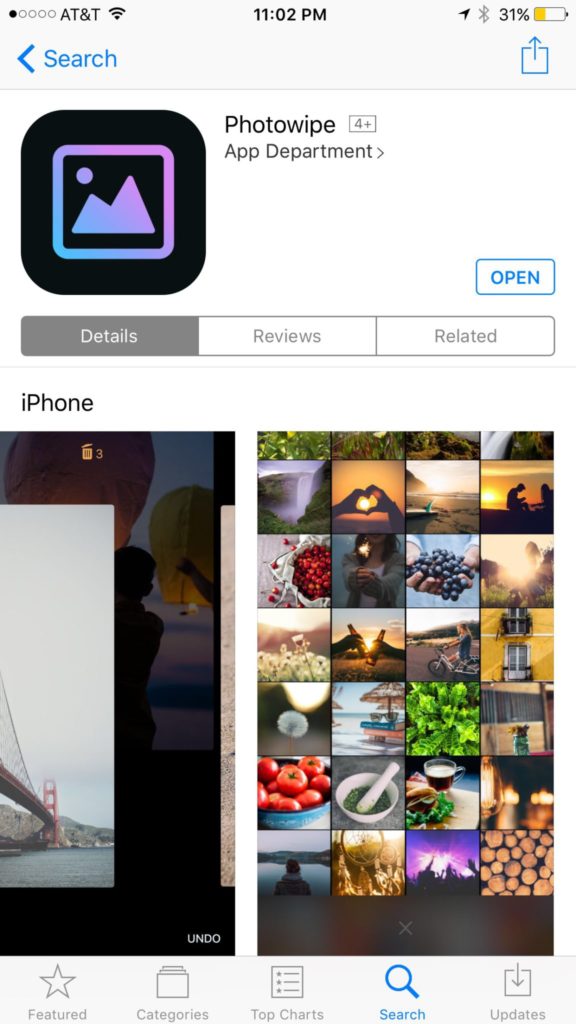
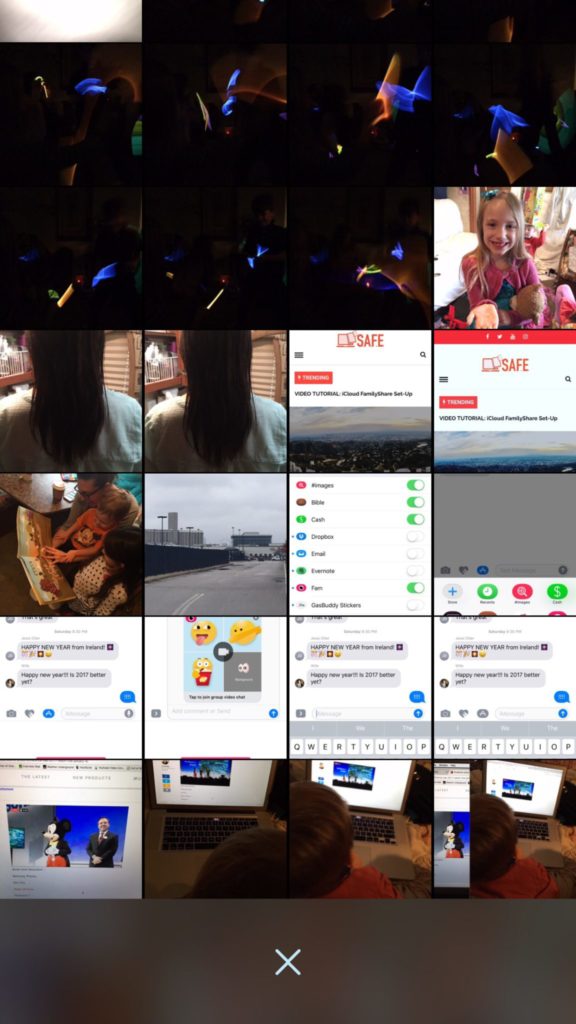
    Taking photos of a two year old, five year old, seven year old, and nine year old is a process. We’ll take six to ten to find the one that looks good. The result of this is our phones filling up with a crazy number of unusable pictures that don’t get deleted because, well, it’s a pain in the butt. Photowipe is a new app that will make deleting those unintentionally motion blurred pics easier and maybe a little bit fun.

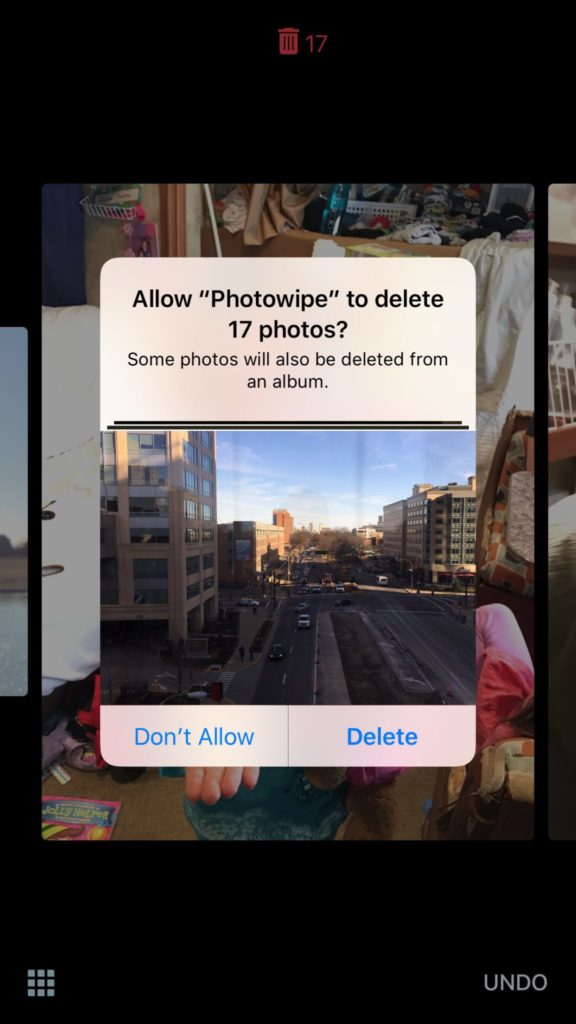
    The app will show you large versions of the pictures on your camera roll and will delete them based on your gestures on the phone. Simply swipe to the side to see the next photo or swipe up to add the current picture to the “trashcan.” The deleted photos will be stored for thirty days in a trash folder unless you force delete them all, which I will be doing every time.

    Also Read: Are your teens hiding photos in a calculator?

    We Say Give it a Try

    It’s a pretty good idea and actually a bit crazy that it’s just now come to be. Now it’s super simple to get rid of those pictures of your toddler’s nasty spaghetti face that you took because you thought it would make a good text message to your husband or all the memes you’ve saved to your camera roll to post in Facebook comments. You can use the slideshow below to get started.


  • How Social Media Sites Use Your Photos to Learn About You

    How Social Media Sites Use Your Photos to Learn About You

    A new extension (plugin or addon for a web browser) has just highlighted an issue we all probably won’t be surprised by but have never thought about. Our social media sites are scanning our photos to learn more about us. The extension is called, get ready it’s a mouthful, “Show Facebook Computer Vision Tags Extension” and it displays the detailed tags that Facebook has used to label your photos when you post them to the site. The tag information is built by automatically scanning every image you post and using the information to create trackable details about that image. So, for instance, if you post an image of you and your kids at the zoo it may show tags that say: “3 people, smiling people, animals, nature.”


    This may seem like no big deal but when you think about just how much information can be obtained from a simple thoughtless upload of a family photo, it can get a bit creepy. Most likely this info is used to help Facebook target you better with those advertisers who pay for the privilege to use the data to identify potential customers. It also is used to help with search results when someone is looking for photos of you or somewhere you’ve been.

    Use this as a tool!

    Oversharing online is more than just annoying. When you post a picture of your food that nobody cares about you are identifying yourself as a consumer who wants to be advertised to about that type of food. When you post that bad blurry picture of your kids in their princess dress, you’re highlighting that you should be targeted with more Disney advertising. Use this extension as a tool to help you learn that lesson, and teach it to your kids.

    This extension can be a pretty cool way to help you and your kids see how much information about you is available when you post online. I always advocate for parents to teach their kids that the internet is a public place. Whatever you post can and will be used against you IRL (in real life) and so you should think about that before you post. This extension may be a great way to drive that advice home with your kids.

    If you want to see for yourself, you can download the chrome extension HERE.