Tag: parents

  • Parent Guide: Farcry 5

    Parent Guide: Farcry 5

    Farcry 5 S.A.F.E. Rating

    Violence: 1 out of 5
    Language: 1 out of 5
    Sexual Content: 3 out of 5 (so far)
    Positive Message: 2 out of 5

    Total: 7 out of 20 = Adults Only!

    The Game

    The Farcry series is known to feature regular people type characters who are put in extraordinary situations and forced to fight their way out. Players try their hand at fighting crime lords, warlords, and drug cartels. In Farcry 5 you’re a sheriff deputy who is trying to overthrow a cult in the mountains of Montana. You team up with locals, wildlife, and even secret agents to eliminate the influence of “The Father,” a man who considers himself the spiritual leader of an entire group of religious followers.

    This game is set in an open world. There is a storyline but it isn’t linear, it unfolds as you explore different areas of the game. You can go around doing whatever you want, liberating outposts, saving citizens, hunting and fishing, all the while increasing your influence over the region through something called “resistance points.” These points allow you to unlock new areas and items and eventually lead you to your final showdown with the leader of the cult. The story of Farcry 5 is very interesting and well told. It is, however, a bit on the anti-religious side, albeit so extreme that it is hard to view it as a serious commentary on religion. The cult is very extreme and a caricature of anything it may be trying to actually represent. I wouldn’t take seriously any complaints about this game being anti-christian or anti-religion.
    Violence: (1)

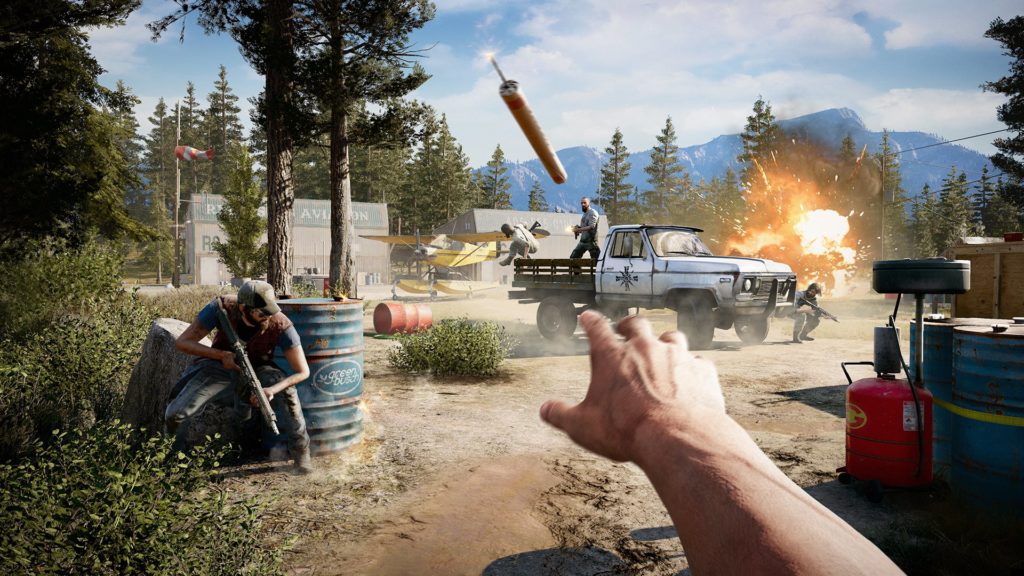
    This game features extreme violence right from the start. You are attacking enemies with a large collection of different weapons. Melee, explosives, firearms, vehicles, and even animals can be used to take out your enemies. You can choose to use stealth to eliminate your enemies or you can go in guns and dynamite blazing and take ’em all out that way. The worst violence in the game takes place during the cinematic cut scenes. There are executions, eye gouging, and self harm/mutilation featured in the cinematic scenes that drive the story. The violence is used to show the extremity of the cult you are up against and it begins with the first cut scene at the beginning of the game.

    Farcry 5 scores a 1 for violence meaning it’s meant for Adults.

    Language: (1)

    Farcry 5 has multiple uses of every word imaginable right from the very beginning. It is rated M for Mature because of language and it is obvious early on in the game play.

    Farcry 5 scores a 1 for Language meaning it’s meant for Adults.

    Sexual:

    So far in my current, incomplete, walkthrough of Farcry 5 there isn’t any sexual content. The rating of the games mentions sexual themes but I haven’t seen it yet. I will update this post on this topic once my walkthrough has completed.

    Farcry 5 scores a 3 (so far) for sexual content meaning it depends on your child. 

    Message:

    Like most 1st person shooter games, Farcry 5 puts you in a position where your only option is to pick up a machine gun and start mowing people over. As mentioned before, this game is full of scripture and even some reimagining of some old church songs. They are used in a context that features the cult in a negative way. There is no positive message in this game, except maybe that you shouldn’t join a violent cult. The themes of this game are very grown up and explore what happens when people give themselves blindly to someone like “The Father.”

    Farcry 5 scores a 2 for message meaning it contains very mature themes. 

    Final Thoughts

    Farcry 5 isn’t meant for your 15 year old son. It’s a game made by adults for adults. It features very adult themes and content and doesn’t apologize for the gruesomeness of the violence or the complexity of the story. While there isn’t any sexual content that I’m aware of, it still ranks very low as far as its playability for even some older teens. I recommend keeping informed on the content of this game and know if your kids are playing it. Many kids will ask for it and some will get to buy it because their parents don’t know what the game consists of. My advice is that you share this review with other parents and let them know what content the game their kid is asking for contains. 

  • The “Grown Up Fortnite,” PUBG, is Now FREE on iOS and Android

    The “Grown Up Fortnite,” PUBG, is Now FREE on iOS and Android

    If your kid doesn’t play Fortnite, they’ve asked if they can. It’s a battle royale game that combines the third person shooter genre with crafting and resource gathering. You parachute onto an island and battle against 99 other players to the last man. Along the way, you collect resources, weapons, and armor. You use your resources to craft walls, towers, and such to help you fight against other players. Fortnite is made with cartoon style graphics and no blood or gore. You do, however, play against or with players online from all over the world.

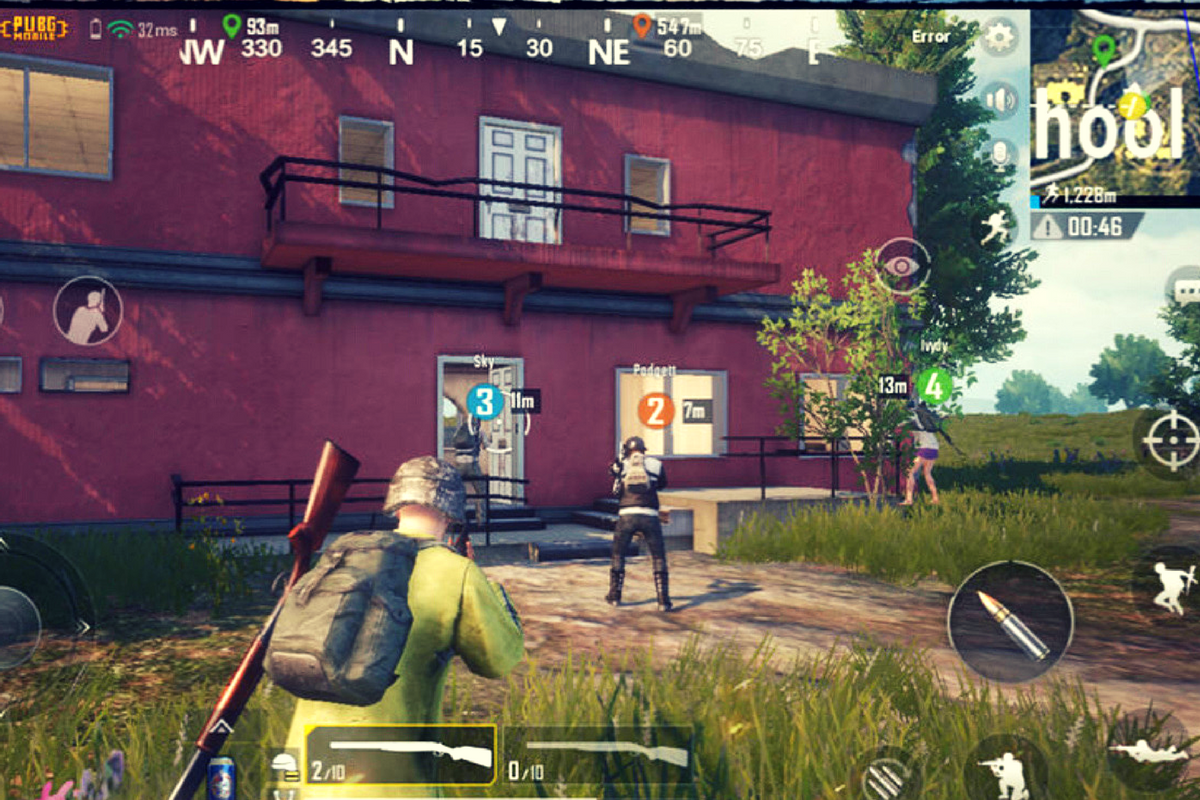
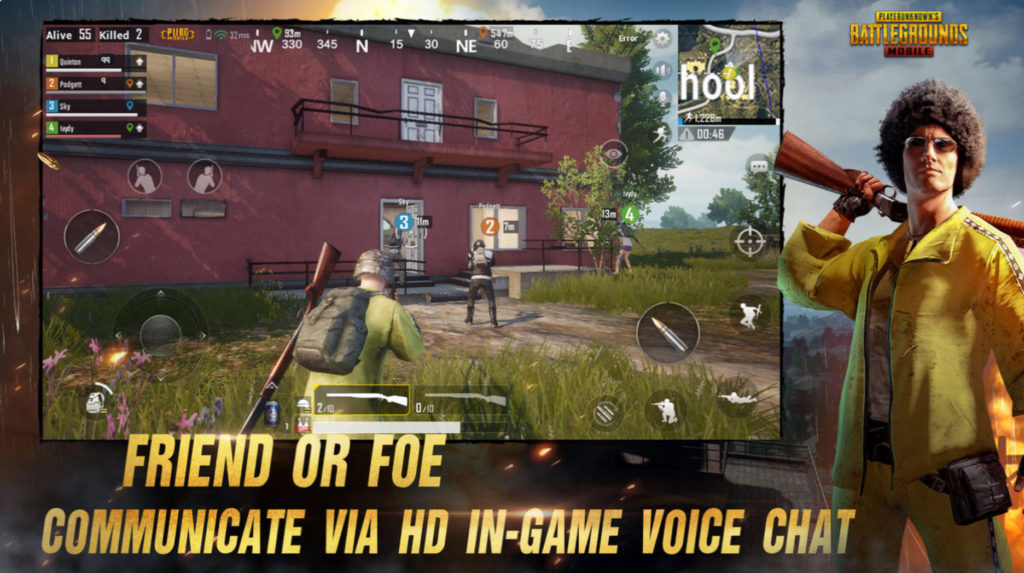
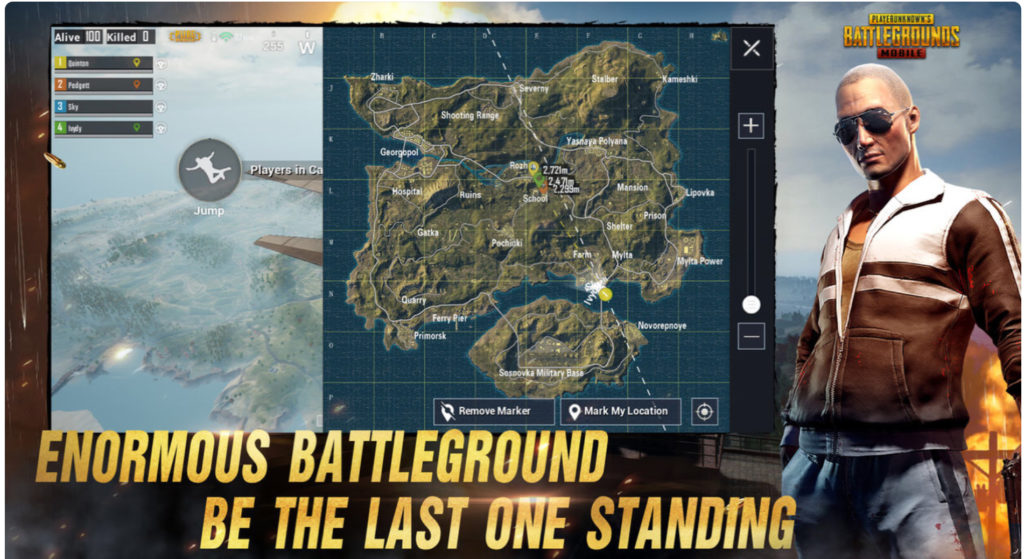
    Player Unknown’s Battleground started the battle royale genre hype. It follows the same model as Fortnite, minus the crafting and resource collection. The biggest difference, however, is the realism. While it still plays like a game, it is a third person shooter with plenty of violence and blood. You don’t build and craft, you just run around avoiding enemies until you have to battle it out. Then, the choice is to kill or be killed. The game wasn’t made for young kids. It is now available for free in mobile app stores so more kids can have access to it.

    CHECK OUT: Podcast – Boys and Video Game Addictions

    What Parents Should Know

    My advice is to use something like Family Share or Android FamilyLink (if available) to keep an eye on what apps your kids are downloading. I’m not one to say that kids playing violent video games will immediately lead to them committing violence themselves, but I do know that there are psychological effects on young boys who experience the intensity of simulated battle while their brains are developing. I recommend not allowing your kids to download this app. Fortnite is questionable, but to me, PUBG is a definite no.

  • Netflix Testing “Patches” to Reward Kids’ Binge Watching

    Netflix Testing “Patches” to Reward Kids’ Binge Watching

    Saying they are trying to achieve a more “interactive experience,” Netflix has begun testing patches on kids shows. These digital badges will be given as rewards for watching certain episodes or a certain number of episodes of a Netflix original show. Patches don’t unlock any extra content. They are meant to be their own reward.

    There has been some backlash from parents and others on Twitter who are concerned about kids binge-watching more shows. I can attest to the difficulty of convincing your kids that it’s time to turn off their shows and move on to some other activity. I agree that the last thing we need is the collection of badges or patches as another excuse for our kids to get sucked into episode after episode.

    Netflix has tried in the past to increase interactivity for viewers with their choose your own adventure content. These movies contained built-in pauses to ask the viewer what the main character should do. The story developed into different scenes based on the choices of the viewer. While the end of the story seemed to be the same no matter your choice, it provided a bit of interactivity as opposed to just sitting and watching a story play out on the screen. There haven’t been very many more of these shows since the original test episodes came out.

    What Parents Should Know

    Too much screen time is always a concern for parents these days and I would be surprised if the response to badges for watching shows is positive at all. The goal is pretty obvious: Netflix wants to increase viewership. I imagine that the testing phase will end with the removal of patches and badges. Parents are becoming more and more aware of the amount of time their kids are spending online and watching video content and setting stricter boundaries. Hopefully, Netflix gets wise to that fact and allows it to inform their decisions.

  • How to Turn Off Hidden Location Access in iOS

    How to Turn Off Hidden Location Access in iOS

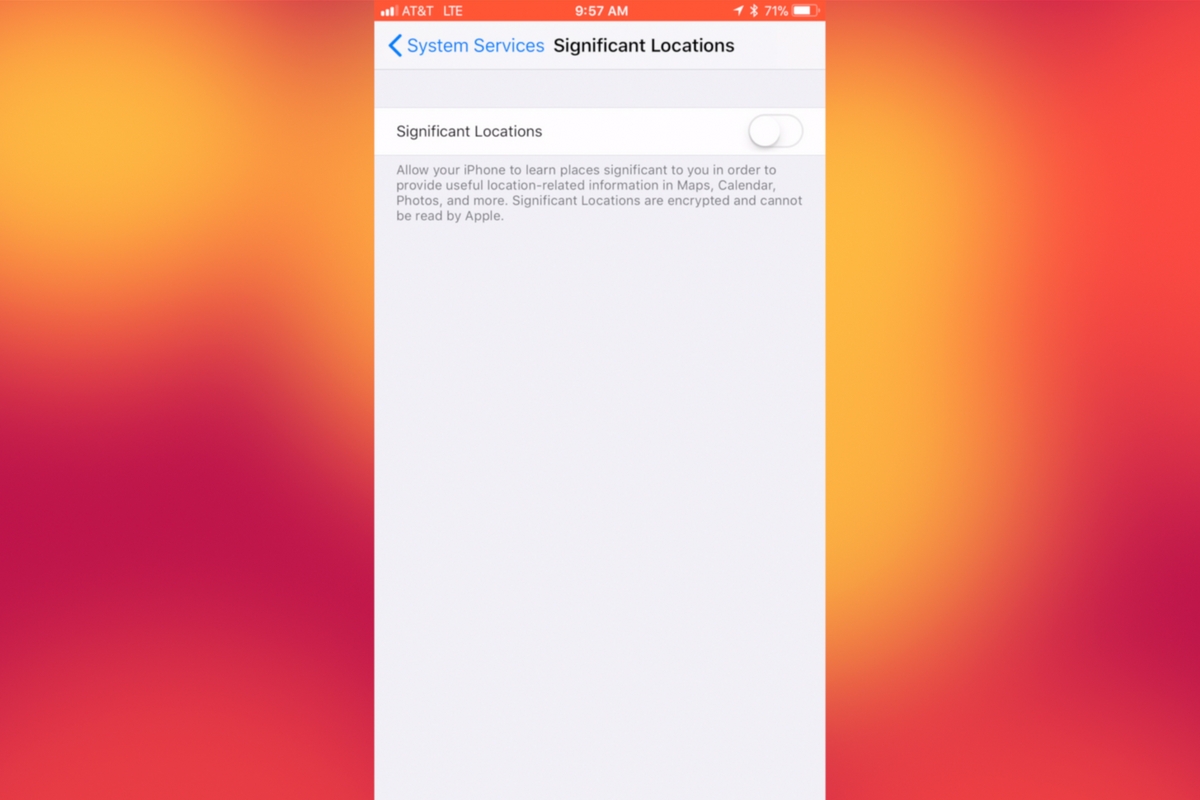
    I recently noticed that some of my photos and videos were still being tagged with a location. One of the most common pieces of advice I give to parents is to turn location access off to their cameras. I was a bit annoyed because I never saw location information in my Photos app before, but now I was. Well, I did a bit of digging and found the culprit. It’s about five taps deep into your privacy settings and, therefore, easy to miss. Below is a short video tutorial to help you be sure location info on your phone stays as private as possible.

    Why Turn This Off

    Your location information is easy to track and very easy to gather from the data in the videos and pictures that you upload to social media. There have been instances of kids being harassed by predators who learned where they were through images their parents had shared online. Common sense tells us never to post pictures or videos that show an address number, school name, or sign of a place you frequently go with your family. The problem is that some of the apps on our phones tag our locations by default. I recommend you look at every app’s location request and ask yourself, “Does this app HAVE TO know where I am to function properly?” If it does not, then turn off access to your location.

    Hopefully, this short video helps you make the changes you need to feel like your privacy is even more secure. I know I feel better.

  • PODCAST: Three Apps Your Kids Should Uninstall

    PODCAST: Three Apps Your Kids Should Uninstall

    Family Tech Update: These apps can be seriously dangerous for your kids. Adult content, privacy issues, stranger danger, all kinds of issues here, and some of them are only rated 12+!

    Social Media Links

    Facebook: http://facebook.com/becausefamily
    Instagram: http://instagram.com/becausefamily

    Twitter: http://twitter.com/becausefamily

    Newsletter Sign up

    Ministry Updates:: http://eepurl.com/R7Btr
    Weekly Blog Posts:: http://eepurl.com/cvnhXD

    Websites

    Ministry Site:: http://becausefamily.org
    Tech Blog:: https://safe.becausefamily.org
    Michael’s Speaking Info:: http://becausefamily.org/bookings

    Donate and Affiliate Links

    http://BecauseFamily.org/partnership

    All music/audio effects are public domain.

  • Instagram Letting Users Change Privacy Settings on More Sensitive Messages

    Instagram Letting Users Change Privacy Settings on More Sensitive Messages

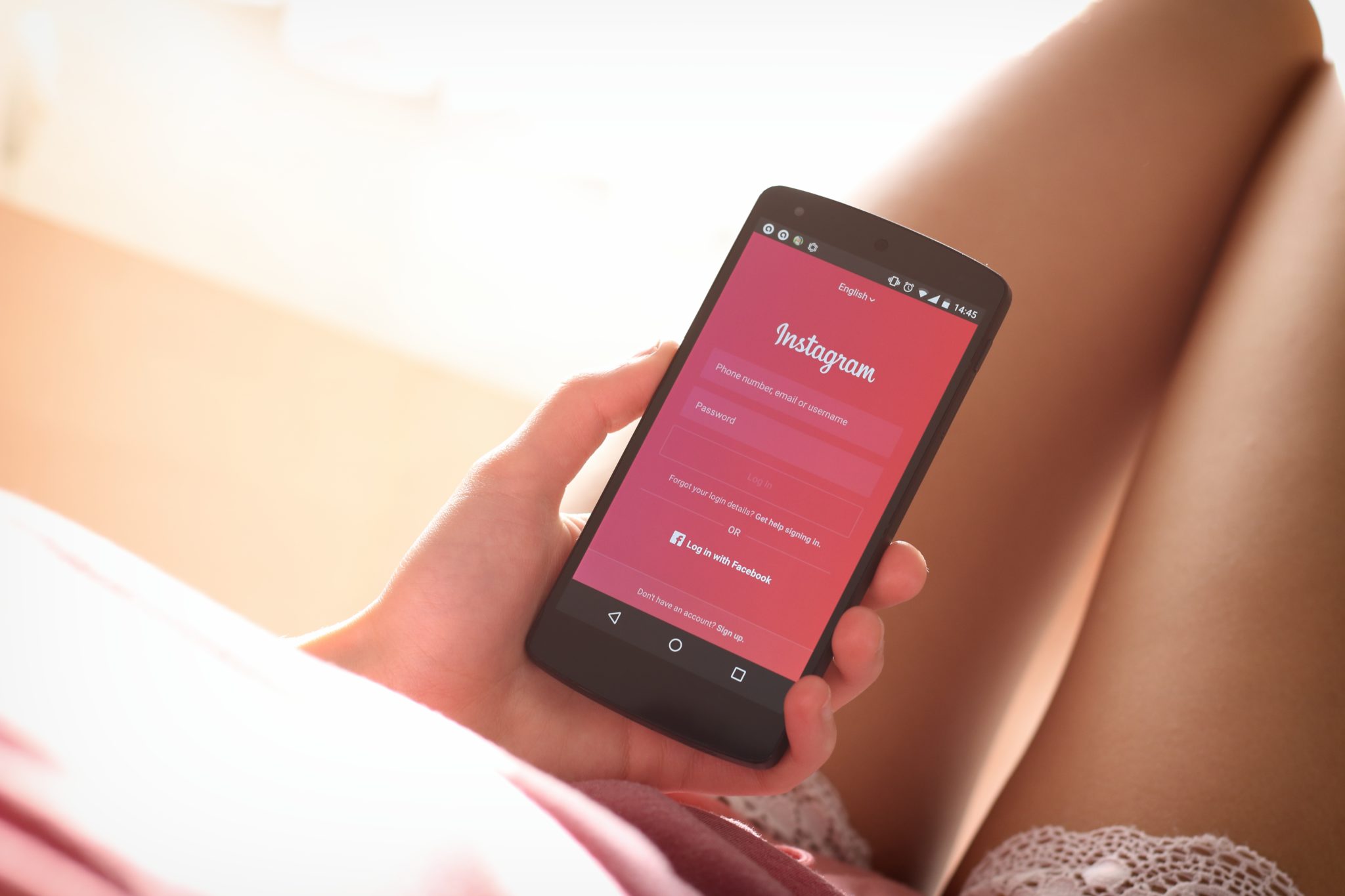
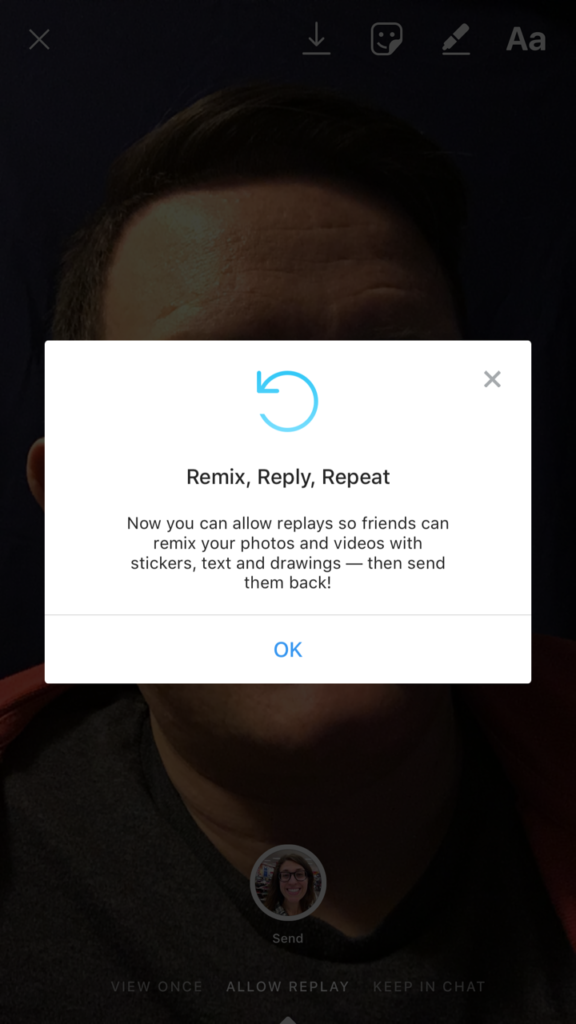
    Instagram has made an update that will let users set privacy settings on their private messages. With the options to “See once, Replay Once, or Show in Chat,” these settings provide a sense of safety when sending that “sensitive” message to someone. Until now, users could replay any message they got on Instagram, but the new Direct Camera settings will allow the sender to make the rules.

    Many are seeing this change as an obvious attempt to combat Snapchat in the disappearing-message department. There is still no way to change settings on your Snapchat private messages. Instagram and Snapchat have been competing back and forth for more than a year now and it seems Instagram is looking to take on the secret message market.

    What Parents Should Know

    As sexting becomes more common, the last thing parents need is another one of our kids’ favorite social media services featuring disappearing messages. The problem with sexting is that kids think there aren’t consequences for the messages they send. Something like a “See Once” feature is exactly what would cause your 14-year-old to give in to that pressure to send an inappropriate picture. Since they can’t see it more than once, nothing can go wrong, right?

    I’m not the only one saying that these features are meant for naughty images. It’s pretty much a given that when you don’t think these messages can be screen captured or saved, you’ll send whatever pops into your mind at the time. I’m adding Instagram to my uninstall list because of the addition of the see once and replay once feature. You’ll do whatever you think is best for your own kids but I’m going to call Instagram an 18+ social media app.

  • Facebook’s “Messenger Kids” App Launches on Android

    Facebook’s “Messenger Kids” App Launches on Android

    Today, Facebook released the Android version of their Messenger Kids app. This means it’s available on iOS, Android, and Kindle now. That should pretty much cover most families. Facebook Messenger Kids puts the control in the parent’s hands, making it easy by building it into the Facebook App and Messenger App that you likely already use. You can decide who they are allowed to chat with and approve or deny friend requests.

    CHECK OUT: Facebook Messenger for Kids! for even more info about the app.

    My family uses Messenger Kids, albeit with some strict time limits (1hr per day) which we enforce through Circle (all devices) and unGlue (our older child.) It is a great way to help them get a feel for chatting through a messenger without strangers, bullies, or the constant notifications or FOM0 (Fear of Missing Out) that can accompany tech addiction. Facebook built in a lot of the controls and made the app kid-friendly by not allowing gifs that don’t originate in the Kids Messenger app and not allowing messages to be sent to unapproved friends.

    What Parents Should Know

    Since settings are controlled through your Facebook account, parents don’t have to have the same type of device as their child. You can set up your kids’ messenger app on his Android through your iPhone, for example. Keep in mind how addicting it can be to message your friends. Remember not to give them access to approve or disapprove of their friends on Messenger, this defeats the entire purpose. I know it can get tiresome to always have to sign off on everything they want to do online but Facebook makes it pretty easy with notifications on your own app.

    Use something to manage their time, like unGlue.  Talk to your kids about only messaging people they know in person and let them know what to do if someone asks them something they aren’t comfortable with. They should know that they can come to you when there is trouble. Messenger Kids is a good idea from Facebook and they did a lot of work to learn what parents would want out of a messaging app for their kids. Now the app is available on all devices so, if your kids have people they want to talk with, use this as a way to keep them in touch safely.

  • Family Tech Update: “The Time Well Spent Movement” {podcast]

    Family Tech Update: “The Time Well Spent Movement” {podcast]

    There’s a movement to take back our time and curb our tech addictions. What does it mean for families and how can we take charge of tech addictions? Plus: Snaps can be embedded on any site, and coding is king, but not on a screen!

    unGlue Affiliate Link

    Facebook: http://facebook.com/becausefamily
    Instagram: http://instagram.com/becausefamily
    Twitter: http://twitter.com/becausefamily

    Newsletter Sign up

    Ministry Updates:: http://eepurl.com/R7Btr
    Weekly Blog Posts:: http://eepurl.com/cvnhXD

    Websites

    Ministry Site:: http://becausefamily.org
    Tech Blog:: https://safe.becausefamily.org
    Michael’s Speaking Info:: http://kmichaelprince.org

    Donate and Affiliate Links

    http://BecauseFamily.org/partnership


  • Two Ways Your Snaps Can End Up Anywhere On the Web

    Two Ways Your Snaps Can End Up Anywhere On the Web

    One of my initial internet safety tips for parents is to turn off location data for their camera. Many of them do this immediately upon hearing my advice. The problem, however, is that they then jump over to Facebook and Snapchat to use that camera and their location settings are as public as can be. Today’s news gives us even more information about how your location data is used by Snapchat and Snapmap.

    Embedding

    Snap has opened up the ability to “embed” a snap into a website. This means that if your snap is public, a code can be copied and pasted so that your post shows up on the site that contains the embed code. It’s easy to do and really isn’t a new concept since public Facebook videos and photos can be embedded by default as well. I’ve embedded a snap from Disney on Ice in Des Plaines, Illinois:

    SnapMap

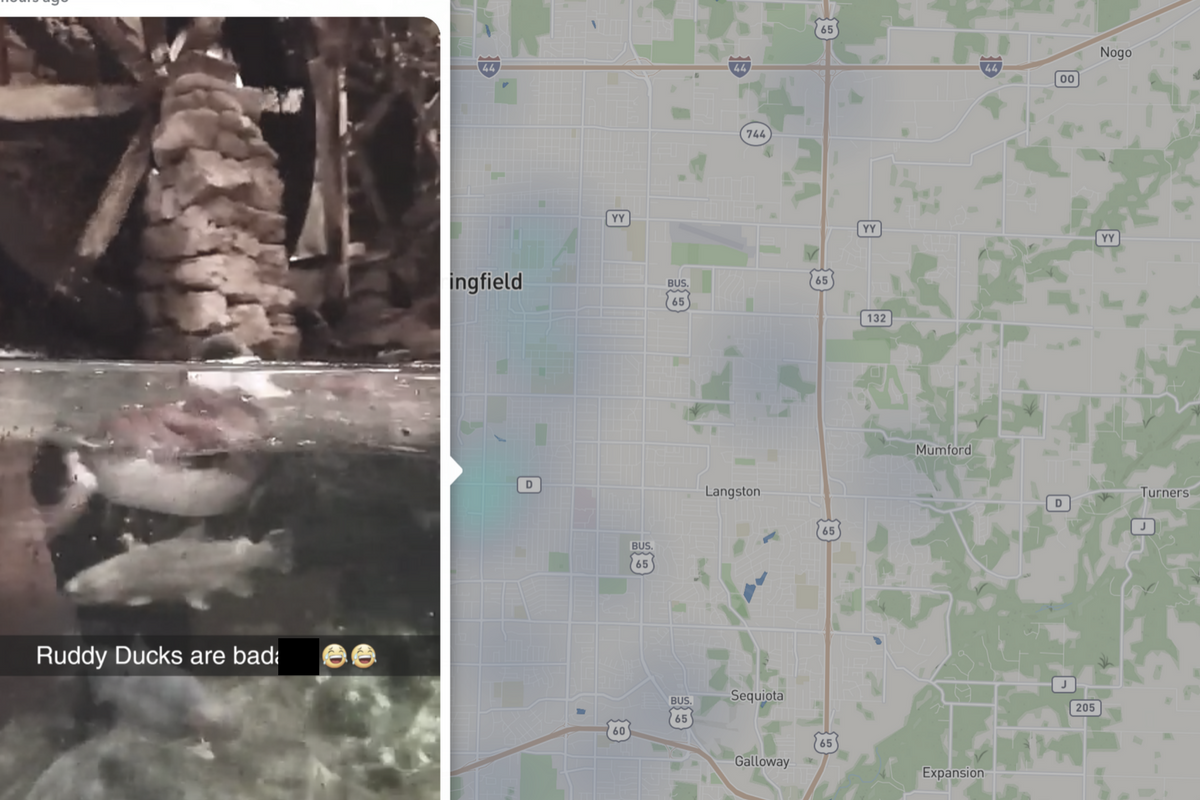
    Snapmap went into browsers today. This means that you don’t have to have the Snapchat app to see public posts overlayed onto a map of anywhere in the world. Concentrations of Snaps show up as colored dots that range from light blue (few Snaps) to bright red (high concentration of Snaps.) When you click on these colors you see the Snaps in a slideshow style format. They appear as most recent first and move to the past as you click or watch until the end of each post.

    Most of the Snap-map posts highlight breaking news (i.e. the recent ice storm in my area or a basketball game or concert) but it will sometimes feature posts from the general user if their posts are relevant and set to public. Posts are curated by a team of news editors. The idea is that Snapchat wants news organizations and sites to use their map to highlight current events and breaking news in real time. This offers a real opportunity to see real news, as it happens. It could also be dangerous if your kids aren’t setting their Snapchat settings to private or friends only.

    What Parents Should Know

    Location privacy is a major concern for parents. We post more of our private lives online than ever before and a map that highlights where we are and what we are up to can be considered a privacy disaster. Especially when it comes to our kids. Users of Snapchat are meant to be 13 years old or older. Some kids under than 13 spend a lot of time on the app, though, and their snaps are, therefore, available to be used as news coverage on this public map. I consider this a real problem for parents.

    I would recommend that if your kids use Snapchat, you ensure that they have their profiles set to private or friends only. Disable the Snapmap (put it in Ghost Mode) so that what they are posting won’t show up. Not taking these precautions could lead to your home address being featured on Snapchat’s map and even someone else’s website. Take location privacy serious. Talk to your kids about staying private, encourage them to never post anything they wouldn’t be comfortable being seen by anyone in the world. The internet isn’t private and social media is growing increasingly more public. Your kids need to understand that.