Tag: nintendo

  • Fortnite is Available to Play Now on Nintendo Switch

    Fortnite is Available to Play Now on Nintendo Switch

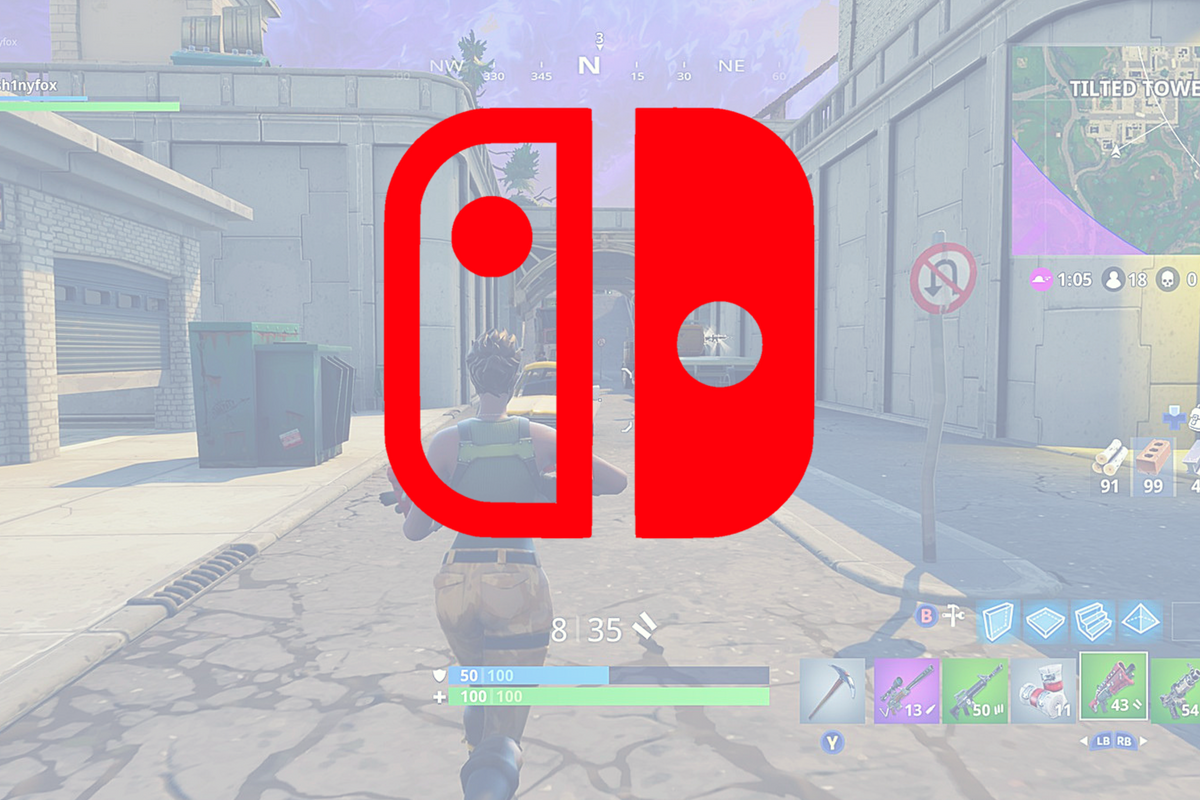
    At E3, today, Nintendo announced that the extremely popular battle royale game, Fortnite, is available to play on their latest console, the Switch. Fortnite is an online multiplayer battle royale game that rushed onto the scene several months ago and broke all kinds of records. The game is free to play on PS4, XBox, Android, iOS, Windows, Mac, and now on Nintendo Switch as well. There are some limitations, however, as PS4 won’t allow you to play online with players who use other consoles or computers to play. Also, Nintendo says they will be using a pay model for their online gaming platform beginning in September, whether or not Fortnite will fall into the pay to play category at that time remains to be seen.

    What Parents Should Know

    I wrote an extensive article about my thoughts on Fortnite. If your kids enjoy playing the game and have a Nintendo switch then they will likely ask to download it for their console very soon. Nintendo announced that it’s available now so be sure to keep an eye on what your kids are playing and installing and who they are playing with. Fortnite keeps pretty well with Nintendo’s seemingly family-friendly nature since the game is rating T for Teen and not M for Mature. While some Mature games are available on the Switch, most of the games produced for the console are rated T or below. Just keep in mind that multiplayer gaming is officially unrated and that Fortnite is famous because of the ability to play online with other players.

  • Nintendo Switch Launches New Parental Controls App

    Nintendo Switch Launches New Parental Controls App

    Nintendo has always provided good gaming console solutions for families with younger kids. Many of their games are family friendly and they were some of the first to try to provide a more active method of gaming. Nintendo Switch is no exception. The popularity of Nintendo Switch is growing and its versatility is one of the features that is feeding that growth. While the number of games available on release was low, the system is still selling well, breaking records in its first weeks. With it’s newest parental control app release, I think Nintendo Switch remains a good game system for families. 

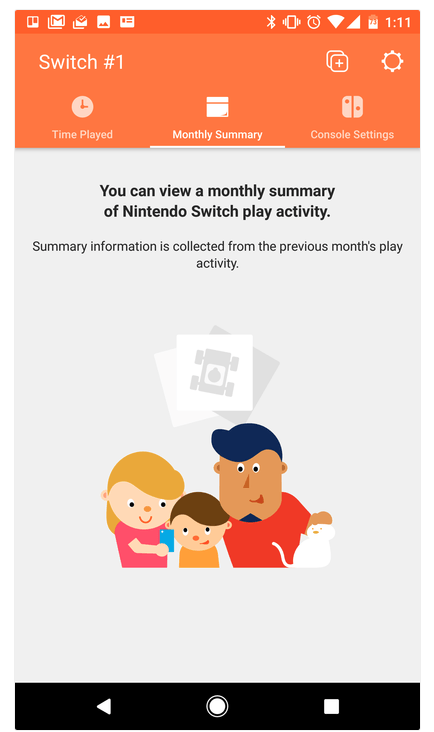
    The parental control app is free and available for iOS and Android. After installing the app you can sync it with the Nintendo account that is on your Switch and begin setting up age requirements, time limits, and sharing restrictions. This article has a good step by step on how to setup the parental controls on the app.  There are other features as well, such as a time played section and a monthly summary. If you have a Nintendo Switch then get this app as soon as you can. It’s another great way to protect your kids while they use technology.

    Don’t Stop the Conversation

    While this app is a great feature for parents it doesn’t eliminate the need for parents to remain actively involved in their child’s online and gaming experiences. Continue to have conversations with your kids about the games they play and how much time they spend on those games. Discuss healthy habits and time management. They need to learn how to make quality decisions in those areas and it’s up to you to teach them.

  • What Parents Need to Know About Super Mario Run

    What Parents Need to Know About Super Mario Run

    Guest post by John Wilkerson of The Wired Homeschool.

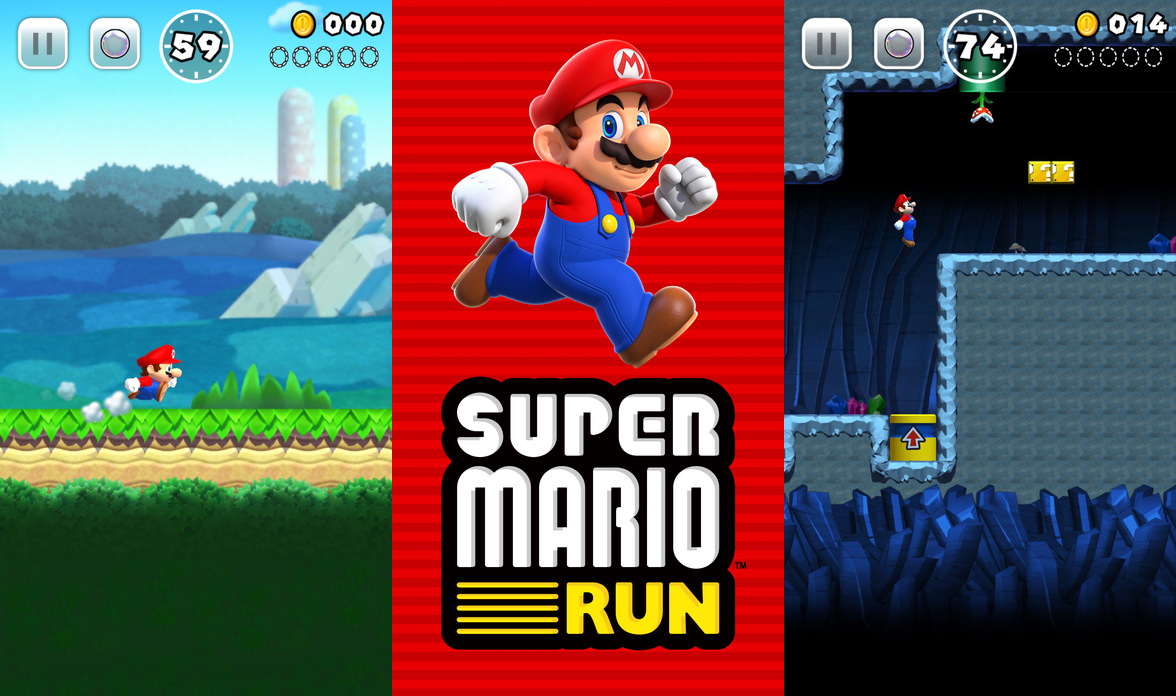
    Super Mario Run, announced earlier this year, is the first highly anticipated mobile game from Nintendo. Initially released for iOS devices, it is expected to be released for Android early next year, parents can expect to hear about the chart-topping app for months to come.

    On its first day, Super Mario Run was downloaded 2.85 million times according to Apptopia which broke the previous record of 900,000 downloads held by PokÈmon Go. That means if your child hasn’t already installed the game, they’ll want to soon.
    About the Game
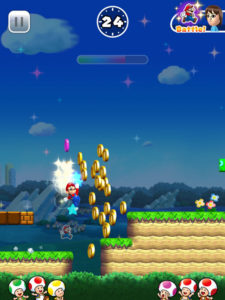
    Super Mario Run is a single player, side-scrolling, endless running game where players guide the eponymous Mario through several worlds to rescue Princess Peach from Bowser. Along the way players collect coins while trying to avoid Bowser’s minions and falling off the screen. If you’re a fan of Super Mario Brothers this sounds familiar to you.

    Nintendo has done a good job of making this game unique. It’s not just a simplified version of a very popular game from the 80’s. It has unique game-play elements that will entertain you and your kids.

    The game has a mini-games within it which can be unlocked by earning tickets. You earn tickets by collecting all the pink, purple, and black coins on each level. You can also recruit Toads into your kingdom to restore it to its former glory.

    Initial and On-going Costs
    The first 3 levels of Super Mario Run are free. To unlock the remaining episodes you’ll need to spend $9.99. While this seems like a lot for a casual game, keep in mind that there are no in-game micro-transactions. No need to worry about Johnny or Sally running up your bill.

    Additional Features
    In addition to earning bonuses in the game, bonuses are given for connecting your Nintendo account. If you or your child don’t already have an account, you can create one in your device’s browser.

    Players can also connect with friends by sharing their player ID, linking to social media accounts, email, text, or adding someone’s player ID manually. Once you’re friends with another player you can challenge them in Rally Mode.

    Final Thoughts
    Super Mario Run is a fun game that you and your kids will want to play. It’s challenging and the nostalgia factor for adults is certainly what’s driving its popularity.

    As with any game, parents need to be aware of a few things:

    1. If you link to or create a Nintendo account you should be aware of the privacy policy.
    2. Linking to social media accounts brings with an additional set of privacy issues.
    3. While initially free, the $9.99 price might seem high but there are no micro-transactions.
    4. There is the potential that your child will spend too much time playing it.

    About the Author: John Wilkerson is a homeschooling dad of 7 living in upstate New York. Through his podcast and blog, The Wired Homeschool, John has been providing practical advice to parents on using technology in homeschooling for over 6 years. Connect with John on Twitter: @jwilkers.