Kik has been popular with kids and pre-teens for some time. It’s a messenger that allows them to chat over wifi using a made up profile or “display name.” The app recently joined the likes of Snapchat, Instagram, WhatsApp, and FB Messenger by adding group video to the mix.
Then, a few days ago, a new app called Fam came onto the scene. Fam allows group video chats within iPhone’s iMessage. When iOS 10 released for iPhones it came with the ability to add and utilize apps, stickers, and games within the app itself. This has opened up the ability to put in GIFs, use emojis that aren’t available on your keyboard, and even share music or money with just a few taps in the iMessage app. Now, Fam is capitalizing on those abilities.
How Does it Work?
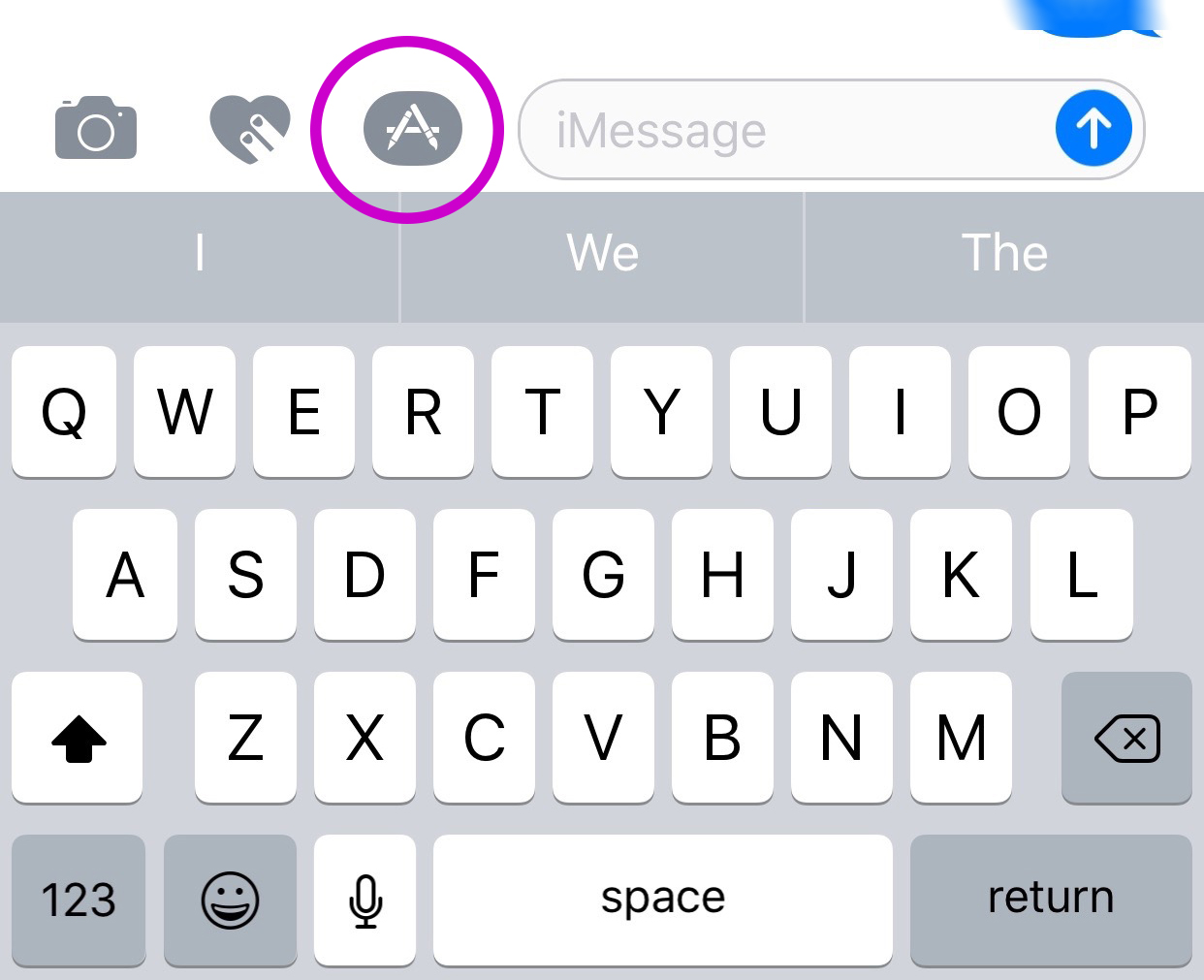
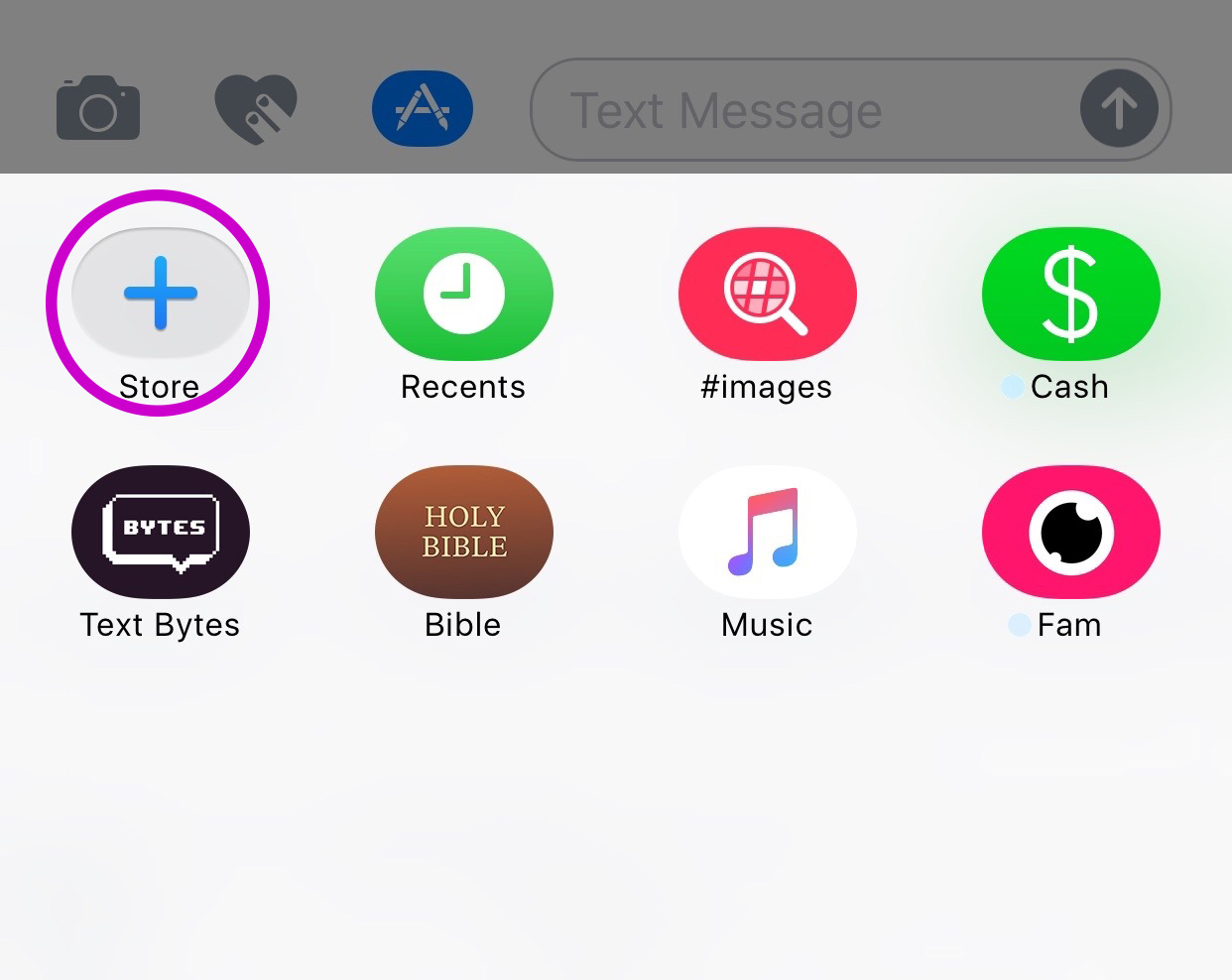
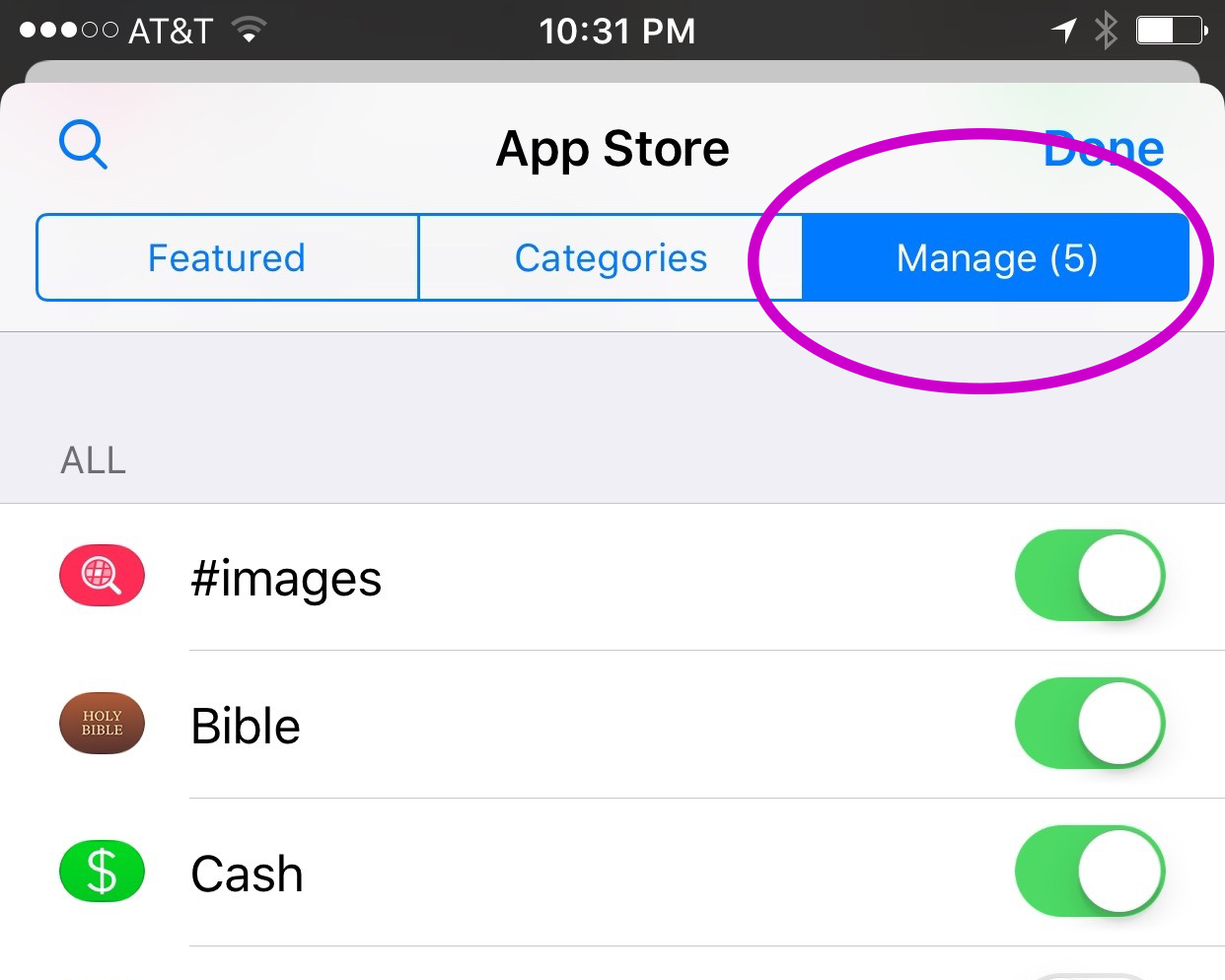
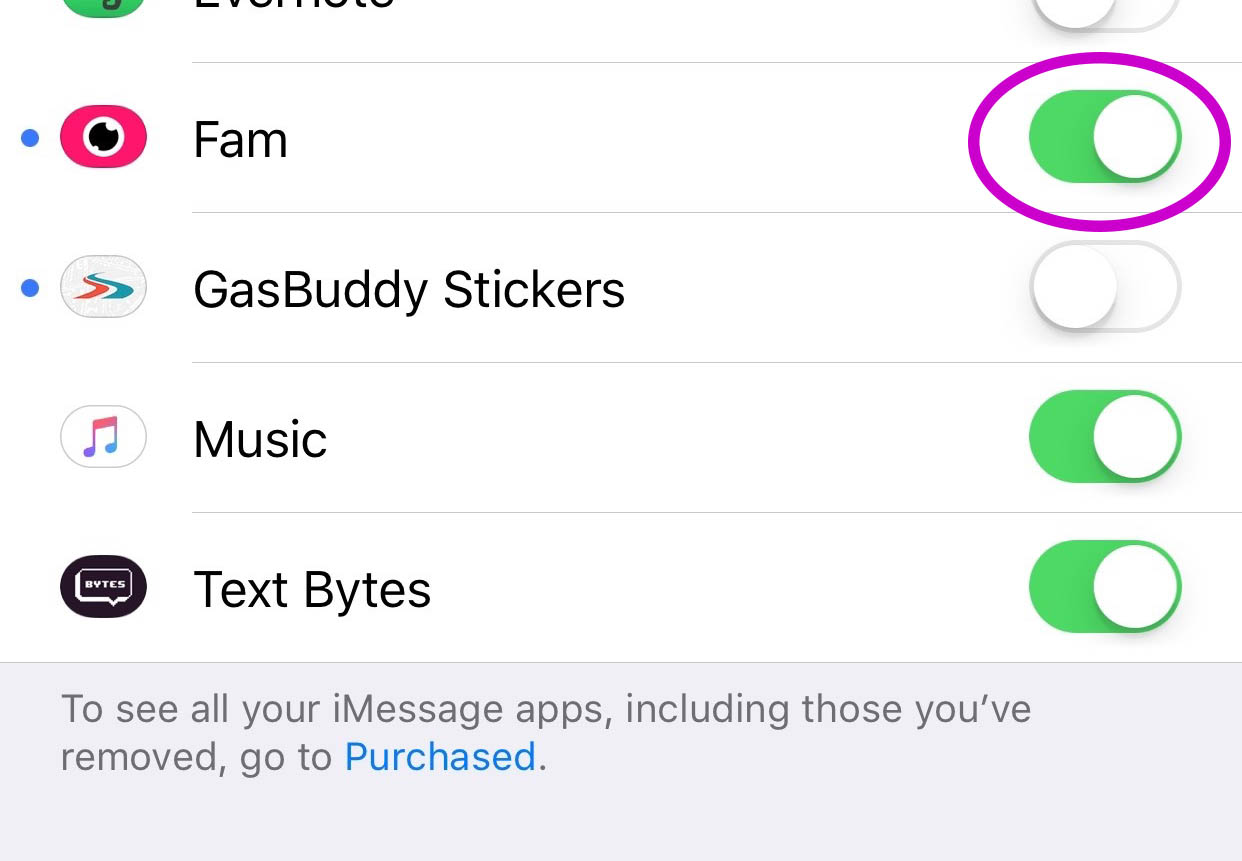
You’ll have to find the Fam app in the app store and install it. Once it’s on your phone you can activate it by selecting the apps icon next to your text box and then the small icon that looks like a group of app buttons on the bottom left. Next you’ll tap store, and then the manage tab on the upper right. Once you toggle Fam to be active it will show up within iMessage (your text messaging app) alongside your other apps. Once you have it you just have to tap the “Create Video Chat” button and it will send an invite to up to 8 people in your iMessage thread. (See the gallery below for those instructions with some photos.) If your friends have the app installed then they’ll be able to join right away, otherwise they’ll have to go install and activate the app too.
What Should Parents Know?
The dangers with video messaging are pretty obvious. If your teen is wanting to have an inappropriate video conversation with someone there are plenty of options to do that. The truth is that group video has become a mainstay. The conversation in social media and tech circles is that having group video chat available is now expected on any and every social media platform. As a parent we have to understand what apps can do what and know how to disable certain features if you decide it’s best for your family.
That said, Fam is a pretty neat addition to iMessage. I was excited when they added the ability to put apps in iMessage and apps like Fam are precisely why. This is a way to communicate over video with the folks you contact the most. I will most likely use it, that is, if the people I talk to would be willing to install it.
I recently spoke to a father who was trying to make the best decision to let his daughter get her cell phone back after losing it due to some behavior her parents didn’t approve of. My recommendation was that they take baby steps and I advised him to not let her have any messaging apps, to only allow her to use the basic text messaging on her phone. There was a time when that would keep you away from a lot of the danger. The dangers of some of those messaging apps is the creation of often anonymous accounts. Your kids may not always know who they’re talking to. A video messaging app in iMessage (which uses only their contacts) can help keep that from being as much of a fear.With apps like Fam stepping into the light, though, I have to emphasise the importance of checking out your child/teen’s phone every now and then. Look at the apps they use and even the apps they use in their messenger. Read through some of their conversations and make sure you know everyone on their contacts lists. If you don’t you should be finding out who they are immediately. Especially since they can now have a video conversation with your kid.