I was contacted this week by a parent who was shocked to find that adults had been chatting with her young son in Disney Heroes, Battle Mode, an app rated 9+ in the Apple App store. She sent me screen shots in which players were asking her son if he was a boy or girl. They asked how old he was and where he was from. One of them even confessed, “I am not a kid. LOL.” Obviously, when his mother found these messages she was extremely concerned, she removed access to that game and set some limits for their whole family for a while. Then, just a few hours later I received a link from a concerned parent about an app in which people are posing as employees of the game company and asking children to send pictures “without a shirt on” to prove their age. She asked if this was true and my response was that yes, these things are happening every single day. Here’s why these predators can gain such easy access to our kids.
Disney Heroes Battle Mode
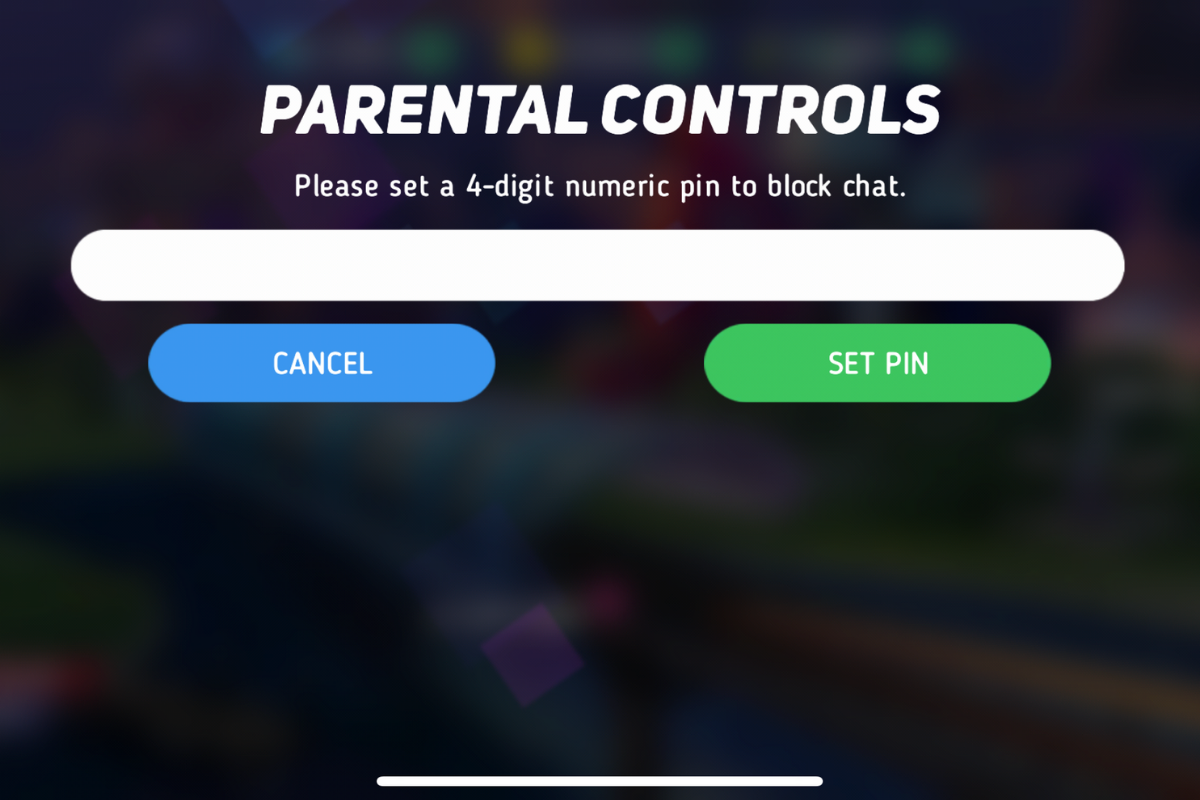
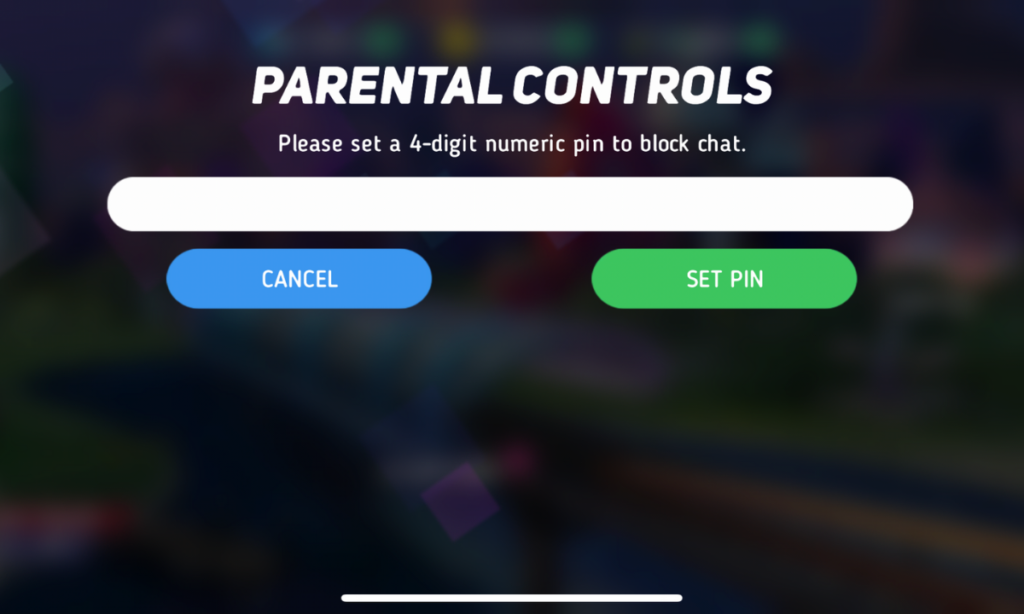
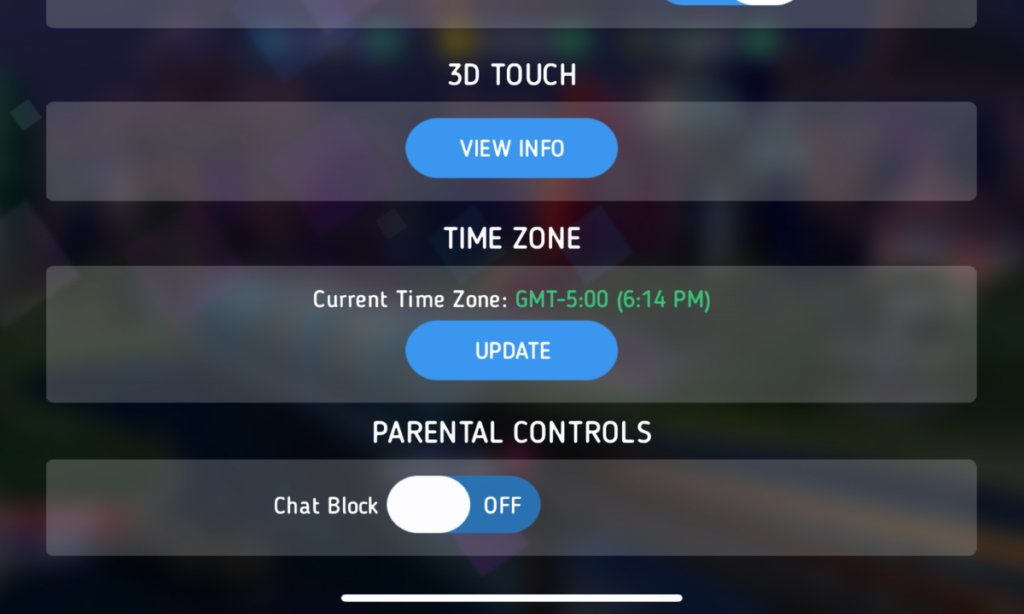
After hearing about the trouble with Disney Heroes Battle Mode I downloaded the app to see what it was all about. After a short cenimatic and then playing through the tutorial you get a notification that the app has purchases built-in and that you shouldn’t be under 13 (app is rated 9+ in the app store. if you want to play. I simply tapped continue and moved right past the warning. No age verification, no password, no face id, nothing. Once in the app I started looking through the settings. I did find controls for the chat feature, including a password protected on/off toggle for chat access. This was good to see, especially since the issue I was researching had to do with chatting.

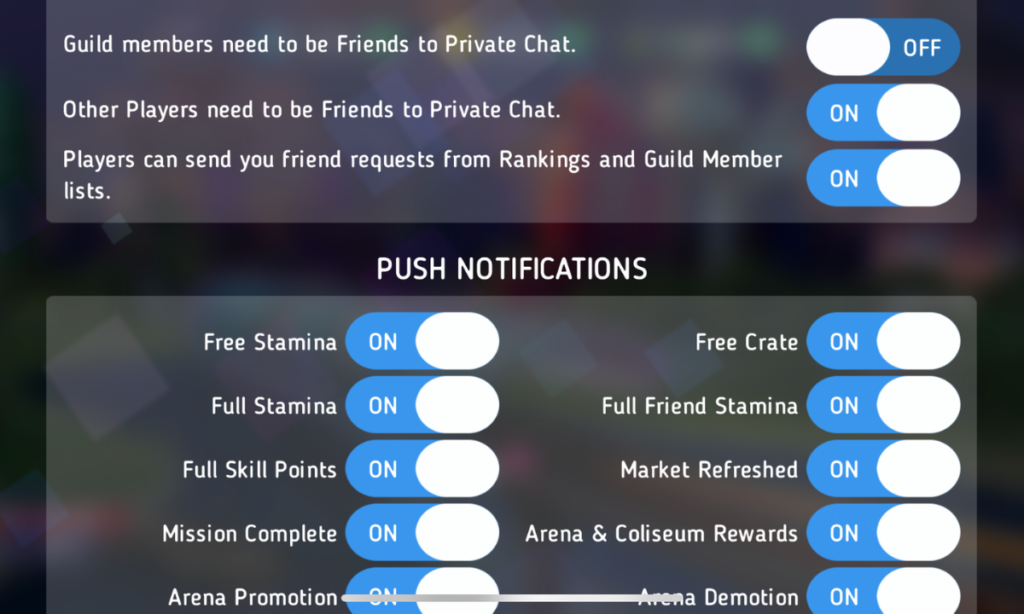
The problem is that apps like Disney Heroes give parents a false sense of security. The app is made by Disney, the company’s name on anything makes many parents think that the product is made with their kids’ health in mind. This could not be further from the truth. Disney is out for exactly what every other major corporation is out for, their financial bottom line. We have to remember that data is big money and apps that are made for kids collect just as much data as any other app. Data that is personalized to a user is worth more money which means app developers need users to make an account to sort and identify their data more easily. The easiest way to convince app users to create an account is by making it the only way they can chat with friends in the game.
What Parents Should Know
I recommend taking a look at the game your kids play on their pones or tablets. Just because the game features cartoon characters doesn’t mean there aren’t adults playing the game. If the game has a social feature like chat or friend-mode you can be sure that your kids will be contacted by strangers. Look in the settings, preferences, or options of the games to see if there is a way to turn off chat mode. If they don’t allow you to disable social features, I would uninstall the game and encourage your child to find a different game to play.
We must remember that the companies that make these games offer them for free because their money comes from in-app purchases and advertising. In order to make money they have to keep people playing the games as long as possible. Research shows that there is no better way to keep someone in your app than social engagement. People will be sure to keep coming back if they have friends in the game to play with or against. This means that they will continue to put these social features in their games and while app stores may rate these games as safe for younger children, my rule is that if it has a social element it should be for kids older than 13. Even then you should ensure that you child understands what they should do if they are approached online by a stranger and encourage them to tell you if someone makes them uncomfortable in any social engagement online. We can do our best to protect them from this software but nothing is more affective in preventing these dangerous encounters than teaching them how to recognize them and end the conversations immediately.

Podcast: Play in new window
Subscribe: Apple Podcasts | Spotify | RSS