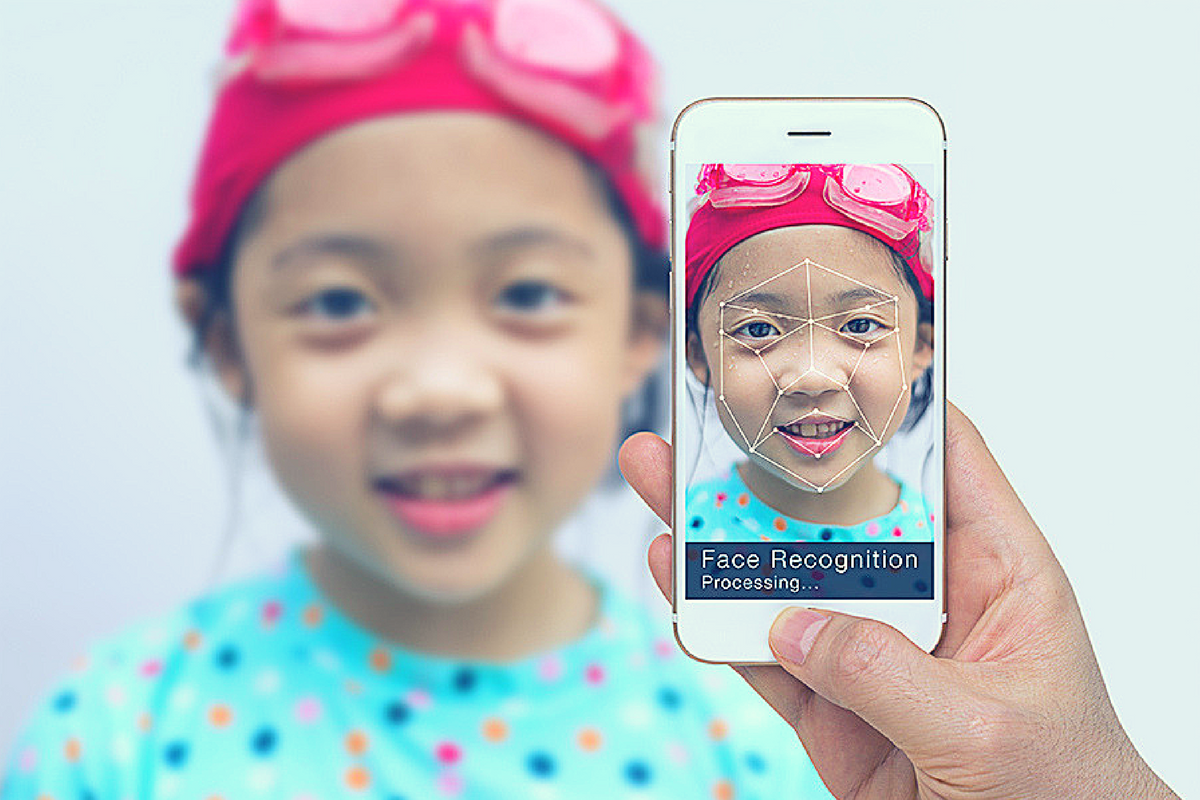
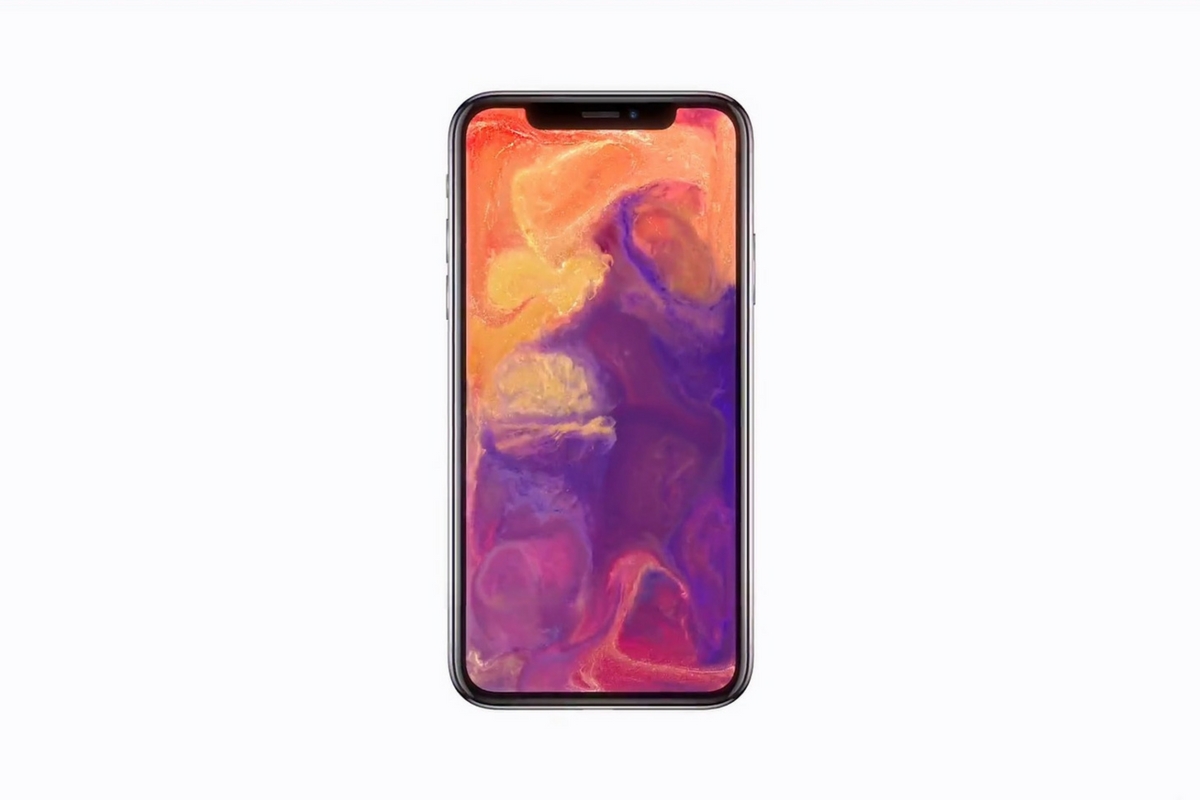
Facial recognition is one of the hot-button topics of 2017. iPhone is featuring it now, several social media platforms have been using it for a while to help you tag your friends in photos. In fact, Facebook has just announced how they’re using facial recognition to help the blind learn more about photos on their timeline. Artificial intelligence in our social media timeline tells us what images and posts we want to see first, it identifies who is in our photos, it even decides what ads we will be most likely to click on. Social media isn’t the end of facial recognition AI, though. As I prepare to head to Las Vegas for the Consumer Electronics Show (thank you, by the way, your readership of this blog made that possible) I see more and more smart-home and gaming tech using facial recognition for their main functionality.
Security
The application of facial recognition in security tech should be pretty obvious. Amazon has a camera that you mount outside your door that will only allow approved delivery people into your home to drop off your packages. Smart security tech will use motion sensors and facial recognition to identify who enters a room and determine if they belong or not. If you aren’t approved, an alert goes to the homeowner and they can decide to alert the authorities or not based on seeing the picture that the security device took of you.
Smart Home Tech
Smart home technology isn’t early market anymore, it’s actually becoming more of a mainstay in the American household. People are calling out to Alexa, Google, and even Cortana more an more every day. The latest technology will be featuring the ability to recognize you and adjust the “settings” of your home accordingly. Think lights dimmed, music on to your playlists, coffee part started, and your tv turned on to your favorite channel. Most of the latest smart home tools are putting cameras on their devices and making facial recognition standard in their algorithms. That means that more and more “affordable” or “budget” devices will be scanning your face. When you pay less for similar tech, what you usually save money on is the privacy and security side of things. You have to be careful to understand the security settings and privacy policies of any “smart” device you purchase.
What Parents Should Know
Every single new tech development has the challenge of balancing convenience and progressiveness with security and privacy. Having your lights come on because a device saw your face walk into a room sounds like a really convenient thing. Being alerted by Facebook when someone uploads a picture of you is a great idea. It can help you keep photos you don’t like of yourself off of the internet or just help you make sure you are tagged in the photo you’re in. If all of these new technologies can ensure that your identity is secure then it’s a great way to use the latest developments to add convenience to your life.
My advice with the newest releases is always to wait a while. Let the lawsuits and hackers do what they will before you own one of the devices and your personal data is in jeopardy. Once it’s been out for a while then maybe integrate it into your life, but only if you know how to set it up and secure it properly.