This is a special crosspost from my other podcast, Raising Connected Kids.
Click the banner below to check it out.
WELCOME to Raising Connecting Kids the podcast that answers your questions about the connected world your kids are growing up in.
I get multiple questions a week. Sometimes through email or FB messages and sometimes face to face at an event or meeting. In this podcast, I’ll be answering the most common questions I’ve had and even, your questions. Email me at BecauseFamily@gmail.org to get your question read and answered on the Podcast.
Question 5: What are some good things about our technology?
Since we’re distancing ourselves, perhaps we should focus on some of the good things our kids can use technology for. Here are some ideas and safety tips for using Tech to your advantage, not your detriment.
Thank you again for listening to Raising Connected Kids, the podcast that answers your questions about the connected world your kids are growing up in.
Share the show with your friends and leave a review on your favorite podcast app to help spread the word.
Remember to visit BecauseFamily.org/partnership to partner with us as we protect children and teenagers by bridging the technology gap between them and their parents.
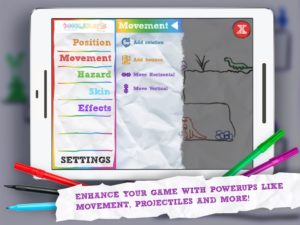
Doodlematic lets you take a picture you’ve drawn on paper and turn it into a playable mobile game.
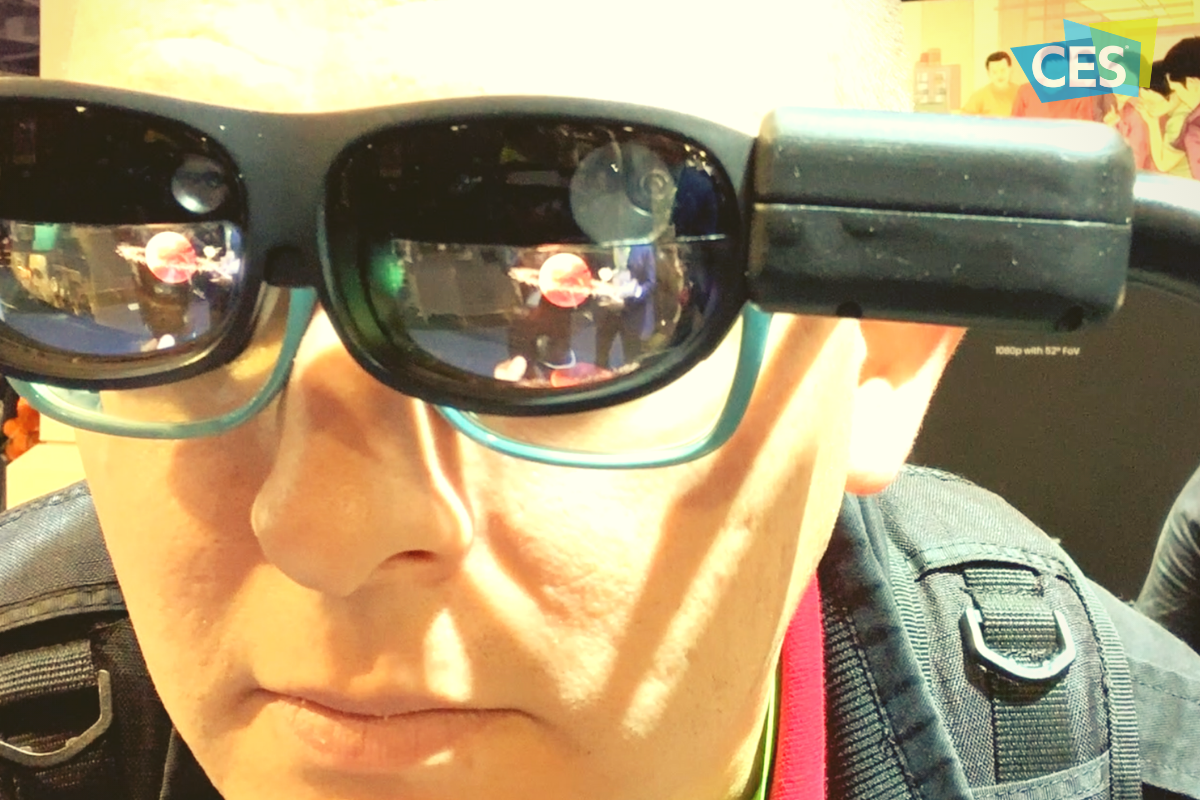
I met Martin Horstman, the dad who developed Doodlematic at CES2020. He talked me through how you can take any kind of art, as long as it uses the colors the APP recognizes, to create a real playable mobile game. They sent us their box set and we were able to play with it. My son had a blast drawing out games, especially platformer games that you had to jump from platform to platform an achieve goals.
To use Doodlematic, you simply draw the game on paper, take a photo of it, the APP processes it, and then you play. You can then share it in the Doodlematic app and other people can jump in and play your games if you’ve allowed them to be public.
How it Works
There are two types of games you can create on doodle matic. You can make the platformer, like I mentioned already, or you can make an Angry Birds style launch game where you shoot your “avatar” over to knock over targets. It’s all based on a series of different colors that create different types of objects in the game. Anything black is your platform or your ground. Red is obstacles, things that get in your way and end the game when your avatar touches them. Blue items are your goals and anything green is your character or avatar.
Your avatar jumps from platform to platform trying to grab the blue goals while avoiding all of the red obstacles. The app uses the colors to develop the Games behavior. This allows kids to basically make the game whatever they want it to be. The best part is there’s a lot of trial and error. I don’t know how many times my son drew something, took a photo of it, and then realized game just didn’t work properly. Not because the app was messed up but because his drawing didn’t allow the Doodlematic to do what it needed to do to make the game playable. Back to the drawing board, literally. Just a few fixes here and there and the games was doing what he wanted it to.
What You Get
Doodlematic comes in a box with notebooks to guide you through the game creation process. It takes you through a step by step tutorial showing you what to draw and how to use that to create the behavior you want in game.
Doodlematic is probably usable for any kid over three years old. Once they can draw a little bit and grab a pen or pencil, they can create a game in the app. There are some advanced controls you can set up that make things move back and forth constantly or make the obstacles do things. You can learn how to do that as you gain more experience in Doodlematic. However, all you have to do to get started is draw with the proper colors and play your games.
Apps like Doodlematic are great for kids because they teach them that trial and error process that’s necessary in developing any kind of technology. If you’re learning to code or if you’ve done any website building or graphic design you know that there’s a lot of times you start to create something that just cannot work. Then you have to go back to the drawing board. Doodleatic gives you a similar experience but it’s also still fun. It doesn’t take away any of the excitement because you know what you did wrong and can fix it.Then, suddenly, your game is working. That sense of reward and excitement is real and kids love it.
I have four kids. All of them have loved Doodlematic. My boys loved it. My Girls Loved it. My twelve year old loved it and my five year old loved it too.? I recommend checking it out at the website below and getting your family into Doodlematic and make yourself some games. You’ll love it.
Using technology to teach the love of reading isn’t new. Amazon and Barnes and Noble did it with their Kindle and Nook. Now we’re seeing products come out to help children love reading as well. The show floor at CES2020 had several products designed to teach the love of reading. Here are a couple of those products I thought were super unique and cool.
Bookinu
Audiobooks are a great way to consume content while you’re busy doing other things. Reading out loud to your children has been touted as critical for their development. Some products give your kids the ability to hear books being read to them but Bookinu allows the narrator to be you.
Bookinu is for children from three to seven years old. It encourages them to love reading through an easy to use app for parents. Moms and dads open the app and read any book they would like into the app. You put a sticker on the book and scan it with the Booking. The Bookinu will then playback your reading of the story through the Bookinu devices so that the child is hearing the book read to them in your voice. It is very easy to use and can be taken anywhere. It can store books internally so that you don’t need a wifi connection to play the content for your child. There is also a headphone jack and a speaker built-in.
Dipongo
“Dipongo is the first creative app for personalized stories mixing both real and virtual worlds.” – Dipongo Website
Using voice recognition the app chooses the right story for kids based on their likes and dislikes. You then use tangible objects to influence the story through photos and augmented reality. Kids create, draw, build, and mold to get the story to continue. The story changes somewhat based on what you choose to insert into the narrative. If you build a bridge to get over the valley they’ll cross it. If you take a photo of a plane, they’ll fly across.
Stories on Dipongo are co-authored with childhood and creativity professionals. The award-winning app was designed to educate kids on problem-solving, socialization, and contributing to a story. Watching the example on the show floor at CES caused me to smile a silly grin that wouldn’t go away. The cute characters and unique challenges are sure to keep your kids entertained for a long time, all the while teaching them some very useful skills.
Counterintuitive?
It may seem silly to use technology to try and encourage your kids to love a not so tech-centric activity like reading. Why not harness something they already use to encourage such a helpful skill. If reading out loud to our kids is such a great thing then an app that lets us read to them whenever we would like can only be super helpful. If we don’t allow it to replace the times we sit with them in person it can be a great tool. Using behaviors from Alexa and GoogleAssistant to read to our kids is neat but the voice of their parent isn’t being heard. Bookinu gives loved ones the ability to re-insert themselves into the read-aloud activity that is so beneficial.
Giving older kids a way to interact with stories through augmented reality and building with tangible items is a wonderful idea also. This allows them to get lost in storytelling in a way that they may have never before. Storytelling and creativity is critical and will always be skills that kids can harness to be successful in the future. Dipongo gives them a head start on those problem solving and storytelling skills.
The goal is to find tech that entices our kids to learn and gives them tools that they’ll need to succeed. There is a lot of tech out there that distracts our children and can even become harmful. I was excited to find these two options that give parents the ability to harness their kids’ love of tech to encourage a love of learning. The love of learning will serve their children well for the rest of their lives.
I have said it before, there will likely not be a lot of low wage jobs available for our youngest children when they reach employment age. We’re seeing burgers ordered and prepared by machines and having our groceries check out, stocked, and even bagged by computers and robots. What will be necessary is the workers who know how to operate those machines and program those computers. That is why coding education is becoming so important. It is important for our kids to have toys that teach computer science and coding.
There is never any shortage of coding toys available at CES. While many have seemed to be copycats of things we’ve already seen, there are some cool options out there. Here is a look at some of what I found to be most interesting.
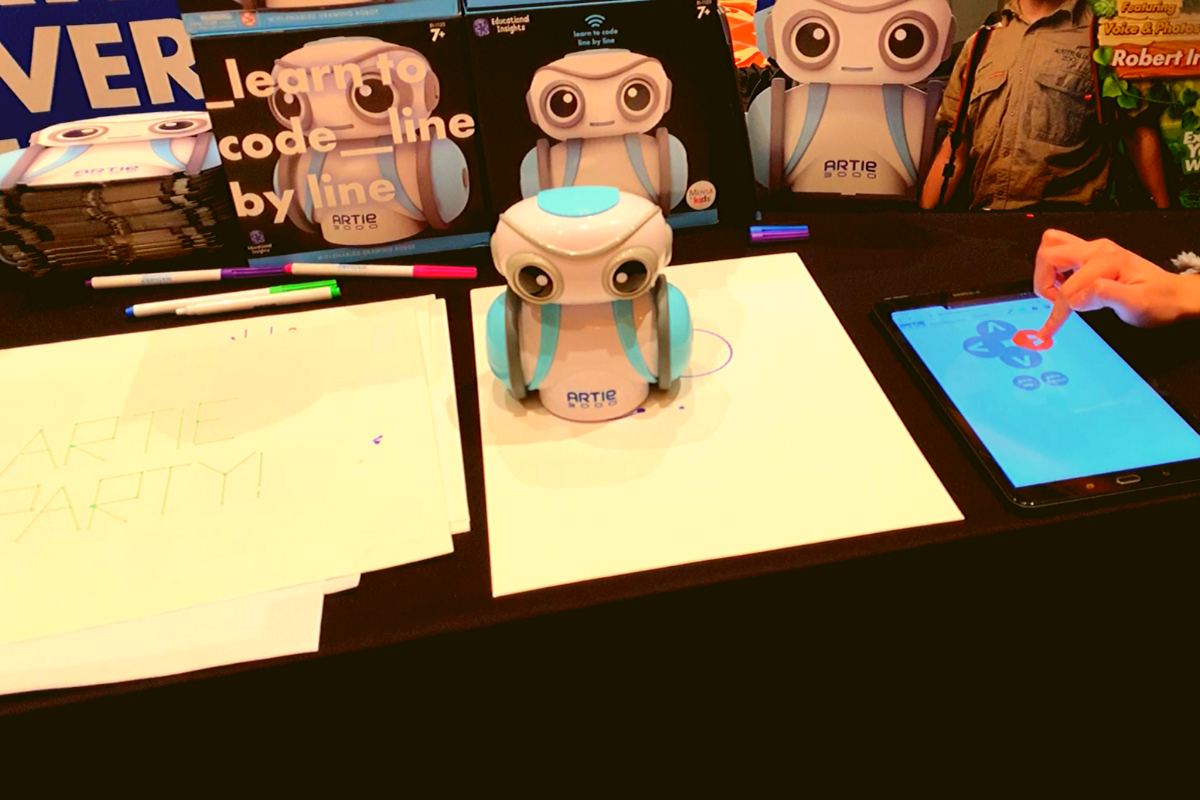
Artie3000 is an artist. He’s a cute little robot that draws pictures based on the code you enter on his app. He comes with preprogrammed designs, shapes, and games and there is a library of videos to let you learn all about what Artie can do.
Artie introduces coding logic and basics, encourages creativity, and provides STEM and STEAM education. He is secure with no connection to the internet, his app is designed to work one way, from the tablet to Artie himself. This keeps your kids offline and out of danger. Artie also doesn’t collect any data from the user. That’s a huge plus.
Watching Artie draw was cool. He is intended for kids above 7 as some of the coding assignments assume you’ve learned a bit of the logic already. I think the blending of robotics, programming, and art is a big win for parents since some of our kids may not see the benefit of coding robots. Our more creative type of kids may see a benefit to robotics and engineering after all.
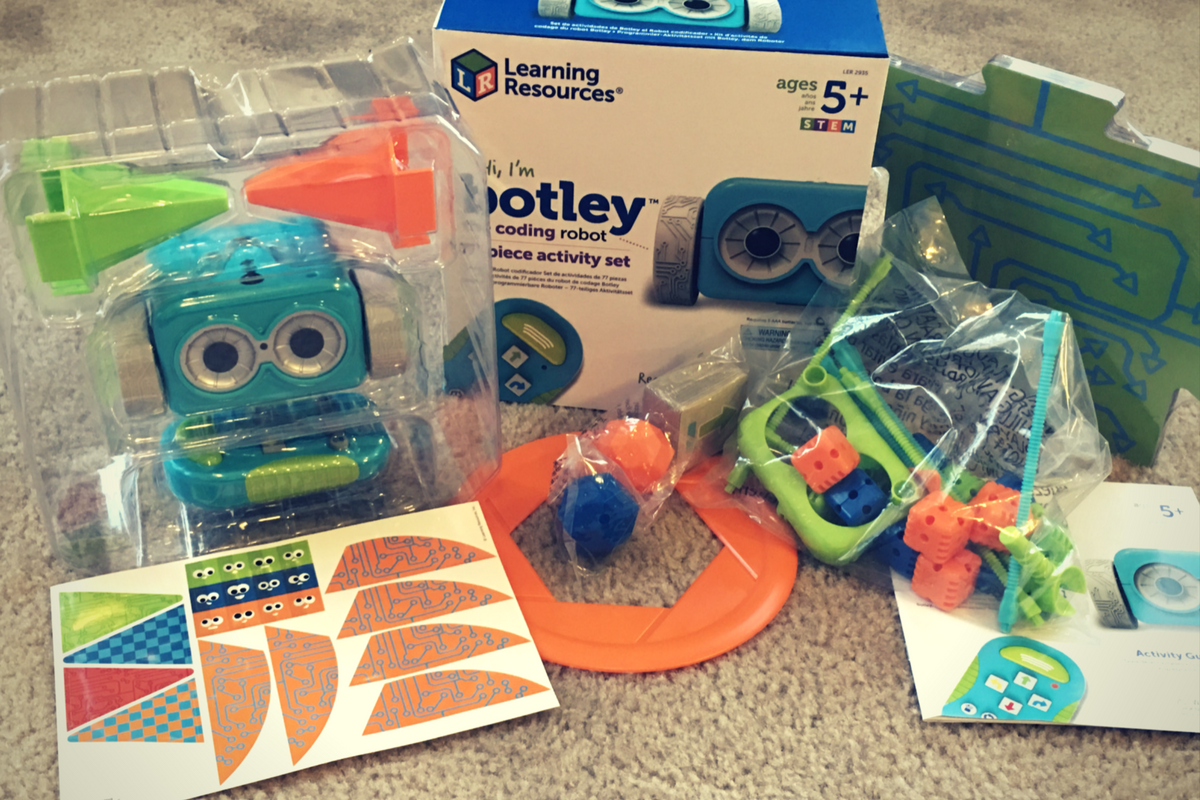
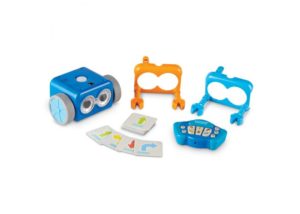
My kids love Botley. They’ve put hours and hours into programming him to go through their obstacle courses and tracks. It has proven to be a fun way for them to learn the language and logic of programming. I don’t know how many times I have said, “If he isn’t doing what you want, it is because you didn’t input the right commands.” That, my friends, is the essence of programming and coding in a single phrase.
Botley 2.0 brings the same adorable robo-friend with some new behaviors and lots of cool new features. He lights up in the dark thanks to his new light sensor and he can use those lights to do a programmable light show. He also features a Simon Says type game and code by color features.
Doodlematic
Doodlematic is an app that takes any photo that contains the color combinations required and turns it into a playable game. Kids can draw a picture with markers, paint a scene, or even bake a cake using red blue and green icing. When they take a photo of their art and import it into the app it applies features to each color, turning into a game that they can play. Blue becomes collectible targets, green is your character and red turns into platforms and scenery in the game. Doodlematic isn’t a coding app but it is a really neat way to get your kids who are interested in gaming and making games into drawing out their ideas on paper first.
Doodlematic isn’t a coding app but it is a really neat way to get your kids who enjoy playing and learning about video games to design their own. It even rewards them for using paper first. I am really excited to play with Doodlematic with my kids. I know they’ll have a blast challenging each other to the games they’ve designed.
Important Skills for the Future
Having toys that teach computer science and coding is very important for our kids. There are a lot of toys that teach computer science and coding but I liked these the best. One of these options doesn’t even use a screen while the other two combine tangible products with the screen to teach computer skills. These toys are getting better and better at teaching our kids. I highly recommend you check out these items. Maybe one of them is something your kids with truly enjoy.
One of the hottest topics of last year’s CES was coding education. This year was no different. From the show floor to the FamilyTech Summit ed tech was all the rage. It wasn’t limited to coding, though. There were plenty of products at CES 2019 that featured ways to teach kids how to code, use their creativity, and even build their own robots. Most of them used an app on an iPad or Android device that used Scratch or JavaScript (two coding languages) to program a toy or robot.
My favorite toys were the ones that didn’t use a screen to teach coding concepts. Those were a bit few and far between this year but there were some pretty fun options. Coding Critters was one that is meant to teach coding logic to pre-schoolers. There were also a few screen free products that read stories to your children. The discussion at the FamilyTechSummit featured a lot of education talk. Mostly discussing the importance of teaching coding and creativity and how robotics, engineering, and computing can strengthen those skills.
There were train sets that are controlled with colored tiles placed on the tracks. The set then can grow with the kids as they learn to code using the app that comes with the trains. A Harry Potter wand that teaches coding through wand gestures and behaviors was a highlight and one that my kids will love to play and learn with. As was Specdrums, a set of finger attachments that can be programed to play notes or beats based on what colors they are touching. These little toys turn your world into a musical instrument based on the code you program into the circuits.
There were a lot of toys designed to teach circuitry and electronics. Many of these toys contain components that allow you to build on to them with your own legos and make your creations come to life by connecting circuits and coding behaviors into them. The ability to build and create on your own was a great feature of many toys at CES 2019, even taking over the coding robot trend. Building your robots, combining your creations with an augmented reality world, and even robots like Artie which let you program him to draw and create works of art. S.T.E.M. is becoming S.T.E.A.M. whether you consider art a part of engineering or something on its own, the toy industry is buying in to the ability to create while you work out the logic and mathematics required to build electronics.
Robots, circuits, and coding aren’t the only exciting ed tech advancements. Augmented and virtual reality are getting into the game as well. This tech takes you right into the experience you’re learning about whether a science lab, outer space, under the sea, or ancient Rome. Being able to walk around in ancient cities to learn about the lives of our ancestors is remarkable and becoming more accesible to the general public and to schools all over the country.
Ed Tech is advancing quickly and I think it’s good that it’s moving beyond teaching the same old things just on a computer. These toys are bringing new and interactive ways to learn about the topics your kids will need to understand in order to compete for that future job that doesn’t even exist yet. While it is always important to watch the amount of screen time our kids get. If we can keep the time safe, educational, and innovative, we go a long way to protecting them as we prepare them for their future.
Coding education was one of the hottest topics at CES2018. The conversation was led by toy makers, psychologists, media producers, and educators alike. They all agree that if your children aren’t learning the basics of programming logic, they’re not laying the foundation that they need to function in the future they will be living in. The other major highlight of CES was the problem with too much screen time. Kids are spending too many hours every day looking at their screens and it isn’t good for their development. These two conversations pose a serious problem. How can our kids learn to program computers if they don’t use any screens? Well, there were some pretty creative answers to that question at CES and BOTLEY was probably my favorite one.
Botley is a screen-free coding education robot. He can do up to 80 commands issued to him from a single remote control device. He has object recognition and awareness and can trace lines with the sensor on his “belly.” His basic 77 piece set comes with an instruction manual full of tips, tricks, and even a curriculum style guide to help parents set their kids up to learn from the beginnings of coding to more advanced sequences. Best of all, there is no app or software to program him. No screen needed at all.
His kit contains toys for Botley to play with so that you can create games for him. Have Botley drive over a maze you create with the included puzzle tiles, have him bust through the wall you make from the blocks, or have him push a ball into the goal. All the games advance children through different techniques they can use to program Botley to complete different tasks. These techniques are the basis for the same programming tools used by professionals to create games, websites, and software.
You can see more about my family’s experience with Botley in the video below. You can get Botley at learningresources.com and tell them FamilyTechBlog.com sent you.
Our kids and teens are spending more and more time online. Research continually tells us that the more time our kids spend playing video games, texting, and posting on social media the more dangerous their habits become. As parents, we have three options when it comes to protecting our kids. Option one is to throw up our hands and say that it’s all too much for us to understand, we can just let our kids do as they will and hope for the best. Second, we play the hermit, keeping our children away from anything with a screen until they are old enough to be held responsible for their own mistakes. I am proposing the third option. My suggestion is that we learn everything we can about the digital culture our kids are growing up in. We can and should know what each social media service is mostly used for and what games are recommended for kids’ our ages. We should be able to set up our accounts online and protect them with passwords that aren’t on the “Worst passwords of 2017” list. As parents, we won’t be fooled into thinking we can trust everyone else to protect our kids from danger, why would we assume that about digital society? This is why BecauseFamily has launched Raising Digital Natives.
What is Raising Digital Natives?
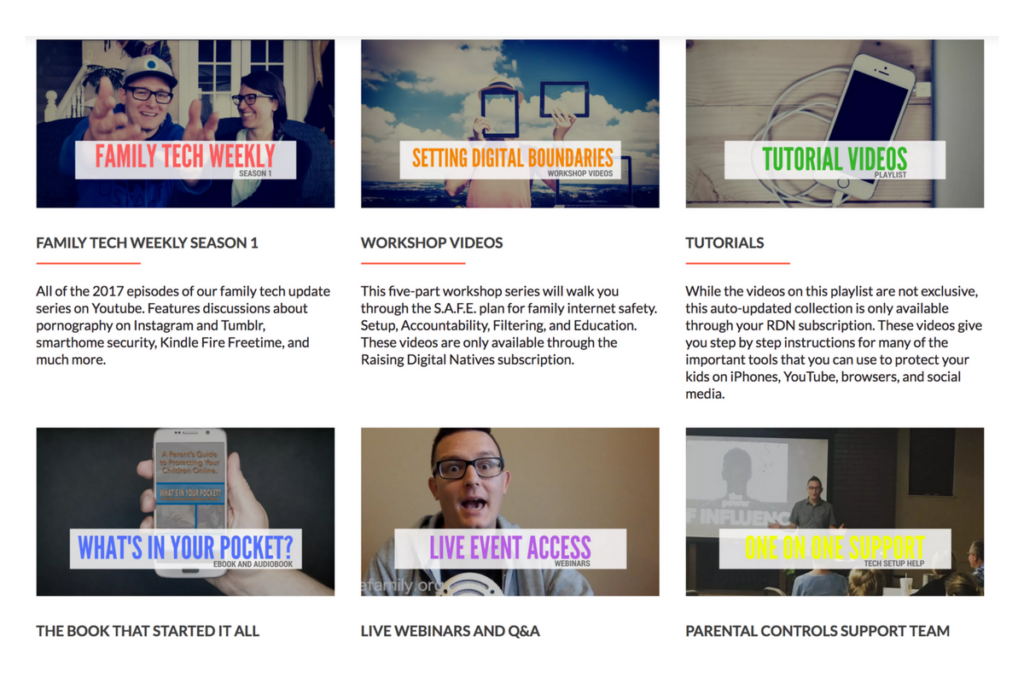
Raising Digital Natives is a “masterclass” of family internet safety. The point is to give parents more than just inspiration and basic social media and tech news but to continually educate them on what they can do to protect their kids online. This exclusive content will include past seasons of our podcasts, tutorial videos, live workshop events, live Q&A sessions, and one on one parental control support opportunities. The tools included in Raising Digital Natives will give parents a major advantage to raising kids in this digital culture we’re living in. The live workshops will feature topics such as, “What is a digital native?” “Sexualization and the internet,”Legal ramifications of sexting,” and “Keeping them safe when they’re away.” Workshops will be done online and archived in the member’s section of the website so geography and schedule won’t hinder parents’ ability to learn. Membership costs $4.99 per month and gives 12 months worth of access to anyone who users share their password with.
What are you waiting for?
Content is already available and live meetings begin at the end of January (2018.) Go to BecauseFamily.org/rdn to learn more and to sign up. BecauseFamily is the non-profit that is responsible for all the content of FamilyTechBlog.com.
Everyone has an idea of how you should safely view today’s eclipse. Use the glasses, don’t use the glasses, use a pinhole projector (we’ve made ours) watch live coverage. However you want to view the eclipse in person, you need to know a few things before choosing which live stream coverage you’re wanting to use. For some reason, those who cover events like the eclipse aren’t always scientists or educators and they may give dumb, or even dangerous advice. They might even have non-age appropriate language or other content in their videos, coverage, or advertising. Here are a few of the channels and videos that we recommend so that you can learn about and enjoy live coverage of today’s total eclipse.
Live Feed
NASA:
I’m only listing this one option. They have a pre-show with more science facts than you can handle and then live coverage from multiple parts of the country. You know the information and advice will be good because these are some of our country’s absolute best scientists. Enjoy!
Some great educational videos about the eclipse and other science facts. National Geographic is a trusted source for nature and science information and education.
Sci Show Space has great scientific learning videos as well and is perfect for those who are a bit older. The link above is to a search for the eclipse videos on their channel.
Be smart about what videos you show your kids and whether or not you allow follow-up videos to autoplay. Turn autoplay off to avoid accidentally exposing them to content you didn’t expect and aren’t ready for them to see. The eclipse is a great opportunity to teach your children some science facts but you have to be wise with what tools you use. Hopefully, the resources listed in this article will give you an idea of where to start. Be safe, and have fun.
Yesterday marks Window’s Phone’s “end of support” classification with Microsoft which means they will not be updating the phones anymore, not even for security. While Windows 10 Mobile is still available there aren’t many phones that are compatible with this OS. What does this mean? It means that if you have a Windows phone, it’s time to switch to Android or iPhone. Security is one of the most important reasons to allow your operating system to update, if those updates aren’t available then all of the personal data you put on your phone is at risk. This is a real problem and not only for Windows phone users.
There is a new operating system coming for Apple and Android towards the end of the year and you shouldn’t use a phone that will not be included in these major updates. Yes, the new features and designs of these operating systems are cool but they aren’t the only reasons you should tap ok when the update notification pops up. These updates protect your personal data from theft, hacking, phishing, and spamming. Updates to your OS are often responses to new security threats that developers have become aware of so while the notification every few months to instal version 1.2.4.3.2 can be obnoxious it’s too important to ignore.
Here’s a list of some of the devices that WILL BE recieving the new Android OS called Android O:
Pixel
Pixel XL
Nexus 5X
Nexus 6P
Pixel C
Nexus Player
Galaxy S8 and S8+
HTC U11 (Maybe older devices but it’s still unclear.)
Z-Droid
Z Play
Moto Z
Z Play Droid
Z Force Droid ( Verizon exclusive in the USA)
Z2 (2017)
G4
G5 Plus
Moto G5
G4 Plus
G4 Play (Not Confirmed)
OnePlus3
OnePlus3T
OnePlus5 (Rumored)
Rollout dates for Android O differ for every device and there are some devices who’s companies have yet to confirm an Android O rollout at all.
As for your Apple Device, here’s the list of the phones and tablets that will receive the new iOS 11 update when it’s fully available:
iPhone
iPhone 5s
iPhone SE
iPhone 6
iPhone 6 Plus
iPhone 6s
iPhone 6s Plus
iPhone 7
iPhone 7 Plus
iPad
iPad mini 2
iPad mini 3
iPad mini 4
iPad (5th generation)
iPad Air
iPad Air 2
9.7-inch iPad Pro
12.5-inch iPad Pro
12.9-inch iPad Pro (1st generation)
12.9-inch iPad Pro (2nd generation)
iPod touch
iPod touch (6th generation)
If your device isn’t going to be updated this fall or early next year it may be time to consider upgrading. While some of the older phones will still get OS updates from time to time it won’t be long before they go the way os Windows Mobile and become more of a risk to use. Yes, I know it can be annoying to get used to a new phone and a new user interface and system but the safety and security is too important to ignore. Just take the leap or, if all else fails, faxing can be a pretty safe way to communicate. I kid because I care.
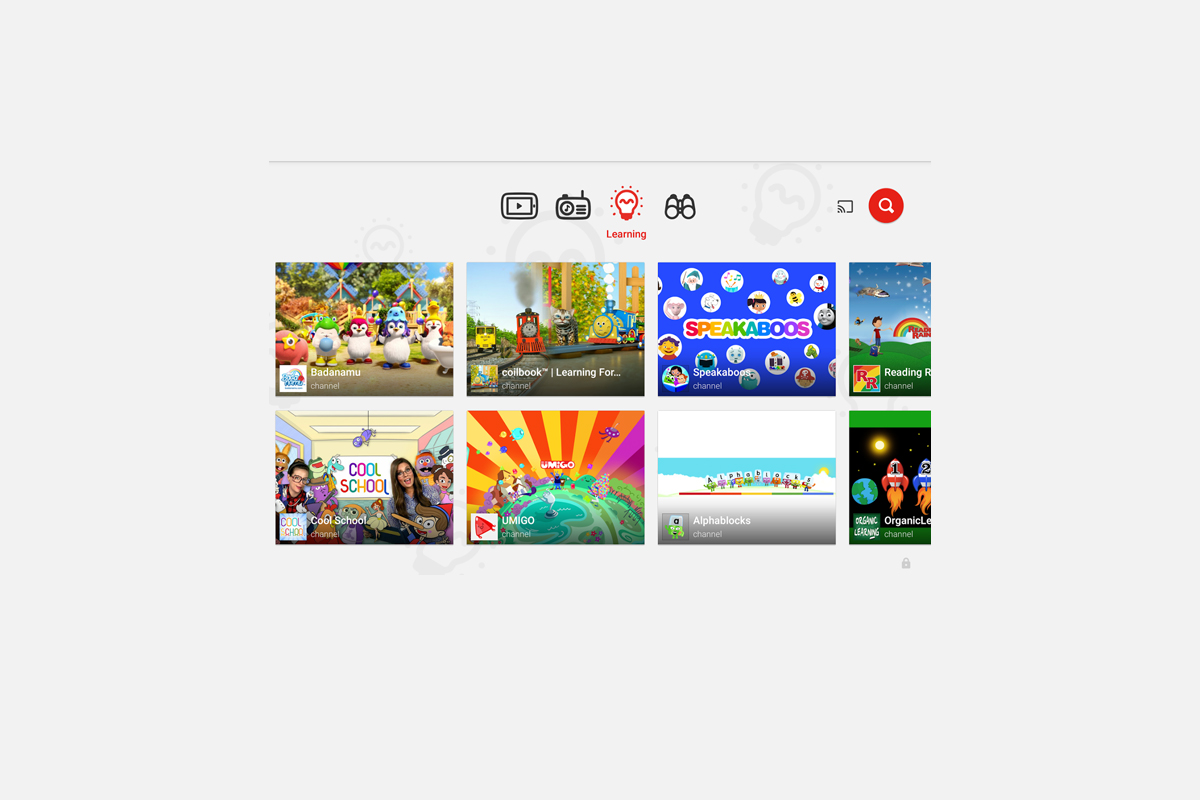
The kids version of YouTube kids has been talked about a lot. Mostly because of breaches in their algorithm based filtering system. Cartoons are disguised as silly kid shows and take a turn towards the inappropriate. The way YouTube Kids governs their content has been under scrutiny for months with mere apologies as a response. Well, now this service may be coming to your Smart TV.
Specifically, the app will come to the following TVs: all 2015-2017 LG webOS TVs (via the LG content store); all 2013-2017 Samsung Smart TVs and Blu-ray players (via the Samsung App Store); and, following a firmware update, 2016-2017 Sony TVs (with the exception of Android TV, which is coming soon). – Techcrunch
YouTube Kids is an effort to allow children to gain access to the content that’s appropriate for them without coming in contact with more inappropriate videos. YouTube has even launched some original content, featuring some successful kid related YouTube entertainers. Millions have adopted this service and use it as a way to entertain their children. As mentioned above, there is always a concern when algorithms are used to filter adult content. I recommend parents eyes are on YouTube Kids often. In fact, I had a little rant about it the other day.
As I said, Parents shouldn’t accept YouTube’s algorithm as a foolproof way to keep your kids from seeing something they don’t want them see. There are those out there who disguise their more adult oriented entertainment as kid shows for whatever reason. Moms and dads should be checking in on what their kids are watching. I think the move to smart tvs is a good thing because making the screen bigger allows parents to more easily see what is being viewed. If YouTube Kids is available on your tv, maybe you could let them watch their toy unboxing videos on there next time and peak in on what they’re watching every now and them.








 My kids love
  Doodlematic