Tag: delete

  • You Can Soon Delete Those Facebook Messages You Sent on Accident

    You Can Soon Delete Those Facebook Messages You Sent on Accident

    Facebook is testing a new feature that will allow you to unsend messages after you’ve sent them. As long as you decide to take the message back within 10 minutes you can undo your typos, unintentional rants, or inappropriate messages. This feature currently isn’t available in all markets but will be very soon.

    What Parents Should Know

    Anytime a Messenger has the ability to delete messages you’ve already sent, I see red flags. One of the problems with our young people using messenger apps is the false idea that they are anonymous or that they can hide what they said. Being able to send disappearing messages on Instagram and Snapchat has put them on my uninstall list. This new feature for Facebook Messenger might be a dealbreaker as well.

    Always discuss with your kids the idea that anything posted online should be considered there forever. Even though a message says it could be deleted doesn’t mean it wasn’t saved by the recipient before you removed it. Also, the increase in cyber bullying and sexting can sometimes be attributed to the ability to take back messages you’ve already sent. Young people could be more inclined to send a sensitive message if they think they can just delete it later. Predators also use disappearing messages to allow them to groom there pray without any evidence being compiled.

    Keep communication about social media open with your kids. Use something like Bark to manage what they are sending and receiving. And model good examples on how to use a Messenger app in a healthy way.


  • Now You Can Instantly Delete Messages You’ve Sent in Snapchat

    Now You Can Instantly Delete Messages You’ve Sent in Snapchat

    I’ve done it, you’ve done it, everyone has sent that message you immediately regret. Snapchat’s new feature will allow you to message “regret free” by adding a delete feature. You can now delete a message after you’ve hit that send button. Maybe there’s just a dumb typo, perhaps what you said could come across differently than how you meant it, no matter the reason, they’ve got you covered.

    To delete a message just long press it and select the delete option. Everyone will be alerted that you deleted the message but they won’t see the message itself. Previously, Snapchat only made messages disappear when everyone in the group had seen them but this will change that up quite a bit. Obviously, screenshots can be taken of your message if someone sees it before you’ve eliminated evidence, but you’ll be notified of that as well.

    Also Read: Snapchat allows x-rated material from cosmo.

    What Parents Should Know

    This is a small change for Snapchat but it speaks volumes about the nature of a messaging app like this one. The idea has always been to remove regret, apprehension, and maybe even responsibility for the messages you send online. Our kids should understand that there are consequences for what we do on the internet, even is some of our apps try to make us feel like there aren’t.

    One of my biggest concerns about Snapchat is the disappearing messages. I have heard story after story of parents reporting their kids being victimized by bullies or predators on Snapchat only to be told by police that there is nothing they can do because there is no evidence of the messages that were sent. Snapchat has always been on my uninstall list and it most likely will never be taken off that list. If your kids are under 16, think long and hard before you allow them to use a disappearing messages app like Snapchat.

  • This App Turns Deleting Bad Photos into Good Clean Fun

    This App Turns Deleting Bad Photos into Good Clean Fun

    The Struggle is Real

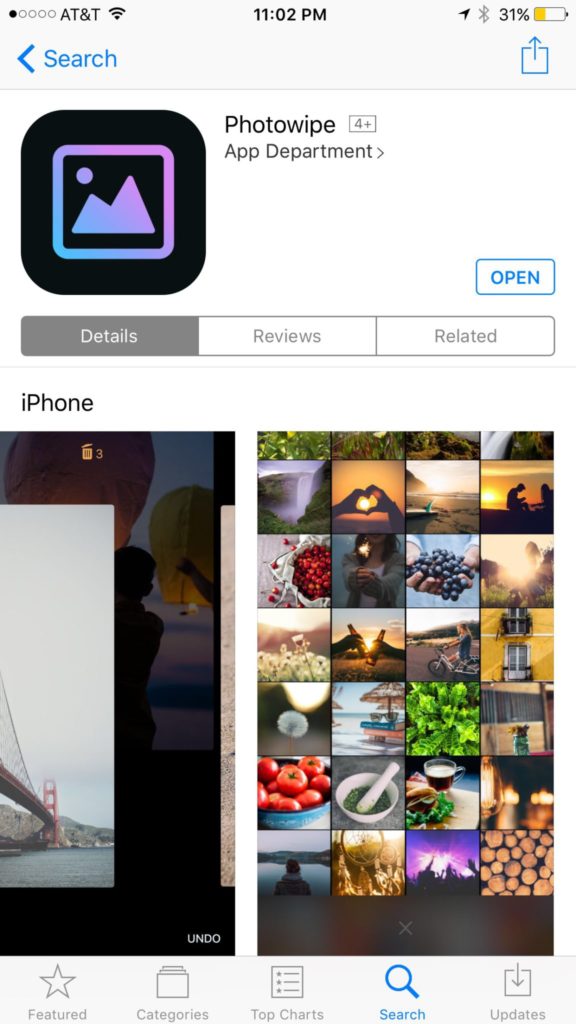
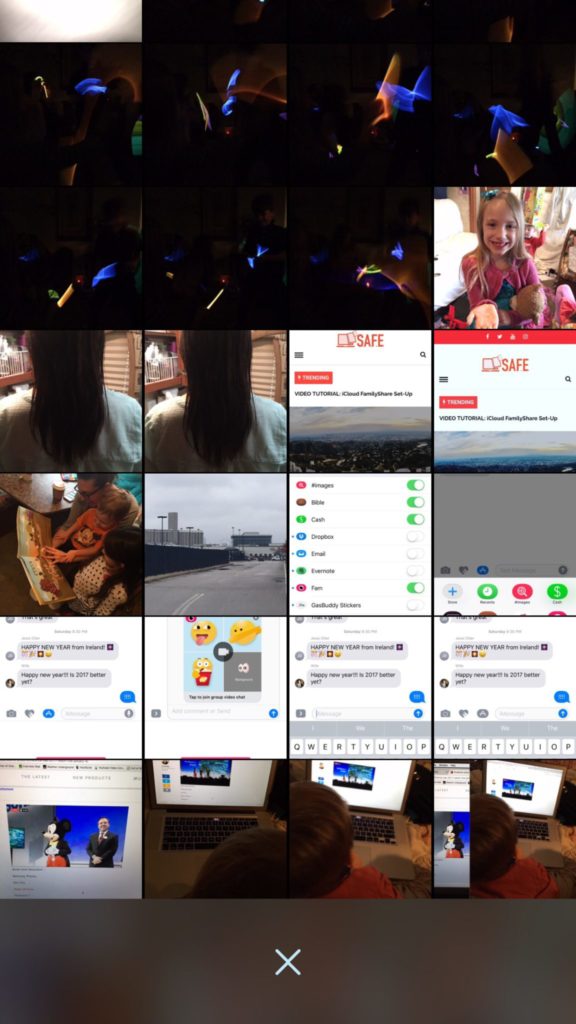
    Taking photos of a two year old, five year old, seven year old, and nine year old is a process. We’ll take six to ten to find the one that looks good. The result of this is our phones filling up with a crazy number of unusable pictures that don’t get deleted because, well, it’s a pain in the butt. Photowipe is a new app that will make deleting those unintentionally motion blurred pics easier and maybe a little bit fun.

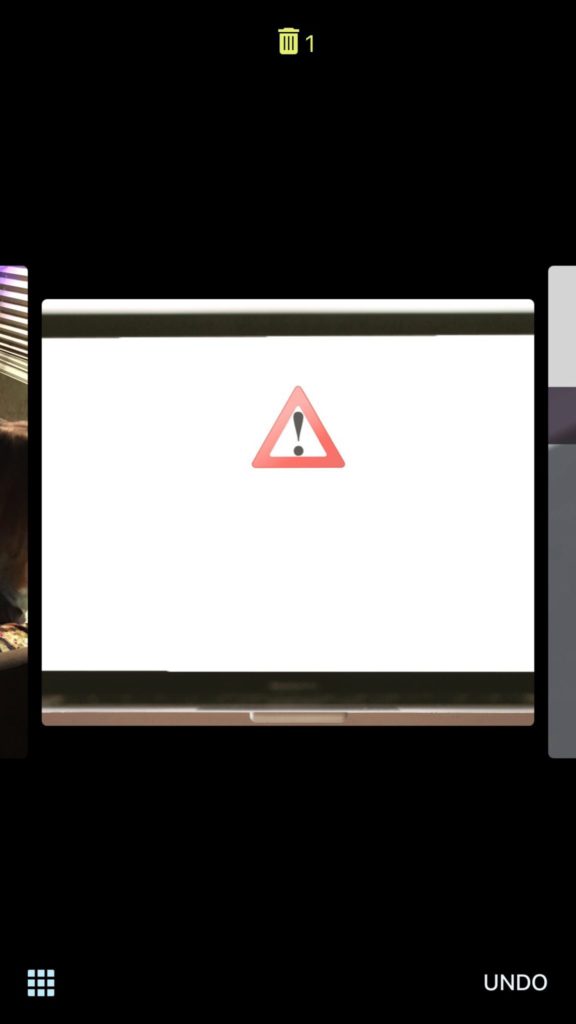
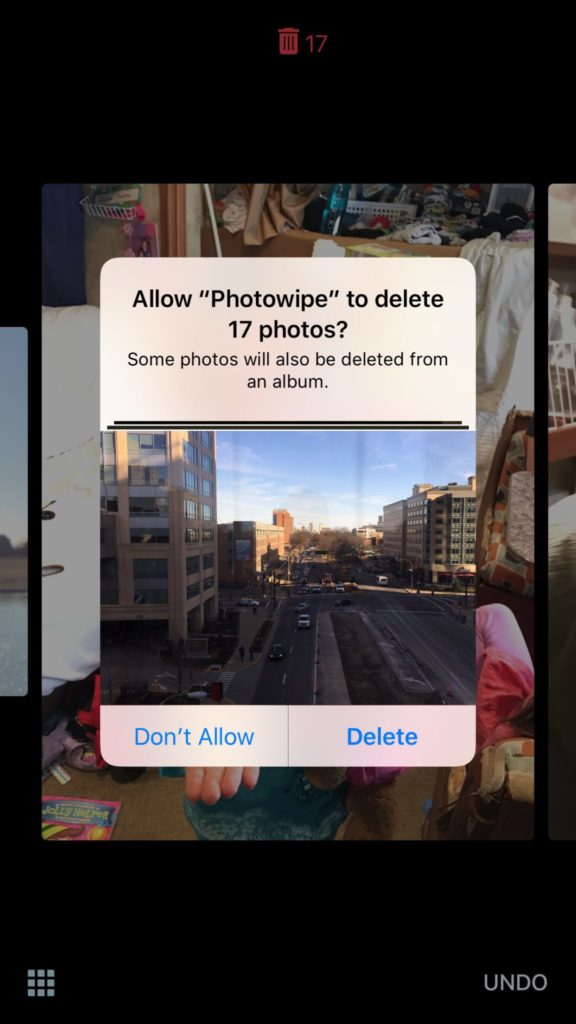
    The app will show you large versions of the pictures on your camera roll and will delete them based on your gestures on the phone. Simply swipe to the side to see the next photo or swipe up to add the current picture to the “trashcan.” The deleted photos will be stored for thirty days in a trash folder unless you force delete them all, which I will be doing every time.

    Also Read: Are your teens hiding photos in a calculator?

    We Say Give it a Try

    It’s a pretty good idea and actually a bit crazy that it’s just now come to be. Now it’s super simple to get rid of those pictures of your toddler’s nasty spaghetti face that you took because you thought it would make a good text message to your husband or all the memes you’ve saved to your camera roll to post in Facebook comments. You can use the slideshow below to get started.