Tag: coaching

  • How to Turn Off Hidden Location Access in iOS

    How to Turn Off Hidden Location Access in iOS

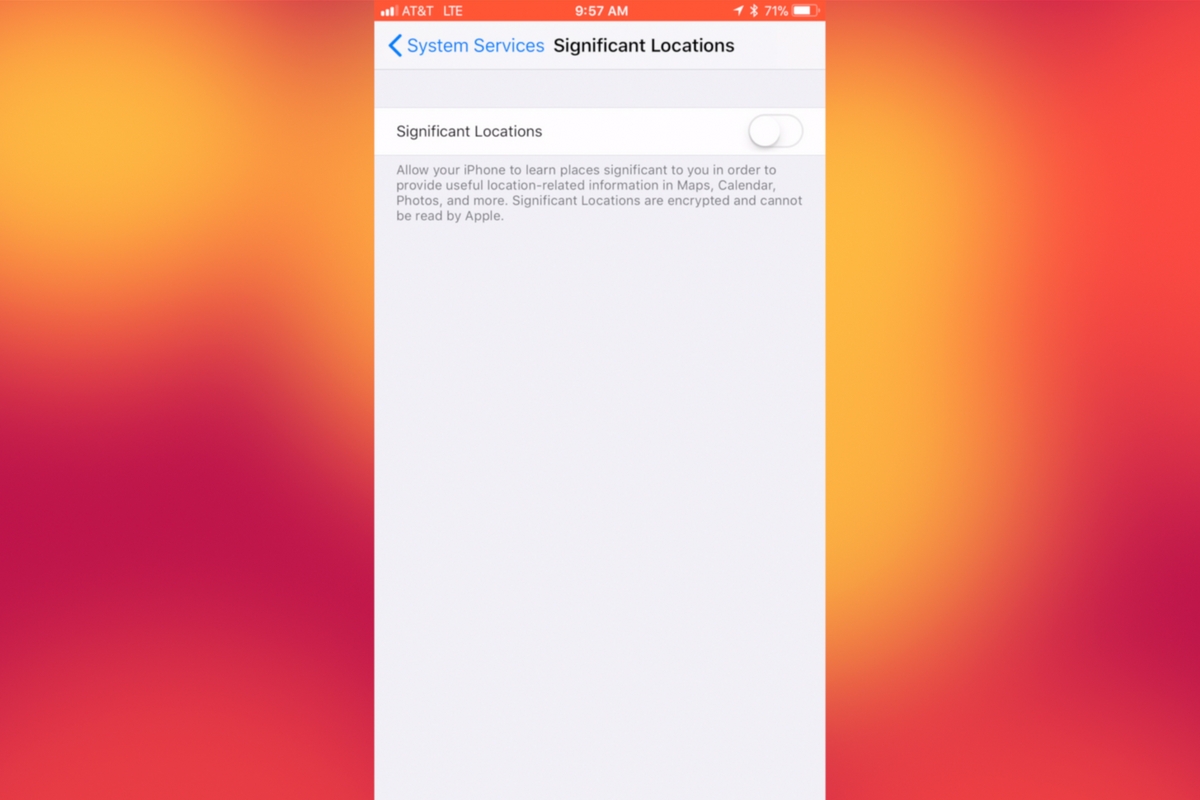
    I recently noticed that some of my photos and videos were still being tagged with a location. One of the most common pieces of advice I give to parents is to turn location access off to their cameras. I was a bit annoyed because I never saw location information in my Photos app before, but now I was. Well, I did a bit of digging and found the culprit. It’s about five taps deep into your privacy settings and, therefore, easy to miss. Below is a short video tutorial to help you be sure location info on your phone stays as private as possible.

    Why Turn This Off

    Your location information is easy to track and very easy to gather from the data in the videos and pictures that you upload to social media. There have been instances of kids being harassed by predators who learned where they were through images their parents had shared online. Common sense tells us never to post pictures or videos that show an address number, school name, or sign of a place you frequently go with your family. The problem is that some of the apps on our phones tag our locations by default. I recommend you look at every app’s location request and ask yourself, “Does this app HAVE TO know where I am to function properly?” If it does not, then turn off access to your location.

    Hopefully, this short video helps you make the changes you need to feel like your privacy is even more secure. I know I feel better.

  • BecauseFamily Offering a Family Tech Masterclass

    BecauseFamily Offering a Family Tech Masterclass

    Our kids and teens are spending more and more time online. Research continually tells us that the more time our kids spend playing video games, texting, and posting on social media the more dangerous their habits become. As parents, we have three options when it comes to protecting our kids. Option one is to throw up our hands and say that it’s all too much for us to understand, we can just let our kids do as they will and hope for the best. Second, we play the hermit, keeping our children away from anything with a screen until they are old enough to be held responsible for their own mistakes. I am proposing the third option. My suggestion is that we learn everything we can about the digital culture our kids are growing up in. We can and should know what each social media service is mostly used for and what games are recommended for kids’ our ages. We should be able to set up our accounts online and protect them with passwords that aren’t on the “Worst passwords of 2017” list. As parents, we won’t be fooled into thinking we can trust everyone else to protect our kids from danger, why would we assume that about digital society? This is why BecauseFamily has launched Raising Digital Natives.

     What is Raising Digital Natives?

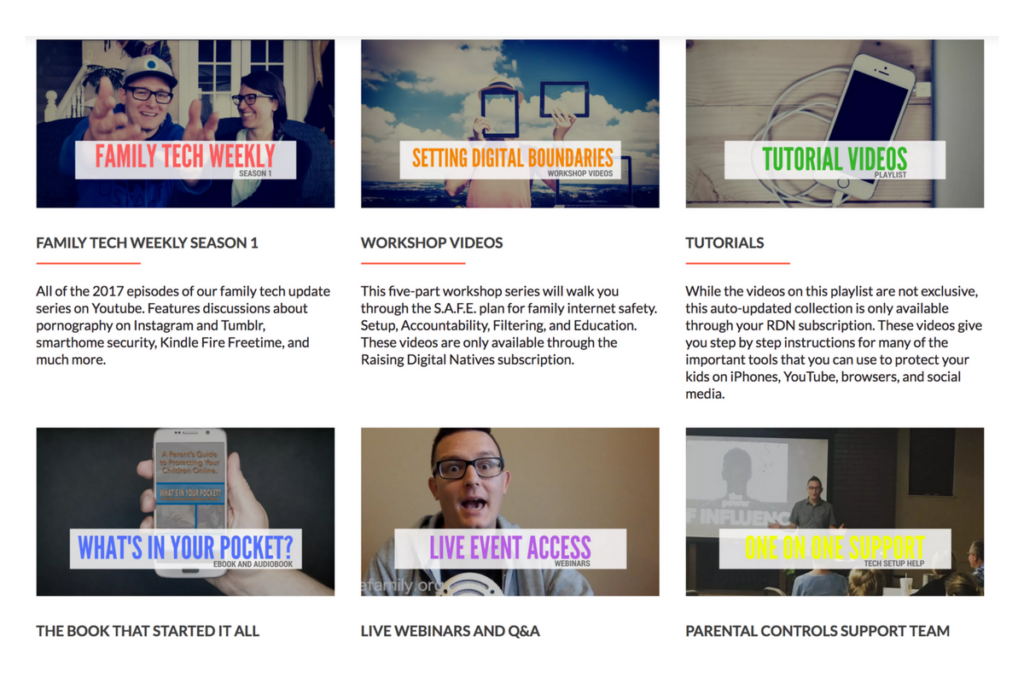
    Raising Digital Natives is a “masterclass” of family internet safety. The point is to give parents more than just inspiration and basic social media and tech news but to continually educate them on what they can do to protect their kids online. This exclusive content will include past seasons of our podcasts, tutorial videos, live workshop events, live Q&A sessions, and one on one parental control support opportunities. The tools included in Raising Digital Natives will give parents a major advantage to raising kids in this digital culture we’re living in. The live workshops will feature topics such as, “What is a digital native?” “Sexualization and the internet,”Legal ramifications of sexting,” and “Keeping them safe when they’re away.”  Workshops will be done online and archived in the member’s section of the website so geography and schedule won’t hinder parents’ ability to learn. Membership costs $4.99 per month and gives 12 months worth of access to anyone who users share their password with.

    What are you waiting for?

    Content is already available and live meetings begin at the end of January (2018.) Go to BecauseFamily.org/rdn to learn more and to sign up. BecauseFamily is the non-profit that is responsible for all the content of FamilyTechBlog.com.