Tag: circle

  • Get Parental Control Tools for Cheap on Amazon’s Prime Day

    Get Parental Control Tools for Cheap on Amazon’s Prime Day


    Meet Circle, Our Favorite Home WiFi Parental Control Solution

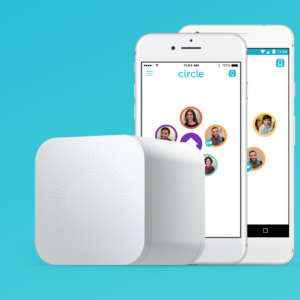
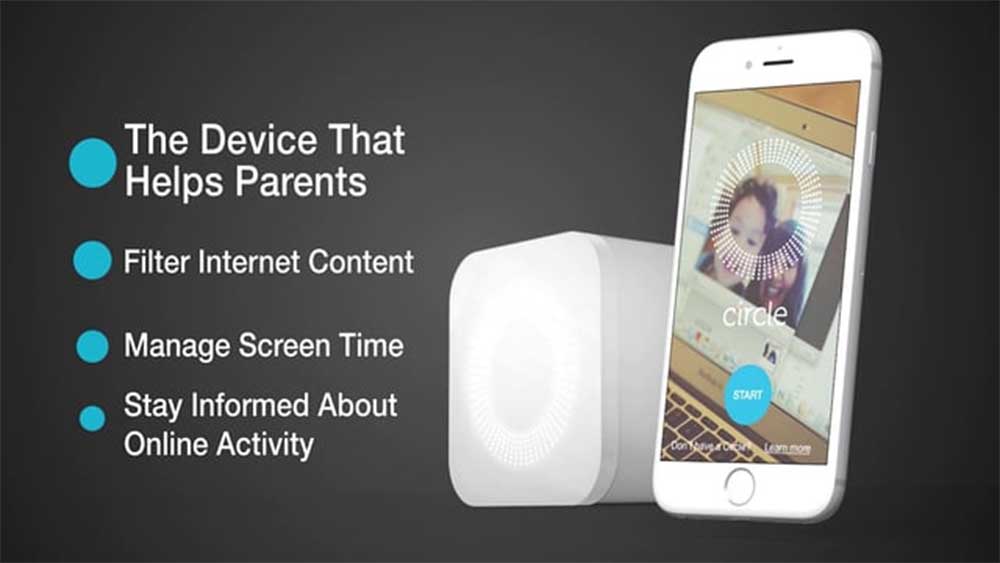
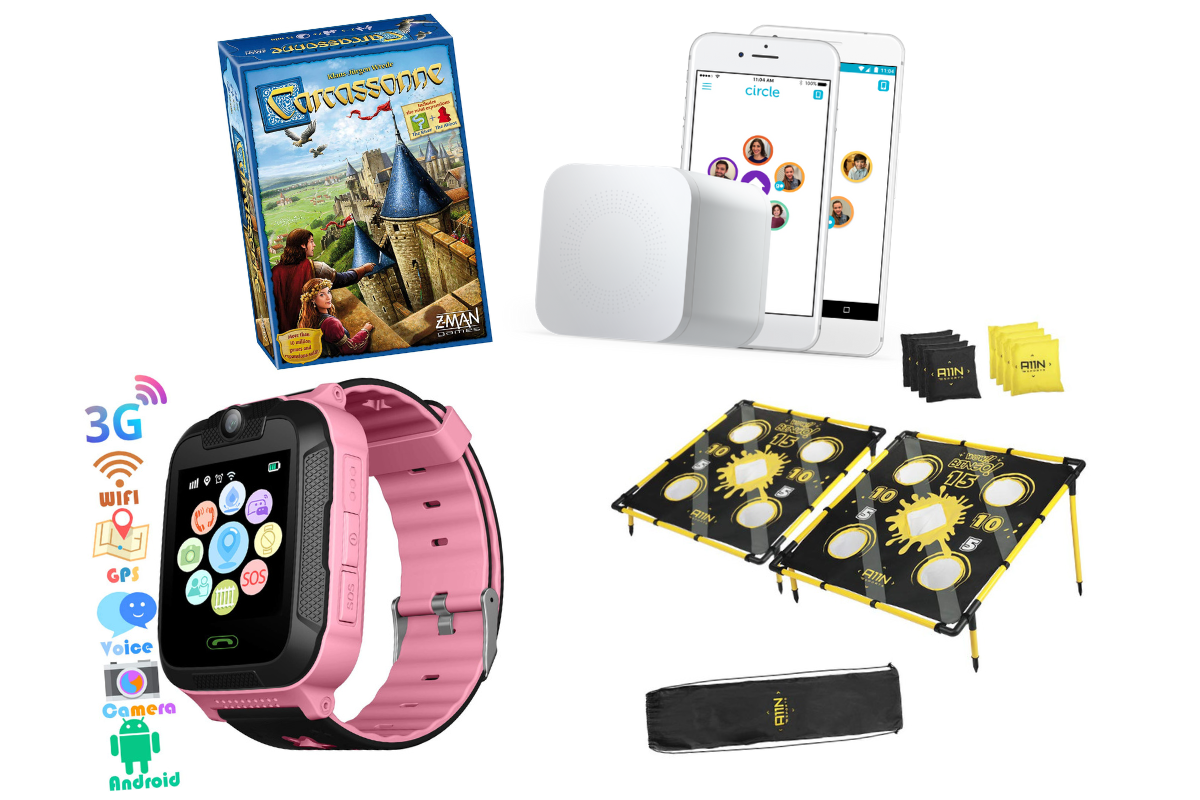
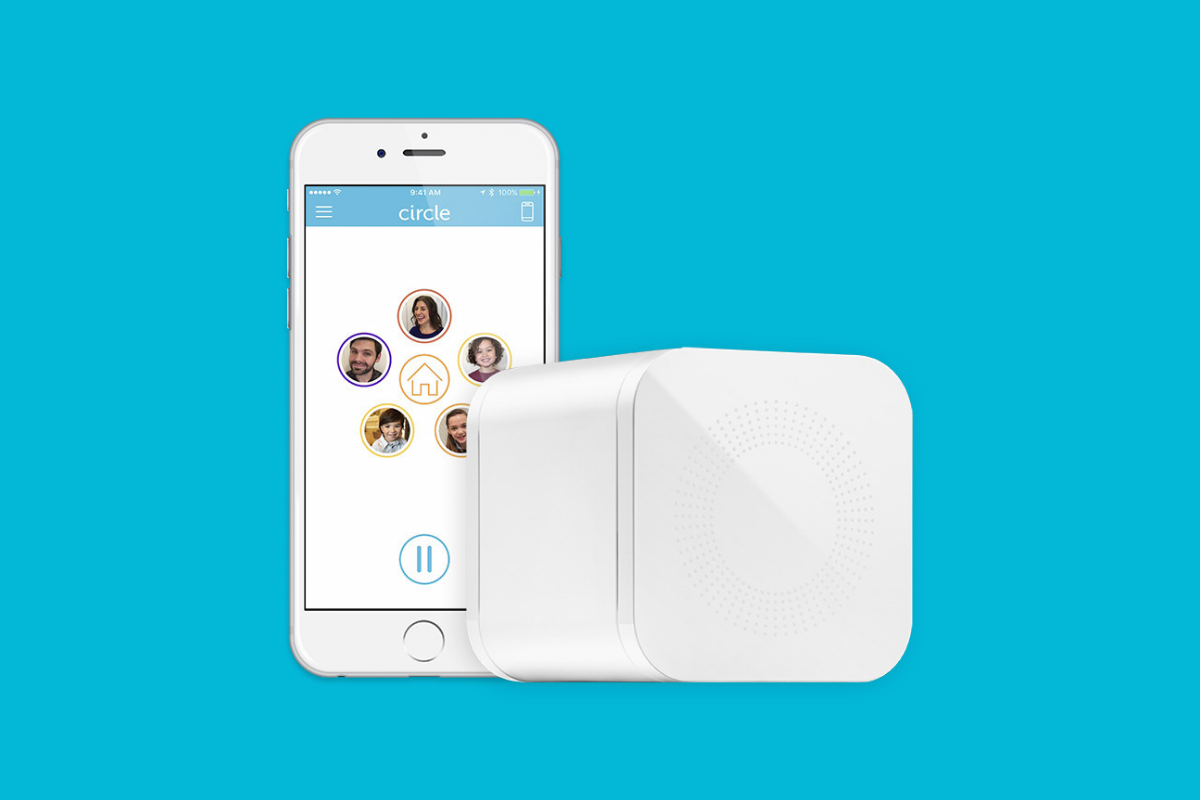
    We love Circle. It monitors our kids online activity and protects them from happening upon websites they should be avoiding. I recommend Circle everywhere I go and to everyone I talk to. They have released a NEW VERSION of Circle that includes a year of premium features when you buy the device. If you are ok with having the older version (which is still supported, at least for now) you can get it for a third of the original price on Amazon right now.
    A Kid Friendly Watch with Messaging

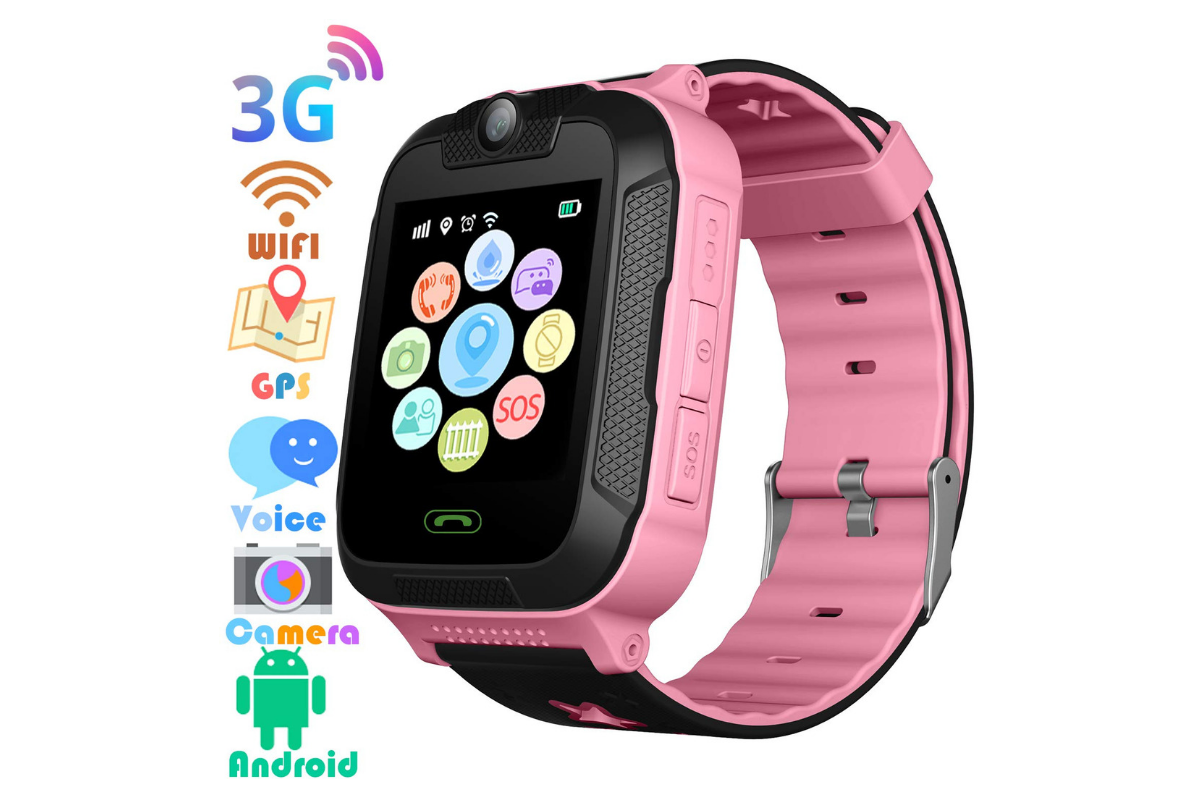
    You may not want your child to have their own phone but need them to be able to contact you when necessary. This watch uses the Android operating system and allows GPS tracking, WiFi, Calls and Messaging. It also has a camera. The watch is kid sized, made for children ages 4-12. If you want the phone call option you will need to get a sim card from your cell service provider (Verizon and Sprint not supported.)

    Have Some Screen Free Fun!

    Parental Control doesn’t always mean keeping them safe while on technology. Sometimes it means keeping them off of tech completely. Board games are a great way to achieve the goal of entertaining your kids without screen time.

    Whatever age your kids are, there are some awesome off screen games available on Amazon’s Prime Day today. Whether you want to build a Unicorn Army, expand civilization through villages and farms, or collect jewels to earn more points than your opponents, these games are a ton of fun! Check out the deals on these tabletop games and sit down with your family, with no screens, and have a good time. Board games encourage eye contact, communication, healthy competition, and creative/critical thinking. They are good for learning as well as fun.

     

    Enjoy Each-other Outdoors

    Sometimes you just have to get outside. These activities will give you a chance to leave the technology indoors and head out for some “green time.”  Use your aim and dexterity to score as many points as possible in the classic Ladder Toss game which is on sale at a special Prime Day price for then next couple of days. If you’d rather toss Horse Shoes, this kid safe version of the outdoor favorite is also priced for Prime Day. If you want a new twist on an old classic, check out this Cornhole/Golf Chipping Target combo. It’s only $40 today.

    Thanks for partnering with BecauseFamily (Four Point Families 501c3)

    BecauseFamily exists to protect children and teenagers by bridging the technology gap between them and their parents. As we work to provide resources to parents and kids alike, you partnership helps us continue our mission to keep kids safe. Your options for supporting BecauseFamily are available at BecauseFamily.org/partnership and include direct donation through PayPal, ongoing support of our media content through Patreon, using our affiliate links, and signing up to support us on smile.amazon.com. The links above all direct you to the smile.amazon.com page for those products. You may be asked to sign up for who to support, search Four Point Families to elect us as the benefactor of your Amazon Smile donations. We are eternally grateful for your support!

  • How Can Artificial Intelligence Protect My Family?

    How Can Artificial Intelligence Protect My Family?

    How AI Works

    When you think of artificial intelligence it’s natural to imagine Skynet or some similar software that is running things for us some day. While that could be the overall goal someday, right now AI is nowhere near that smart. Currently artificial intelligence isn’t intelligent at all. While it does learn from the input that is fed to it, there is currently no way for AI to decide what it needs to learn on its own. There is a very large gap between software algorithms that can learn and an intelligent software that makes its own decisions.

    At CES in 2018 I watched a robot named Aeolus glide across a room cleaning up. It took it a solid three minutes to move from one side of the makeshift living room, reach down and pick up a wii remote, and roll to the table to set it down. It was nothing like we have been promised by television and movies but I guess it was still cool. What parents should understand is that while the developers of an AI can make promises of their algorithms learning and behaving as if they have intelligence, that is not the same as being actually intelligent. Humans still have to do the thinking.

    While it isn’t foolproof and is definitely not sentient, artificial intelligence is a good tool. There are many ways AI is useful and much of the latest hardware and software use AI  to do some of their most minor functions. Here are some of the interesting ways AI can make your parental control and accountability tools even better.

    Filters

    There was a day when an internet filter depended solely on the web or ip address of the site you were visiting to tell if there would be inappropriate content or not. There was a master list that had to be updated continually with new websites and key words. AI is different than that because the filter is based on images and other content that the AI was “fed” over and over again the algorithm then detects actual images, text, and videos on web pages instead of just the address of the site you are visiting. This can be helpful if a website doesn’t typically contain adult content but a certain article or comment section features material that would cross the line. A traditional filter couldn’t catch that but one that uses an AI can.

    Circle (meetcircle.com) and NetNanny (netnanny.com) are examples of filters that use smart algorithm to block web content.

    Accountability

    Accountability software works very similarly to filters except that when it sees something inappropriate it will not block it but alert whoever is on the list to alert. AI has revolutionized this sort of software because it allows parents to receive only lists of unwanted sites instead of having to sort through everything that has been viewed by the person they are keeping accountable. The software I recommend, Accountable2You (accountable2you.com promo code BecauseFamily,) is updated constantly to allow it’s algorithm to properly and effectively scan for adult content. It works very well. You may get occasional alerts for content that shouldn’t be considered adult, but it’s not too often and it’s worth it for the peace of mind.

    Privacy and Security

    Finally, when we discuss AI and algorithms we must talk about privacy and security. Algorithms may have been the beginning of many of our privacy problems but it may also be providing some solutions. Tools like BitDefender can be used to protect your home network. The AI can tell the difference between forgotten passwords and malicious login attempts. Our home networks are becoming increasingly worthy of being targets of hackers and encrypting your web traffic with AI can protect your from that kind of attack.

    I hear a few different reactions when I talk about artificial intelligence. Most people roll their eyes or glaze over because they aren’t even interested. It’s some tech term that they don’t think they can fully understand so they’d rather not talk about it. The other group is super interested, always wanting to learn more about it and understand it better. These are my nerd friends. I love them. Finally there’s the group that just freaks out. They immediately think of the movies and tv shows and just want to move into the woods and unplug. Which person are you? Are you willing to let AI work to your benefit in your family? Is it all too much for you? Let me know in the comments below.

  • T-Mobile Customers Can Now Get a Rebranded Circle, They’re Calling it FamilyMode

    T-Mobile Customers Can Now Get a Rebranded Circle, They’re Calling it FamilyMode

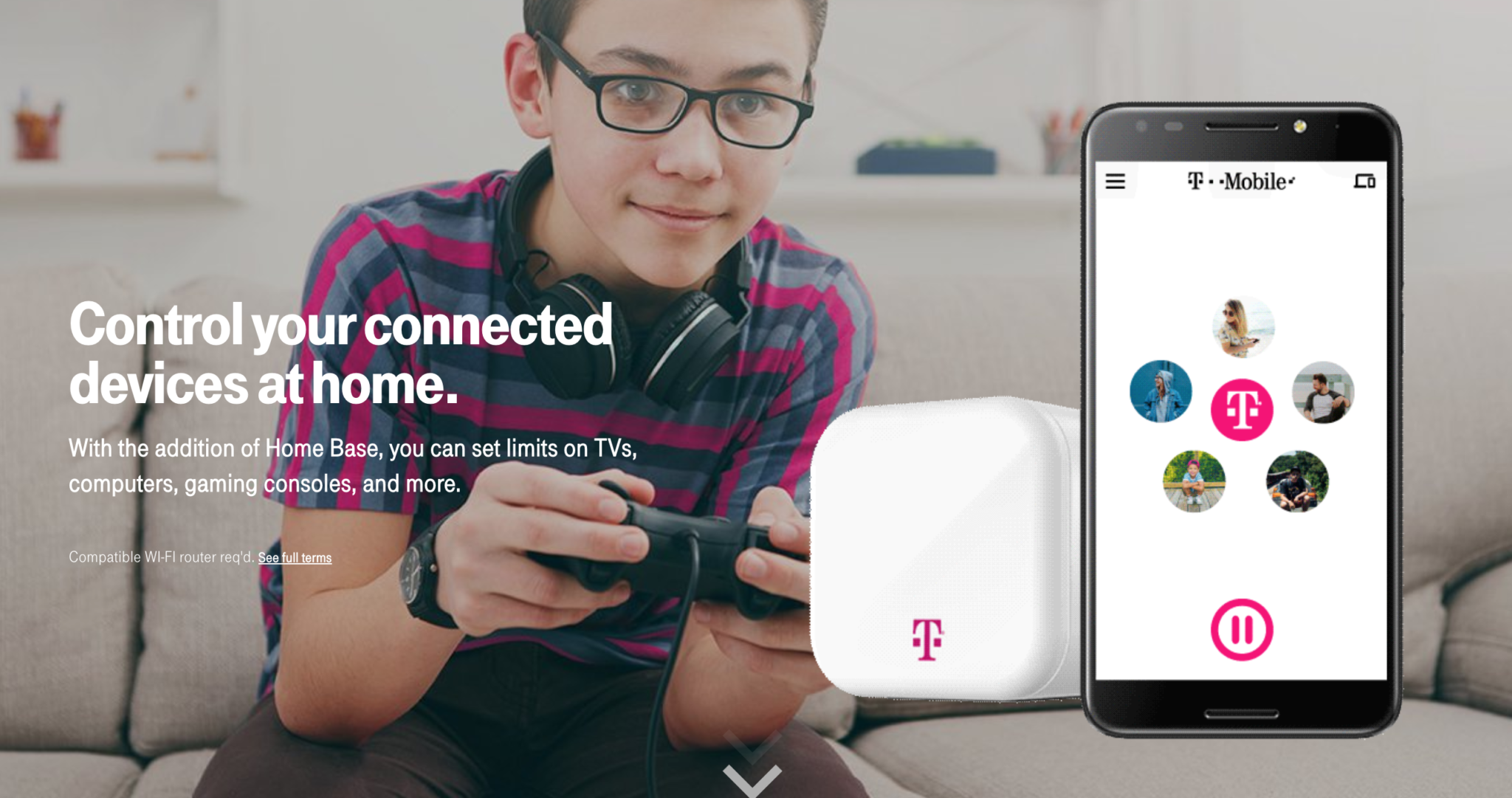
    Circle is one of my favorite parental control solutions to recommend to families. It’s easy to set up and the settings really work well. T-Mobile has caught on to this great service and is adding it to the offerings to their wireless customers. Verizon also added pressure controls recently and now T-Mobile is joining the club. The app is completely rebranded with T-Mobile is pink and black color scheme and the image of the Circle device itself even has a T-Mobile logo on it.

    Circle allows you to build profiles for each family member and set parental controls and filters for their profile. This protects your home Wi-Fi and with CircleGo you’re able to protect them over data no matter where they are as well. Time limits, usage reports, and tons of other information are also available on the Circle app. T-Mobile has patched into these resources and is offering them to their customers.

    What Parents Should Know.

    If you’re a T-Mobile customer the $20 price point for the device plus $10 a month to take the safety with you is well worth it. We highly recommend circle and even use it ourselves. My advice is to take advantage of this deal and this great opportunity to protect your family on their devices.

  • Tools to Monitor Your Own Screen Time in 2018

    Tools to Monitor Your Own Screen Time in 2018

    Happy New Year!

    The first of the year has come and we are all trying to make ourselves a little better. Maybe you’re concerned about you and your family’s increased screen time. This is normal, we’re all thinking about what we can change in the new year and spending less time looking at a screen is on the top of many lists. These tools can go a long way to help you identify the amount of time you spend on your device, narrow down what you’re doing that sucks up so much of your time, and even set boundaries to alert you or block access when you’ve reached your desired limits.

    Accountable2You

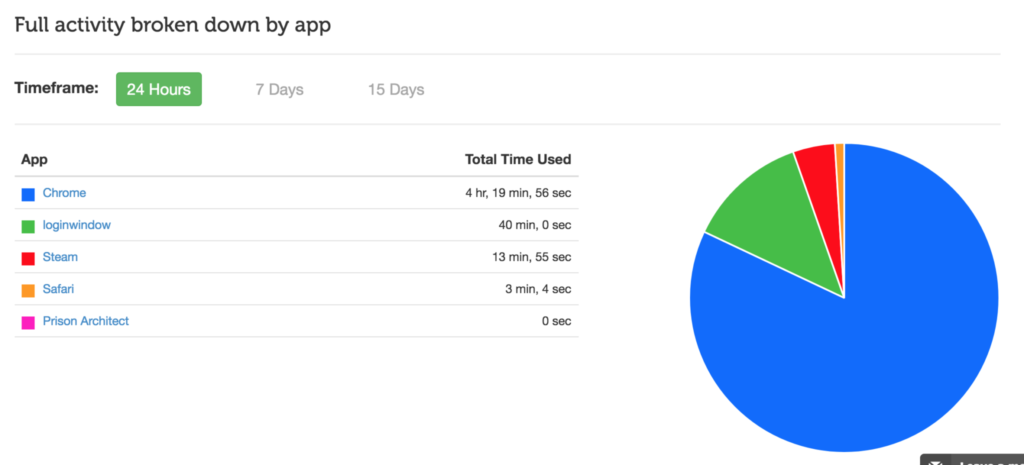
    No matter what device you use, Accountable2You can help you keep track of what you’ve been doing online. The online dashboard will give you an App Usage report, complete with a circle graph of how you spend your time online. Whether you use this to keep track of your kids’ devices or your own screen time, it’s an easy to read way to be aware of how you’re spending your days.

    Accountable2You is an accountability software at heart. It will notify you if there anything inappropriate has been accessed by those you’re keeping an eye on. It’s easy to set up, affordable (6.99 for 10 devices and 9.99 for 20,) and it works for every device. Even the Chromebook your kid got from school. It’s what I use and the best part is that if you sign up with our link, our non-profit will get a bit of help every month because of your payment.

    Android Family Link

    Android’s first stab at native parental controls focuses mainly on time management. That is, in fact, almost all it focuses on. Google FamilyLink is designed to allow parents to set time restrictions, time limits, and bedtimes as well as monitor the amount of time spent using the device. This will be accomplished by a complete disabling of the device once time limits or restricted times are reached. A tool like this could easily be used to limit or monitor yourself as well. If you, like me, spend most of your time in front of your computer for work, you may want to be able to set limits on how much time you spend on your phone or tablet for recreation purposes. FamilyLink should be a pretty good way, if you have an Android device, to cause your entire device to shut down when your limit is reached, or even just take a look every few days to see how much time you’ve spent on those devices.

    iPhone Battery Meter

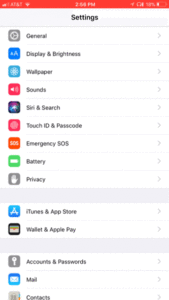
    For iOS users, Apple has built in a way to keep an eye on what you’re spending your time on while using your device. Your battery meter can be used to monitor your own screen time. It will even sort your time by app used and separate it into “on screen” and “background” time. To use this, simply go to your settings app and open the Battery section. When the usage area loads, tap on the clock icon on the upper right of that section. You can set your timeframe to be 24 hours or 7 days. This gives a pretty good snapshot of how you spend your time on your iOS device. Try it, you may be surprised.

    Moment App (iOS only)

    The Moment App uses your battery meter to build a nicely laid out report for you to keep track of the time you spend on your phone. Moment is only available for iOS (Android app is in development.) It automatically tracks your usage and allows you to see simple reports that separate your usage by the apps you spend time on. Moment lets you coach yourself on your screen time habits so that you can make changes if you want. You can set up time limits and Moment will notify you if you’ve gone over the time you’ve allowed.

    This app works pretty well. I used it for about a month and definitely made some changes to the amount of time I spend on my phone. Since it’s free you can even consider using Moment to install on other devices in your family and setting up limits for them. It will be up to them to put the phone or tablet down when they are notified but there’s something to be said for teaching your older kids to take the responsibility into their own hands. Moment is a free app but there are premium features (including extra family controls) that you can pay for.

    UnGlue

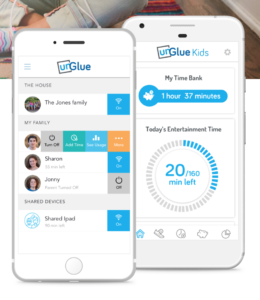
    UnGlue was created to give the power of screen times to the kids themselves. The website touts a plan to “give kids the power to learn healthier habits – within your boundaries.” UnGlue uses a scheduler to set up your kids’ screen time allowance. You can give them control of how they spend their time by giving the rewards for things like chores and exercise. Unglue works from just an app, no separate device to hook up. The basic UnGlue package gives you access to screen usage reports only. You can use this free feature to keep an eye on the time you spend online. Further features will cost up to $9 per month. UnGlue is fairly new and has been updated quite a bit recently. It will work on iOS or Android and even on your home devices. (With the full-featured service.) Go check out UnGlue and tell them FamilyTechBlog.com sent you.


    Circle

    I’ve spent a lot of time talking and writing about Circle. I recommend this parental control tool to everyone I speak to and I even use it myself. Circle lets you filter by age and category and limit screen time for your kids but it’s been cool for us to have a profile for ourselves. This profile lets us see, in one glance, how much time we’ve spent on every single one of our devices. When you’ve built your profile, you just add the devices you use to be monitored under your account, this results in a very useful and detailed report on how much time you’ve spent in front of your screens. It even monitors your smart tv, BlueRay, and gaming system usage. Circle is a $99 investment for in-home wifi protection, (with the option to pay $10 monthly for on the go monitoring) but in my experience, it’s an all-in-one parental control system. You can buy circle at Amazon or at Best Buy and Bed Bath and Beyond.

    Whatever you do, start.

    New Year’s Resolutions are notoriously easy to forget about but my advice is that you just get started. When you begin my tracking how much time you spend on your screens, you’ll find yourself truly motivated to make a change. It worked for me. Using Moment and my battery life meter led to my decision to not start using my phone until I’ve had breakfast with my family. We’ve even started doing some Social Media Free Saturday’s a couple of times per month. Whatever your goals are, you’ll never accomplish it if you never begin so grab hold of one of these tools and get started!


  • Parental Control Hardware “Circle” Announces Integration with “FamilyTech” Apps

    Parental Control Hardware “Circle” Announces Integration with “FamilyTech” Apps

    Circle is one of our favorite resources to recommend to families. With its simple to use app and customizable, profile based filters Circle is one of the most accessible parental control options out there. At a price tag of only $99 it’s affordable too. Today, Circle announced Circle Connections, the roll out of integrations of some new resources to make it one of the most extensive filter and time management apps available. These integrations will soon add the ability to stop notifications from social media apps while your child is driving and allow you and your kids to use Amazon Alexa to set and monitor your time limits. Launching first, however, is a partnership with FamilyTech.

    The new platform, Circle Connections, allows Circle users to connect other partner apps, devices, and services to offer rewards, automate features, and much more. These other pieces of Circle help leverage some of the biggest drivers of family life: screens, physical activity, teen driving, and social media.

    FamilyTech launched late last summer and is a chore/time management system developed by CEO Chris Bergman. The system features four apps. Mothership, the hub for setting chores and giving rewards. ChoreMonster, an app for kids that rewards them for meeting their chore goals. Honeydo, a way for couples to communicate what needs to be done and get more accomplished. And Landra, the home productivity solution for older kids and teenagers. This partnership is going to set Circle up to be one of the most extensive time management and parental control options available to parents.

    For Example

    With Circle’s time limits, the integration with FamilyTech can do a lot for parents. Imagine your child has an excellent week of chores. The choremonster app asks what reward they would like and they choose to extend their bedtime. ChoreMonster will communicate with Circle and their bedtime will be extended to whatever reward time you’ve set up. Pretty much automated rewards. That sounds awesome.

    As mentioned, some of the functionality will be released in future updates but the integration with FamilyTech is rolling out now. If you have circle, be sure to update often and take a look at what FamilyTech’s apps can do for you. If you don’t have Circle yet, maybe this will be a pretty good reason to give it a go.

  • What in the What is WhatsApp?

    What in the What is WhatsApp?


    WhatsApp is all over the tech news sites today with the announcement of GIF support in their app. This is pretty cool news for users of WhatsApp but as parents keeping an eye on our children’s online activity this news makes it more and more interesting to our kids. So, what is WhatsApp and what should parents know? (more…)

  • Circle is the WIFI Filter for You!

    Circle is the WIFI Filter for You!


    I was recently able to set up a family internet filtering hotspot system called CIRCLE. It’s a pretty cool system. It has the ability to filter content with different strictness levels, set time limits and bedtimes, track usage, and lockout certain apps and software. It’s all controlled through an app on the device of the administrator.  Disney has got involved and have even made some content available on the app through your purchase of CIRCLE. All in all I give this device a great review. You can listen to a full review on our free podcast at BecauseFamily.org but I’ll cover a couple of points here on my blog as well. (more…)