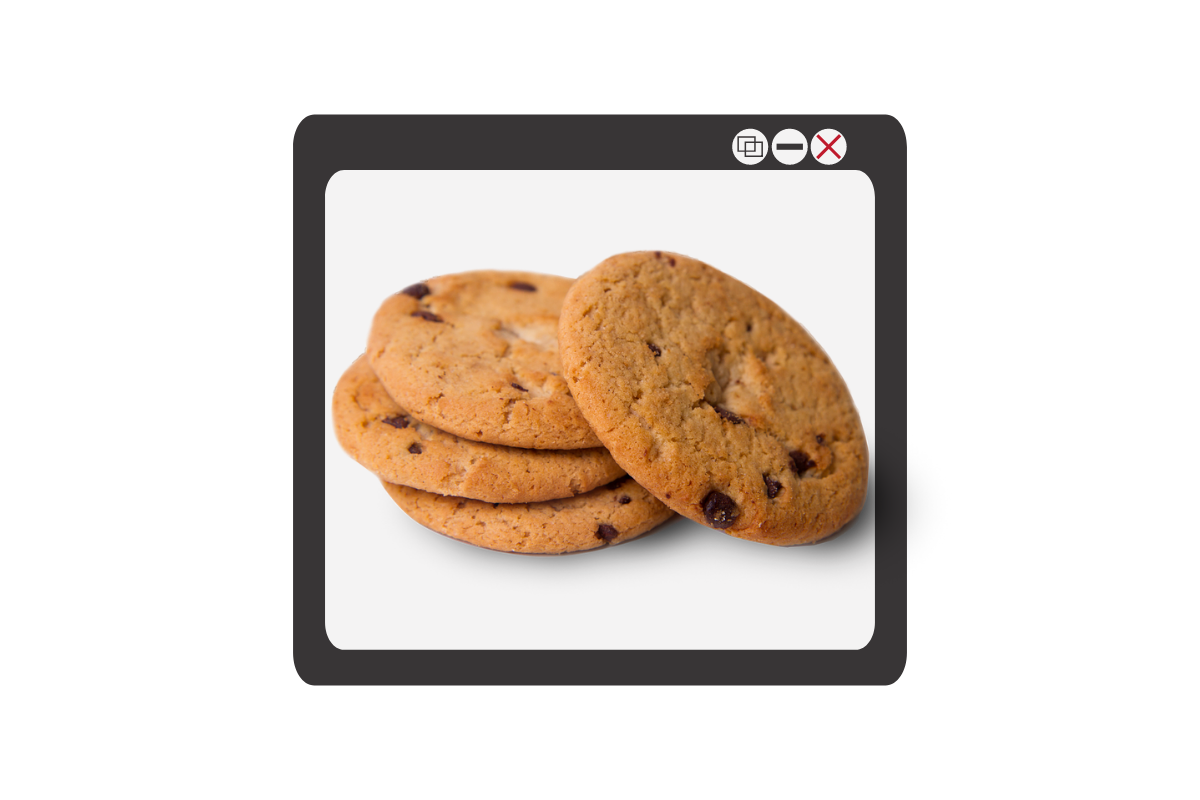
Facebook and Google have both had their major development announcement events over the past couple of weeks. They have both focused highly on privacy, and what they’re going to do to protect users data. This comes as no surprise because many governments have called them to action in this department saying that they have to protect their users’ data more securely. Since privacy is such a major topic as these events, the term cookies is being thrown around all over the place. You’ll see article after article talking about what Google is going to do with your cookies and what Facebook is doing with your cookies and how advertising companies are tracking you using your cookies. You even get a little pop-up banner when you go to a new website that says, “Hey there, we use cookies.”
What’s the big deal about cookies?
There was a day where when you would log onto a website, you were basically visiting it for the first time every time. Cookies help make sure that when you go to a website that website remembers you and may even remember what you did the last time you were there. Here is how that works: I open my browser and sign on to a site, as if to say: “Hi, my name is Michael and I’m going to www.teachmeaboutcookies.com.” That website hands me a “cookie” and says keep this for when you return. We’ll look for this cookie, and when we will remember you so you won’t be starting from the very beginning when you log on to our website.” That is called a first party cookie. First party cookies are how websites remember that you logged in so you don’t have to log in every time you go there or how Amazon remembers what’s in your shopping cart so you can go back to Amazon.com two or three times this week and add things to your cart and order it all at once later without having to log in again every time you go. That’s how a first party cookie works.
Here’s how third-party cookies work. I go onto teachmeaboutcookies.com and they give me that cookie that I need to have so that I will be recognized again when I return to the website. That cookie is stored in my browser. However, there are ads on this page. There’s an ad from YouTube telling me to go watch these videos, there’s an ad from safe.becausefamily.org saying, “Hey, you should learn about tech safety interested in cookies.” These ads have little bits of code in the website you’re visiting and are now sending cookies to your browser and saving them there. Every time you go to any website on the internet with advertising it is adding more third-party cookies which are all being stored in your browser. All of that ad tracking data is saved in your browser through their cookies so when you go to other websites they will know what ads you’ve seen and responded to and will put ads for more things similar to that on other websites that you visit. That’s how third-party cookies work.
The reason “browser cookies” has been in the news these days is not because of the first party cookie being put onto your website to make it easier and more convenient for you to use that website. We like not having to log in every time we visit a website, we are happy to go back to a shopping cart in which everything has been saved or revisit a form we started days ago and continue filling it out from right where we left off. We can do this because of first-party cookies. The latest issues are coming from third-party cookies. The government and many privacy agencies and internet safety experts, including myself, would like for companies to be held a little more accountable for what they do with those third-party cookies.
What Parents Should Know
Cookies and other web traffic information is often taken and then sold to help other ad agencies that you never connected with in the past create profiles on you. Then you can be advertised to more effectively and therefore buy more stuff. The issue gets even bigger because our kids are using these websites and apps and this data is being collected on them. Even they are having profiles created that track how they use the internet and the apps that they use for advertising purposes. Companies are beginning to wake up to the fact that people don’t want their data sold and traded all over the place like it’s the stock market. They’re starting to do things like Google announced with Chrome being more strict on how websites use cookies that they store on your browser. Safari has done the same thing recently. There are other browsers such as Brave or Duck Duck Go that are very strict on how advertising code is used when you surf the internet. There are even certain laws requiring companies to be transparent about how they use cookies on their website. That’s why you get those annoying little pop-ups that you just click ok on just to get them out of the way. I recommend you click more information next time go and see what they do with the information that they get from you and you browse their website. You might be surprised.
Unfortunately, opting out of that cookie storage is not really that simple to do. However, you can go in and clear your cookies on any browser that you use. I advise you to ask yourself this question. Do the websites that I’m using need my web browsing information in order to serve me properly? Some websites actually do. Amazon can’t really sell me stuff I’m interested in if it’s not allowed to collect the type of data it needs to know what I’m interested in. Facebook can’t allow me to just log on a check my notifications real quick without entering a password without first-party cookies allowing it to. Ask yourself, “Does this website need my information to work? If so, great, I’ll allow it. Otherwise, if you’re just browsing or you’re just looking at something or if you’re on somebody’s blog or something then there is no reason for them to collect your information. You must protect your cookies.
Listen to this article in the podcast below:
Podcast: Play in new window
Subscribe: Apple Podcasts | Spotify | RSS