Looking today at a list of free apps in the Apple App store I noticed that a secret calculator app has been discounted. Be aware that there are secret photo apps disguised as calculators available for your kids phones. The one below is pretty simple to spot since the icon shows photos behind the peeled back calculator but they’re not all that simple to identify.
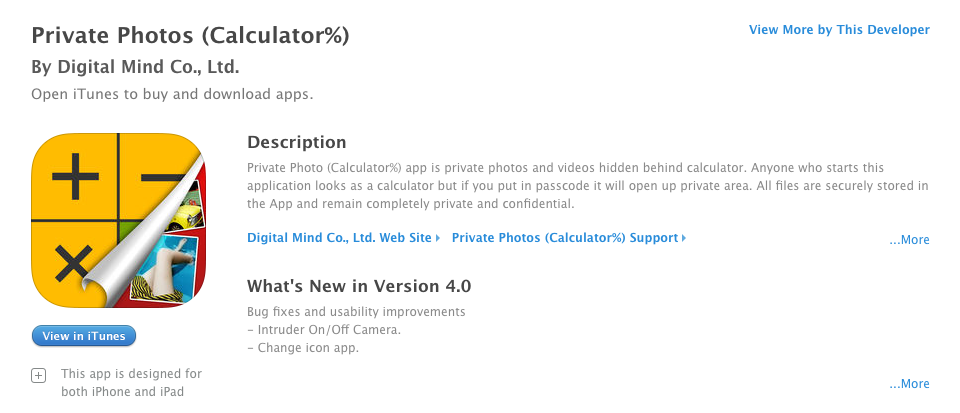 You would normally look at a calculator app and not think anything of it but these apps will allow you to hide files behind a code that unlocks access when it’s entered into the calculator. In most of these apps, the calculator actually works as well. The best way to identify if your kids are trying to hide things from you with one of these apps is to look at it’s page in the app store. The description will mention the abilit
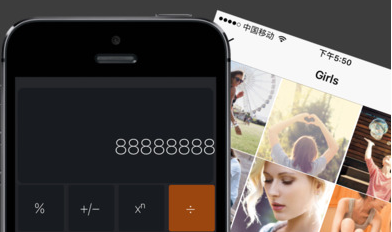 y to hide files. If you find that your kids have one of these apps on their smartphone or tablet I recommend you uninstall immediately.
An important tool to help you with this is iTunes FamilyShare. Be sure this feature is set up so you can pre-view any app your kids want to download and they can even be required to ask your permission. Check out this tutorial on setting up FamilyShare for to subscribers.