WWDC was held last week at Apple’s Headquarters in Cupertino, California. Every year, the tech giant hosts a conference for developers and media from all over the world. The company’s Project Managers and Chief Officers all take their turns on stage to discuss what they’ve been working on over the past year in order to increase the hype around Apple’s products and software. Much of what is announced at WWDC targets developers and “tech-heads” who can’t wait to find out how to make apps for Apple products or what the next big thing is going to be. Some of Apple’s new feature’s however could bring some peace of mind to parents. Here is a break down:
Apple TV+
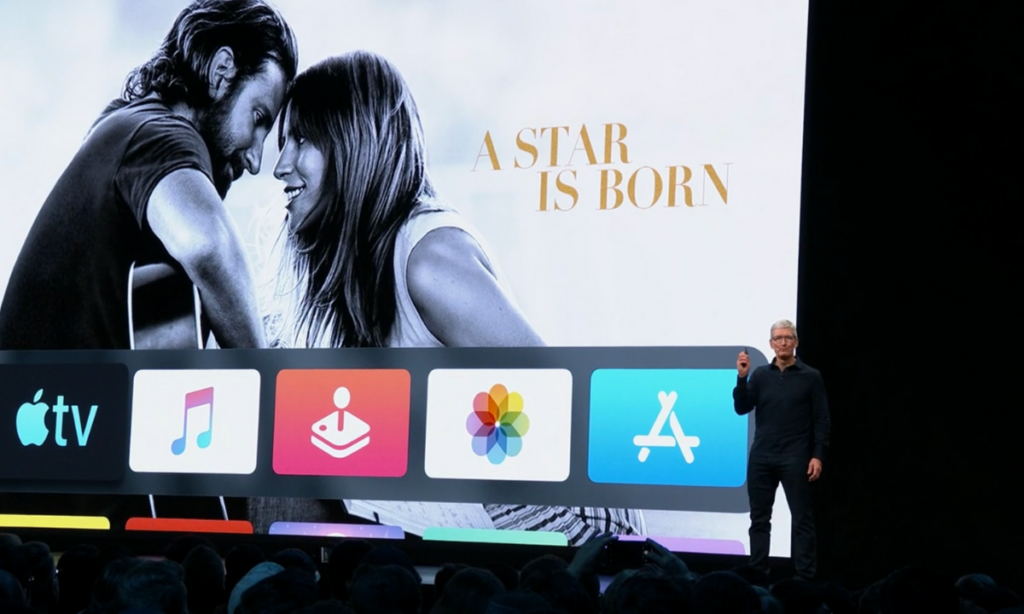
Apple’s streaming video device has been great for viewing other services but Apple’s streaming service itself has been lackluster. One thing that has been missing for a while is the ability to make separate accounts or profiles for viewers, including children. Apple announced at WWDC that this is changing. They are making it possible to create profiles for every member of your family. Your viewing history and suggestions will be sorted according to your accounts and best of all, your recommendations won’t be overloaded with shows that your children love to watch.

Apple Music/iTunes
iTunes is officially no more as Apple will be separating iTunes offerings into multiple apps. Books, Podcasts, and Music will all be separate now on the MacOS. When you plug in your iPhone to sync with your Mac, nothing will happen. Your phone will sync in the background. It has become pretty apparent that most folks don’t need software to manage their music collection. Streaming music has taken over and iTunes wasn’t very good at that job. Apple Music is taking over the music service and Podcasts is mainly accessed through the mobile app, not on desktop.
iTunes has been around since 2001 and while there are those who have become used to the software, most have been aggravated by frequent updates and overuse of computer resources. Apple is likely accurate in thinking the software won’t be missed by very many people.

Apple Arcade
Apple is also working their way into the video game streaming world with Apple Arcade, due to release this fall. Apple Arcade will consist of a series of exclusive games made just for their system and will be playable through your phone, tablet, Mac Computer, or Apple T+. They have a controller that you can use with AppleTV but are adding support for Playstation 4 and Xbox One controllers as well. The 100 or so available games are a bit weak looking but they are sure to find some developers who are willing to put out some quality content for Apple before too long. They’re going to have to in order to compete with Google’s Sadia and the new service coming soon from Sony and Microsoft.

iOS 13
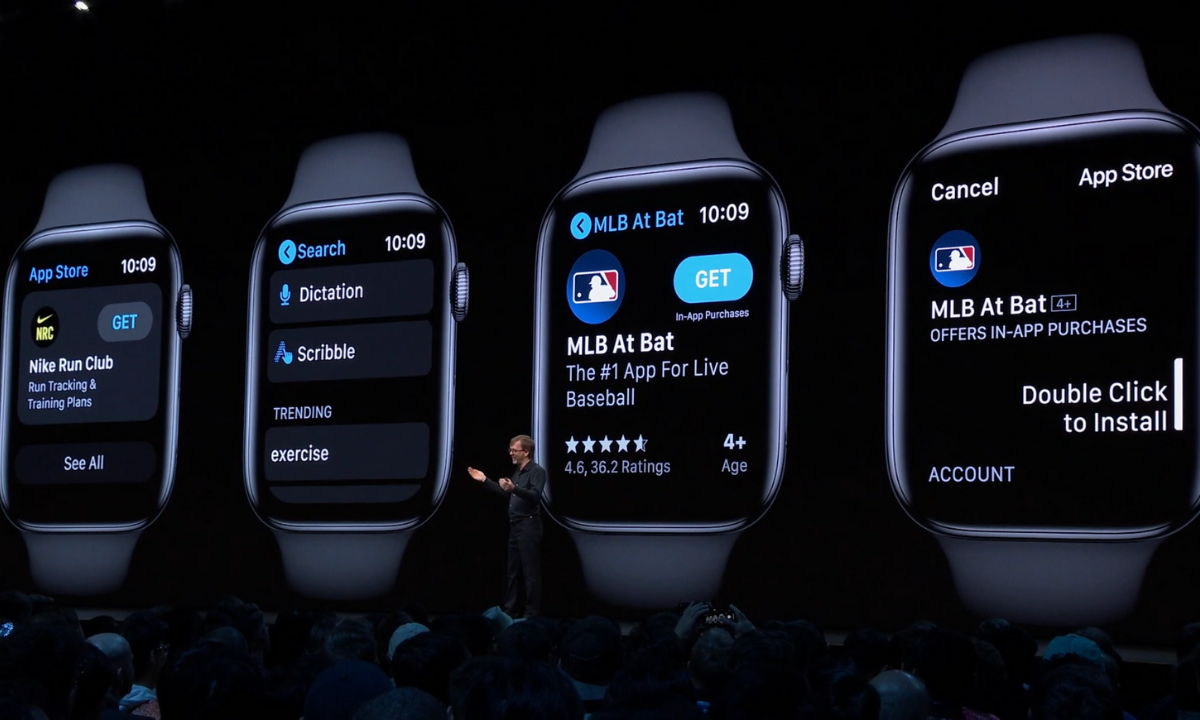
Probably the most relevant of updates from WWDC has to do the Apple’s latest smartphone operating system, iOS13. The software boasts a new dark mode, faster app launches and downloads, faster Face ID unlock, and a new (to Apple at least) “swipe” style typing system.
Dark Mode is cool and faster downloads and unlocking features are great but the iOS update doesn’t really have anything going on that is relevant to parents besides their focus on data security. More on that below.
Photos and Video
Photos in iOS13 is getting an overhaul as well. With the ability to pinch to zoom in your galleries and a new sorting method that groups photos together based on the date they were taken. Photos will also include a new smart gallery that will remove images like screen shots from your view, only showing the photos you’ve taken with your camera.

Privacy is a Key Theme
Every update at this year’s WWDC had privacy as a key theme. Directors and Developers mentioned over and over again what Apple does and doesn’t do with your data. Apple Maps uses encrypted data to help you find your way, the photos app does its date and location tracking locally, and they even mentioned a new “Sign in with Apple” that allows you to sign in with your Face ID and create accounts with individual dummy email addresses.
Data security and privacy has been in the news a lot lately and Apple has been very vocal about their desire to keep their user’s information secure. Whether it is a direct attack against other tech companies who have made most of their money by collecting and selling data or just an honest desire to maintain their user’s trust, the result should be a bit more confidence that your information is safe if you are using their products. I always advise, however, that you continue to make efforts to protect your own privacy. Be careful what you share online. Turn off location access to apps that don’t require that information to work properly and most importantly, teach this approach to privacy to your children.
You can listen to this article as a podcast on Family Tech Update.
You can subscribe on Stitcher, Spotify, or Apple Podcasts using the links below the player.
Podcast: Play in new window
Subscribe: Apple Podcasts | Spotify | RSS