Tag: app

  • This App Turns Deleting Bad Photos into Good Clean Fun

    This App Turns Deleting Bad Photos into Good Clean Fun

    The Struggle is Real

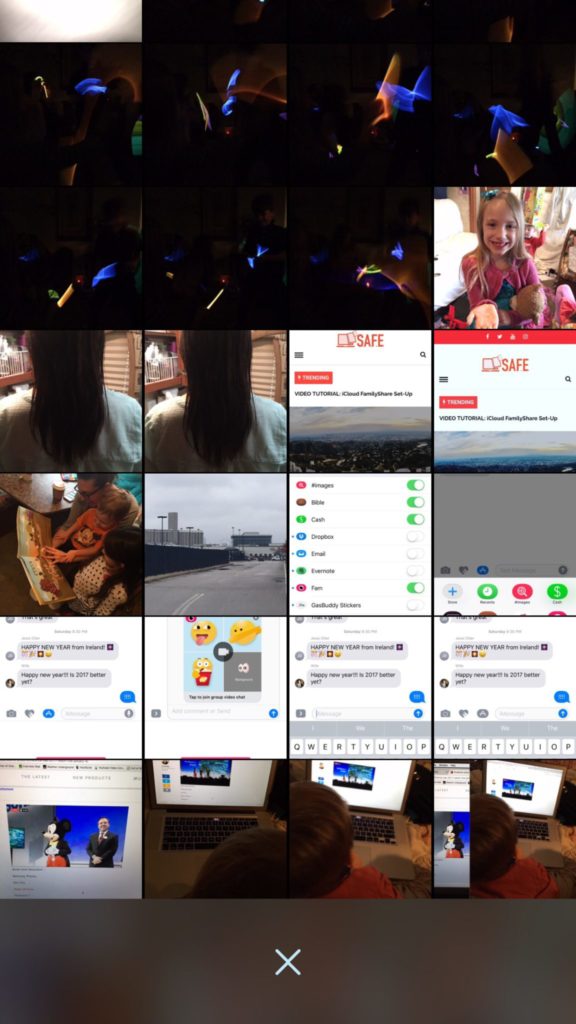
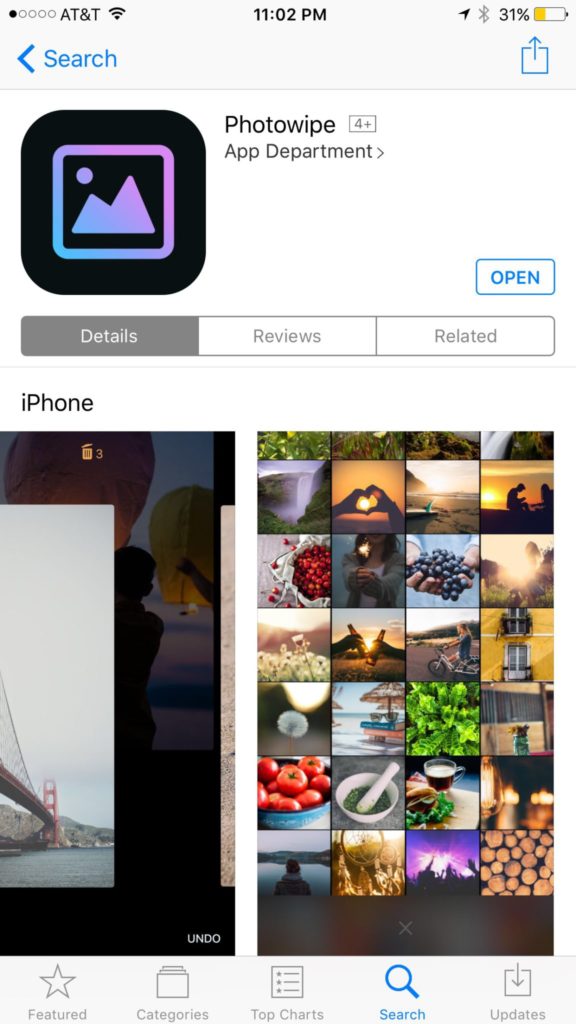
    Taking photos of a two year old, five year old, seven year old, and nine year old is a process. We’ll take six to ten to find the one that looks good. The result of this is our phones filling up with a crazy number of unusable pictures that don’t get deleted because, well, it’s a pain in the butt. Photowipe is a new app that will make deleting those unintentionally motion blurred pics easier and maybe a little bit fun.

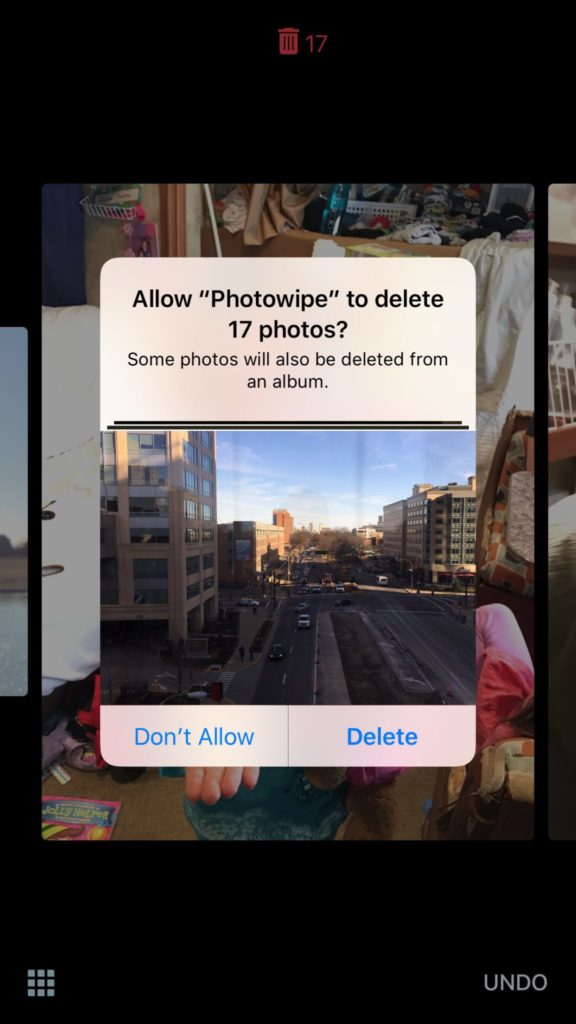
    The app will show you large versions of the pictures on your camera roll and will delete them based on your gestures on the phone. Simply swipe to the side to see the next photo or swipe up to add the current picture to the “trashcan.” The deleted photos will be stored for thirty days in a trash folder unless you force delete them all, which I will be doing every time.

    Also Read: Are your teens hiding photos in a calculator?

    We Say Give it a Try

    It’s a pretty good idea and actually a bit crazy that it’s just now come to be. Now it’s super simple to get rid of those pictures of your toddler’s nasty spaghetti face that you took because you thought it would make a good text message to your husband or all the memes you’ve saved to your camera roll to post in Facebook comments. You can use the slideshow below to get started.


  • The Past and Future Combine with PBS Kids’ New 24hr Kids Channel

    The Past and Future Combine with PBS Kids’ New 24hr Kids Channel

    Our Young Kids are Learning from Screens

    The number of children who are viewing educational entertainment broadcasted to their home television grew by two percent over the past year. Most of those families are in lower income homes. PBS has always catered to that demographic with their free television content and now they’re extending that privilege to children. Starting today, January 16 2016, PBSKids will have it’s own 24/7 channel.

    Yes, Daniel Tiger, Peg + Cat, and Sesame Street will all be aired on a single PBS channel dedicated to children’s programming. The best part is that it isn’t just a channel, the content will be streaming on the PBSKids app that you probably already have. The online streaming content will also be free.

    PBS has said that they understand the need for educational television for those who can’t afford cable or satellite TV, while they also understand that the majority of children are watching their shows on smaller screens these days. The free broadcast/streaming content is unprecedented in a world where everyone is trying to convince you to pay this or that for their content. PBS is sticking to their model of educational entertainment for all. 

    The plan is to roll out the channel on 73 stations across the United States first and have 107 of the US PBS stations carrying the channel later this year. This will mean that free 24 hour children’s education content will be available to ninety percent of the homes in the united states. The streaming content on their app will increase the audience even further.

    Finally the plans include a Family Movie Night and integrating games into the show content. Characters will prompt the young viewers to further their educational experience by taking part in games and activities on the app that will correlate with what they are viewing. PBS says that research on children’s education has inspired this feature and that the feature will increase the opportunity to learn while consuming their content.

    What Parents Should Know.

    If you don’t already have the PBS App I recommend it for your younger children. The shows on the app are safe and educational and there are no ads or anything that would cause them to click away from the app. The games on the app are clean, safe, and fun. Learning is obviously the first focus of every show and game and short of a few annoying characters, you’ll feel totally glad your kids are getting their entertainment from the PBS App.

  • Apparently Pokemon Go Had Little Real Effect on Exercise

    Apparently Pokemon Go Had Little Real Effect on Exercise

    Many (including me) have said that one of the great things about Pokemon GO is that it has gotten people out and moving more than they ever did. Unfortunately a recent study by the British Medical Journal is singing a different tune. Apparently about four weeks after the release of the app people went back to their couch potato ways, only playing the game when they would have been out moving anyway.

    The study surveyed over 1100 American adults, half of them were Pokemon GO players. There was no significant difference between the two groups in the number of steps taken (automatically tracked by the phone) before and after the release of the game. There were some folks who started off walking a bit more because of the game, but the study shows that the trend tapered off to almost nothing after about six weeks.

    What Parents Should Do.

    An interesting note about this study. It didn’t include children. It is, of course, possible that kids were more active for longer because of playing Pokemon GO. There is no study to confirm it, however.

    One of the major reasons that limiting screen time is a good idea is the inactivity overuse of technology can cause. When a game like Pokemon GO is released, parents may see a way out. They can give in and let their children play this game more often because it’s getting them up and moving. Well, if the study of the adults who played the game is any indication, we won’t be seeing many kids becoming more active and less out of shape because they’re trying to catch them all. Nothing beats old fashion creativity and time outside with friends.

    If you have seen Pokemon GO players walking around you can see what all they’re missing. What good is getting up and around if you’re still just staring at your phone the whole time. Yes, parents and kids have been playing this game together and the connection of handing down the love of Pokemon to your children is a real thing. We just have to be careful when we use technology to replace something that was always meant to keep us and our children grounded in the real world.


  • You May Be Shocked by the Top Grossing Mobile Games of 2016

    You May Be Shocked by the Top Grossing Mobile Games of 2016

    The way game developers make their money has changed quite a bit over the past several years. There was a day when you would just purchase a video game and then play the whole thing until you either got tired of it, beat it, or wore it out. Nowadays we have access to so many mobile games on our phones and tablets that don’t ask for any money up front. Somehow, though, these “Freemium” games end up being the ones that make the most money every year. How is that?

    If you have spent any time playing these games you have experienced it yourself. You download a game that looks awesome in the commercial and in the app store. You get started and enjoy the gameplay right away. Soon, however, you seem to stall out a bit, or you’re playing in an open world with other real people and they all seem to be way ahead of you and are destroying your village or blowing you away on the scoreboard. What’s a gamer to do? Never fear, the premium game designers built in a way for you to get a boost to your game score or a new way to skip the long wait to let your in-game work get done so you can collect your reward. All you have to do is spend a few bucks here and there and you can play the game non-stop without any delay. This is how Freemium games make their way to the top of the money makers list. Here’s a screenshot of Statista’s top ten of 2016 list.

    Every game in that top ten list is free to download. Note that the amounts listed are daily revenue. These are dollars made from people who have decided to spend little bits of money here and there to help themselves play these games a little faster or a little better. The top game, Clash Royale, is one where you battle against friends with an army you have built. You have to use gems to build your army so you must either spend money to build your army faster or play a lot and wait for your “chests” to open and give you new soldiers (in the form of cards). Pokemon Go comes in at number two. This one will allow you to keep trying to “catch ’em all” by buying new Pokeballs when you’ve run out. Finally, numbers three and four are Game of War – Fire Age and Mobile Strike. These two games are often advertised on television and have received much criticism about the gameplay in their product being a lot different what they’ve portrayed it to be. For some, the promise of better gameplay causes them to spend money in hopes to gain more levels faster. It’s a new way to do mobile games and has even trickled into the console and computer game markets.

    It’s called DLC and stands for Downloadable Content. This is new features and game content that gamers can spend more money on to enhance gameplay or keep the story of the game going. Obviously, the success of the in-app purchases in mobile games has inspired other game developers to use this model to increase the profitability of their product. The largest difference is that you still have to purchase for the initial version of most console and computer games. As you see below on the screenshot from ThinkGaming.com, the first pay up front mobile game on the top grossing list is Minecraft Pocket Edition at number 35.

    What Parents Should Know.

    Obviously you should know that nothing is truly free. Our kids should understand that too. As I explored in more depth in our Mobile Device Vocabulary Series, there have been instances of parents finding out their kids have made very large in-app purchases without permission. There are ways to protect your accounts from money being spent unintentionally. Make sure your app store account asks for a password every time you make a purchase. If you have Apple products, set up your icloud accounts with family share so you can see what apps your kids have and make them ask permission to download anything new. Also, be sure to discuss with your children that sometimes their favorite games ask for real money. Teach them that they should ask you before agreeing to buy anything “in-game.” You don’t want a surprize charge on your credit card. While iTunes and GooglePlay have pretty good track records of refunding purchases, it’s a hassle I’m sure you’d like to avoid.


  • Three Things from This Week!

    Three Things from This Week!


    It’s been a slow Family Tech News week but here are a few tidbits that you should know were making headlines.

    1. Fake News

    Fake News on social media is finally getting labeled for what it is. It’s dangerous and stupid. Our kids buy into these things as easily as anyone so we should be glad that something is being done. We, as parents, also have to be careful not to just post anything that comes across our social media timelines. These messages are spread by those of us who don’t check our sources and just share things because what’s written agrees with our opinion. Nothing is more important than truth. If our children are going to be using social media, and they are, we need to do what we can to keep it the kind of place that can be as safe as possible.

    I have shared about UGC (User Generated Content) before and how it is hard to control. The only thing you can control is what you post on your feeds and what social media you allow you children to be involved in. Let’s share responsibly.

    2. Data Storing Toys

    Did you see that movie where the toys your kids play with are listening to them and saving the information they share in some big company’s database? Remember the part where the toy asks the children questions and uses the answers to store data about the child and their likes and dislikes? That was crazy, how they used it to market to the kids and even let the police and government use the voice data to develop voice recognition software. Man, that was a scary movie. Except it wasn’t a movie, it was what happened in THE ACTUAL NEWS THIS WEEK!

    Parents have to pay close attention to the toys our kids are playing with. Being more connected isn’t always good. Be careful to protect your kids by paying close attention to terms and agreements about what companies do with the information you and your kids put on apps, software, and toys that they use. You can’t be too careful when your family’s personal information and privacy is at stake.

    3. Facebook Messenger Games

    Here’s a fun one. You can now play games (Even some old school classics) within Facebook Messenger. Facebook is trying to get you to spend more and more time using their service so they can spend more and more time putting ads in front of your face. Right now these games are free and fun but there will soon be ads and most likely in-game purchases available too. Be aware that the more time your children spend online with other people the more time they have to be influenced by those people as well as whatever advertisers pay to put their content in front of your child’s face.

    Weekly Recap

    Here’s my advice. Hold your family close this weekend. Put away the tech toys, and the news, and the games and just enjoy being together. We can get so carried away with the next big thing or what’s happening in the news and all over our huge world that we forget what’s happening in our little world at home. Spend some time in that world this weekend. That’s what I’ll be doing. Have a good weekend, see you Monday.


  • Musical.ly Defends Appealing to Underage Users

    Musical.ly Defends Appealing to Underage Users

    We have already said Why We Don’t Like Musical.ly. The app is in the news again. The CEO of musically has defended their handling of young persons who use their app. More than 1 million videos are updated every day. They have over 40 million users and many of them are under the age of 13. Musically doesn’t ask, upon signup, if you are 13 years old or older.

    We would collect ages but those kids would just say they are 13 so it doesn’t change the conversation. – Zuh (Musically CEO)

    The company says that it is up to parents to be sure their child is old enough to use their service. Their goal is to make the “environment safe” meaning that their focus is to protect content and profiles within the app. They maintain that many parents encourage use in the app and some are even involved in the videos posted by their children. However, the CEO of the company admits that they have “no way to know for sure” if children are using the service in the safest way possible. 

    What a Parent Should Know

    Nobody is going to look out for the safety and security of your kids except for you. You have a responsibility to pay attention to the privacy settings and functions of an app, game, or toy and decide if it lines up with the vision of your family. If they you are ok with them doing everything the app allows them to do then no problem. If you are throwing your hands up because you just don’t know what it does, you’re putting your children at risk.


  • Is iBooks Storytime Looking to Replace Mommy and Daddy?

    Is iBooks Storytime Looking to Replace Mommy and Daddy?


    “I’m bored.” This is the most terrible phrase for a parent to hear their kids say. Seriously, parents would pay ungodly amounts of money for just a couple hours of boredom. Boredom sounds so relaxing but our children are complaining about it. Our most common response to this phrase is “Go get a book and read.” We still have a couple who can’t read so they want us to read to them. That’s a good thing to do (More on that later.) but aren’t you busy? I know I am. Now you can say “go turn on the TV and read.” It’ll even read to them. But is that such a good thing?

    Enter iBook StoryTime

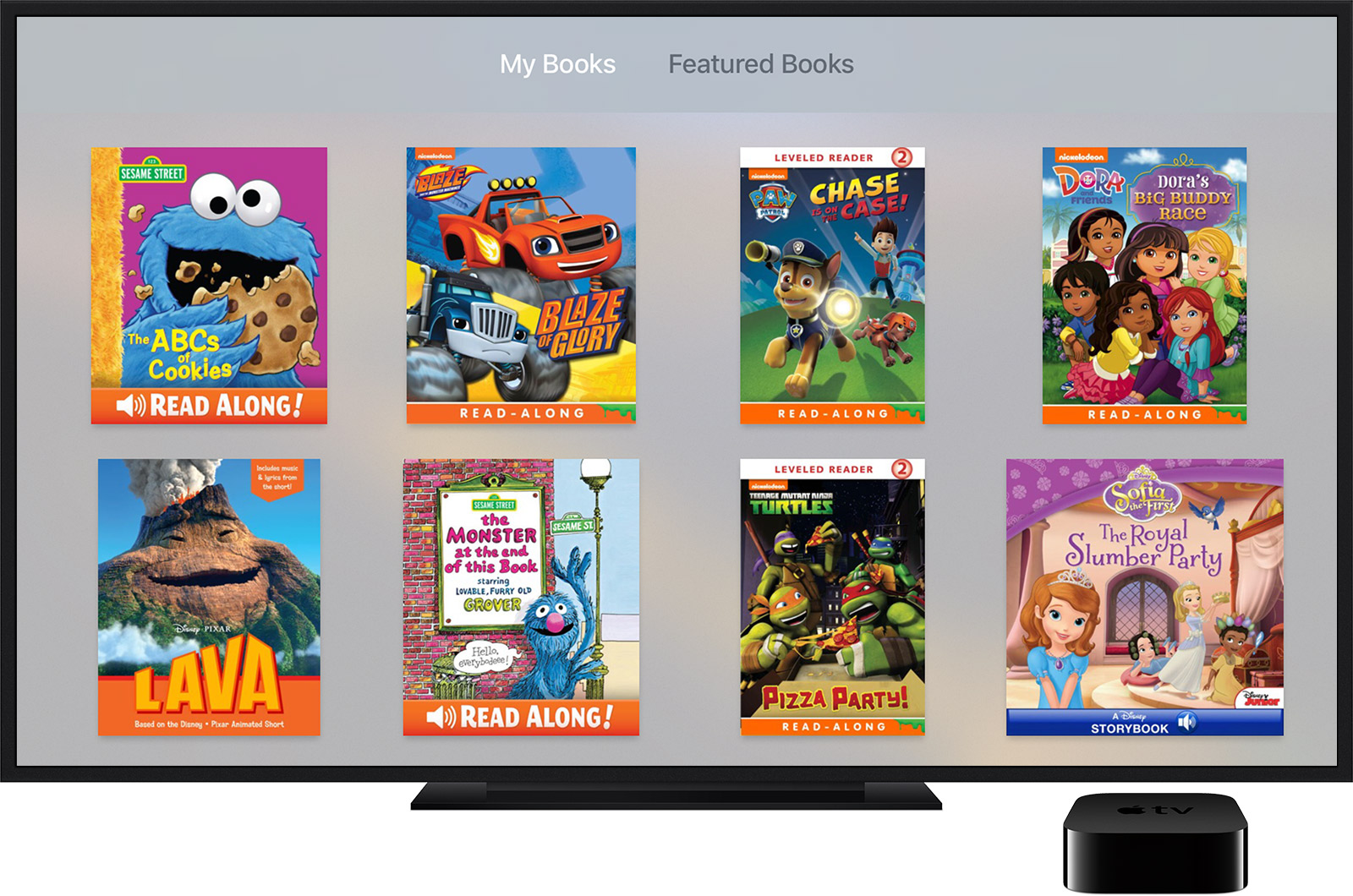
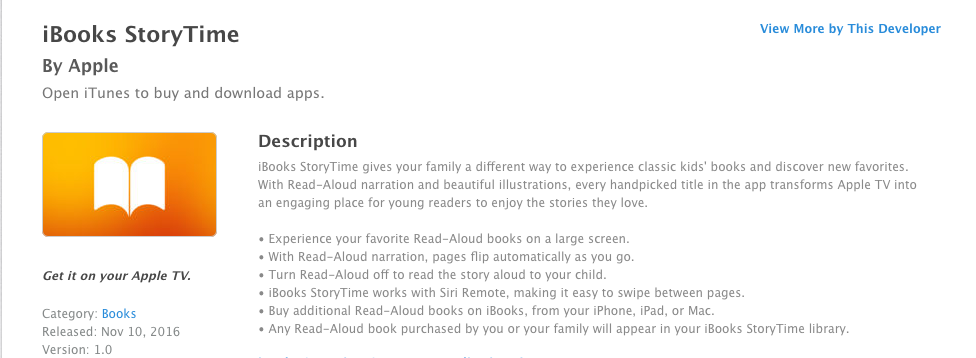
    Offering classic kids books, new stories, read-aloud narration, and Hi-Def illustrations, StoryTime is looking to be “an engaging place for young readers to enjoy the stories they love.” (App Store) StoryTime is available for AppleTV as well so stories can be viewed on larger screens. Pages flip automatically and there is an option to turn off the narration so you can read to your child yourself.

    The question is whether or not apps like iBooks StoryTime encourage reading or just disguise screen time to seem like it’s educational. Many experts have recently concluded that too much screen time is bad for the development of children. Obviously we can see the concerns with attention span or problems in social situations but one issue that relates specifically to this app is :

    an internalization that all actions have an immediate effect, and all stimuli elicit a quick response. – Psychology Today

    screenshot-2016-11-30-12-44-14This constant immediate reward from the quick response of digital media can lead to a preference to screen type activities and addictive behavior. 

    Reading to our children is critical. One of the most significant benefits is how reading together builds and strengthens our relationship with our kids. If a pre-recorded narrator is doing all the reading to our children, they are building a relationship with that screen and not with mom and dad. There are of course enough benefits to reading, no matter how. Kids who read well do better in every subject in school. Children who have been read to are better at communicating and reading to them at a young age makes it easier for them to learn to read when the time comes.

    Numerous studies have shown that students who are exposed to reading before preschool are more likely to do well in all facets of formal education.

    The most important thing is balance. An app like StoryTime can be a great tool to inspire and encourage reading in our children’s lives. It can also be a way to distract them so that we can do whatever thing we feel is urgent enough to cause us to neglect the important activity of bonding with our kids. We just have to be careful.

    My wife can’t even read a book on a screen. She says that there is something to the tactile effect of turning a page. The smell of the pages and even the sound of pages rustling as you go from chapter to chapter. I’m not sure if science backs up all of that but there is a ton of research leading experts to believe that even though an app like StoryTime can be a good tool, nothing beats sitting with your child, opening up a book, and reading together.

  • DirecTV NOW is Not Family Friendly Yet

    DirecTV NOW is Not Family Friendly Yet


    It’s the future! I have been saying for years that paying for cable tv service is ridiculous. What if I could just stream the channels I want and not have to buy a whole package of useless Home Improvement and Movie Channels? Well, they aren’t exactly there yet but DirecTV is getting closer with DirecTV NOW.  AT&T announced yesterday that they’re offering a television streaming service called DirecTV NOW; it’s available for purchase in bundles starting today, November 30th.

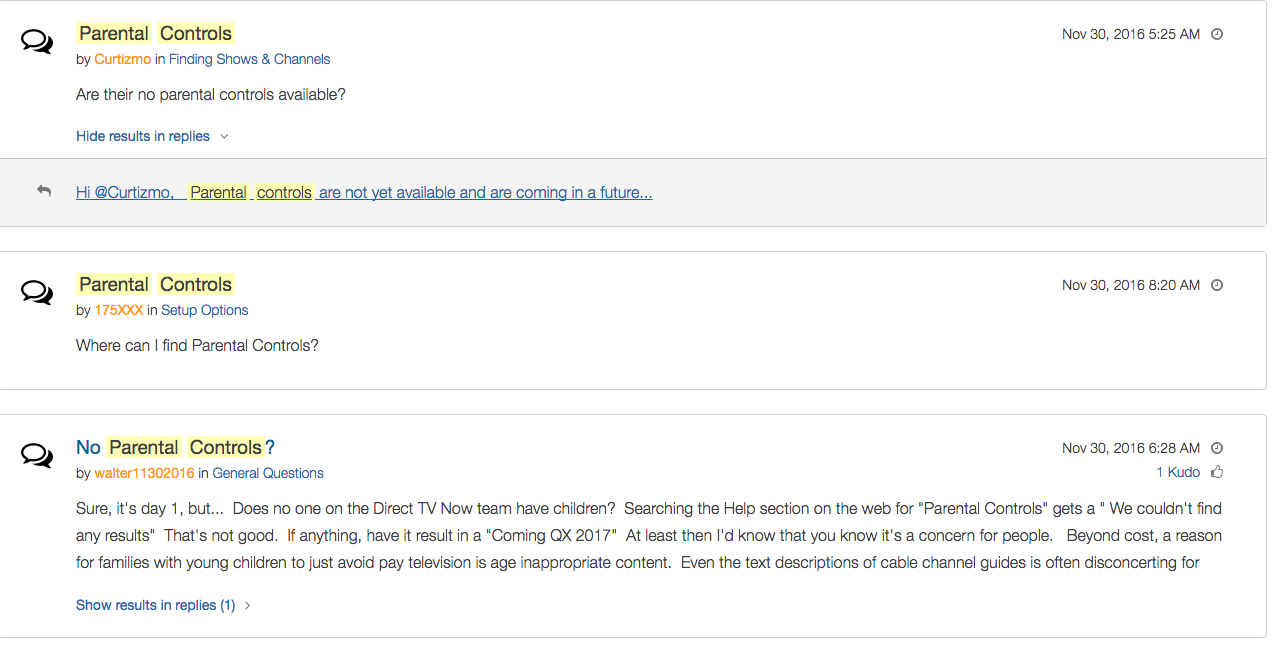
    Yes! It’s exciting to see that our TV options are expanding and even keeping up with the times a bit more. With ChromeCast, Apple TV, RoKu, and mobile access available we are finally being offered a version the tv service we wanted. Unfortunately, however, after some time with my free trial I have noticed that there is absolutely no parental control options built in for DirecTV NOW. I looked at the menus and in my account settings (there’s no option to create separate profiles, i.e. a kid profile, either.) I also tried to find a “block” option per channel to no avail. Then, a search for “parental controls” on the support and FAQ page led to no results and that was pretty much my final clue. There is currently no way to protect your kids from unwanted content on DirecTV NOW.

    That’s a deal breaker for me, especially with so much of what has become acceptable on cable television lately. Sexual activity, language, and increasing violence are mainstays in both broadcast and cable television shows. Even the commercials seem to highlight all of the features we would like to protect our young children from. I guess “keeping up with the times” comes with its costs as well.

    What’s a Parent to Do?

    screenshot-2016-11-30-12-15-35I would say wait. Just wait for a while and I’m betting we will see parental controls rolled out on DirecTV NOW before too long. In fact, a quick search on the AT&T Community Forums showed several concerned parents had already begun asking about this feature and it’s in development.

    DirecTV NOW looks to be a great way to save some money while still getting the entertainment content we want. Thankfully parental controls and content restrictions are becoming commonplace these days and this will be no exception. It is literally “day one” for this service so we’ll give them some time and the benefit of the doubt. You can join the future too if you’d like, I would just recommend keeping your kids off of it until you can set up some restrictions. 

  • Houseparty App Gives Your Teens a Chance to “Unwind” with Friends Online

    Houseparty App Gives Your Teens a Chance to “Unwind” with Friends Online


    Everyone needs their “third place.”

    The third place is explained by sociologists as

    “the coffeehouse, the bar, the mall — a public space for relaxing, socializing, sharing ideas, or goofing off.” –TechCrunch

    Your kids are finding an online version of that public space and it’s in an app called Houseparty. Houseparty is a group live “hangout” or video chat app and it’s been increasingly popular in high schools since May. This app provides a way for teens to connect with friends away from the pressures of school, work, or even parents. It gives them that “third place” to unwind. It gives them an opportunity to be social, but is it really social?

    “Despite the positive impact of emerging communication technologies on scientific research, our results provide striking evidence for the role of physical proximity as a predictor of the impact of collaborations.” – Harvard Medical School

    Relationships are better built in person. More and more research is showing that time spent near your friends is more important even than time spent talking with them. While video chatting allows for group conversation, it doesn’t allow for the mannerism cues and continuous turn taking. (Bejing Normal University) To say that using a video chat to build relationships is good for our kids, or at least better than nothing, is not really accurate.

    How It Works

    screen322x572The Houseparty app uses your contact list to automatically log you in with up to eight friends who are online when you open the app. You don’t set up or invite people to conversations, it just puts you in a room to hangout with whoever is on. So using your contacts list ensures that you’re hopefully only chatting with friends. You may, however, have the contacts of some folks you aren’t interested in chatting with. There is a “stranger danger” feature that will alert the user if someone joins the chat that isn’t on their contact list. This is a pretty good feature.

    What Parents Should Do.

    I think this app is trying to get a lot right. While there can always be concern with video chatting, simply because anything created with good intentions can easily be used to do something inappropriate. Similar to the AfterSchool app, I would say Houseparty is something that parents should be aware of and talk to their kids about but I wouldn’t advise uninstalling on sight, necessarily. Whether or not your are ok with your children building their relationships through online communication is up to you.

  • 5 Social Media Rules for Parents

    5 Social Media Rules for Parents


    Social media is a fact of life. In fact, our kids are often more social on social media than they are in the “real world.” I hesitate to say the real world because for your kids, their life online is their real life as well. Use these tips to help you be as diligent as you can while protecting your kids on their social media accounts.

    1. Do Use the Same Social Media Your Kids Use

    Even if your only have this account to be able to see what your kids are doing it’s a good idea. I call this a “stalker account.” That sounds more harsh than it is. It’s just a good idea to be able to see what they are posting. This method is less intrusive than taking their devices and looking at their accounts. If your teen argues with you and says they don’t want you to follow them (or unfollows you themselves) you can always ban their use of that social media site and I recommend that you do.

    2. Do Follow Your Children on Social Media (more…)