A reader sent me this article written in the Washington Post today and I wanted to post my response. The article outlines the problems that Apple is having keeping “unwanted sexual content” out of apps on their iOS App Store. Apps like Monkey, Yubo, and ChatLive are all apps that allow you to chat live with random people, often only connecting you based on the gender you say you’d like to chat with. The problem with these apps is that most of them have no way to verify your identity, gender, age, or anything. This means that kids who use these apps are chatting with random strangers, many of whom are much older than them and have nefarious intentions.
Tag: app store
-

Dangerous Random Live Video Chatting Apps are Dominating Social Media
The complains in the article are centered specifically around “unwanted sexual material.” As you can imagine, the consequences of this content is often our young kids seeing images of people in mature circumstances whether they were seeking that kind of content or not. When you can just chat with someone randomly, you never know who is going to show up on your screen. When the person that shows up is in a compromising position, you’ve already seen it and it is impossible to unsee it at that point. Our kids are being shown this nonsense and the developers of apps are monetizing some of the only ways you can filter the content. (i.e. Monkey making you spend their in-app currency called “bananas” to select what gender you want to chat with). Those who run the app stores (Google or Apple) often say they do their best to keep apps with inappropriate content off of their stores, especially when it comes to apps that children use, but once they’ve labeled the app 17+ they pretty much shift the responsibility to the adult who is caring for the child.
What Parents Should Know
Two years ago I wrote an article about the dangers of the app Monkey and how it would become a hotbed for predators and “unwanted sexual content.” Today, Monkey is mentioned in the Washington Post article as one of the main companies with this content in their app, citing: “About 2 percent of all iOS reviews of Monkey, ranked 10th most popular in Apple’s social networking category earlier this month, contained reports of unwanted sexual experiences, according to The Post’s investigation.” Does 2% constitute a “hotbed?” I don’t know. But I will say it is a cause for great concern, especially since this is only a percentage of the reviews that mentioned the problem, mostly parents who saw that their children had been assaulted with adult content in the app. It doesn’t measure those who saw it and didn’t report it for one reason or another. I had been contacted by Allen Loh, head of global expansions for the Holla Group, operators of the Monkey App, six months ago or so and he assured me that they were working to address some of the safety and content concerns within the app. I have reached out again to get updated information about these issues but have not, as of yet, received a response.
The only real way to ensure your child is protected from the unwanted content in apps like these is to use the restriction settings built in to your operating system. Apple’s Screen Time has a restrictions setting in which you can set a maximum age rating for apps that your child can download. If your 15 year old has an iPhone, you can set the restriction to 12+ to ensure that apps rated 17+ won’t be available. Android users can use FamilyLink to set App Store restrictions for their younger children. These restrictions, however, will be automatically set to “adult” when your child turns 13.
As I always say, the most important thing is communication with your child. You have to make them aware of the dangers of chatting with random strangers on the internet. As obviously dangerous as that sounds, these apps are branded and marketed as a fun way to meet new people. They build an environment that is like going to the mall or the movies back in our day, but instead it is all within the anonymity an app. Unfortunately, within an app, the weirdo who wouldn’t go out into public and make advances at your kids is there waiting to find someone he can groom, send adult pictures to, or violate in some other way. Parents need to create a safe space for our kids to come when they feel threatened or violated by someone online or in an app they use. Many of the stories of parents finding unwanted sexual content within an app were made known only because their child knew to come to them when they saw something that made them uncomfortable or feel violated. Do everything you can to protect your children’s hearts, eyes, and minds and then be sure they know they can come to you if something inappropriate comes across their screen.
Podcast: Play in new window
Subscribe: Apple Podcasts | Spotify | RSS


Is Apple Blocking Parental Control Apps Because they are Competitors to Screen Time?
The Story So Far
It is a long and arduous story, the tale of Apple shutting down parental control apps. Some say it was done to protect Apple’s investment in their own Screen Time app while others believe Apple truly has the wellbeing of their customers at heart. It is hard to look at this story from any one angle alone without making a blanket statement about the opposing side. This is why I have taken a look at all sides and wish to help you, parents, understand what is happening in this strange new war.
Last fall, after announcing the release of iOS 12 which feature their new controls app “Screen Time,” Apple began to deny certain parental control apps access to the app store. Apparently, citing the fact that Apple doesn’t allow apps to use any method to block other apps (a pretty important feature in a parental control software.) Eleven of the top seventeen parental control app developers such as Mobicip, OurPact (the top Parental Control app in the app store,) and Quistudo were all in communications with Apple for months about their apps being removed and what it would take to get reinstated. Apple’s comments seem to have been centered mostly around the removal of apps and the use of something called MDM or Mobile Device Management. They stand on the fact that MDM allows access to information that should remain private. Developers of the Parental Control apps are saying that Apple said nothing about privacy in any of their communication about getting their apps reinstated. This is causing a bit of concern for developers, media, and parents alike.
Even more information about MDM in the video and podcast.
Recently, the New York Times released an article about Apple’s removal of the parental control apps from the app store alluding to the possibility that the move was to eliminate competition for Apple’s Screen Time or even to keep people from using apps that cause them to use the iPhones less often. We are obviously getting a lot of they said/they said back and forth with this story and there is more to come (law suits and such) but here is what I think it all means for parents.
What Parents Should Know
Above all it is important for parents to understand that there is no such thing as the perfect parental control app. The free ones are likely selling your data and the paid apps are usually using some sort of loophole to even work properly. Apple uses a pretty closed approach to their app store, only allowing a very small “sandbox” for developers to work in. This causes many of the parental apps in question to fall short of complete and total control. The MDM allowed for a bit more of that control but without that access, many of these apps are simply useless. I do believe that parental control apps should be held responsible for what they do with the data that they collect. Apple takes data security and privacy very seriously. This is what they have said is at the core of their stance against some of these apps. Apple must protect the privacy of their users, it is a major part of their platform and what sets them apart from their competitors.
What does this mean for us as parents who want to protect our kids? First of all we have to remain vigilant to keep our kids safe online. Use some sort of network level parental controls. Whether you use Circle or something else that is built in to your router, it is a lot easier to set up filters that block your entire network than to set it up on each device. Also, you can just learn and use the built in parental controls that Apple and Android have created. Screen Time isn’t perfect (as I said, none are) but it is pretty good. Use the resources you have as well as a good, healthy environment of conversation and security to keep your kids using tech properly and discussing it with you regularly.
Until Apple makes it easier for software developers to access user behavior, any built in parental control options will be bettor for iPhone and iPad users. Screen Time is currently a bit limited but is is a lot better than nothing and will work for most families. The best part is that the stance Apple has taken for privacy will also apply to users who have set up Screen Time. Any account that you have set up for your child will be treated as a child’s account and Apple’s terms state that their data will be treated as such also. Maybe your favorite Parental Control app is a part of this whole drama. If so, hang in there and set up something you can use because this whole story isn’t over. I’ll keep you updated as more happens.
For even more, listen to the podcast episode below:
Podcast: Play in new window
Subscribe: Apple Podcasts | Spotify | RSS
Tumblr Removed from Apple App Store for Child Pornography
Photo blogging app Tumblr has been removed from the iOS App Store because of child pornography. Earlier this month the iTunes App Store removed Tumblr from their market unexpectedly. The reason wasn’t announced at the time but it has recently become clear that scans showed child pornography was making it through Tumblr’s content filters. A statement from Yahoo (owners of Tumblr) confirmed that child pornography was the reason for the app’s removal and said that they are working hard to fix the flaws in their scanning algorithm and get the app back on the app store.
Tumblr has been criticized for their lack of concern for adult and inappropriate content on their app. Some even call it “porn gif central.” They added an on/off switch for adult content when Apple made it a requirement but didn’t password protect it. Tumblr has a reputation for doubling down on the fact that pornography is what makes their app so popular. The app is still available on Android’s Google Play Store.
What Parents Should Know
It didn’t take much research for me to add Tumblr to my uninstall list a couple of years ago. It is still there and this latest news only solidifies that fact that it belongs there. There is content on Tumblr that many feel they want to see. Geek stuff, memes, humor, art, and photography are all featured on the app prominently but a simple search or click on the wrong related image can lead you to hardcore adult images and animated images. Your children shouldn’t be allowed to use Tumblr and your teens should be advised against it.


Video Chatting Apps You Should Uninstall NOW
Chat Roulette was a challenge that became its own website. The idea was that people could log on to the site and be connected with someone from around the world at random. The website isn’t as popular as it once was but there are many apps that simulate that experience and some of those apps are gaining popularity. Here are some of the ones climbing the app store charts. The ranking listed is for the Social Media category in the iOS App Store as of the publishing date of this article. I’ve only listed the live video or random connection chatting apps in the top fifty.

Melon #14
Melon is making the news as the latest video chatting fad. It connects you with new people based on social media friends and offers private messaging, video chat, and a people search feature. It’s gaining popularity and being featured in articles that are blasting it for the frequency of cyberbullying and the high concentration of males looking for girls that will do whatever they ask on camera.

Live.Me #16
Live.Me touts the ability to chat with stars and celebrities and broadcast to anyone all over the world. You can find anyone from anywhere or just look to see who is broadcasting around you. There is also the ability to search by topic or interest. Live.Me uses “gifts” and “diamonds” to allow you to share things with other users and even advertises the ability to “date” virtually through the app.

Monkey #25
I’ve written about Monkey before. This app was created by a couple of teens who dropped out of high-school to launch a tech startup. It quickly gained a reputation for having too much nudity and not taking some of the responsibility for the content found in the app. This app has been on the FamilyTechBlog uninstall list for a while now.

MeetMe #35
Formerly called “MyYearbook,” MeetMe is a app that advertises itself as a way to “meet new people.” The app uses your location to find people near you and information that you’ve entered to connect you with people who share your interests. It’s popular in the app store as it’s been around for quite a while and has the largest fan base. MeetMe offers private chat and video chatting as well as live video broadcasting.
Climbing the Charts:

YouNow #52
Live stream video chat is pretty much all YouNow is about. You can broadcast yourself, find broadcasters, and even join the broadcast as a video guest. The app store listing calls for you to build your fanbase and become a YouNow celebrity. There are some complaints on in the reviews about accounts that have been reported for inappropriate content not being removed because they are popular on YouNow.

CAM #56
CAM is popular because it allows you to select the gender you’d like to chat with. It automatically connects you with someone and even automatically texts an invite to everyone on your contacts list without your permission. This practice has caused it to dip in the standings but some continue to use the app because they like the ability to chat or flirt with people they are attracted to.
What Parents Should Know
I don’t usually recommend any of these type of app for your teens or kids. Not only is it dangerous to connect with random people who could be broadcasting whatever they’d like for you to see. It’s also a problem because of the potential for predators. Any connection with strangers is dangerous. Some of these apps use your location to connect you and it’s therefore possible to meet people online that you may meet up with later. My advice is to uninstall any of these apps if you see them on your kids phones or tablets. There is no reason to use one of these apps to connect with friends since you can use Instagram or Facebook Messenger to do that now. Uninstall on sight.

Apple’s App Store Changes May Cost You a few Bucks
One of my favorite things to do on my phone is search the App Store. I enjoy seeing what new releases are out, what apps might be discounted, and what apps I should add to my wish list. I often download an app to try it out just because I can easily see that it’s free. Apple’s new rules will block App developers from putting price information in the titles of their app.
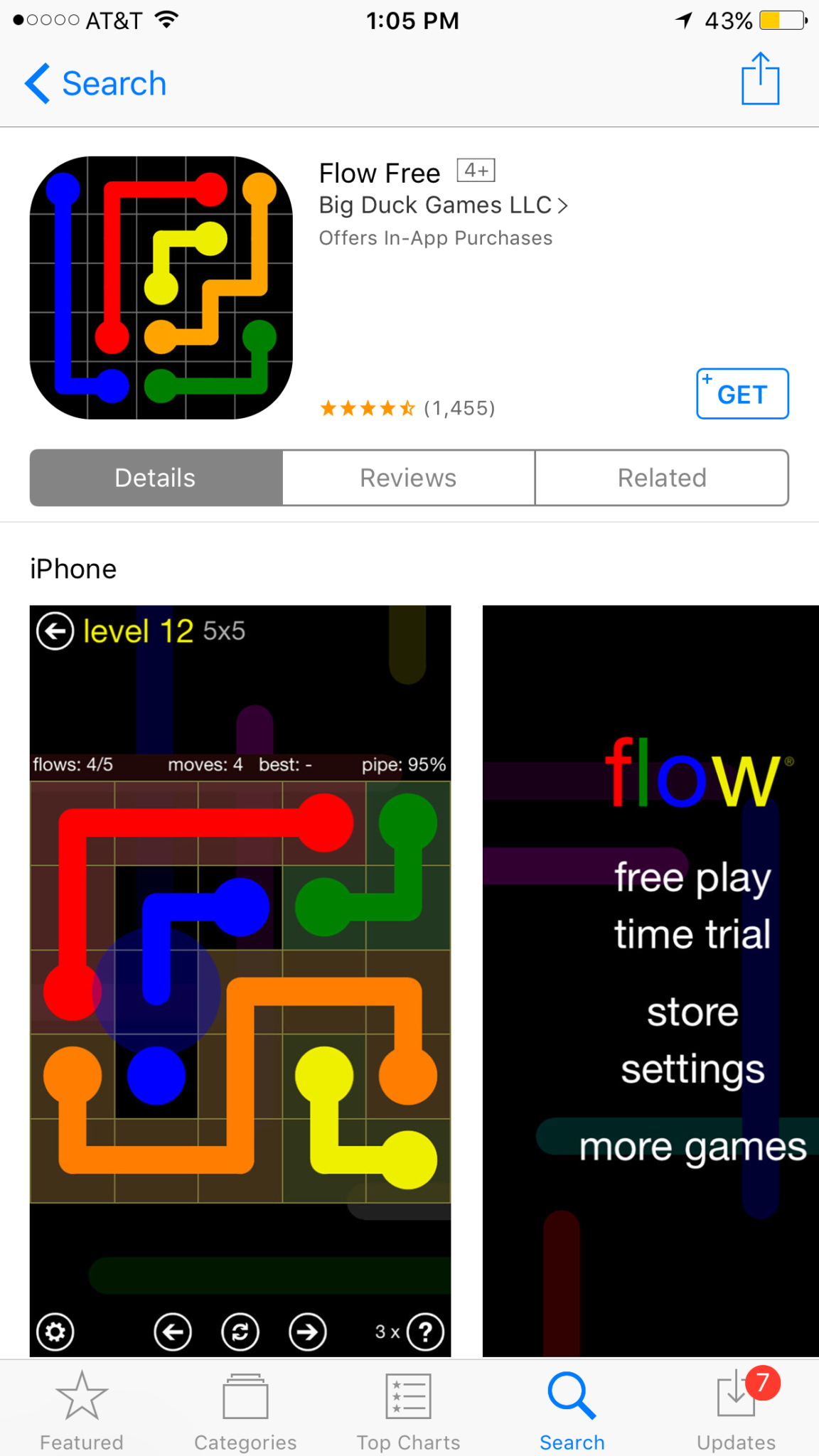
This change means that apps that produce a free version won’t be able to use the title to illicit more installs. The game of making money through mobile app development has taken many turns over the past several years. You may have noticed that most of the top grossing apps are considered “Freemium” which means downloads are free but they sell content to you within the app. Having FREE in the title has long been a useful strategy for this type of software. Eliminating the price in the title could decrease the number of downloads for these apps and in turn, they’re revenue.
Please remove any references to your app’s price from your app’s name, including any references to your app being free or discounted. If you would like to advertise changes to your app’s price, it would be appropriate to include this information in the app description. – App Store Submission Rejection Notice
These changes will immediately affect new apps being submitted to the App Store. There is no word if changes will be required for apps that are already listed in the store.
What Parents Should Know
We have all started to get used to the freemium model of app development and how to educate our kids about it. This update could change a few things. First of all it may not be as easy for younger kids to know if the app they’re looking at is free or costs something. Of course the price is listed right next to the app but this wouldn’t be the first time a kid accidentally spent some of their parent’s money.
Secondly, if developers aren’t gaining more installs they may be required to raise prices on their in app purchases. This would mean that apps you may pay a little bit for would cost you extra. Alternatively, you could end up with fewer freemium apps and more that just charge you upfront for initial access.
Whatever the result of these changes by the Apple App Store, the most important thing is, as always, that your children understand what has happened and know how to navigate the store properly. Teach them that money spent in these apps is often real money and usually your money. Set up your parental controls so that they have to ask permission to install anything. This will help you keep your money safe as well as your children.