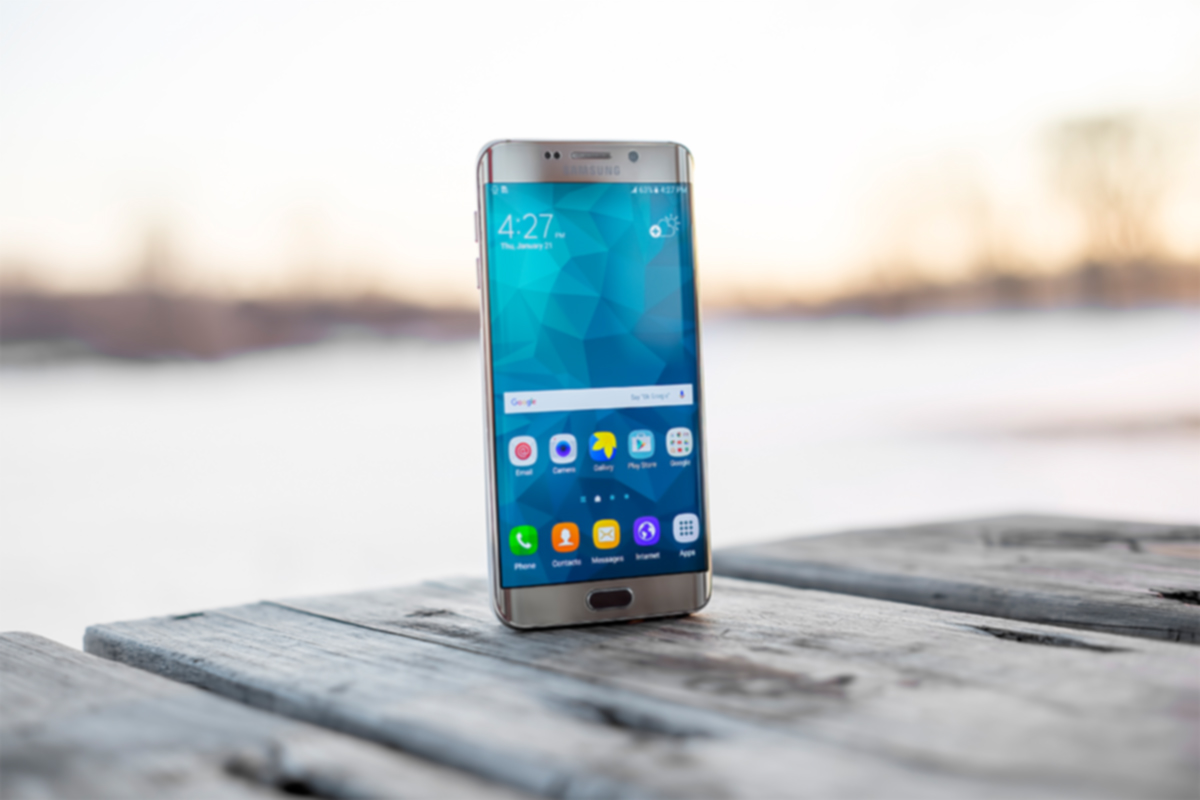
The ordeal with the exploding Galaxy Note 7 has brought about an interesting topic as of late. In case you’re a bit behind, I’ll remind you that early in 2016 some Samsung Galaxy Note 7s began to explode. The phone was recalled and many people began to return it for a replacement. Many, however, did not. In order to increase the number of returns Samsung started to roll out updates to the operating system that would eventually render the phone ineffective. The idea is that if phones wouldn’t charge all the way, or eventually at all, then users would have no choice but to turn the phone in and get something that wasn’t just screaming POTENTIAL LAWSUIT for Samsung. This is what started the conversation about who owns the phone we paid for and use every single day.
The Phone is Yours, Sort Of…
We pay good money for our smartphones. iPhones can cost up to eight hundred dollars when first released and the cost of a good Android phone is comparable to that. Since we pay so much it stands to reason that we should have complete control over what happens to and in our phone. The truth, though, is that we don’t. In fact, we sign away that right when we purchase, or now lease, our smart device. The terms and agreements page that we sign without reading spells out the fact that the physical device we just bought belongs to us but the software that makes it more than just plastic, glass, and metal, still belongs to the company that developed it.
This is why Samsung can “brick” a phone with software updates in order to get people to bring them back. They can’t require you to physically bring your phone back because they want it back but they can make it so useless that you can’t stand to use the thing anymore. If it has any use anymore at all. Technically you are using software that belongs to someone else because they allow you to. That doesn’t stop with operating systems, it goes for the apps you download too.
Here Come the App Police
Twitter has been flexing their “terms and agreements muscles” recently as they try to crack down on bullying and abuse in their popular social media site and app. Some of their most recent changes include adding the ability to explain why you’ve blocked a user or hidden a post on your feed. With an even larger step, Twitter is using algorithm and moderators to recognise users of previously banned accounts and keep them from setting up a new account to continue their abuse. These steps and some more they’re not being as open about may seem controversial to some but they are definitely allowed under the terms you agreed to when you signed up to use their service.
What Parents Should Know
There are a couple of major ways that the ownership of our digital devices is an important topic for parents to understand. First of all you must know that the use of any software, be it an operating system, an app, or computer game, is considered a privilege given to you by the developer of that software. Even if you paid for the right to use it. Your kids need to understand that behavior contrary to what is acceptable in those apps or software can cause them to lose the ability to play or use the software anymore. Secondly, it’s important to update your device when an update becomes available. While it may seem like recent updates slow down your phone or cause other apps or software not to work properly, the developer created that update for important reasons. Security is a major reason that updates come as frequently as they do. Hackers or identity thieves are always working to find ways to sneak through security settings set up in your phone or computer. Updates by the developer allow them to keep up with the new ways those hooligans have discovered to breach your digital defenses.
Be sure your kids and teens understand that the digital lives we live are a privilege. There are right ways to use our smartphone and wrong ways. When their account is banned in an app it happened for a reason. This means you should be having a conversation with them about what led to that action being taken by the developers of the app. Was it because of other users “flagging” him for his posts? Was there something she posted that she admits crossed the line and caused her account to be shut down. This DOES happen and should be taken very seriously. There are some online behaviors that are as illegal as anything you can do offline. One major example is the distribution of child pornography. This is a felony and punishable by years in prison and the remainder of your life labeled as a sex offender. Sexting, or sending a nude picture of yourself or someone else, if you are under eighteen years old is considered distribution of child pornography. The activities we are involved in online have very real consequences. We may own the device we use but we have agreed to use them in a certain way, and if we fail to meet those standards the privilege can, and will, be revoked.