Tag: android o

  • You Should Ditch Your Windows Phone, Microsoft Is!

    You Should Ditch Your Windows Phone, Microsoft Is!

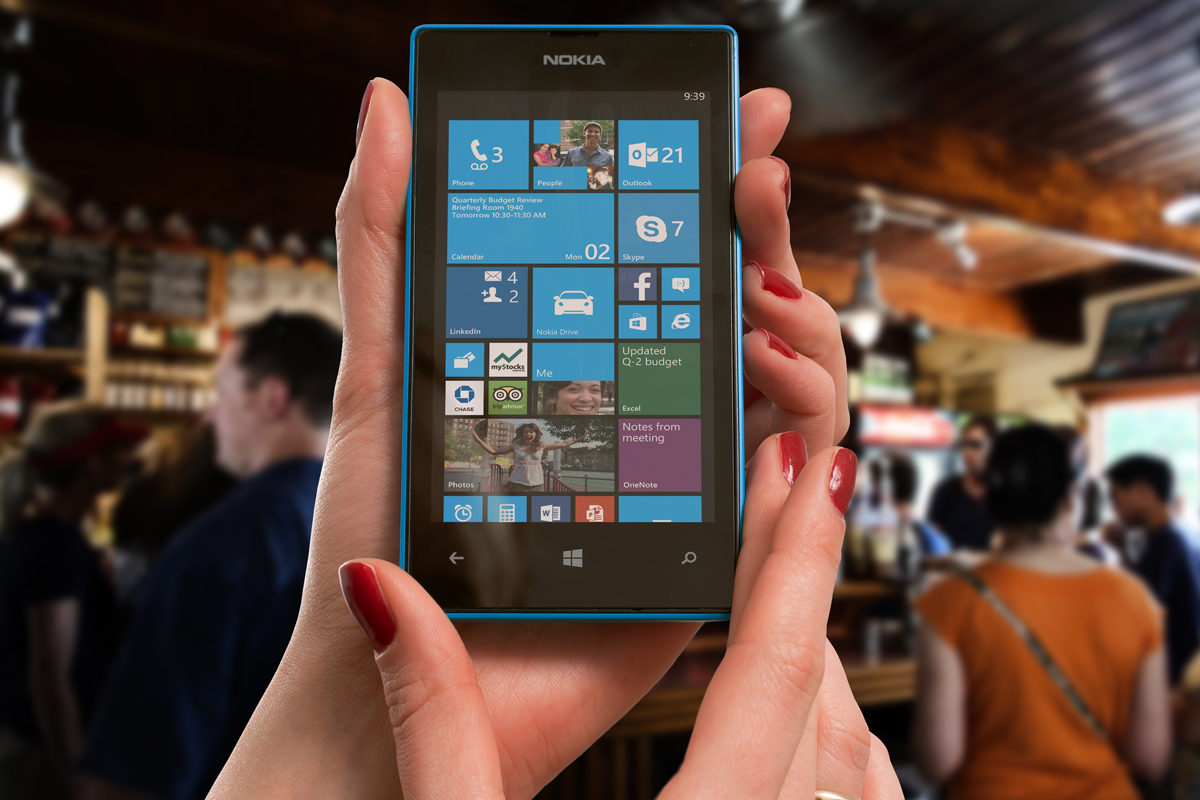
    Yesterday marks Window’s Phone’s “end of support” classification with Microsoft which means they will not be updating the phones anymore, not even for security.  While Windows 10 Mobile is still available there aren’t many phones that are compatible with this OS. What does this mean? It means that if you have a Windows phone, it’s time to switch to Android or iPhone. Security is one of the most important reasons to allow your operating system to update, if those updates aren’t available then all of the personal data you put on your phone is at risk. This is a real problem and not only for Windows phone users.

    There is a new operating system coming for Apple and Android towards the end of the year and you shouldn’t use a phone that will not be included in these major updates. Yes, the new features and designs of these operating systems are cool but they aren’t the only reasons you should tap ok when the update notification pops up. These updates protect your personal data from theft, hacking, phishing, and spamming. Updates to your OS are often responses to new security threats that developers have become aware of so while the notification every few months to instal version 1.2.4.3.2 can be obnoxious it’s too important to ignore.

    Here’s a list of some of the devices that WILL BE recieving the new Android OS called Android O:

    • Pixel
    • Pixel XL
    • Nexus 5X
    • Nexus 6P
    • Pixel C
    • Nexus Player
    • Galaxy S8 and S8+
    • HTC U11 (Maybe older devices but it’s still unclear.)
    • Z-Droid
    • Z Play
    • Moto Z
    • Z Play Droid
    • Z Force Droid ( Verizon exclusive in the USA)
    • Z2 (2017)
    • G4
    • G5 Plus
    • Moto G5
    • G4 Plus
    • G4 Play (Not Confirmed)
    • OnePlus3
    • OnePlus3T
    • OnePlus5 (Rumored)

    Rollout dates for Android O differ for every device and there are some devices who’s companies have yet to confirm an Android O rollout at all.

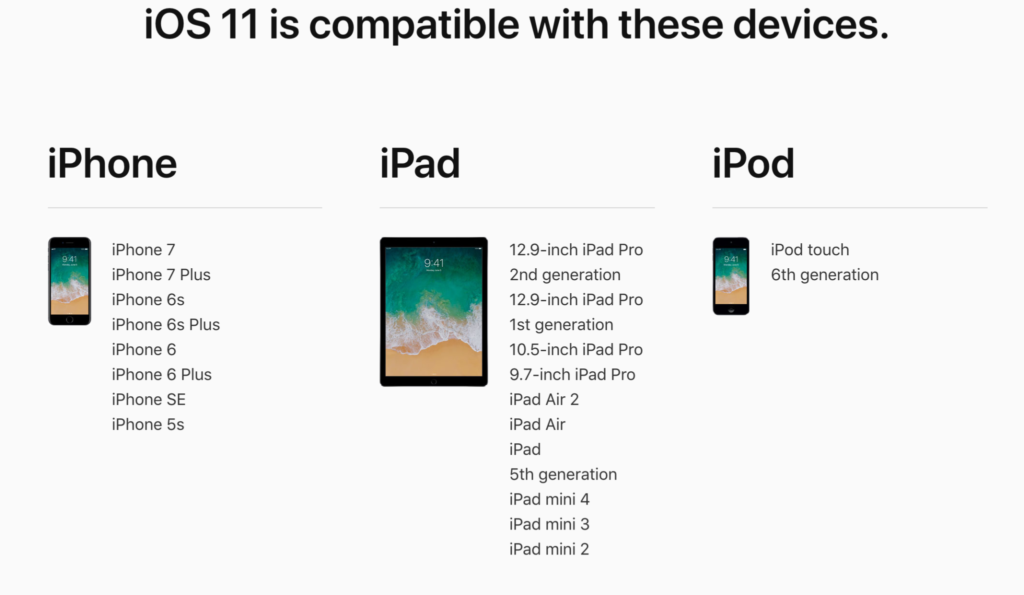
    As for your Apple Device, here’s the list of the phones and tablets that will receive the new iOS 11 update when it’s fully available:

    iPhone

    • iPhone 5s
    • iPhone SE
    • iPhone 6
    • iPhone 6 Plus
    • iPhone 6s
    • iPhone 6s Plus
    • iPhone 7
    • iPhone 7 Plus

    iPad

    • iPad mini 2
    • iPad mini 3
    • iPad mini 4
    • iPad (5th generation)
    • iPad Air
    • iPad Air 2
    • 9.7-inch iPad Pro
    • 12.5-inch iPad Pro
    • 12.9-inch iPad Pro (1st generation)
    • 12.9-inch iPad Pro (2nd generation)

    iPod touch

    • iPod touch (6th generation)

    If your device isn’t going to be updated this fall or early next year it may be time to consider upgrading. While some of the older phones will still get OS updates from time to time it won’t be long before they go the way os Windows Mobile and become more of a risk to use. Yes, I know it can be annoying to get used to a new phone and a new user interface and system but the safety and security is too important to ignore. Just take the leap or, if all else fails, faxing can be a pretty safe way to communicate. I kid because I care.

  • New Operating Systems Coming for iPhone and Android

    New Operating Systems Coming for iPhone and Android

    The last few weeks have been loaded with updates from the two major tech brands in the industry. Google’s I/O event was May 17-19th and they had some major announcements including virtual reality, augmented reality, and a brand new operating system for Android, Android O. Apple’s Worldwide Developer’s Conference (WWDC) was this week, June 5-9th, and they’ve made similar announcements including a new version of their smartphone operating system that they’ve branded iOS 11. These two new systems will run the majority of the newer phones and tablets being released so it’s important to understand what each is offering. Here’s a rundown:

    Android O

    Android’s newest system should be made public this Fall. The most significant features are design changes in the Settings Menu and User Interface (UI.) Many of the smaller changes are things users won’t notice such as changes in how the OS will handle security and background operations, as well as channels or categories for notifications. Also, picture-in-picture support, notification badges that will appear on app icons, and better bluetooth support will definitely be features that makes Android O a step up for it’s users.

    iOS 11

    A new dock, multitasking with drag and drop, a files app, and better Apple Pencil support make iOS 11 a major upgrade for iPad. iPhone users will notice more apps in messenger, an app store that looks and works completely differently, and a new and improved Siri, including a new voice. The control center, the lock-screen, notifications screen, maps, Apple Music, and AirPlay are all getting improvements as well. iOS 11 is also slated to release this fall.


    What Parents Should Know

    There haven’t been any announcements on Parental Control improvements for either of these operating systems. When the test version of iOS 11 is released I’ll be giving it a full look-over and writing a review for you. One thing that parents will enjoy from iOS 11 is the ability to turn on an automatic Do Not Disturb while driving. The phone will sense your movement and speed and automatically silence any notifications until you’ve stopped. This will be a good way to keep your older kids safe while they are on the road. As for Android, they recently put out a new Parental Control option for their OS and it’s proving to be a pretty good setup. It’s only available on newer devices, however, and we still don’t know what changes have been made for when Android O is released.

    I always recommend keeping on top of updates when they are made available. Both of these new Operating Systems should be available this fall and you should be sure, if your devices are compatible, that you’re upgrading soon after release.  This isn’t just important to get any of the new features but also because security and privacy updates come with these new systems. The apps you use, including the ones you use for internet safety and monitoring will update to keep up with the latest software and if your devices are behind you’ll start to see holes in your security. Keep your eye on the update section of your settings menu and when it shows that a new version is available you should install immediately. You can also keep checking in to this site as I will keep you informed on the latest releases as well as how they can affect your family.