Tag: accountability

  • Firefox “Focus” Private Browsing Poses a New Risk for Your Kids

    Firefox “Focus” Private Browsing Poses a New Risk for Your Kids


    Private browsing has been around for a long while now.

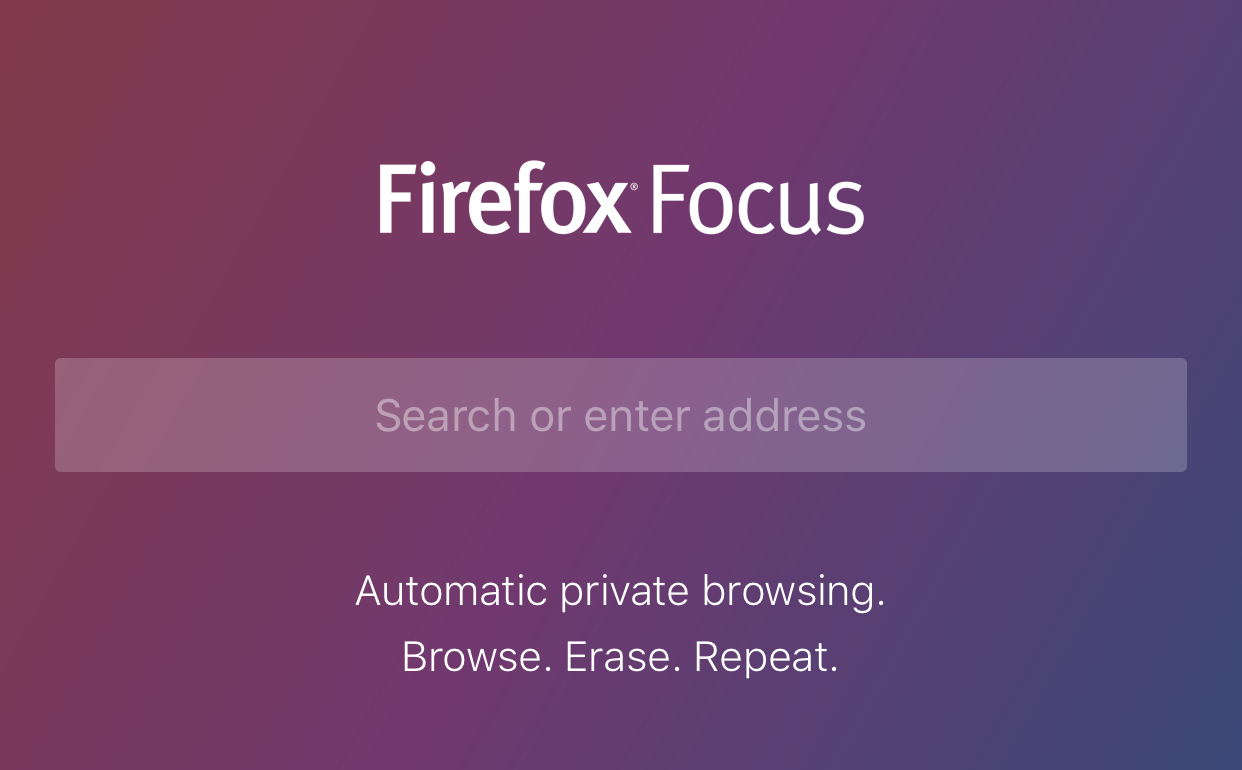
    Whether incognito mode, private mode, or InPrivate, there has long been a way to visit whatever sites you’d like without worrying about being tracked or accumulating a history of sites visited. Mozilla has released a new browser called “Focus” that is designed to allow users to browse privately. The idea is to keep advertisers from storing information on your computer or phone and using it to target their ads while you surf the internet. This can be a good thing, but it’s important to understand some risks involved with private browsing.

    Focus is designed to block ad trackers, analytics, social trackers, and can seek out and block other trackers as well. It can also integrate into Safari on ios (the ios standard browser) and Firefox on your computer. After downloading the app you just open it and begin browsing, searching (on Yahoo,) or surfing as needed. There are no extra tabs or any bells and whistles at all but when you are done you just close the window with the “Erase” button and start again at the first screen. All the data is gone at that point. Like you were never there.

    What Parents Should Know

    focussettingsWhile I am all for the battle for internet privacy and freedom from being tracked by marketers, private browsing presents a major problem when trying to protect our kids from inappropriate online content. Keep in mind that a popular name for private browsing is “Porn Mode.” The ability to view sites without anything being stored on your computer, including a history of your surfing habits, is, of course, a way for our kids to view adult content without us knowing.

    Part of setting protections for your kids on their smartphone or tablet is turning off the ability to install a different browser. If you have installed an accountability or filtered browser then a new way to surf the web will completely undermine your attempts to protect them. While on the computer, filters like NetNanny will continue to block sites and accountability software such as Accountable2You will continue to report (though, with less detail) inappropriate activity. Even in private mode. While on mobile devices, however, especially ios devices, the accountability and filter app should be the only browser available to our kids.

    Learn more about privacy and security from our Mobile Device Vocabulary Series.



  • The ONE Thing You Can Do to Protect Your Family Online

    The ONE Thing You Can Do to Protect Your Family Online


    I’m often asked what my “diagnosis” is for a family’s internet safety. I usually have them fill out a one page form and it tells me what I need to know to give them the basic steps I would take to help them protect their family. Sometimes, though, parents want to make the most minimal changes possible. Maybe it’s a budget/financial thing, maybe it’s just time, or it’s a lack of true motivation. I don’t know. What I do know is that there are two major tools that no family should be without when it comes to being protected online.

    The first tool is a filter. 

    A filter blocks content that you don’t want accessible on your device. These filters are usually specific to a browser and so you should keep track of any new browsers that may have been installed on a device you are trying to protect. I recommend that you use  filter that “reads web content in real time.” This means that instead of just looking at the address or ip of a site, they are actually using the content to decide if the page should be blocked or not. This is critical because of a workaround called proxies, that can bypass filters that only look at the web address or ip.

    When choosing a filter you get what you pay for. The more controls and user friendly the UI (user interface) the more it’s going to cost you. You usually pay for the filters annually or monthly. There are also filters that come built into hardware that you may use. Some routers are now including basic filters in their “back-end.” Or something like circle will allow you to set up controls on any device using your wifi.

    “Giving your kids a smartphone without a filter is like putting them in an adult book store and saying, ‘Be good!’ It’s a bad idea.” -Joe White

    The second tool is accountability software. 

    Imagine a high security building. They have the laser grids on the doors and windows and an alarm system that will go off if someone tries to break in. Security guards patrol outside to keep an eye out for any possible intruders. With all of that work to keep anything unwanted from getting in you’d think they’d be satisfied, right? No, they’re not. You will always see security cameras in high security buildings. This is because things can slip through. This is why I always recommend accountability software.

    accountable2you
    Click to Sign Up for Our Favorite Accountability Software

    Accountability software will identify any unwanted online content and send a report to the person set to be notified. Some even send text messages immediately when something was accessed. This is the security camera inside your online safety net. It’s another layer of protection that will allow you to see when something you aren’t expecting slips through your safeguards. Conversations with your kids are more important than any software or hardware you can use and accountability software allows you to know exactly what conversations you need to have.

    Not either-or, both-and. 

    The answer to “what is the ONE thing I should do to protect my family online” is to do TWO things. Install accountability software and use the filters built into your operating system. If you have had some problems with catching someone viewing things they shouldn’t you may be concerned they would go looking for it again. In this case I recommend purchasing and downloading a more feature filled filter software.

    These steps are really just the beginning. Obviously staying informed on what is happening in your kids’ digital world is critically important which is why an annual membership to this site would be a major help. Click to go register. 

  • Snapchat Spectacles: Now You CAN Document Every Meaningless Second

    Snapchat Spectacles: Now You CAN Document Every Meaningless Second

    People are waiting in line for hours to get a pair of Snapchat Spectacles. These sunglasses allow you to take 10 second videos of whatever you’re seeing. It’s a first person view of your world that you can then share on your Snapchat Stories to allow your friends to take part in every second of your life. Meaningful or not.

    Spectacles are only available from a vending machine that is currently touring the country causing a big stir. Having set up for a day each in Venice Beach and Big Sur California and today in Tulsa, Oklahoma, the exclusivity of these sunglasses is already evident in the fact that the $129 social media accessory is going for a few thousand dollars on EBay already. These things are especially popular with the teen and young adult crowd and all I have to say is “Oh boy. Get ready for even more useless oversharing.”

    How do Spectacles Work? (more…)

  • Mobile Device Vocabulary Lesson 5: Gaming (2)

    Mobile Device Vocabulary Lesson 5: Gaming (2)


    We’ve made it to our final vocabulary post. We are visiting gaming again. We discussed several gaming terms in lesson one but I thought we should cover a few more in this final vocabulary lesson. These terms have to do with gaming and monetization (a word you learned in lesson 1.) Learning about how money works in the mobile gaming world can really help you understand how game companies market to your kids. If you aren’t subscribed to the site, be sure to register so that you can access all of the great content in this series and so much more.  (more…)

  • Pokemon GO Update: What you should know.

    Pokemon GO Update: What you should know.


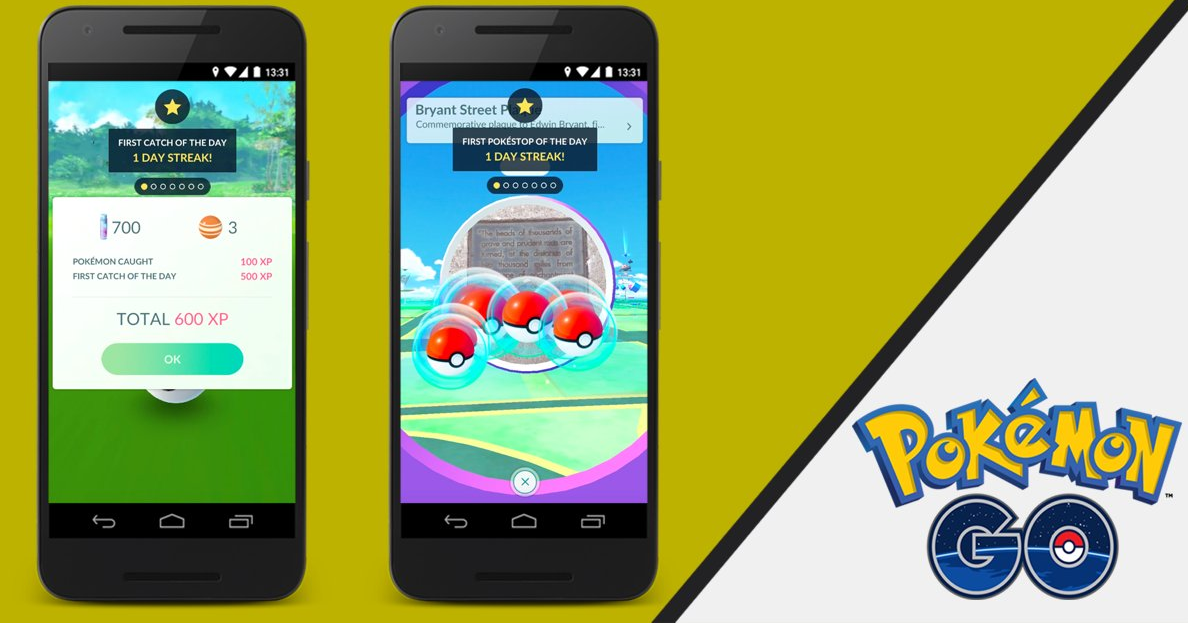
    The conversation about Pokemon GO has settled down quite a bit lately but a new update this week has caused a bit more discussion to begin again. I think parents need to hear some of what is being said. While this update adds a new 8 mph maximum speed to keep you from playing while driving and a few new Pokemon to catch, the issue most relevant to parents is the addition of Daily Bonuses to the app. (more…)

  • Here’s Why Your Passwords Don’t Work

    Here’s Why Your Passwords Don’t Work


    Joe and Beth have had a Living Room Workshop and bought What’s in Your Pocket? They are doing everything they can to protect their kids online. They have accountability software, filters, and they even sit down with their kids every now and then and talk about internet safety. It’s great…for a few months. Then, suddenly, during one of their family meetings Billy tells them he saw something he shouldn’t have. It bothered him pretty badly and the whole family is having to re-establish their plan. (more…)

  • Why We Don’t Like Musical.ly

    Why We Don’t Like Musical.ly


    I installed Musical.ly on my phone just to see what it was all about. “I have to do this sort of thing,” I said “it’s my job.” I then began to look around on the app and was annoyed very quickly. Unsurprisingly, it’s all about music. It’s about the latest pop hits, it’s about the classic songs everyone knows, and it’s about videos. Lots and lots of pre-teens making their own music videos. (more…)

  • Your Family Device Security Checklist

    Your Family Device Security Checklist


    There are many steps to take in order to start protecting your family online. Below is the checklist from our book What’s in Your Pocket? (more…)

  • You Need a “Device Contract” with Your Kids

    You Need a “Device Contract” with Your Kids


    In our book What’s in Your Pocket? we emphasise online and offline involvement in your child’s digital life. The fact is that…

    You can talk to your kids until you’re blue in the face about the internet, but if you aren’t keeping tabs on what they are accessing, you’re not doing all you can to help them. On the other hand, you can keep watch like a hawk on what your kids do online, but if you never talk to them about it, you’re just gaining knowledge that you never use to make any change. You have to put forth the effort on both fronts.

    (more…)