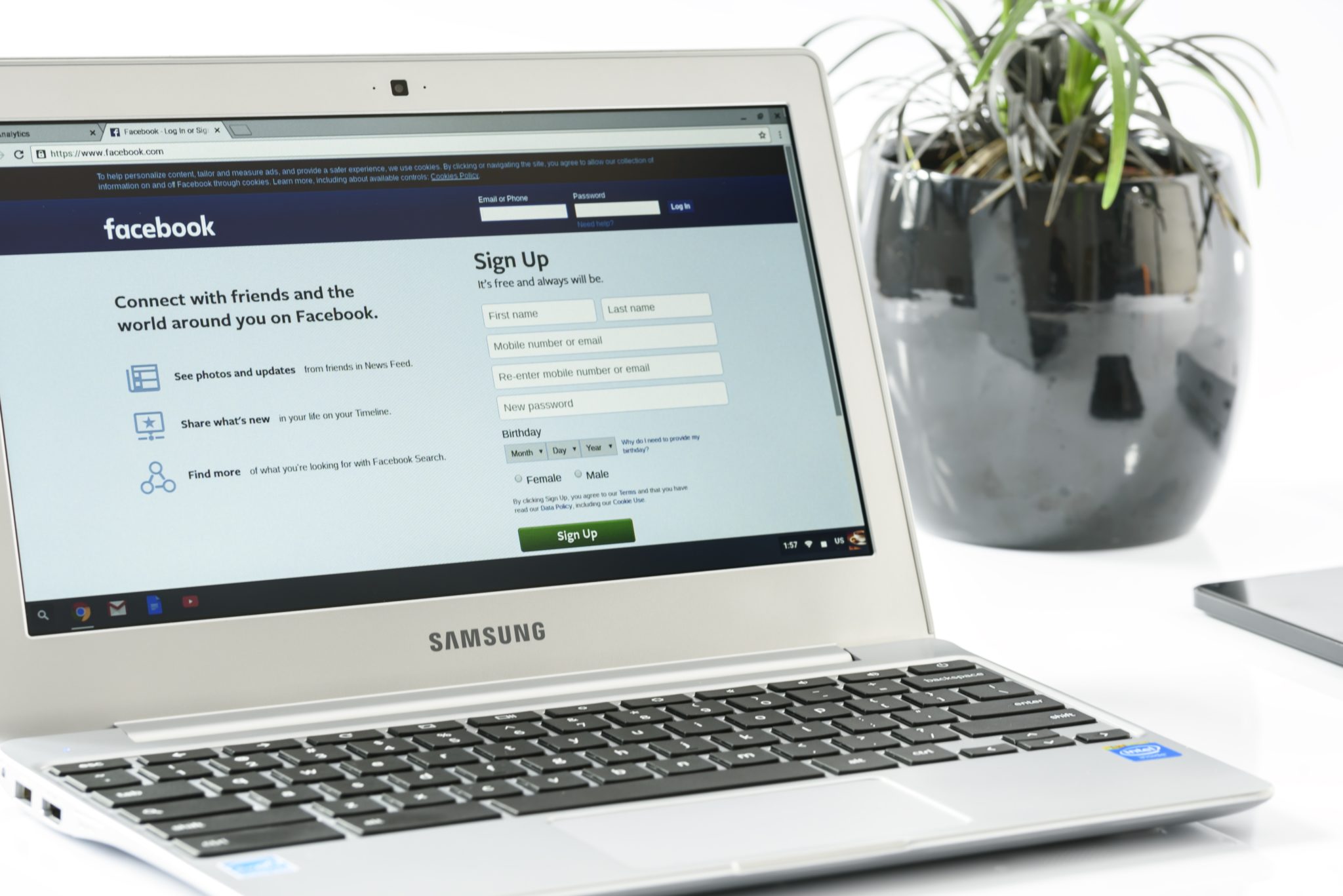
There is a tool to help you find out if your data was leaked to Cambridge Analytica. There may not be much you can do about it, but it is interesting to see if your app approval habits led to the sharing of your private data. Facebook has said that they’ll be highlighting the tool on the top of everyone’s news feeds but in case you haven’t seen it or don’t see it, here’s how to find the tool on your own.
I recommend you check this out for your own Facebook account as well as any accounts your kids may use. Just in case you don’t have a minute and a half to watch the video above, I’ve listed the steps below for you. Thanks for reading FamilyTechBlog.com and remember to be careful how much access you give apps to your social media data.
- Open your Facebook App
- Click on the “Hamburger Menu” to the bottom right. (Three stacked lines.)
- Scroll all the way down to the bottom of the menu.
- Select “Help and Support”
- Select Help Center
- Search {Cambridge}
- Select the first auto complete option.
- That’s where it tells you if you’ve shared data with Cambridge Analytica.
Thanks again, and share this with your friends.