Category: Social Media

  • Instagram Update Could Open the Door for Porn and Predators

    Instagram Update Could Open the Door for Porn and Predators

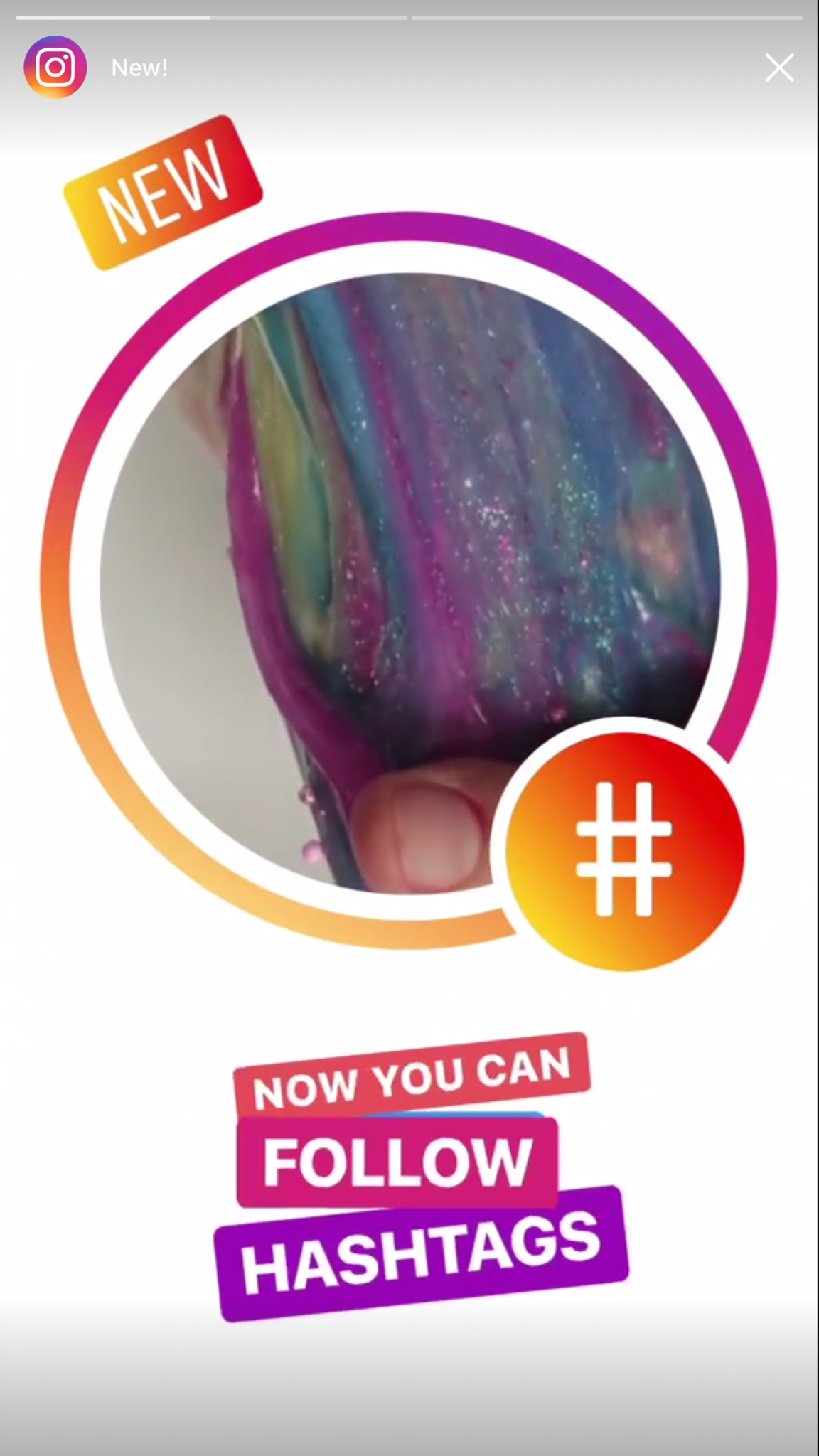
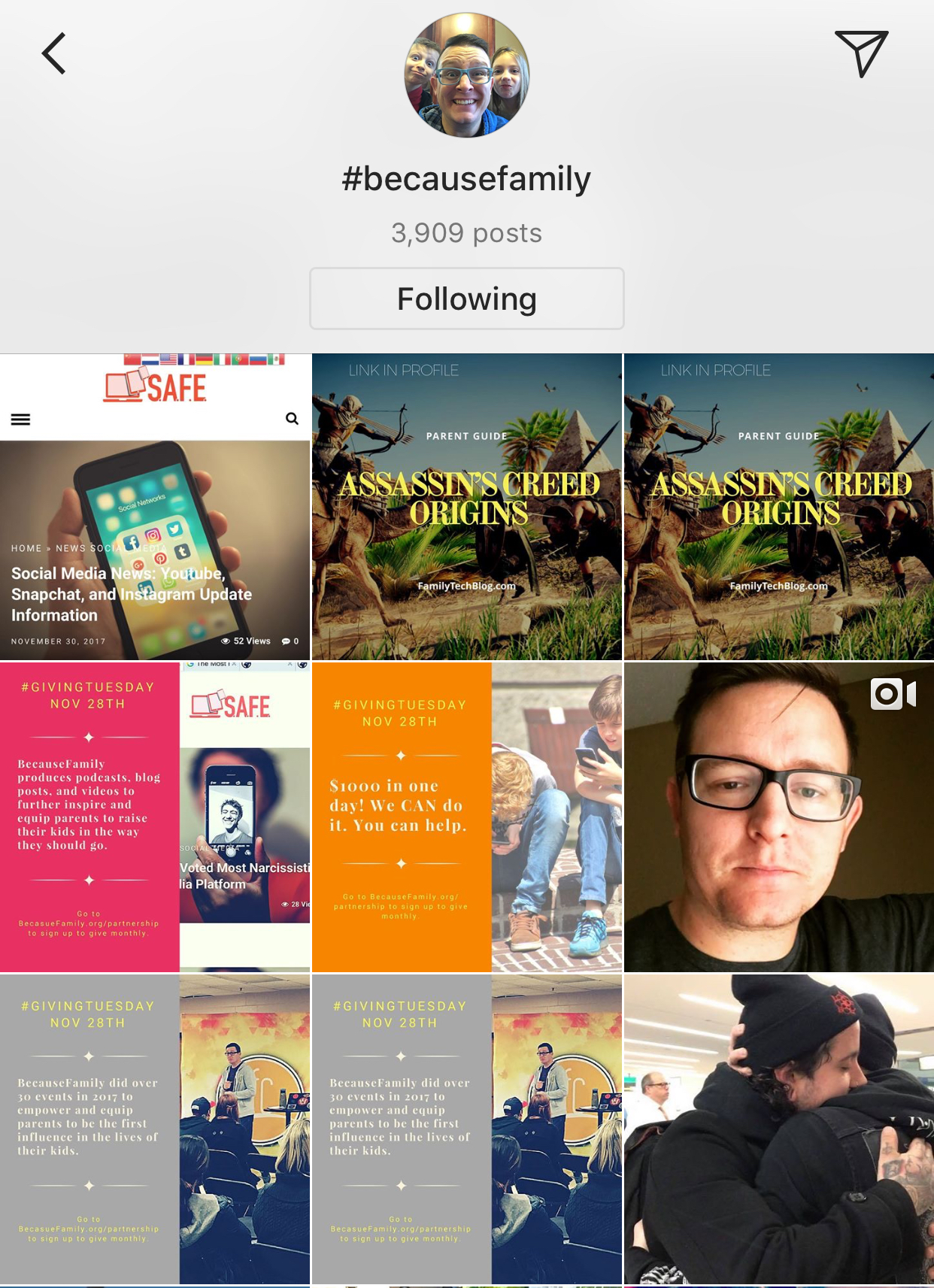
    Instagram has just released an update that adds the ability to follow hashtags. This feature allows you to keep tabs on interests or events that you’re interested in without having to search for the tag every few minutes. It’s easy to follow a hashtag. Just search for the tag and then a follow button appears with the results. Or you can click on a hashtag in a post or story and then click follow when that result appears. From then on the hashtag will show up in your instagram timeline just like the people you follow. When you are done seeing everything posted under that tag appear in your Instagram feed, you can just go back to the hashtag search result and tap “Unfollow.”

    What Parents Should Know

    Being able to follow hashtags has been a “thing” for a while now on Twitter. It has long been a way for events or products to feature themselves and allow attendees or fans to keep up with what’s going on. The problem with our kids blindly following hashtags is the potential for other users to abuse the tag and use it to get attention on their content. Some of that content may not be very wholesome. Pornography is fairly easy to access on Instagram if your kids know where to look. The potential for these adult-oriented posts to add a non-related hashtag so that followers will see their content is cause for concern.

    Imagine your teen follows #pokemon on Instagram. All someone would have to do is put the #pokemon tag on their innapropriate photo and it would, likely, show up on your his Instagram feed.

    Also, sharing the hashtag for an event you’re currently attending is, in essence, the same as sharing your location information. If you kids are sharing a Prom Night hashtag, then whoever wants to can follow that hashtag and see all the activity and who knows what plans could come from that. Unfortunately, with every great new feature, there seems to be a new danger that accompanies it. My advice is to encourage your kids to post with hashtags after an event has ended. Kind of like posting the memories of the event instead of live-photo-blogging every little thing they’re currently doing. Including where they’re headed next. You don’t have to have too big of an imagination to think of some ways that could be dangerous.

  • This Week So Far: Social Media News

    This Week So Far: Social Media News

    Youtube want’s 10,000 people making sure their videos are safe.

    YouTube has been blasted recently for allowing inappropriate videos onto their kids app and allowing abusive comments on videos featuring children. They responded by shutting down some abusive channels and working harder to fix their algorithms that identify videos as safe for kids. Their latest change is going to increase the manpower involved in curating kid-safe content.

    YouTube claims that they are aiming at 10,000 new employees whose job it will be to strengthen their algorithms, enforce reviewing policies, watch and remove flagged videos, and respond to concerned users about content. This increase in manpower should be a step towards a safer YouTube but is it too late?

    Several companies have already pulled their advertising from YouTube stating that the platform needs to fix their content policies. YouTube responded fast once their bottom line was affected. This is good for parents since more people responding to problems should keep some of the worst video content off of YouTube.

    You can save your Instagram Stories posts.

    Instagram Stories is in the news again and this time they’re making it permanent. Until now your Story videos and photos lasted 24 hours and then disappeared. Instagram’s latest update now gives you the option to turn on archiving for Stories. Once turned on the archiving feature will save your Story videos and photos alongside the ones you’ve archived from your main Instagram posts.

    Archiving Stories can be a good tool for parents to use to keep their eyes on what their kids have been uploading to Instagram. Have your kid turn on this feature. If you are logged into their account on your phone you can turn the feature on yourself and see what they have shared even if you don’t check every day.

    What Parents Should Know

    With the release of the Facebook Messenger Kids app, YouTube trying to make videos safer, and Instagram making videos and photos more permanent, we are seeing some movement towards a safer social media experience. Still, the dangers exist and we have to be vigilant as parents to know was happening and what our kids are doing on social media. Hopefully, these updates keep you in the loop and help you make quality decisions for your family.

  • Released Today: Facebook Messenger For Kids!

    Released Today: Facebook Messenger For Kids!

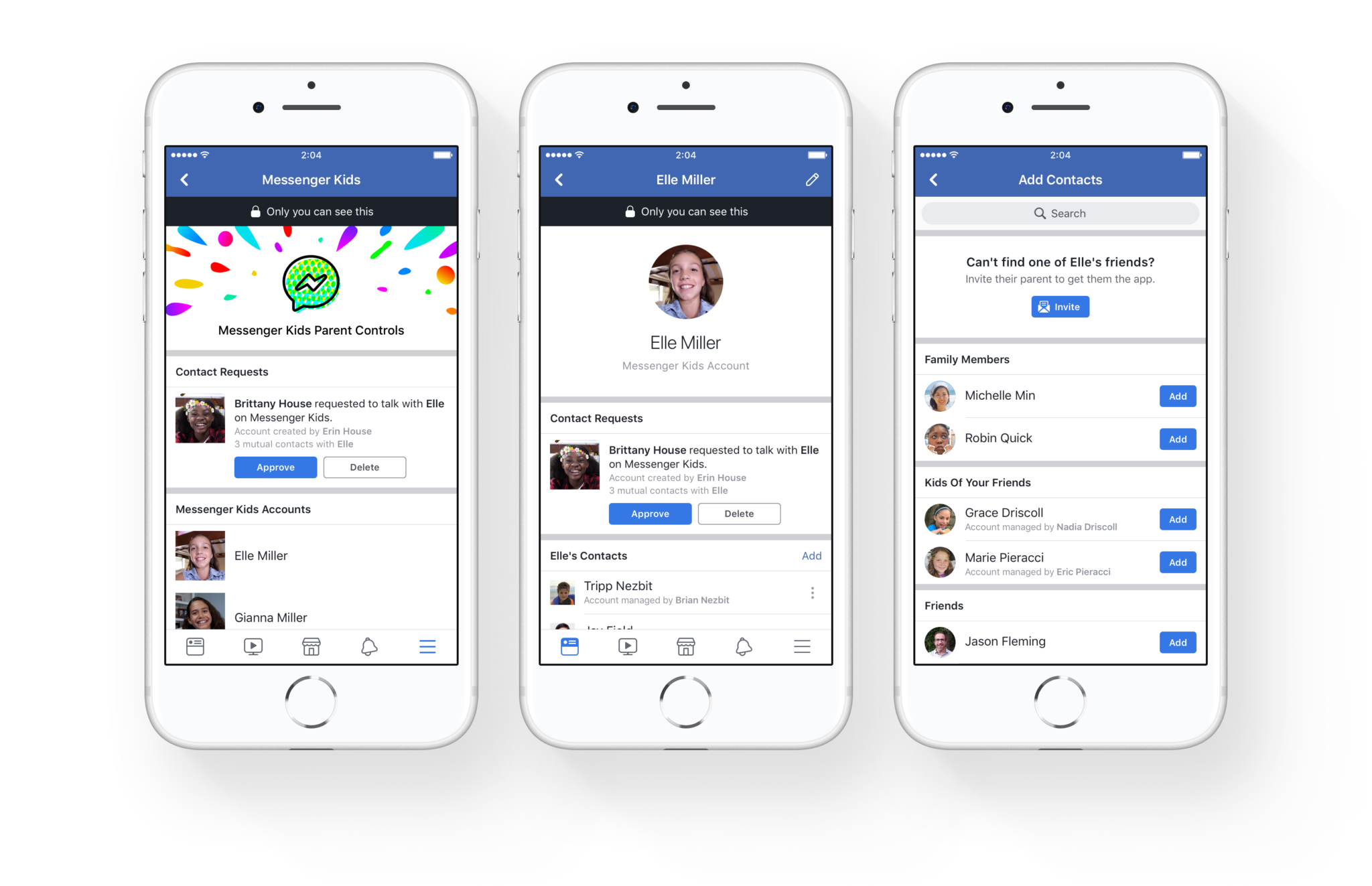
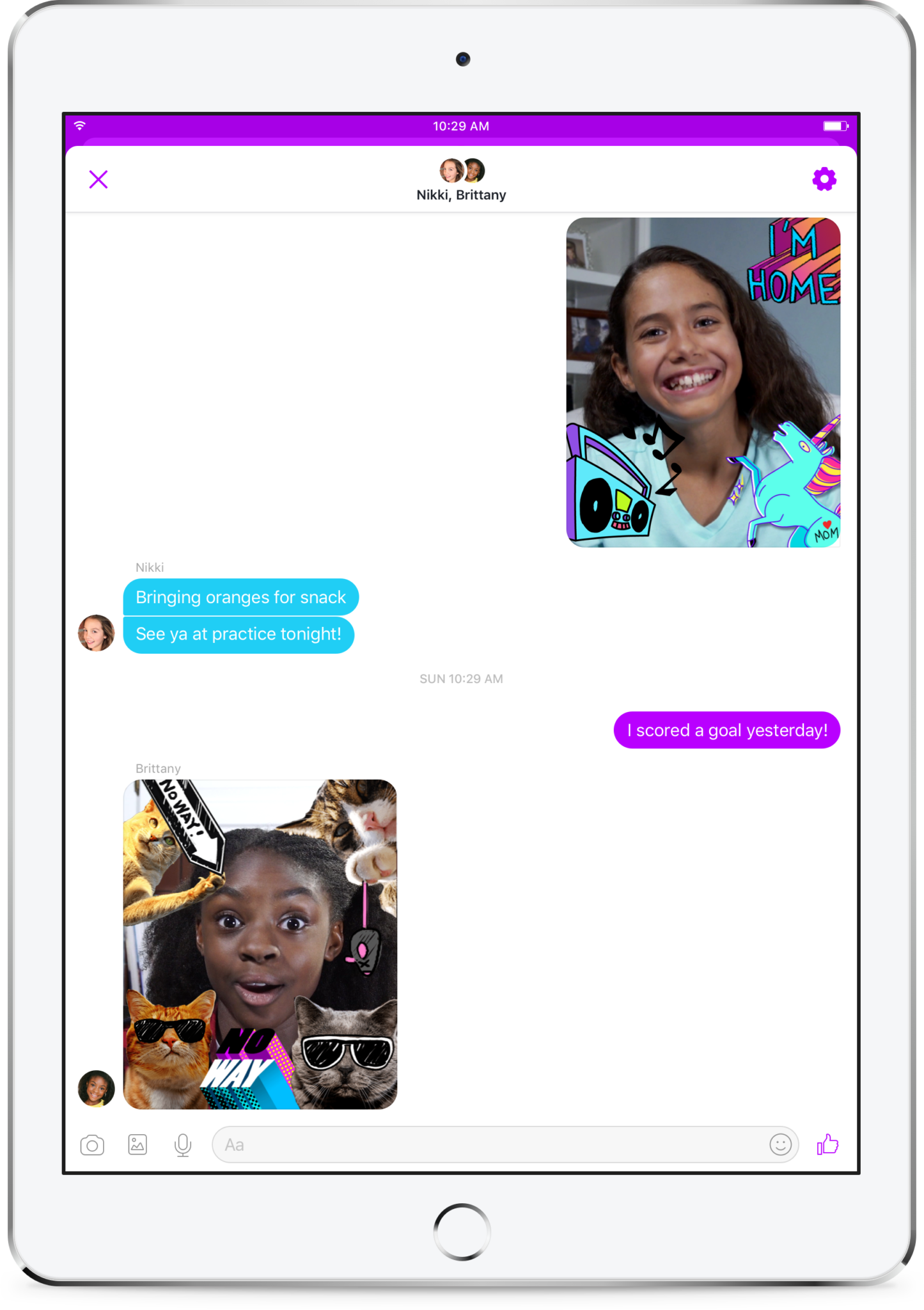
    Kids love social media. They like sending messages to friends and family. They absolutely love using filters and masks to share silly images of themselves. The problem is that social media wasn’t created for kids. It is for grown ups. That makes the social media world dangerous for our -13 kids. Enter Facebook, who is now trying to make social media and messaging safer for our children. Messenger Kids was released in the U.S. today on ios and the new app brings some favorite Facebook messenger features to our youngest family members.

    You set up your child’s account for them and they don’t need a Facebook profile to use Messenger Kids. Once you’ve downloaded the app and logged in with your own Facebook info, it will let you add your kids to the app and then ask them to take a photo and enter some information. Then, as simple as that they’re able to chat with you. To add contacts you search or browse your friend list and give your child permission to contact them by clicking “Add.” It can all be done from your own Facebook settings without access to your child’s device. They can also ask permission to add someone to their messenger app.

    As far as privacy and settings, Facebook has to be pretty specific with their rules. For example, Messenger Kids doesn’t collect ad data, their profile won’t show up in search, there is no advertising within the app, and there is no automatic account upgrade once your kids reach Facebook’s approved age. This is good news and proves that Facebook put some thought and research into what would make the Messenger Kids app fun and safe for kids. Messages don’t disappear and can’t be deleted or hidden. If an inappropriate image is sent, the child can report and the parents will be alerted that their kid has reported something that made them uncomfortable. One of the very few cons of the app is that parents can’t see videos or messages that their kids have sent and received except for taking the device and looking for themselves.  This is also, likely, due to privacy concerns and legal issues but it sure would be nice to at least be able to see messages that have been reported by our kids.

    What Parents to Should Know

    It isn’t very often I can fully recommend an app to parents but so far, I’m feeling like Messenger Kids meets my standards. The GIF options are curated by editors, not an algorithm and the filters are carefully selected and designed just for kids. Control is in the hands of the parent and that is exactly what I’m always wanting to see when it comes to apps designed for kids. The concern about time management does remain, however, so it is important to make sure your children are spending enough time doing other things. Messaging with family and friends can be fun but it is still screen time and it has been proven that kids need more than just screen time as entertainment. Use time management apps or just your own enforcement to be sure that your kids are only using Messenger Kids as long as you’ve decided is healthy.

    It’s great to see an app that brings features that kids love into a safer environment for them. I downloaded this app and have set up an account for my 10-year-old son. He has already enjoyed sending messages, using the camera filters, and even playing an AR game that is included. Why don’t you check the app out too and send me a message or email me and let me know what you think?


  • Social Media News: Youtube, Snapchat, and Instagram Update Information

    Social Media News: Youtube, Snapchat, and Instagram Update Information

    Here’s a rundown of the social media news for this week thus far.

    Snapchat is changing “everything.”

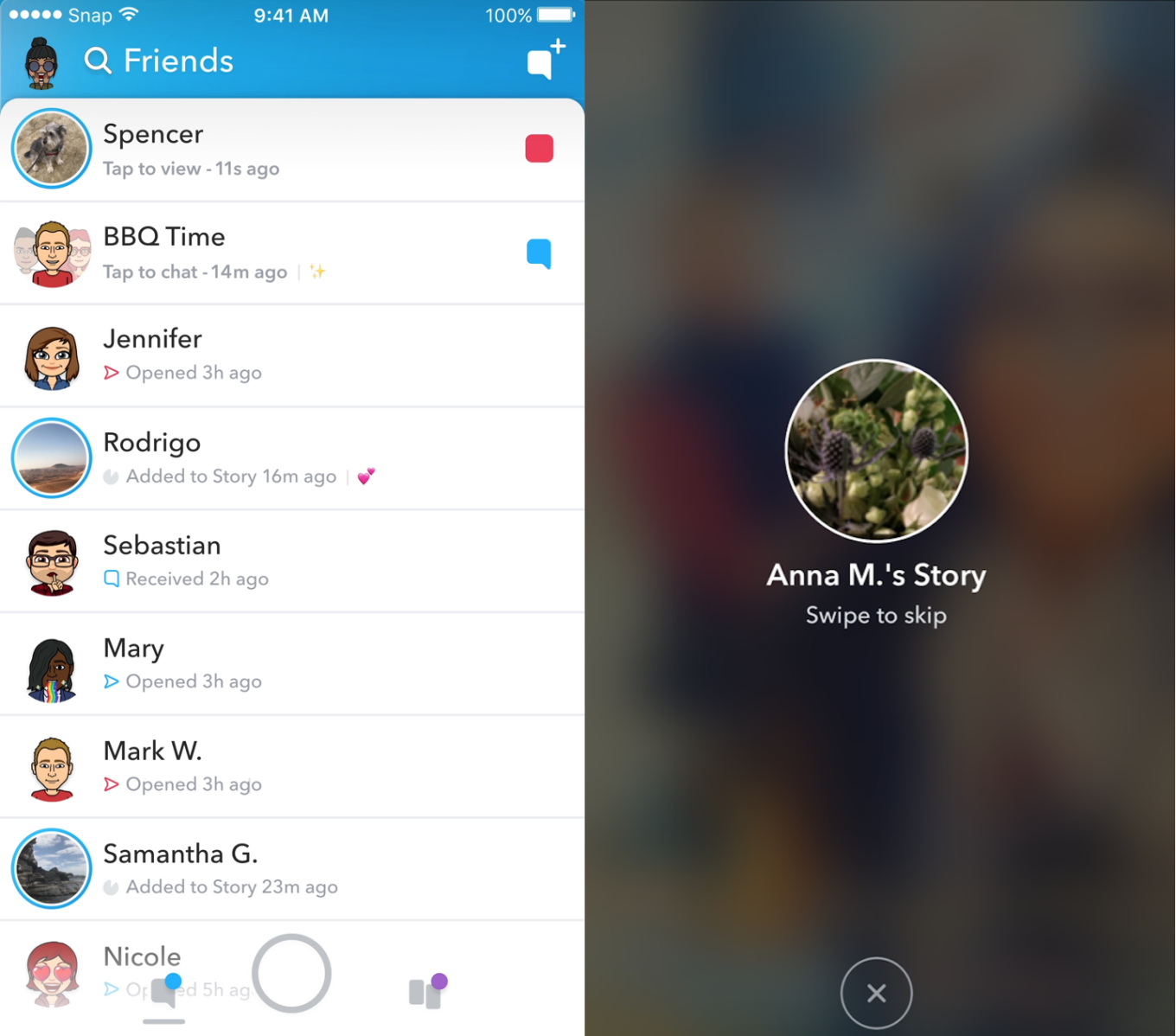
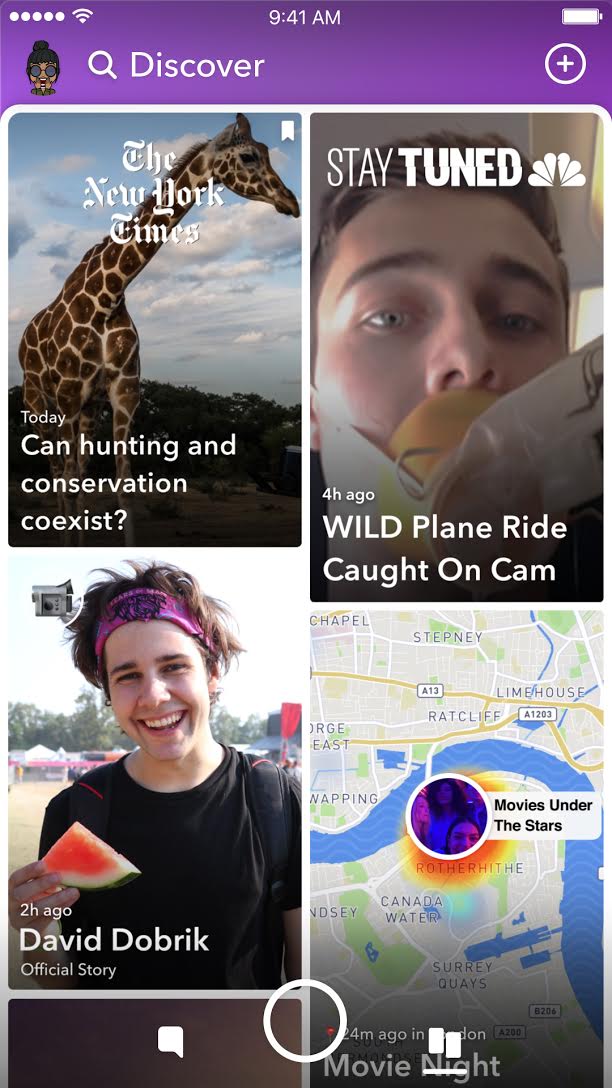
    In an attempt to increase both user numbers and ad revenue, Snapchat is making some major UI (User Interface [the buttons, controls, and setting options on an app or software that allow you to use the app or software.]) changes. In a video by CEO Evan Speigel, he claims that the new Snapchat will separate your social from the media. He says that “your friends aren’t content, they’re relationships” and should be kept separate from the paid advertising and influencer content on the Discover page.

    The app will still feature the “swipe right/swipe left” control style with the left being your friends and right being the Discover page. The Discover page seems to be going through a bit of an upgrade too with animated thumbnails (title images) and including more content from influencers along with the paid media articles. Snap Inc. is hoping this change will make the Snapchat app more appealing to more users and increase buy-in from those who have installed it but don’t use it much. Only time will tell.

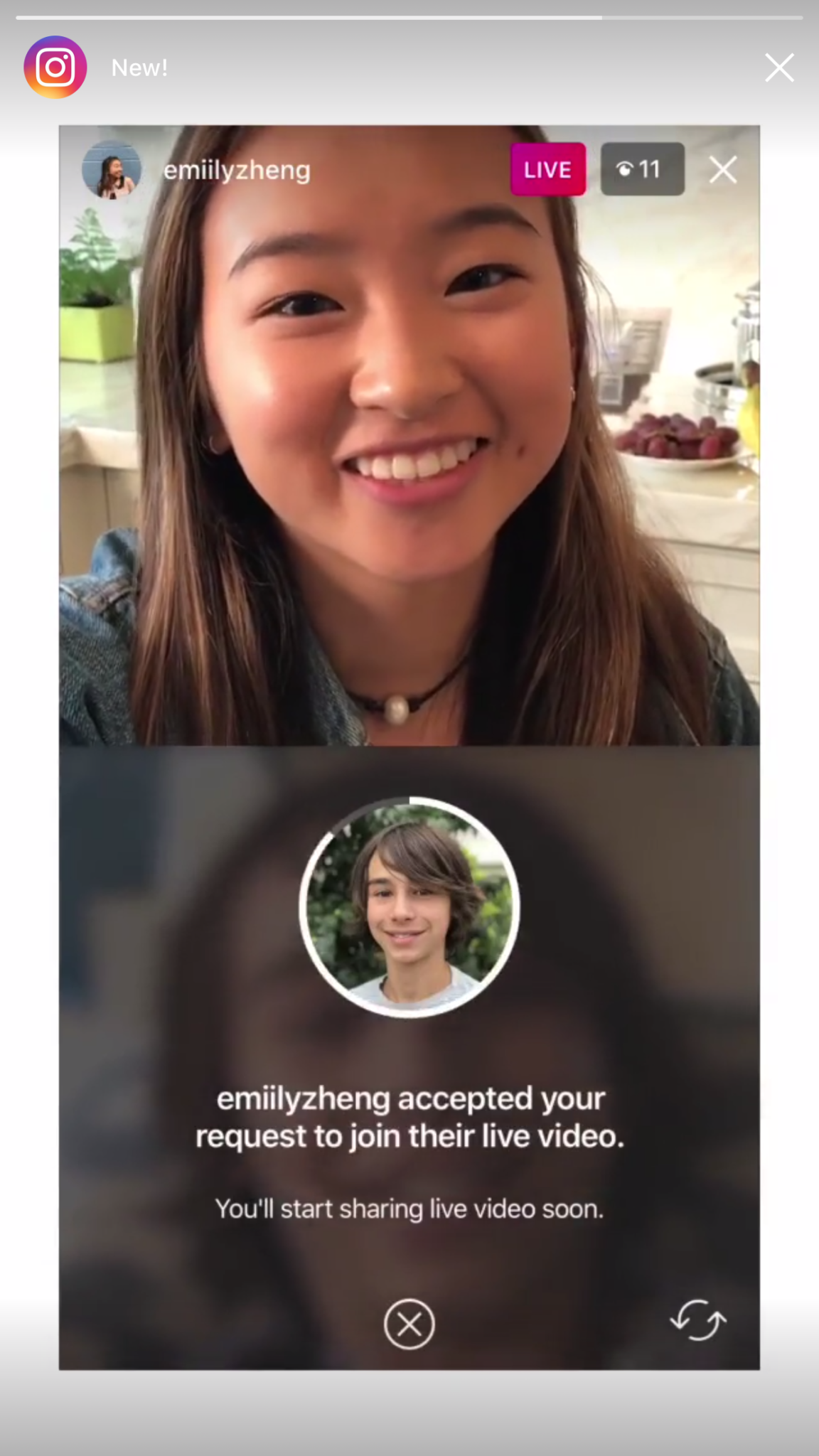
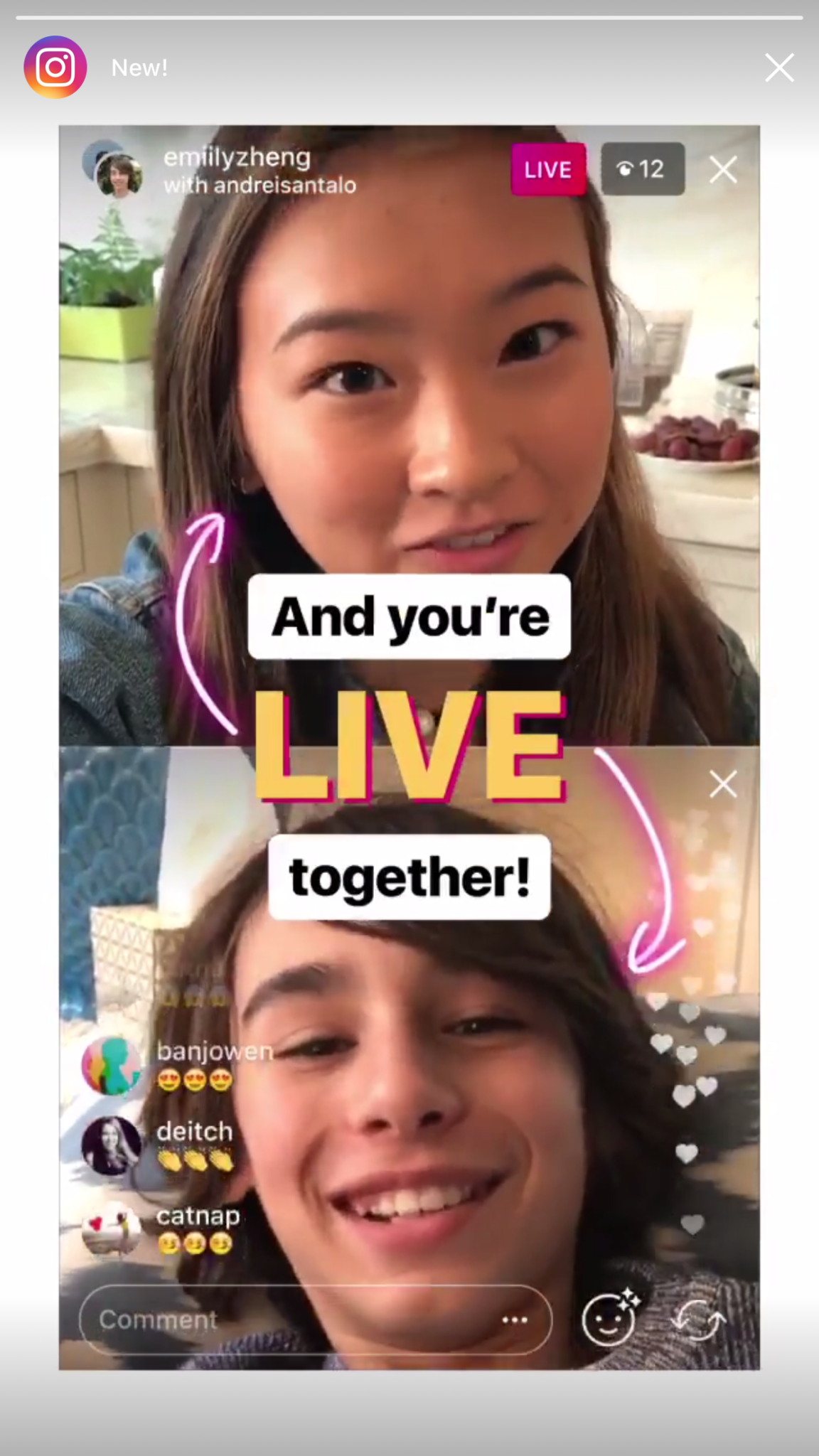
    Instagram now lets you ask to join live stories.

    Instagram released the ability to join a friend’s live story just a few weeks ago. The feature has gained some popularity but they’re hoping that the latest addition will make the Live story an even more integral part of the Instagram experience. The latest update allows audience members to request to join a live video on their friend’s Instagram. It isn’t as much an added feature as it is a streamlining of one they released previously.

    Being able to ask to join a live story will increase the visibility of many Instagram accounts and could cause users to spend more time on Instagram. That, at least is what the company is counting on.

    Youtube is soon adding a “stories” type feature of their own.

    The Story feed was started by Snapchat, perfected by Instagram, and flopped on Facebook. Now Youtube wants in on the action. Reels is Youtube’s answer to the latest social trend. This addition lets content creators create quick 30 second vertical videos to keep their followers updated on what’s happening. It lets vloggers and video creators make more content with less commitment.



    The biggest difference from the other Story features is that Youtube’s Reel videos will not disappear and they can make multiple Reel videos. Youtube has been trying to make their app more social and it’s obvious that Reels are a huge step in that direction. They haven’t announced when Reels will be released but you can count on the S.A.F.E. Family Tech Blog to let you know when they do.

    What Parents Should Know

    It’s always important for parents to understand what their kids’ favorite apps are capable of. For many of our children, Social Media apps are the most commonly used. These recent updates should help you be informed about what your children can do with these apps. My advice is always to download these apps for yourself so you can play with all the features. Talk to your kids about what the apps are best used for and what behavior you believe to be healthy or not healthy on social media. Use examples and share about difficult social experiences you’ve had that would have been even worse if they had been online. Strengthen your child’s sense of self-awareness and confidence to ensure they represent themselves in a healthy way online. Most of all, keep an eye on what your kids are posting on their social media accounts and continue to stay informed so that you can be ahead of the social media curve.

  • Snapchat’s New Filters Can Recognize Items in your Photos

    Snapchat’s New Filters Can Recognize Items in your Photos


    Snapchat’s new camera filters can now identify items in your photo and recommend AR graphics, borders, or stickers for you to add. The action is automatic and will insert recommendations into the filter carousel. To my knowledge you cannot turn off this feature, it is now a stock part of the Snapchat camera. The camera can recognize pets, sports equipment or events, food, and even specific locations.

    These are powerful tools for Snapchat users, especially paired with their geofilters which is strictly based on your location data. Besides just making your recommended filters more relevant, these new filters will make it easier for advertisers to target their ads more specifically. Turning off your location information won’t be enough anymore, your camera can now give advertisers clues (automatically based on software and algorithms) as to where you spend your time. This is big news for advertisers and even bigger news for tech safety and security specialists. 

    What Parents Should Know

    My advice is to always turn off the location data on your kid and young teen’s phone. I recommend only sharing location information when you’ve left somewhere, never while you’re there. There are many reasons for that advice, including not alerting people that you aren’t home and not making it easier for predators to figure out where you spend your time. If your camera is using the things in your photos to tag your location then you have lost control over your location data. That, to me, is a problem. Snapchat has been on my uninstall list for a while and this news just strengthens my case against it. Snapchat’s goal is to service financially and they are now making decisions to make their product the best advertising tool available to brands all over the world. This means forsaking the privacy and security of their users and most of their users are your teens. Uninstall Snapchat now. There…I said it.

  • Snapchat Outage Reveals Some Serious Priority Concerns

    Snapchat Outage Reveals Some Serious Priority Concerns

    A Snapchat outage on Monday left millions unable to send disappearing filtered messages to their friends. This was a bad enough problem for users of Snapchat but the problem intensified when service resumed and they realized their “Streaks” had ended. Snapchat has used a system they call “Snap Streaks” to encourage users to send messages to each other more consistently. Every day you send a message adds a number to your streak. When the app was down for nearly an entire day, some people were unable to send messages within the 24hr deadline. This caused their streaks to end.

    People took to Twitter to address their concerns with Snapchat. They complained that their streaks of 25, 100, and some even 500 days had been lost and they were not happy about it. Snap Inc’s support division stated that they were working on restoring streaks that were lost during the outage and asked folks to be patient and report if they had lost their records.

    What Parents Should Know

    The focus on streaks is simply another symptom of a culture that is telling our kids that the highest form of acceptance is being accepted socially by your peers. My full thoughts on this topic are on a video on our Facebook page but I’ll summarize here. Many of our kids are very very serious about their social media accounts. They are highly concerned with the number of followers they have and how many likes their pictures and videos get. Some of them have separate accounts, on one of which they post the version of themselves they want everyone to see, and the other is used for their silly, nerdy, or even sexy side. This social media self-image focus can be cause for serious concerns. It’s important for us as parents to help our kids understand who they are, what they should be focusing on, and what healthy use of social media looks like. Their friends are “all doing it.” But you may have to be the first parent to decide to put your guard up.


    (External Link) You can watch my video here:

  • Superzoom on Instagram and Share Links in Snapchat

    Superzoom on Instagram and Share Links in Snapchat

    Every update announced by the developers of the apps your kids use isn’t earth shattering but you should still know what’s going on. This week has been a pretty slow internet safety update week but some teen favorite social media platforms have released some updates in the last couple of days.  These updates are mostly cosmetic seasonal features but they’ll be interesting to your kids so they’re worth learning about.


    Instagram Superzoom

    Remember the dramatic chipmunk? He’s the cute little guy on the youtube video that gave an epic, three-level zoom, dramatic (and comical) look. There was a song and everything. Instagram has added a feature to their camera that can give you that same hilarious zoom in effect. The product manager for Instagram said they’ve seen users making funny “zoom in” videos in their story and wanted to give them a tool to make this easier. The feature zooms into whatever you’ve told the camera to focus on, it will work on the front or rear facing camera, and even features the dramatic orchestration you’d expect to hear from such an epic shot. This feature comes today along with some Halloween filters and masks.

    Snapchat Link Sharing

    Snapchat will now let you share links from other apps in iOS. Pulling up the “share sheet” or sharing menu will now show you the option to share in Snapchat. This is a pretty big change for Snapchat who previously didn’t do much to affect usage outside of the app itself. Links will still open within Snapchat’s web browser but more and more content can now make its way into the app through the accessibility of link sharing. Also, Snapchat is changing the way you view Snaps from within the app by letting you press and hold a friend’s name anywhere in the app to open their Story. Finally, there is a new feature that will allow you to go into “Ghost mode” temporarily, setting your location to stay hidden for 3 hours, 24 hours, or “until I turn it off.”

    What Parents Should Know

    Every update brings more features that our kids love on their social media apps. We should know what these features are and what they mean for how our kids use the app. Camera effects and modes add interest and fun but may cause the young kid you’ve been keeping off of social media to ask you even more if they can join. Truthfully, Snapchat is late in the game when it comes to link sharing. It’s been possible in so pretty much every other social media app out there for a long time. Being able to bring links into Snapchat from any other app increases the potential for it to be used to share different sites between users. This could include sites you’d consider inappropriate. My advice is to turn on built-in filters on your iOS devices as they should make it harder if not impossible to access adult content on any browser on the phone.


  • Snap INC and NBC are Working on Snapchat Scripted Shows

    Snap INC and NBC are Working on Snapchat Scripted Shows

    While our TVs are getting more and more similar to our computers and our Computers are being used to watch TV, Snapchat is taking steps to make their Social Media platform another major purveyor of original video content. Snap INC announced today that they’re joining with NBC to turn your phone into another TV. Since everyone’s eyes are always on their phones, NBC sees an opportunity to put their content on what people are already viewing.

    Snap Inc, the company that owns Snapchat is launching its first scripted series with NBCUniversal and the Duplass Brothers’ Production company, Donut. Not only are they working on scripted shows, they’re also building a studio to be ready to film content made to fit the vertical format of a Snapchat story. 

    What Parents Should Know

    There was a time when we were super careful what we allowed our kids to watch. If the shows are on the Social Media apps they are already using for hours every day, it’s going to get more difficult to keep tabs on what content they’re watching. Moms and dads should be aware of what shows are being produced for Snapchat, Musical.ly, Facebook, YouTube, and any other video streaming service.

    The Duplass’ brothers are known for producing more mature content so the fact that their company is working on this shows provides evidence that Snap INC is trying to appeal to a more adult audience. This could pose a problem for those with younger teens who use Snapchat. My advice is to keep your eyes on the shows that are being released and talk to your kids about what they’re watching on their phones. Screen or WiFi/Data bedtimes are a good idea, as are time limits. Whether you use something like Circle or GoogleWiFi to set your bedtimes or use the more manual, “phones in the basket” approach, you should be aware of how much time is spent watching shows, and what shows are being watched.

  • Snapchat Brings the “Real World” to Your Story with Context Cards

    Snapchat Brings the “Real World” to Your Story with Context Cards

    Snapchat is hoping to make your Snaps and public story even more beneficial to advertisers. This is becoming more and more possible as they continue to update. The recent addition of “Context Cards” may be the feature that sets Snapchat apart as a social media advertising. Context Cards is an informational feed that highlights content from Snapchat’s partners. This content will include information like phone numbers, menus, maps, and ratings.

    Context Cards display information about the Snap you’re viewing – powered by amazing content from our partners like TripAdvisor, Foursquare, Michelin, and goop. – SnapInc.com

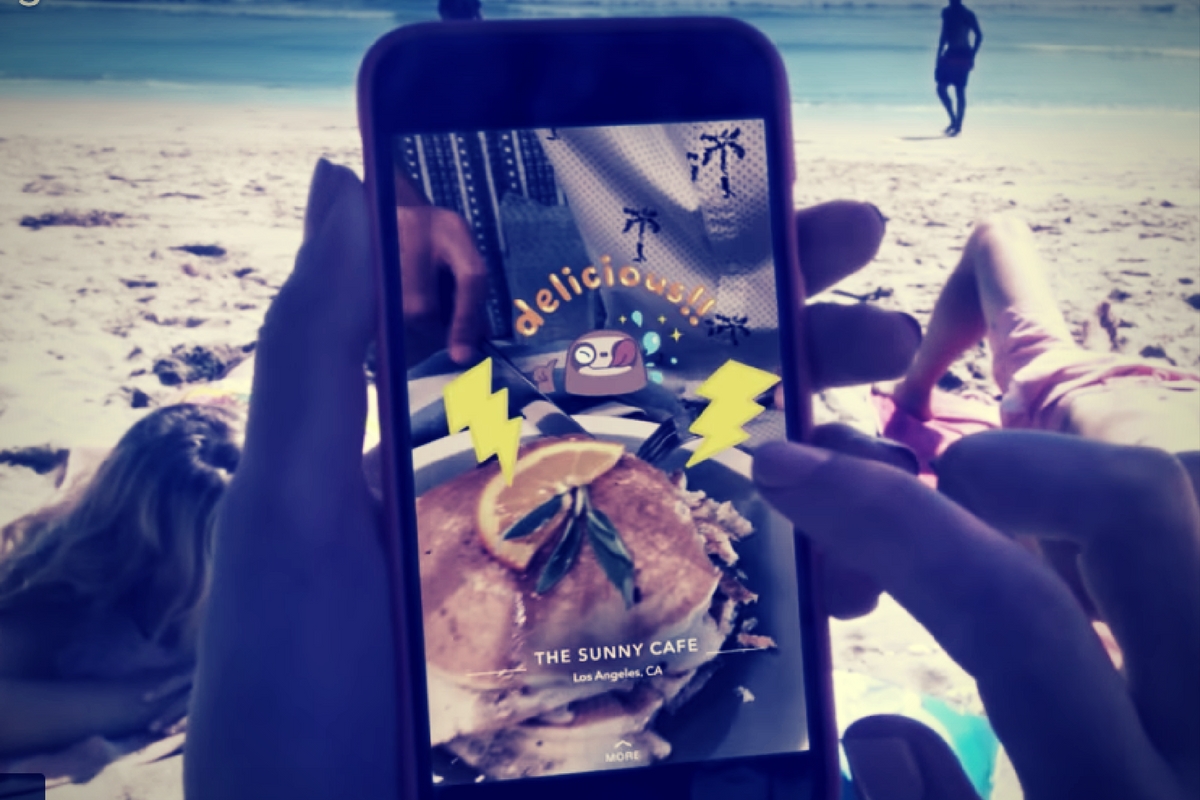
    Here’s how it will work. You will see a Snap shared to a public story and it will say “More” at the bottom. When you swipe up you’ll see the timeline style list of different information cards. Continue swiping up to see more or tap on the information to learn more or perform an action. You can hail an Uber or Lyft ride, make a call, view a menu, or see reviews or a website. The goal is to take you to the information you need without leaving Snapchat, as well as to encourage advertisers to build more ads for Snapchat Stories.

    What Parents Should Know

    These new features in Snapchat are meant to encourage more real-world engagement. You probably noticed the video featured college kids going all over town joining their friends at their current party location. They use Context Cards to know exactly where their friends are and what they’re doing there and even how to get there themselves. The problem for parents is that your kids aren’t members of the age group that is featured in this video. Decisions made to strengthen a company’s advertising abilities can often introduce more safety or privacy concerns for our younger users.

    I recommend encouraging your kids’ to have location information turned off for Snapchat. The especially should turn their SnapMap to ghost mode. Young users should always set location and sharing settings to as private as possible. Leaning towards privacy is going to render Context Cards basically useless on Snapchat. This may annoy your kids. (It may not because it may just look like annoying advertising.) If it does annoy your kids I recommend you stand your ground and still encourage them to keep their online presence as private as possible.

  • Interactive Polls Have Come to Instagram Stories

    Interactive Polls Have Come to Instagram Stories

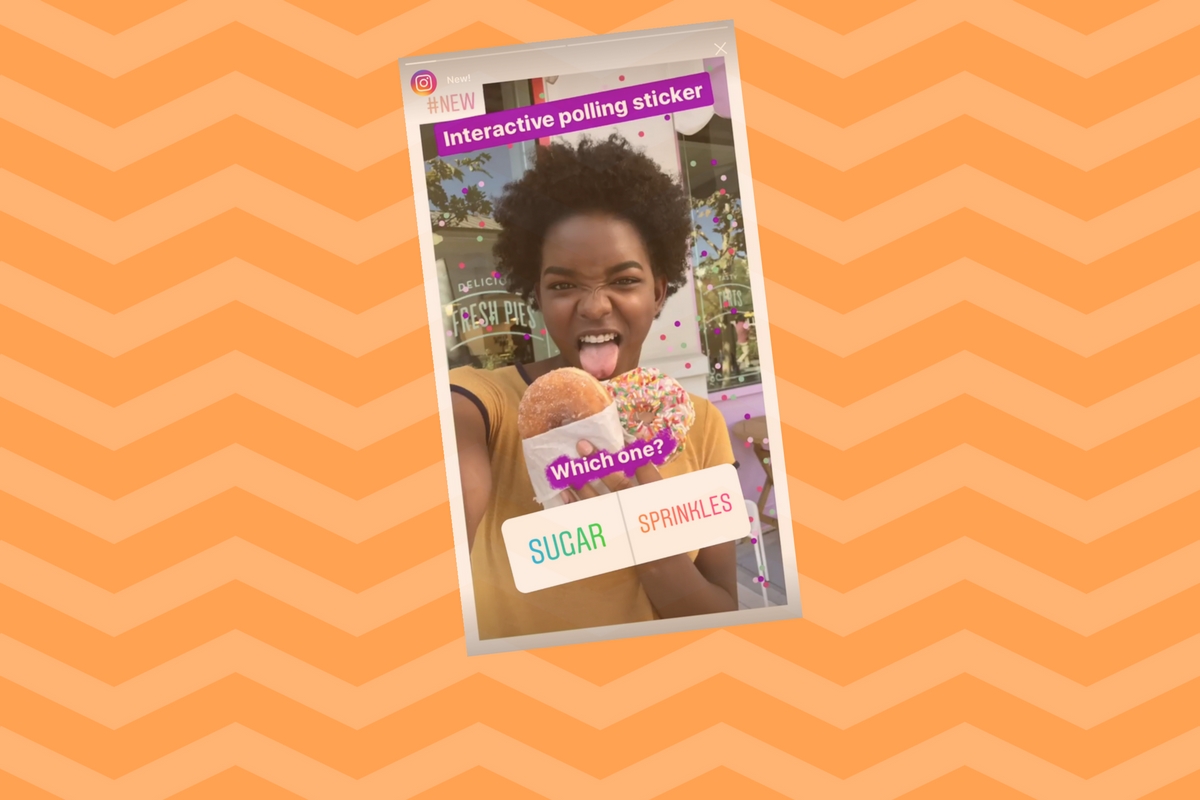
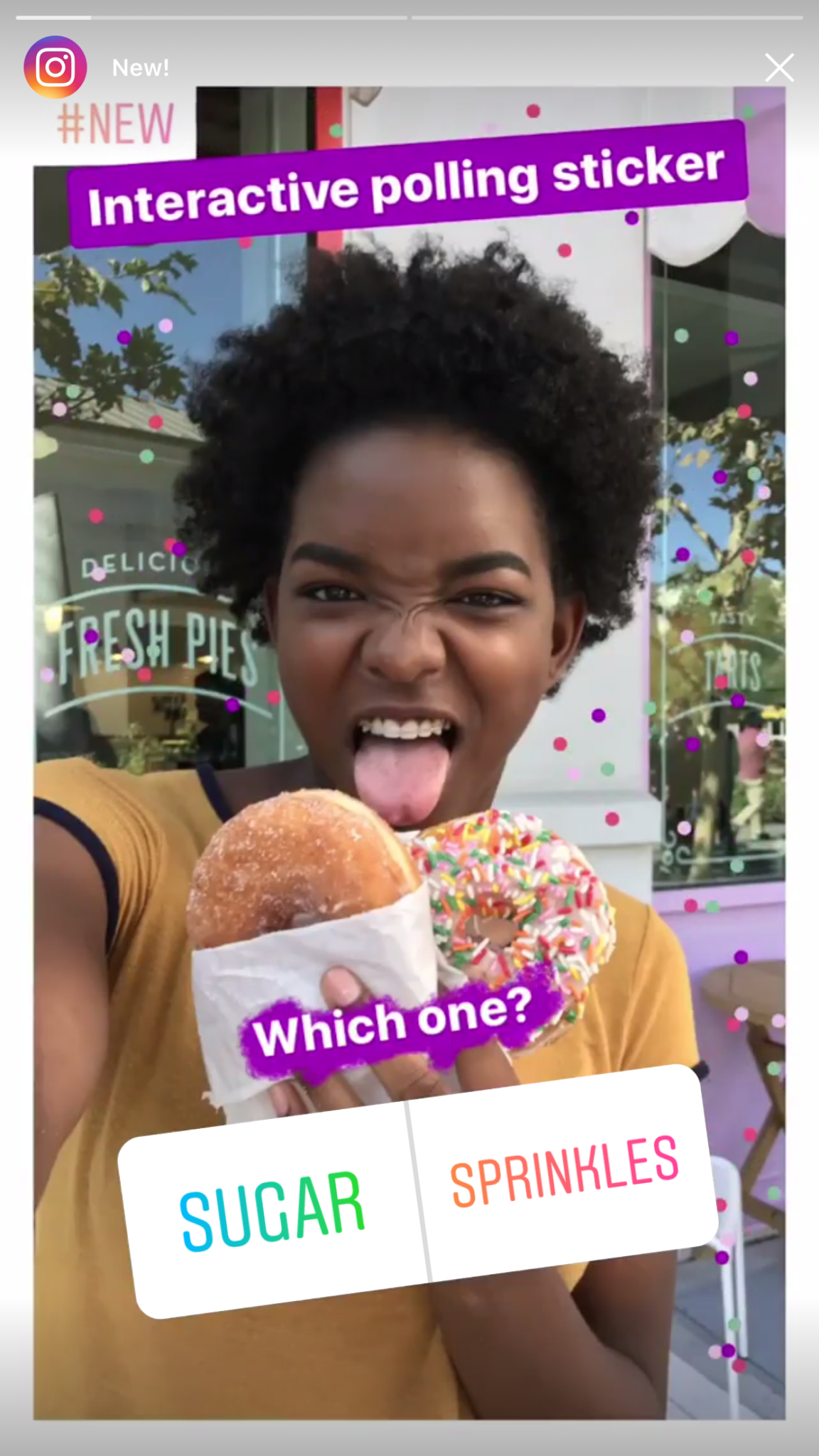
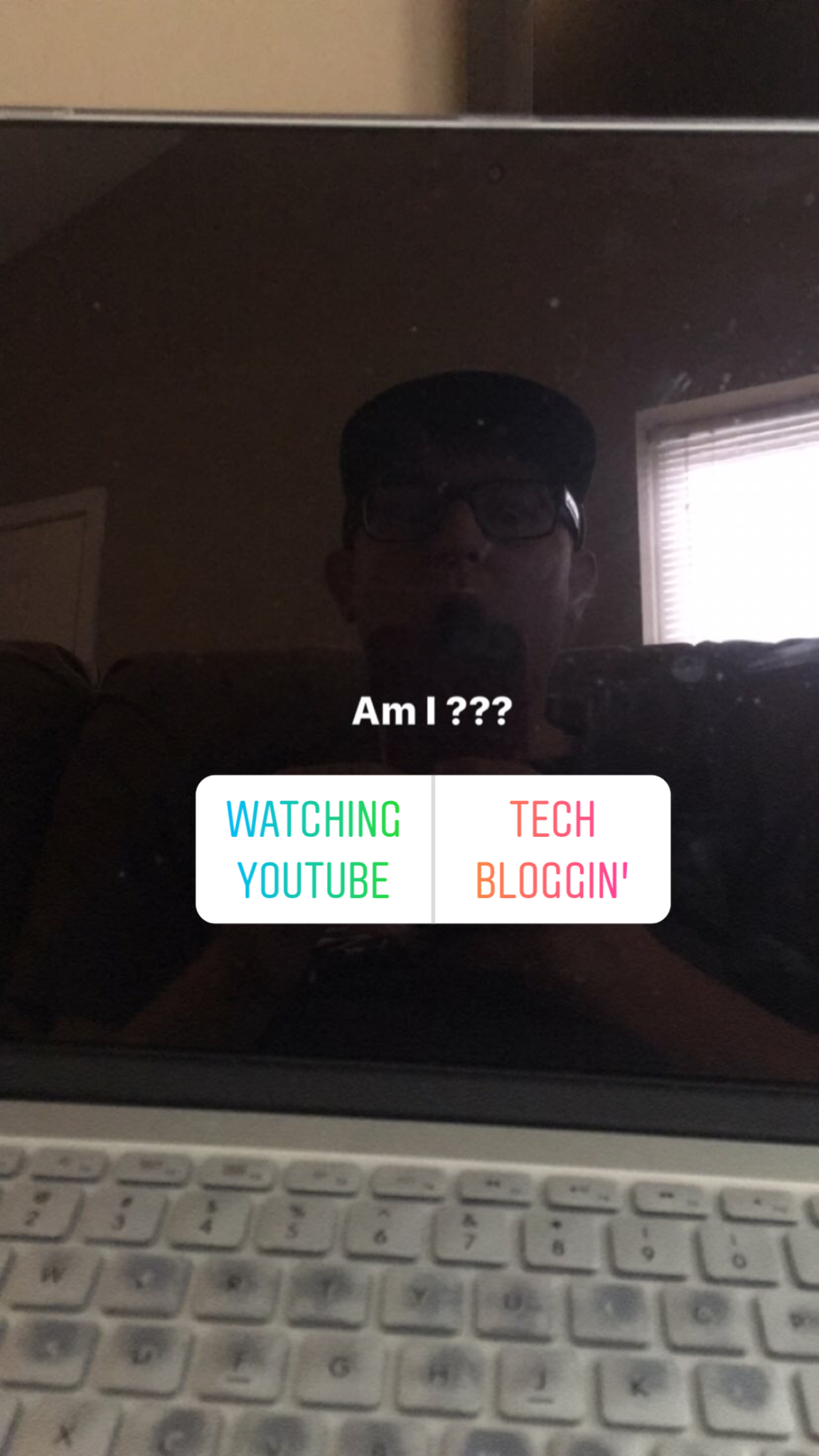
    Instagram has been updating furiously to add innovations that seem to be getting people’s attention. Adding polls to their stories feature is just another one of those attempts to bring what people are loving about newer, popular apps into their social media platform. The polls are pretty simple. You open the “Sticker” menu in the Instagram Camera and select “Poll.” Then you just type the questions and change the two answer buttons to say whatever you’d like. It’s a new feature that is already seeing a lot of use by Instagram Stories users.

    What Parents Should Know

    The good thing about these polls is that you can see who’s looked at your Story feed. That means answers to the polls aren’t anonymous. Most of the polls you’ll see will be silly or just in good fun. I would be concerned if you saw polls posted by your kids or kids’ friends that could lead to bullying or hateful replies. You can respond to Story posts with private messages so make sure your kids know that you are there for them to come and talk if they get a message that makes them feel uncomfortable or seems mean or hateful. Your kids are talking to someone about what they see on social media, shouldn’t it be you?