Blog

  • Teaching Proper Smart Phone Courtesy

    Teaching Proper Smart Phone Courtesy

    Keeping your family safe online is no easy task. An even harder task may be teaching your children and teenagers to be thoughtful with their smartphone use. The month of July is National Cell Phone Courtesy Month. Founded in 2002 by etiquette expert Jacqueline Whitmore, Cell Phone Courtesy Month is a time to be reminded of the common pitfalls we fall into with our technology. Messing with your phone in the movie theater, scrolling social media during a date or family meal, talking too loud when you get a phone call in public are all tips that have been passed around over the years. These tips are considered proper at all times but July has been established as the month to highlight them. Here are my tips, not only for following proper cell phone etiquette but for teaching it to your kid.

    1. Be the example.

    Our kids catch more from our actions than we could ever teach them. If you want them to be thoughtful about how they use their devices, you have to be thoughtful yourself. Manage your screen time properly, set limits for yourself and keep them, make eye contact with them when they speak to you, and drop whatever you are doing of pause what you’re watching when they need your attention. It is also important that you show them when it is and isn’t appropriate to be using your phone. If you’re texting while driving or talking on the phone during a live performance or movie, they’re seeing that and deciding it’s ok and normal. Be the example for your kids.

    2. Set boundaries.

    Help your kids know what is healthy by enforcing boundaries in your own home. Something like a “no phones at the table” rule or “no tech in bed” can help them learn to set boundaries for themselves. As they get older it will be important to give them input on the limits you’ve set as they need to have more guidance than rules. We don’t allow our kids to watch or listen to tech devices while we ride in the car. This gives us an opportunity to speak to each other and have important conversations.

    3. Prioritize enjoying over capturing.

    One of the most common pitfalls of smartphone use is the desire to capture everything for posting on social media. We tend to miss much of what we should be experiencing because we have our eyes on our phones. You can teach your kids to have healthy priorities by making your experiences more about enjoying the moment than capturing them. When you’re at a theme park, sure take some photos, but don’t ruin the day by insisting that everyone pose in front of every cool thing you see or that they stand there forever until everyone is smiling. It can be really easy to turn a fun day out into a super annoying photo shoot just so that you can post something neat on Instagram. Also, don’t waste time posting your photos now, share them later after you’ve had your fun so that you are able to spend the time with those you are with.

    4. Put socializing before social media.

    We have a saying in my house, “Be with who you’re with.” If we can help our kids build their relationships on more face to face interaction we will be doing them a major favor. When we sit at dinner with a group of people, give your attention to the people around the table instead of the people you follow on Instagram. Use some previously mentioned car time to engage in meaningful conversation. There are many benefits of chatting with each other with eye contact and body movement. You are able to show more empathy, understand the tone of voice and expression much more easily and this helps you have a more significant conversation with one another, strengthening your relationship.

    5. Set actual time limits.

    The thing that becomes the most dangerous for us is the time we waste on our technology. It is critical to set some limits to keep our kids and ourselves from losing hours and hours per day in our phones. The first step to setting good limits is using an app like UnGlue to monitor your and your family’s usage for free. If you see that you’re spending too much time doing any one thing on your device subscribe to UnGlue and use it to set time limits for yourself and/or your kids. There are other tools for monitoring and setting screen time but UnGlue is our favorite. The most important part is seeing the amount of time you are spending on your devices. This is such an eye-opener and will cause you to move toward setting limits. Even for yourself. These limits will help you be healthier about how you spend your time and take your mind off the screen and on to living your life.

    As I’ve said, being courteous with your smartphone use shouldn’t be something reserved for one month a year. Let this month be a reminder that you should always be setting proper priorities with your devices and teaching those priorities to your family. Model healthy tech use for your kids, set healthy boundaries, put personal socializing first and set some healthy time limits.  These priorities will set the tone for better relationships and overall healthier lives.

  • What the Heck Was Up With That Fortnite Rocket Launch?

    What the Heck Was Up With That Fortnite Rocket Launch?

    One of the great things about video games is the fact that you can decide to play on your own schedule. Your kids can play when you say it’s ok and you can manage their screen time easier that way. The days of live TV are all but completely behind us as well since we can stream shows we love and record live TV for playback later. Fortnite, in another attempt at mega-hype, has put a bit of a wrench in the convenience of gaming as entertainment. The live rocket launch last weekend gave Fortnite players all a reason to be in-game, and likely forsake everything else.

    The rocket launch was actually quite a feat of development for Epic Games as the launch was done live, simultaneously in every game that was running at the scheduled time. The rocket blasted off from a designated area and shuttled into the sky, blowing it’s first fuel tanks in an awe-inspiring explosion. Then the ship busted through the atmosphere, basically breaking the sky into pieces and causing quite the firework show. Finally, there were several more blasts as the shuttle rocketed in and out of the atmosphere and crashed on the game map, where it still sits for future games.

    You can find videos of the occasion all over YouTube and see for yourself. The coolest part was that in most games players refrained from battling each other, exchanging emotes (dance moves and funny pantomime) until after the launch was successful. There is debate among players as to what the launch means for the game as some believe it’s a way for Epic Games to add new content and keep it a part of the minimal storyline and lore of the game. What isn’t in question, in my opinion, is the fact that many kids forsake anything they could have been doing that night to log on and see the launch for themselves.

    Ok, Fine. Here’s What I Think About Fortnite

    What Parents Should Know

    Moms and dad that I have spoken with already have trouble understanding the time it takes to play a round of Fortnite. Mostly because it depends largely on how well you play. Obviously, if you die early your game ends early but you can just jump in and join a new one. If you make it a long time the round can take anywhere between thirty and forty minutes, again depending on the skills of the players. This causes parents to have trouble setting time limits and bedtimes for their younger kids. If they are supposed to turn it off at 10 pm but start a round at 9:45 there is no way they are going to give up half way through to go to bed. There is also the added issue of “squad mode” in which you play with your friends and try to win together as a team. If you’re not going to give up on a solo round the idea of bailing on your friends during a squad battle is absurd. As if this wasn’t enough for parents to have to wrap their minds around, Fortnite has now added live events to the game.

    To my knowledge, there haven’t been any announcements on future live event dates but this one was so successful and created such a buzz that they are sure to do it again. As Fortnite players become familiar with the game they learn that it follows seasons that change over to include new updates (like some of the possibilities that this rocket launch could mean) and features. They are sure to want to get in on the action as soon as the July 12 season rollover hits, especially now that there is a supposed “dimensional rift” in the sky. When these live events come around, your kids are going to want to be a part of them. They may even consider it worth arguing with you about if you try and tell them they can’t play during the event.

    My advice is to take it easy on them and remember how important it was to you to be able to wake up and see the next episode of your favorite cartoon on Saturday morning. Or how frustrated you may get if you have to miss the baseball game or soccer match next weekend because of some family obligation. Your kids see the events in their games in the same way. Yes, they can watch it later but they’ll argue that that is not the same. Obviously if something is going on that can’t be missed (i.e. a wedding, funeral, family reunion) you have an opportunity to teach them a lesson about priorities but if you’re just concerned about their screen time, encourage them to spend less time earlier in the week so they can be sure to have a reserve for logging on during the event. Or have them do extra chores or earn the extra time in another way.

    My point is that you should give your son or daughter the freedom to decide that something like a rocket launch in their favorite video game is worth making a priority while continuing to guide them to smart and healthy decisions about their screen time. Was the launch cool? Absolutely. Was it a major feat in game development and hosting? Totally! Will your kid be scarred for life if they missed it? Probably not, but if they have the opportunity to be a part of it, why not let them take that chance?

  • Could the 2024 Olympics Host eSports?

    Could the 2024 Olympics Host eSports?

    The answer to that question is the main topic of a meeting to be held July 21 at the Olympic Museum in Lausanne, Switzerland. The International Olympic Committee and the Global Association of International Sports Federations are meeting (AP) next month to hear from eSports experts, sponsors, and athletes and to discuss the possibility of the phenomenon becoming a part of the Olympic schedule. 

    The committee has already confirmed that games featuring violence, killing, and explosions (i.e. PubG, Street Fighter, or Fortnite) are off the table. The focus will mostly be on sports games such as FIFA. Fantasy games could be a grey area, though, so it’s too soon to say what we could see, if any at all, at the 2024 Olympics.

    What Parents Should Know

    eSports is a big big deal. It’s a big money industry and there’s no way it will be fading out any time soon. I’ve said it before and I’ll say it again. Any time we create a way to compete against each other we will find people who enjoy watching the best compete on a public stage.

    Really, the next inevitable phase was for eSports to make it into the regular sporting world. These competitions boast large viewership online and very high sponsorship dollar totals. Of course, this is very appealing to any sporting organization including the Olympics. And there are many gamers now who make their living by playing their favorite games. Whether it be competitively or for entertainment or combination of the two.

    Fortnite Player, Ninja was recently rumored to make approximately $500,000 per month from his streaming channel on Twitch. It’s no surprise many kids and teens now tell their parents they want to grow up to play video games for a living. With the attention eSports is getting from athletic organizations such as the Olympic Committee don’t expect them to change their minds anytime soon.

  • Instagram Has Added 4-Way Group Chat

    Instagram Has Added 4-Way Group Chat

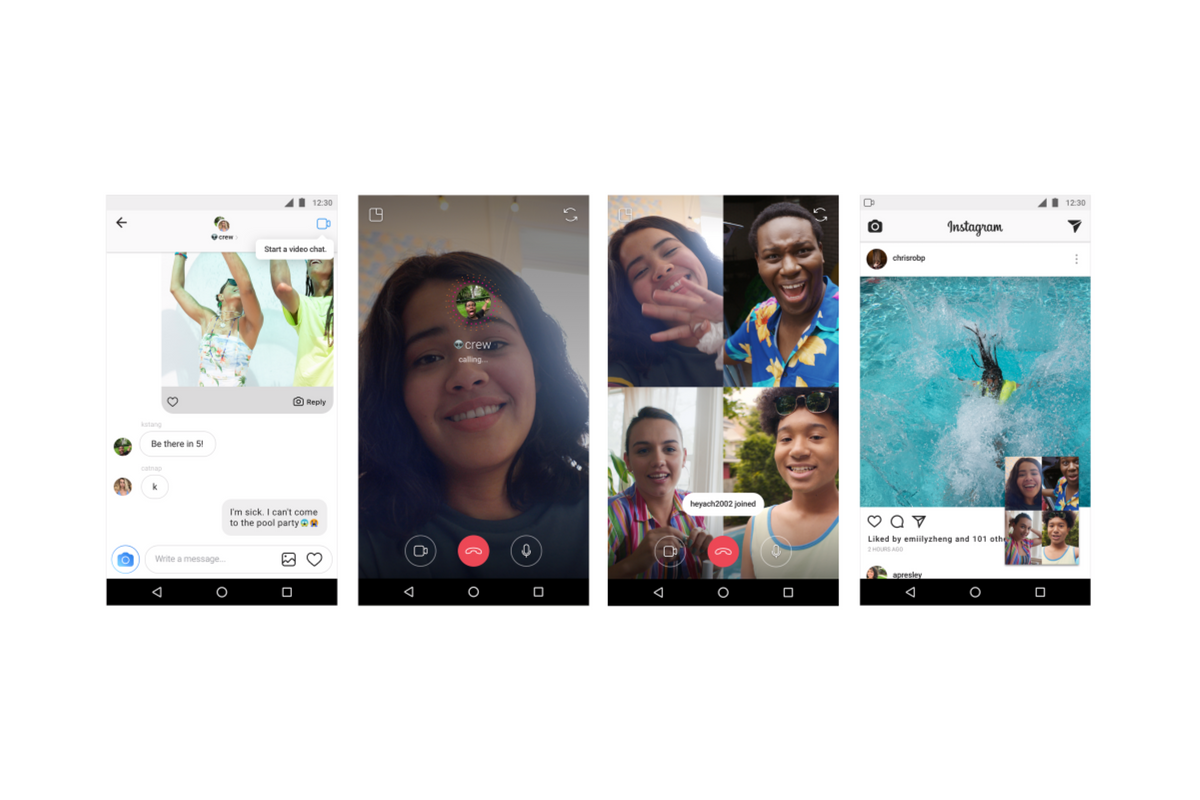
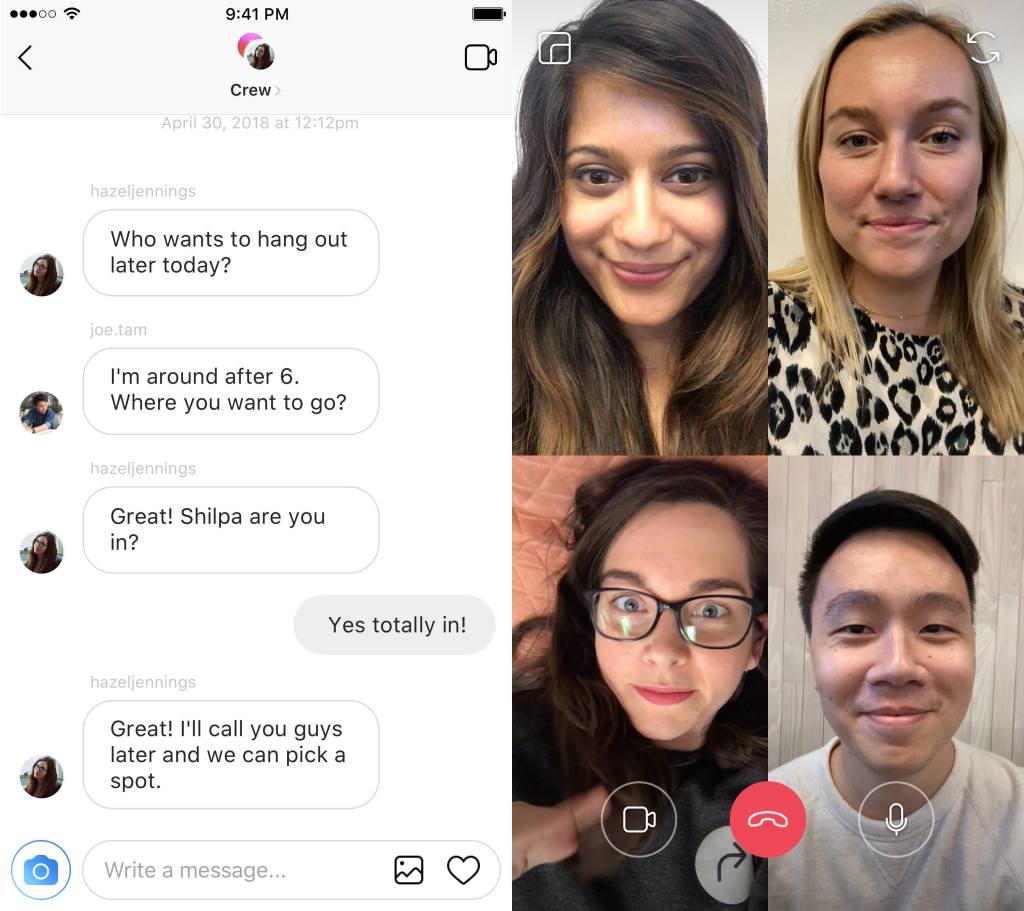
    Available today, Instagram has added a way to chat with your friends while simultaneously creeping the app. Instagram is allowing users to chat with up to four friends over video as well as multitask within the app by minimizing the chat screen. You can call friends directly and they will be notified of the call they can then accept or if they go into your group chat feed and see the icon is blue that means you’re chatting with someone and they can just join.

    Instagram has hit 1 billion users this month and they are doing their best to make it the app that people spend the most of your time in. This update allows users to meet the video chatting need that especially so many young people have and then doubles down with the ability to explore the app while you chat. This makes using Instagram an even more social experience.

    Instagram has also added new camera effects and channels that you can explore that highlight different topics.

    What Parents Should Know

    Video chatting is available in many apps including Snapchat, Facebook, HouseParty, and FaceTime. This is becoming the most common way for our young people to spend time with each other. Retail stores and malls are closing movie theaters are adding features to attract an older audience all because our kids don’t have to go anywhere to spend time with each other.

    Whether this is good or bad is up for you to decide. It is true that studies have been done showing that even video chatting does not meet the same social needs as being in the same room with somebody. So my advice is simply to monitor the amount of time your kids spend on their social media apps. Whether they are chatting with friends, just scrolling through images, or posting their own information. There’s a lot that needs to happen to keep them secure but all experts agree we have to be careful with how much time they spend on their devices.

    UNGLUE CAN HELP!

    Video Chatting Apps You Should Uninstall NOW

  • T-Mobile Customers Can Now Get a Rebranded Circle, They’re Calling it FamilyMode

    T-Mobile Customers Can Now Get a Rebranded Circle, They’re Calling it FamilyMode

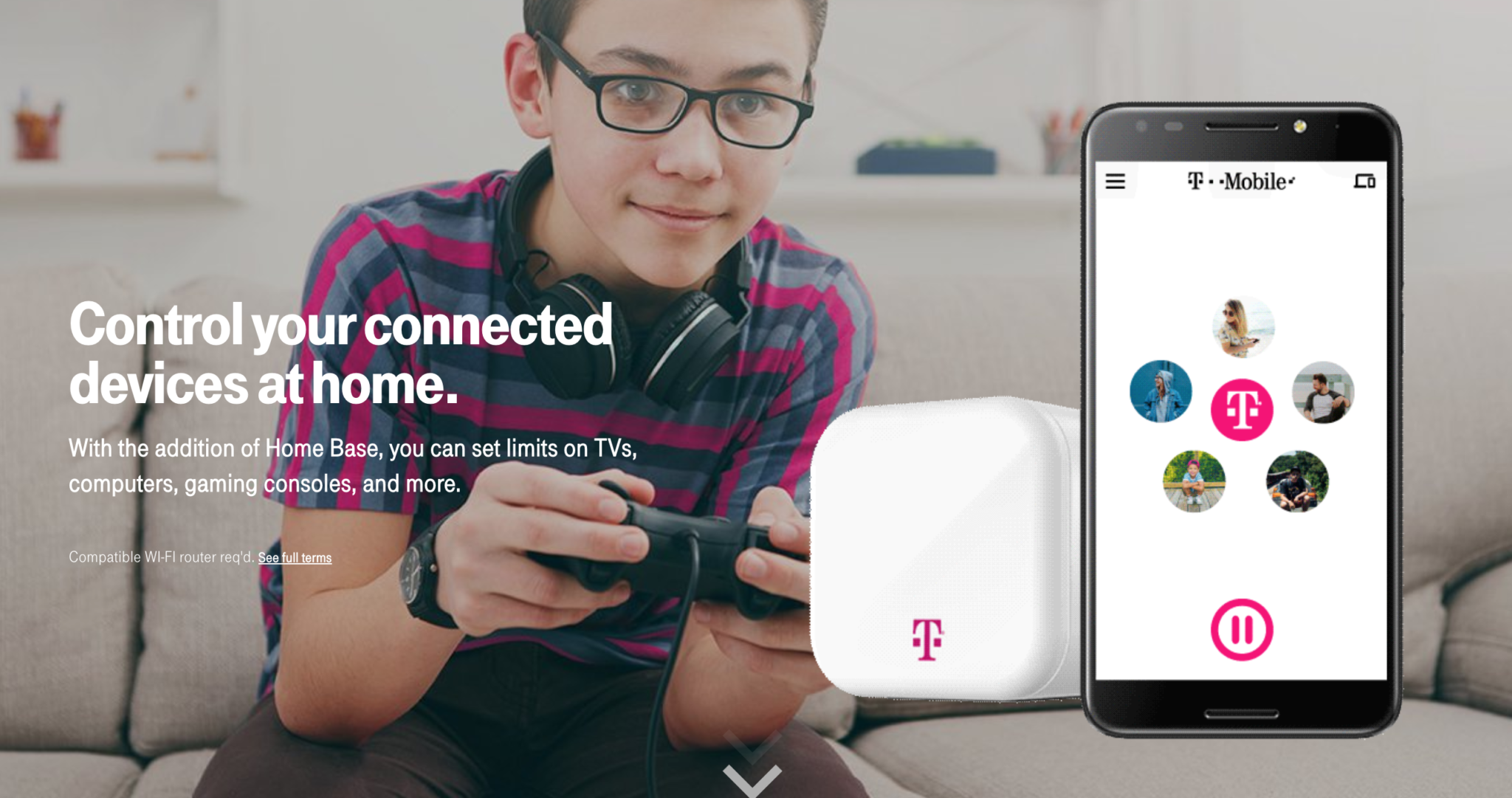
    Circle is one of my favorite parental control solutions to recommend to families. It’s easy to set up and the settings really work well. T-Mobile has caught on to this great service and is adding it to the offerings to their wireless customers. Verizon also added pressure controls recently and now T-Mobile is joining the club. The app is completely rebranded with T-Mobile is pink and black color scheme and the image of the Circle device itself even has a T-Mobile logo on it.

    Circle allows you to build profiles for each family member and set parental controls and filters for their profile. This protects your home Wi-Fi and with CircleGo you’re able to protect them over data no matter where they are as well. Time limits, usage reports, and tons of other information are also available on the Circle app. T-Mobile has patched into these resources and is offering them to their customers.

    What Parents Should Know.

    If you’re a T-Mobile customer the $20 price point for the device plus $10 a month to take the safety with you is well worth it. We highly recommend circle and even use it ourselves. My advice is to take advantage of this deal and this great opportunity to protect your family on their devices.

  • Facebook Messenger Kids Wants To Teach Your Children Kindness

    Facebook Messenger Kids Wants To Teach Your Children Kindness

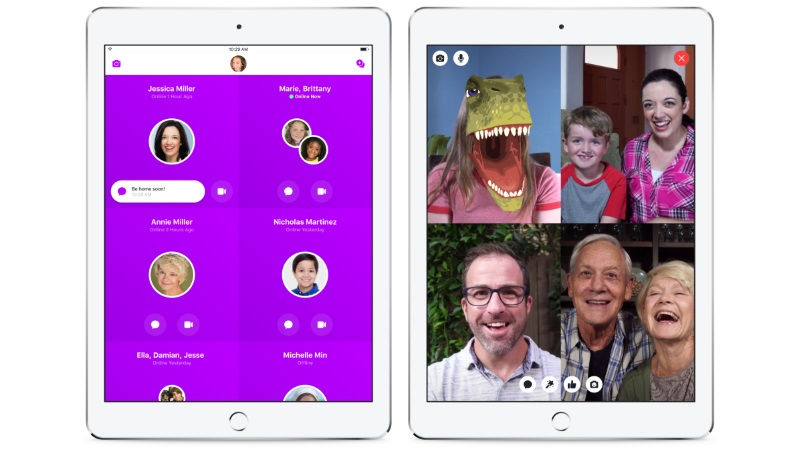
    There have been a few important updates in Facebook Messenger Kids lately. The first of which is a focus on kindness and digital citizenship. The app has added features to walk kids through kind online behavior and safety on social media. The app has kids agree to a pledge that asks them to be kind, respectful, safe, and have fun in the app. They’ve also added stickers and other creative content that will encourage sending kind messages.

    Facebook has also added the ability for more than one parent to manage a kids app. This will allow both mom and dad to keep an eye on who is asking their kids to friend them on messenger. They recently removed the requirement for parents to be Facebook friends of each other in order to allow their kids to chat but this feature is a very parent-friendly addition. It is, in fact, a direct response to feedback from parents whose kids use the app.

    Facebook also announced that they’ll be releasing something called “Appreciation Mission” which will introduce children to some ways they can show appreciation to friends and family on Facebook Messenger Kids.

    What Parents Should Know

    Many experts are concerned about the amount of harassment and mistreatment on social media as well as the general overuse of our screens. A feature that helps kids understand the importance of kindness online is a very good idea. Thus far, Facebook Messenger for Kids is the best option out there to give your kids the freedom of a social media messenger within the boundaries you’ve decided are necessary to keep them safe. Be sure to follow the guidelines of the app and set some time limits to be sure your kids aren’t overusing their screens as video and photo messaging can make the time pass very quickly.

  • You Can Watch and Create Longer Videos on Instagram with IGTV

    You Can Watch and Create Longer Videos on Instagram with IGTV

    Instagram has joined the long form video club with the release of IGTV. You have probably already started seeing the organizations (Like Us) and companies you follow posting about their new longer content on Instagram. It’s pretty easy to get to and built into the base app. It’s also easy to make a “channel” and everyone can do it. This video content can be up to 1 hour long for approved accounts and a half hour for everyone else. 

    You should expect to see much of the same videos you would see on YouTube make their way to Instagram as well. There are already podcasts, tutorials, and news reports being uploaded and, since literally, anything else you can imagine will be available soon as well. 

    What Parents Should Know

    With excessive screen time becoming an increasing problem, longer videos on the fastest growing social media app among most age groups could be cause for concern. Content is also, often a consideration since Instagram filters photos and videos through an algorithm. This means their software has to detect adult or dangerous content and if it fails the content has to be flagged enough times to be changed. Parents who are concerned about online content and screen time should be sure that their younger teens and children have time limits and content filters set. The other issue will be brands and entertainment companies creating content to market to our kids. They know that our kids and teenagers use Instagram and they will be targeting them with their videos. My advice is (as always) for parents to talk to their kids about the content they view online and try to help them keep an eye on how they spend their time and what they’re watching.

  • PODCAST: Does Your Kid Even Need a Phone?

    PODCAST: Does Your Kid Even Need a Phone?

    Family Tech Update:

    Snapchat’s new message delete feature, new video games going to mobile for free, and John Wilkerson joins me to discuss getting your kids started with screen time and when (or if) thet need their own phone.

    Links Mentioned:

    Accountable2You.com (Promo Code: BecauseFamily)

    Dumb Phones for Your Kids

    John Wilkerson

    The Wired Homeschool

    Project Movie Time

    Social Media Links

    Facebook: http://facebook.com/becausefamily
    Instagram: http://instagram.com/becausefamily
    Twitter: http://twitter.com/becausefamily

    Newsletter Sign up

    Ministry Updates:: http://eepurl.com/R7Btr
    Weekly Blog Posts:: http://eepurl.com/cvnhXD

    Websites

    Ministry Site:: http://becausefamily.org
    Tech Blog:: https://safe.becausefamily.org
    Michael’s Speaking Info:: http://kmichaelprince.org

    Donate and Affiliate Links

    http://BecauseFamily.org/partnership


  • A.R.K. Survival Evolved Mobile Lets You Ride Dinos and Fight Other Cavepeople Online

    A.R.K. Survival Evolved Mobile Lets You Ride Dinos and Fight Other Cavepeople Online

    A.R.K. Survival Evolved is a PC survival game that has come to iOS and Android for free. In the game, you are dropped onto a jungle island full of dinosaurs, plants, resources, and even other players. You have to explore, scavenge, craft, and hunt to survive. You can build shelters and even tame dinos and other animals to serve as your mighty steeds. The game was wildly popular when it released last year on computer and has climbed the charts on iOS to be in the top five in only four days since release.

    What Parents Should Know

    A.R.K. is rated 12 + for violence and “fear themes.” The violence in the game is mostly committed against animals and dinosaurs for self-defense or hunting. There is a vs multiplayer mode in which you can play against up to 60 players from all over the world. Remember that online multiplayer modes are never rated because the content changes depending on how the users behave. 
    This game also has ads and features in-app purchases. You can pay to have the ads removed or purchase resources to speed up your development in the game. This game is “free to play” but is considered a “freemium” game. If you haven’t turned off in-app purchases on your devices, this game is they type that will make you want to do so immediately. It doesn’t take long to realize that by spending a few bucks you can advance in the game much faster. It is easier for kids to spend those bucks when they belong to mom and dad.

    A.R.K. isn’t a horrible game, I recommended it before your typical first-person shooter or battle royale game. The violence is mostly not committed against other humans and there are a real story and survival element involved in the game. There are even dinosaurs and animals that you can be kind to and tame instead of just killing everything in site. If your children meet the age recommendation for the game and you feel like you can manage the amount of time they spend playing (survival games have a way of making you spend a ton of time playing without realizing it) then A.R.K. is a pretty fun option.

  • Fortnite is Available to Play Now on Nintendo Switch

    Fortnite is Available to Play Now on Nintendo Switch

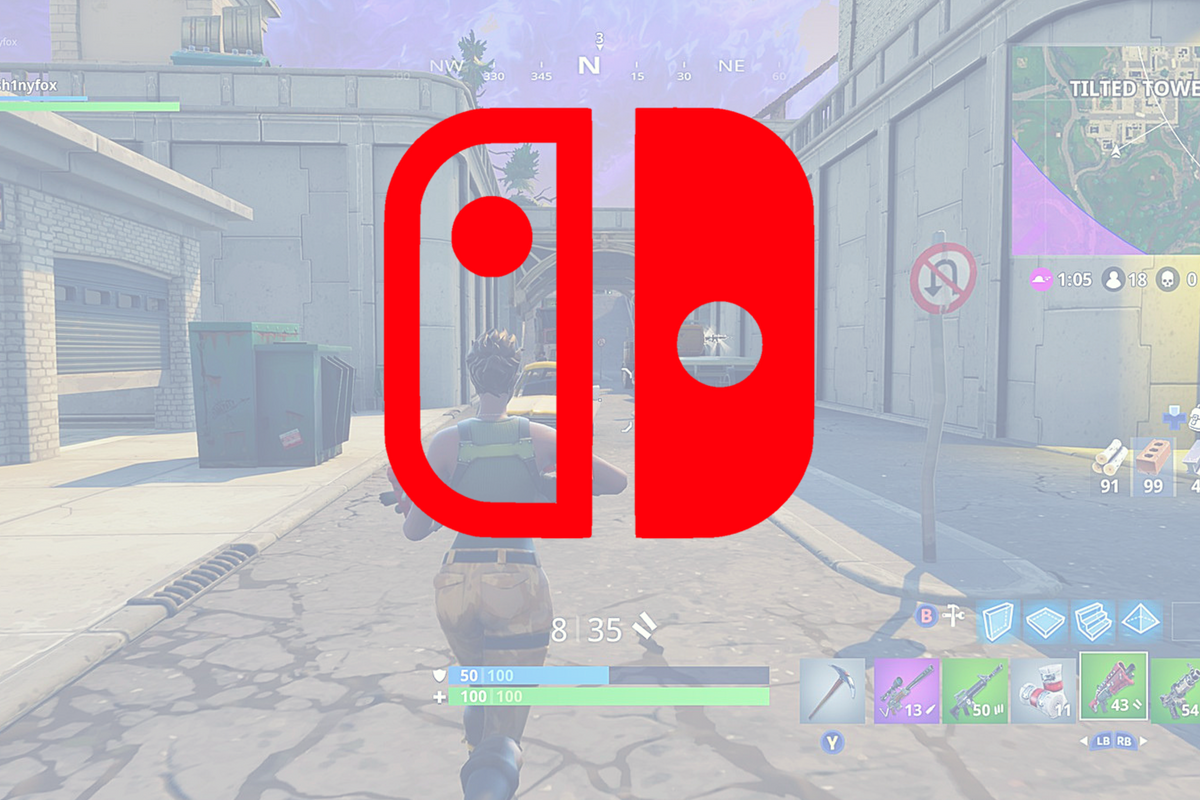
    At E3, today, Nintendo announced that the extremely popular battle royale game, Fortnite, is available to play on their latest console, the Switch. Fortnite is an online multiplayer battle royale game that rushed onto the scene several months ago and broke all kinds of records. The game is free to play on PS4, XBox, Android, iOS, Windows, Mac, and now on Nintendo Switch as well. There are some limitations, however, as PS4 won’t allow you to play online with players who use other consoles or computers to play. Also, Nintendo says they will be using a pay model for their online gaming platform beginning in September, whether or not Fortnite will fall into the pay to play category at that time remains to be seen.

    What Parents Should Know

    I wrote an extensive article about my thoughts on Fortnite. If your kids enjoy playing the game and have a Nintendo switch then they will likely ask to download it for their console very soon. Nintendo announced that it’s available now so be sure to keep an eye on what your kids are playing and installing and who they are playing with. Fortnite keeps pretty well with Nintendo’s seemingly family-friendly nature since the game is rating T for Teen and not M for Mature. While some Mature games are available on the Switch, most of the games produced for the console are rated T or below. Just keep in mind that multiplayer gaming is officially unrated and that Fortnite is famous because of the ability to play online with other players.