Author: Michael

  • QUICK! Go Set Up a Kids’ Profile on Your HULU Account

    QUICK! Go Set Up a Kids’ Profile on Your HULU Account

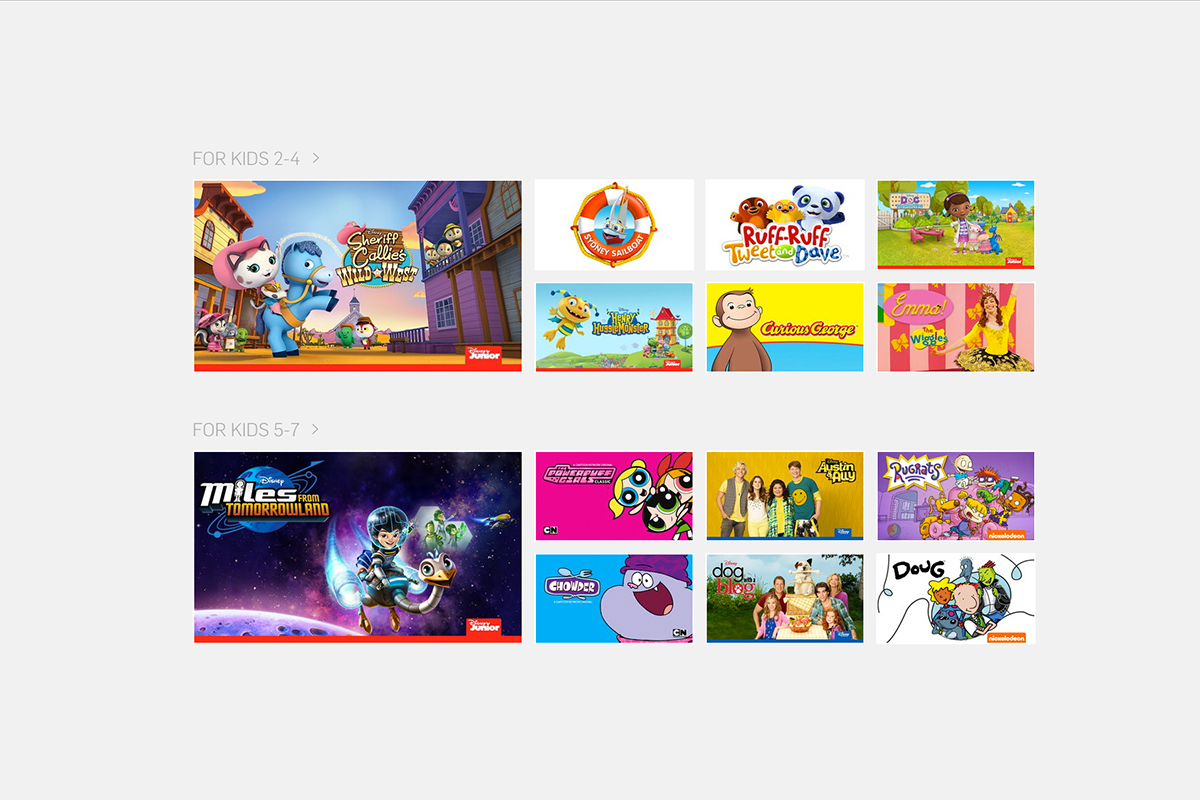
    The benefits of having a kids’ profile on your video streaming services are many. Keeping their eyes off of some of the obviously adult oriented content, collecting all of their favorite shows in one place so they’re easy to access, and most importantly (not really) keeping your recommended shows list clear of Daniel Tiger and Lalaloopsy. While the convenience of these profiles has been known for a while, some streaming services have yet to offer the option. Well, today Hulu has been added to the list of streaming options that will make it easier to protect your kids while they watch.

    While Kids profiles aren’t meant to be parental controls, they are a place for children to browse Hulu without accidentally running into mature content. A user with a Kids profile won’t be able to access Watchlist, search, recommendations, and auto-resume functions. – HULU Help Center

    Profiles will be available right away on hulu.com and soon on their mobile apps, smart tv, and media player apps. Just select the “Add a Profile” on the welcome screen or from the “Account” dropdown on the website then follow the steps to create your account. You can create up to six profiles and you will receive the option to label them “Kids” accounts. This will, as mentioned in the quote above, allow your kids to watch their favorite shows on HULU without the chance of running into adult oriented programs and suggestions. Some other features, including auto-resume (which is a bummer,) will be disabled but you’ll have a bit more peace of mind.


    Hulu is a monthly subscription streaming service that has many HBO and NBC shows as well as movies and original programming. Similar to Netflix, HULU has been creating their own shows for a little while now and have exclusive rights to become the only place to view some shows and movies. Hulu is allowing new users to sign up and receive a month for free, after the first thirty days they will be charged $7.99 per month for access with “Limited Commercials” or $11.99 for a commercial free account. Why not go create an account and a few profiles and take the next thirty days to see what you think about it. We’re just happy more services are jumping on the “Kid Profile’s bandwagon.”

  • This App Turns Deleting Bad Photos into Good Clean Fun

    This App Turns Deleting Bad Photos into Good Clean Fun

    The Struggle is Real

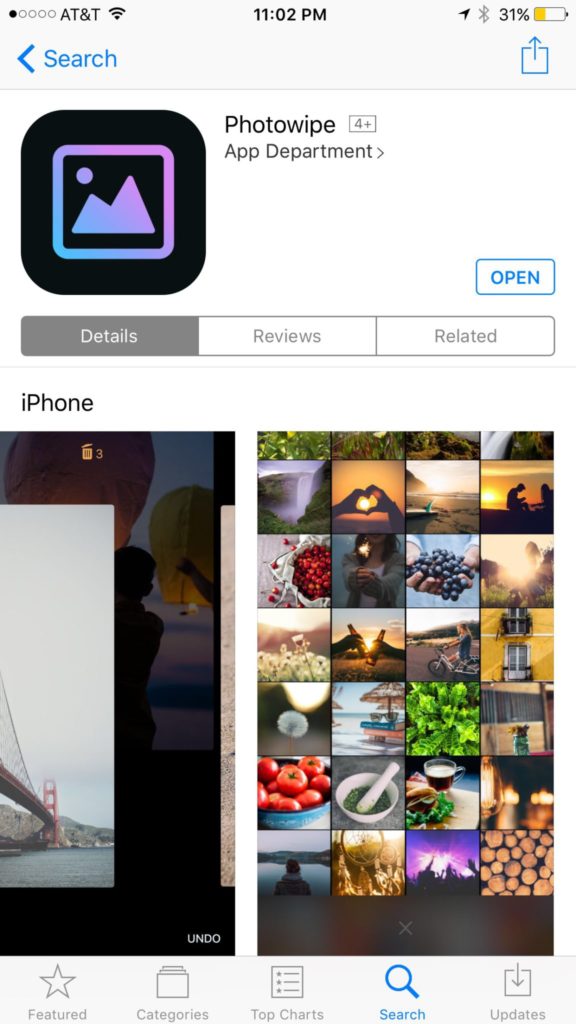
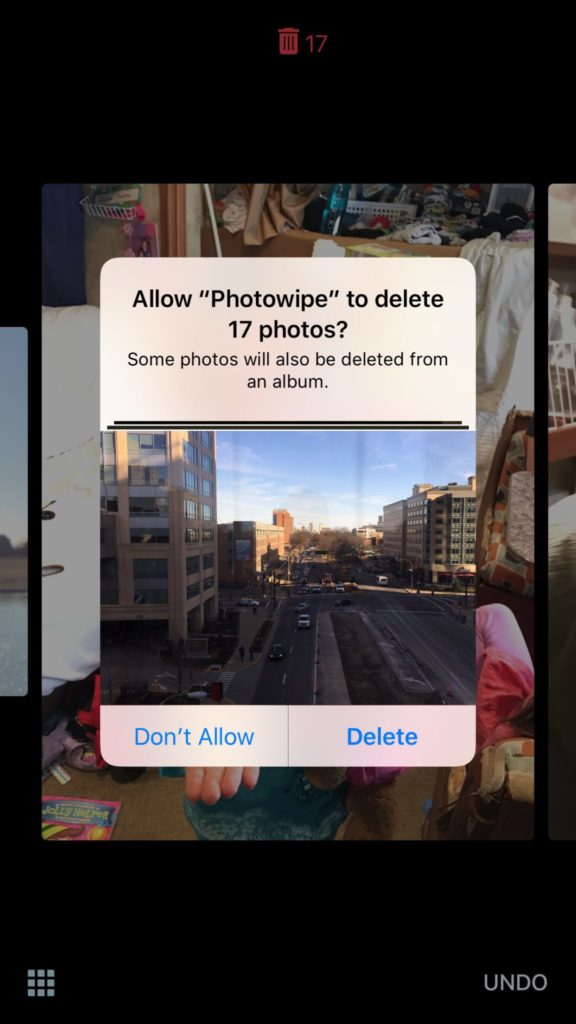
    Taking photos of a two year old, five year old, seven year old, and nine year old is a process. We’ll take six to ten to find the one that looks good. The result of this is our phones filling up with a crazy number of unusable pictures that don’t get deleted because, well, it’s a pain in the butt. Photowipe is a new app that will make deleting those unintentionally motion blurred pics easier and maybe a little bit fun.

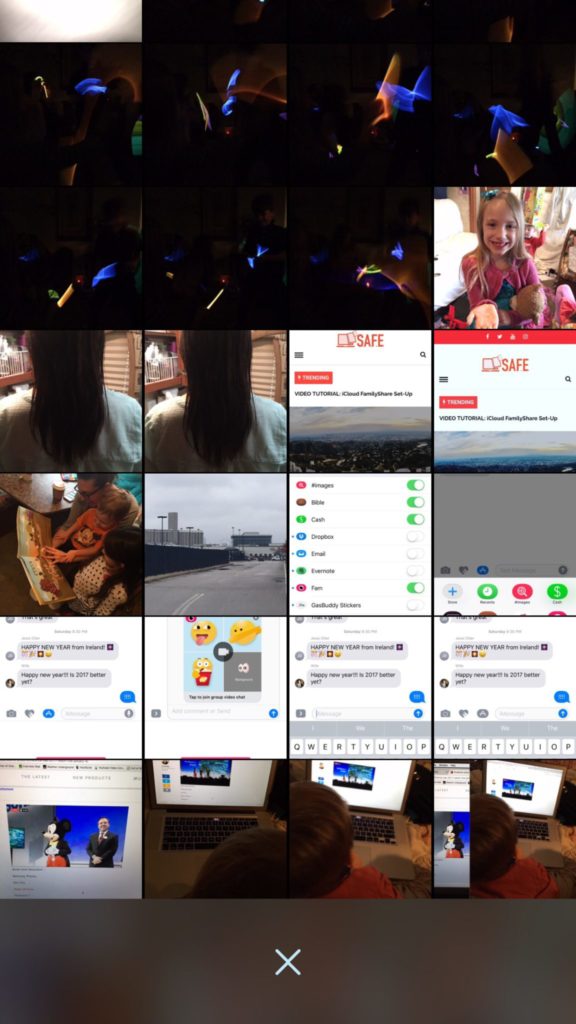
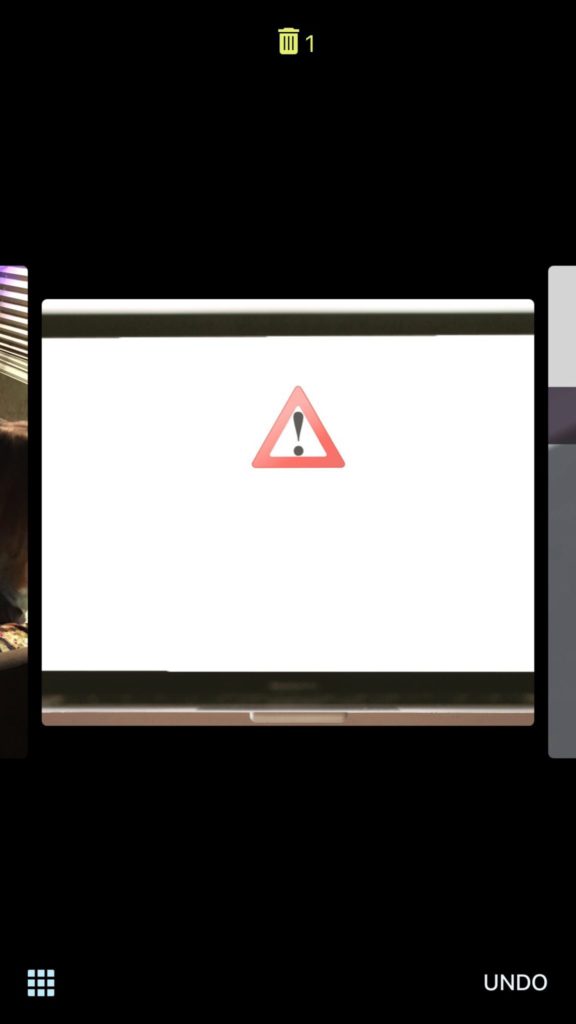
    The app will show you large versions of the pictures on your camera roll and will delete them based on your gestures on the phone. Simply swipe to the side to see the next photo or swipe up to add the current picture to the “trashcan.” The deleted photos will be stored for thirty days in a trash folder unless you force delete them all, which I will be doing every time.

    Also Read: Are your teens hiding photos in a calculator?

    We Say Give it a Try

    It’s a pretty good idea and actually a bit crazy that it’s just now come to be. Now it’s super simple to get rid of those pictures of your toddler’s nasty spaghetti face that you took because you thought it would make a good text message to your husband or all the memes you’ve saved to your camera roll to post in Facebook comments. You can use the slideshow below to get started.


  • VIDEO: How To Set Up Guided Access (iPhone or iPad)

    VIDEO: How To Set Up Guided Access (iPhone or iPad)

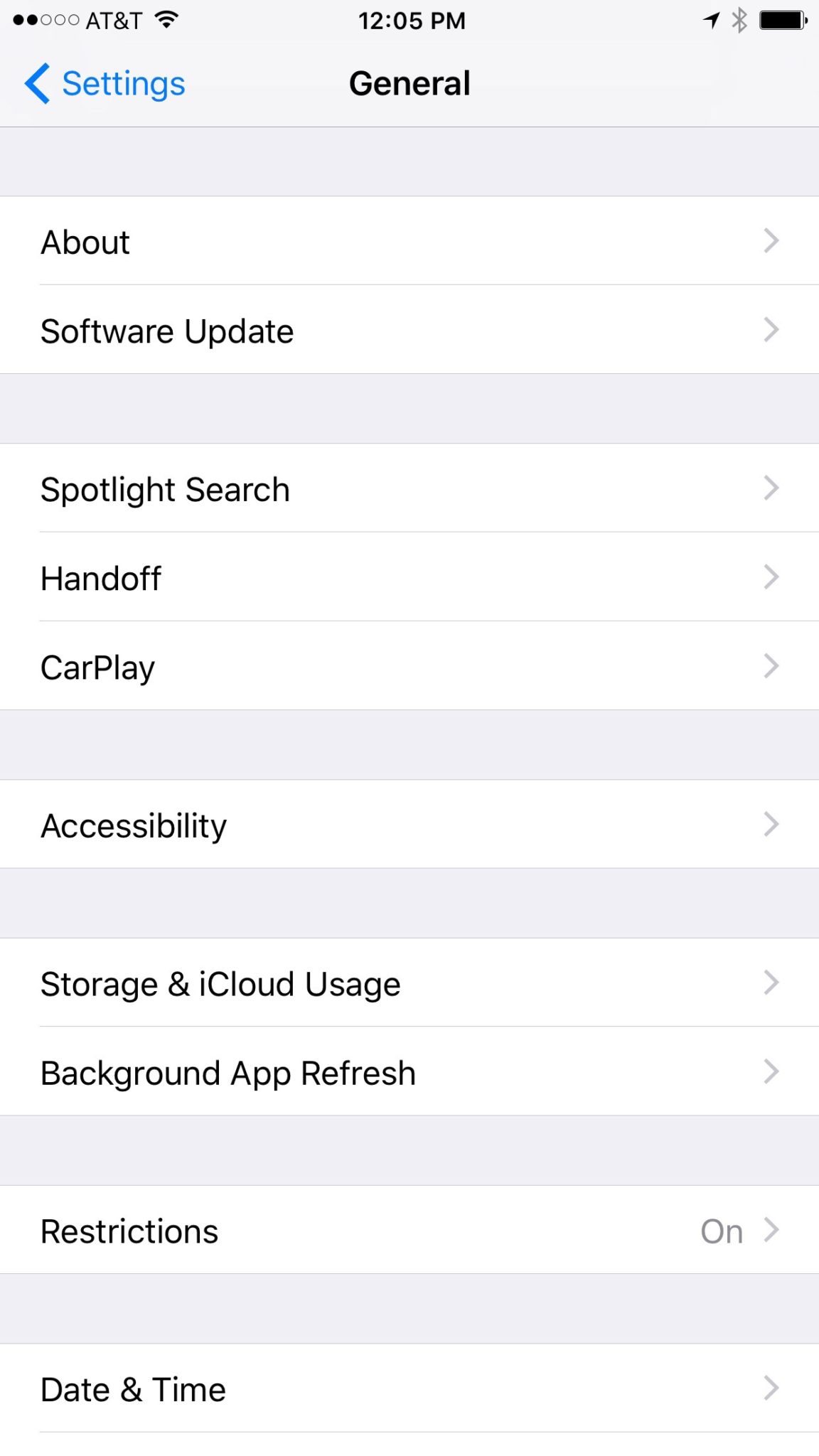
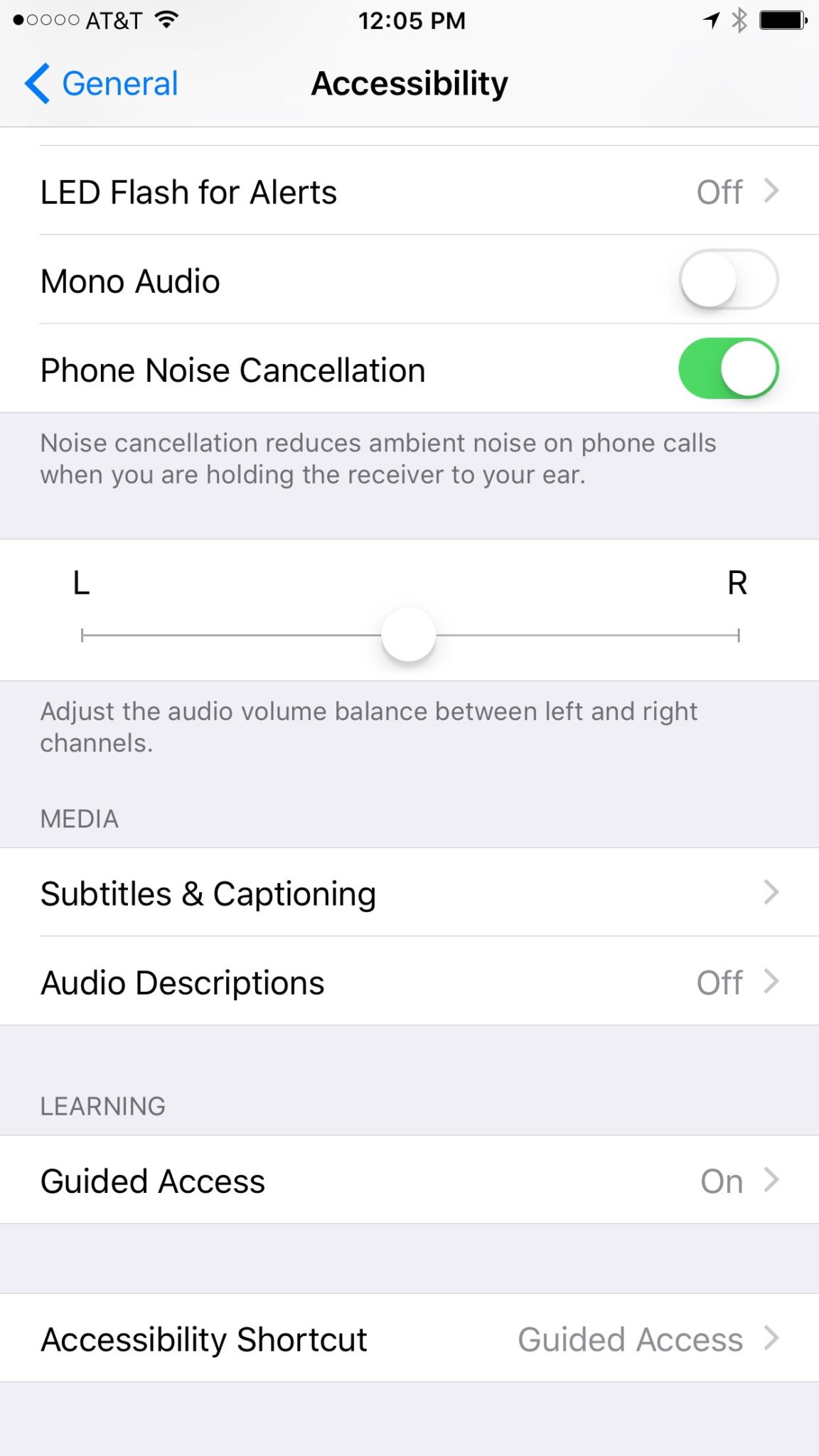
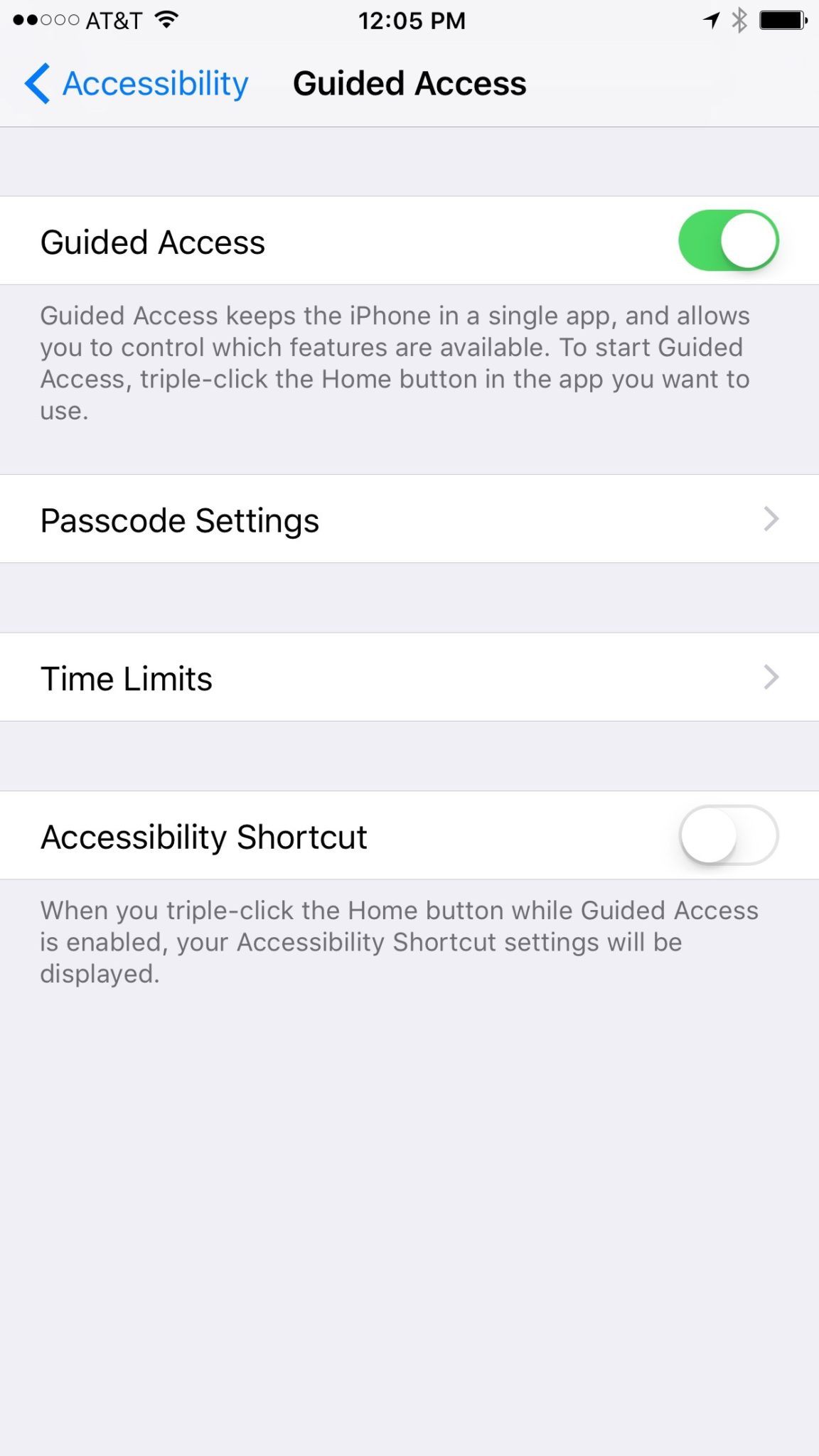
    Those of us with smaller children are often less concerned with them looking for something inappropriate online but we want to protect them from seeing something unintentionally. Apple’s iOS devices have a feature built in called Guided Access just for that purpose. This setting will lock your iPhone or iPad to one app disabling the home, volume, and lock buttons. This is a great feature if you’re wanting to allow your kids to use an app but don’t want them to look around on other parts of your phone. This video will help you get Guided Access all set up.

    (more…)

  • The Only Safe Way to Give Your Child an iPad and Walk Away

    The Only Safe Way to Give Your Child an iPad and Walk Away

    Small Kids Need Internet Safety Too

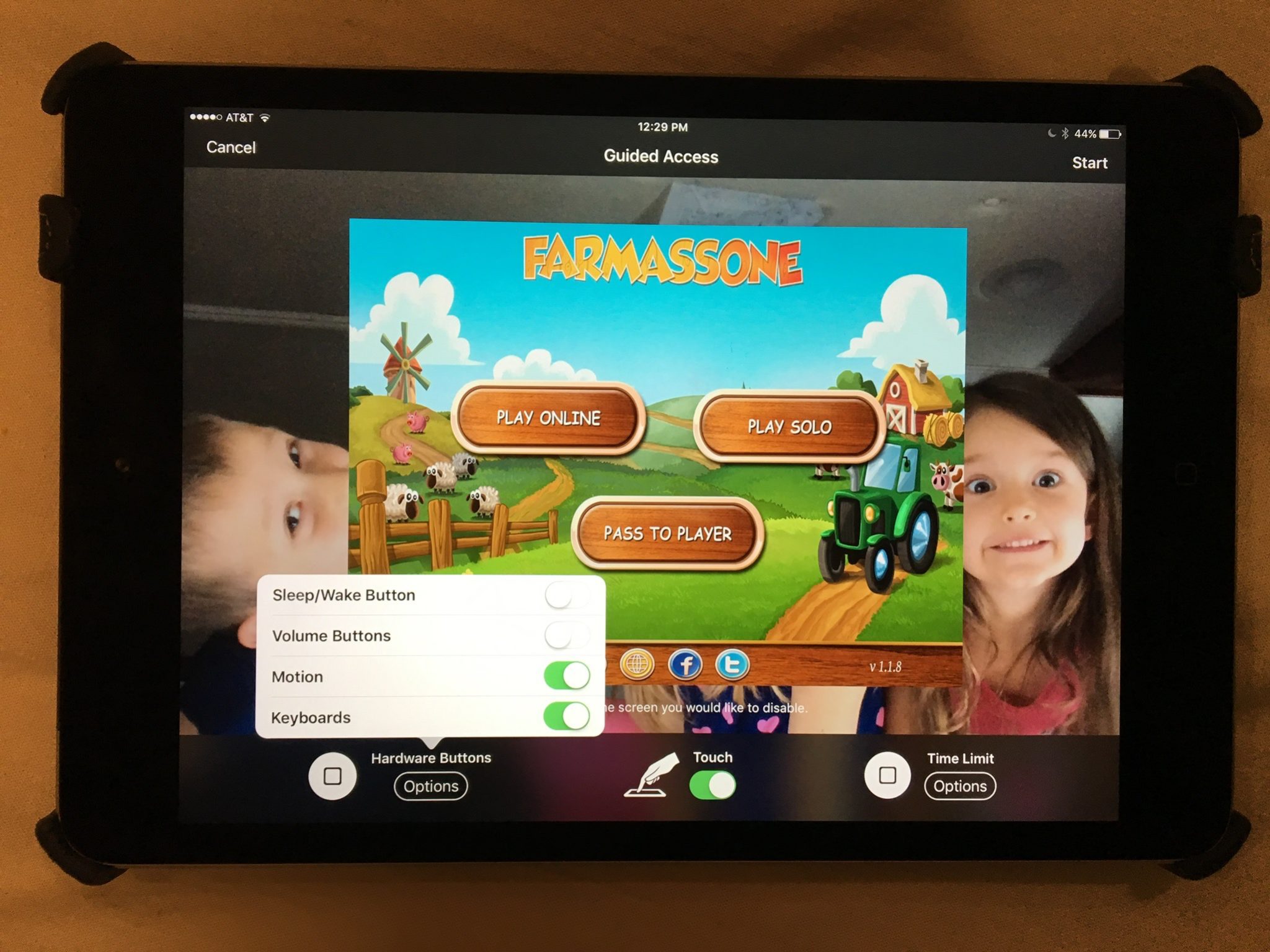
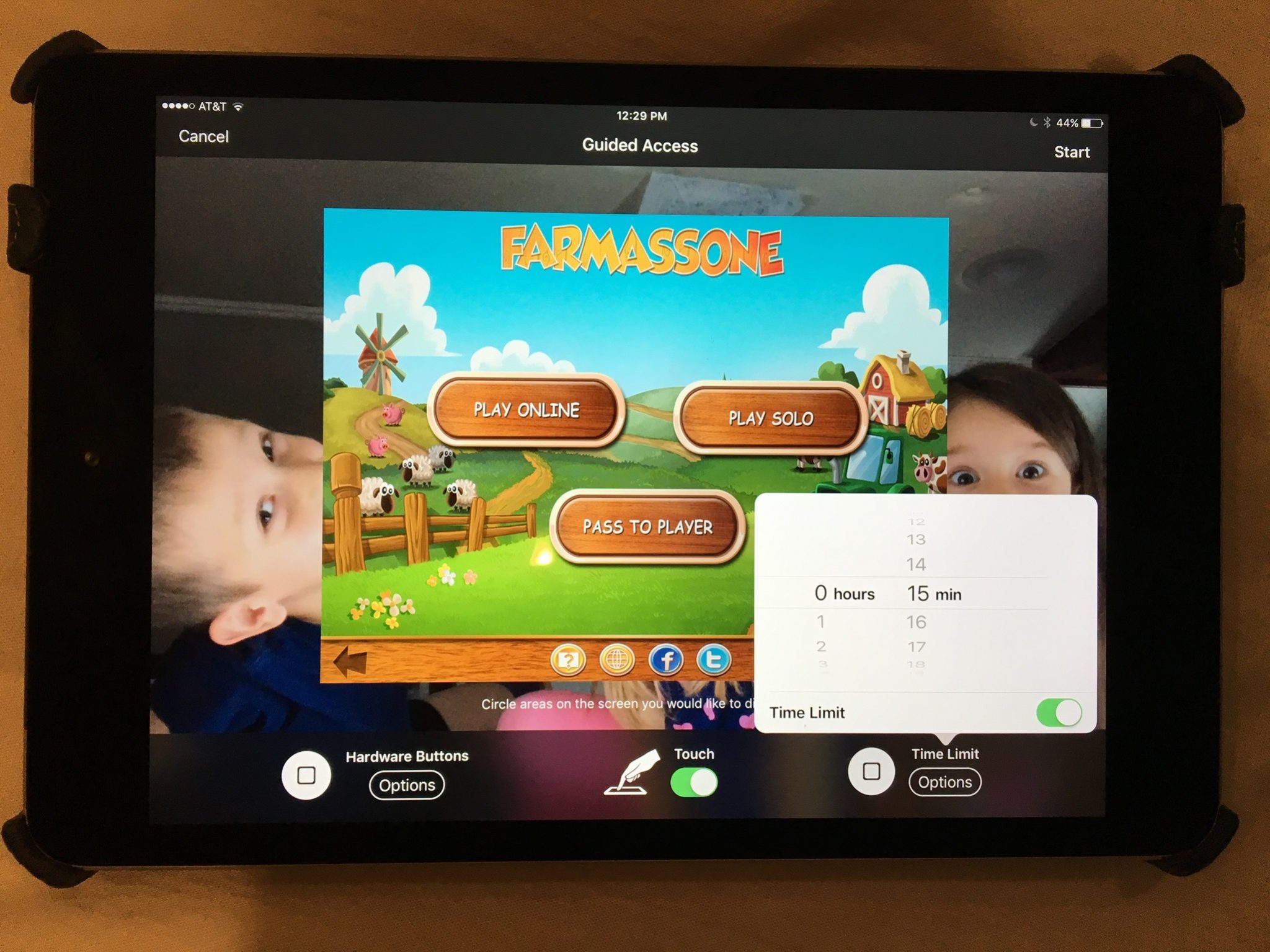
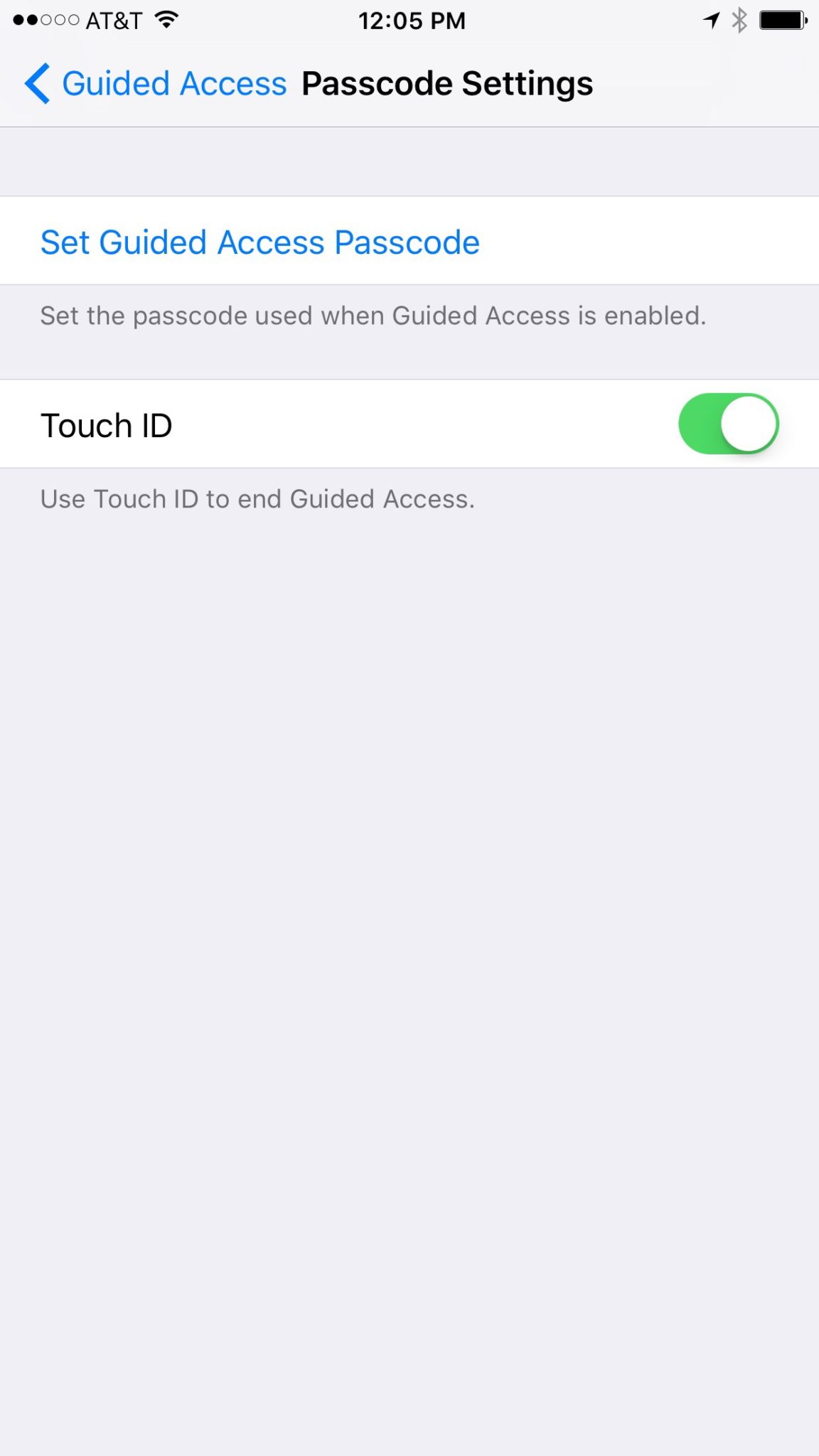
    Those of us with smaller children are often less concerned with them looking for something inappropriate online but we want to protect them from seeing something unintentionally. Apple’s iOS devices have a feature built in called Guided Access just for that purpose. This setting will lock your iPhone or iPad to one app disabling the home, volume, and lock buttons. This is a great feature if you’re wanting to allow your kids to use an app but don’t want them to look around on other parts of your phone.

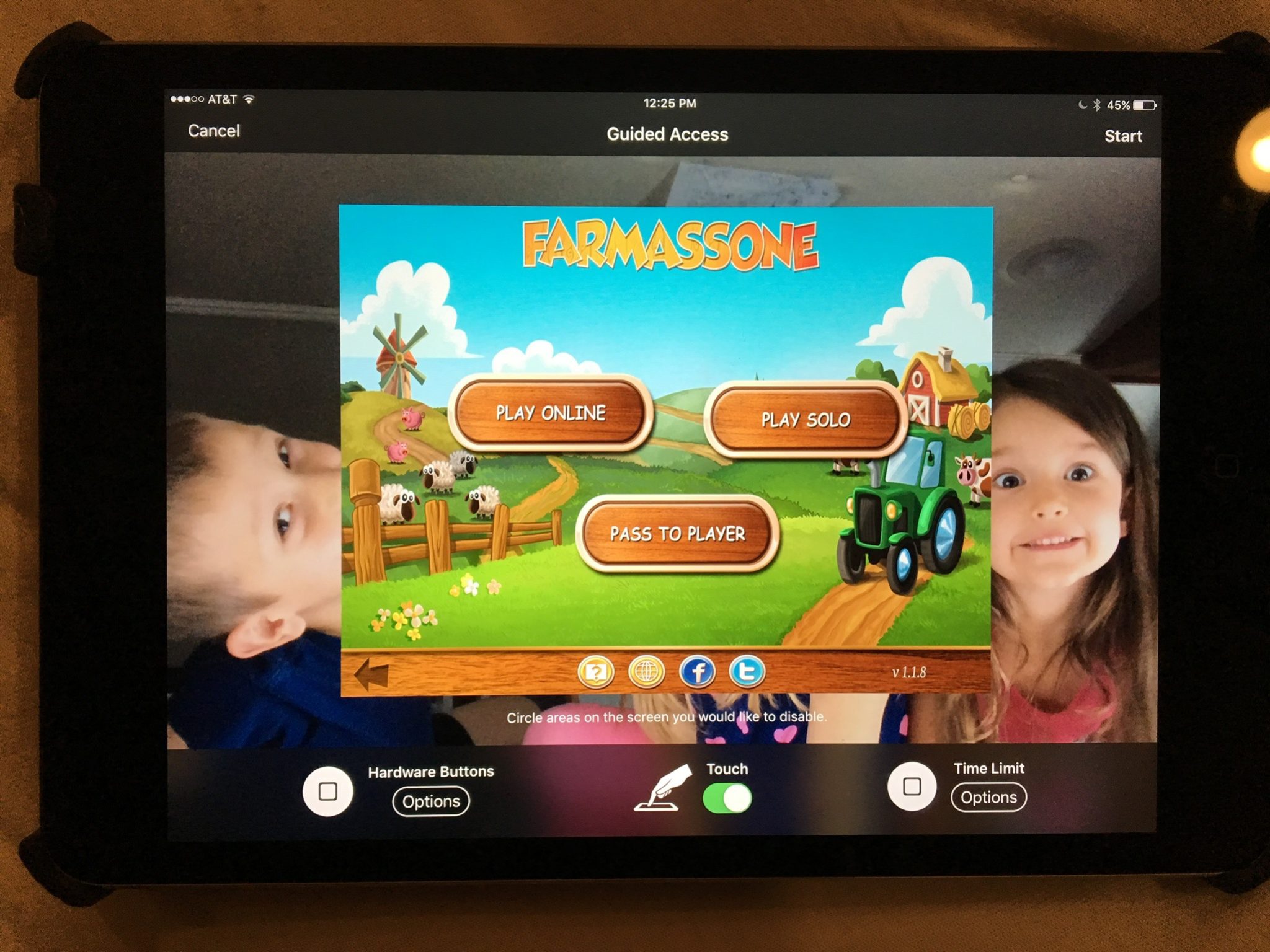
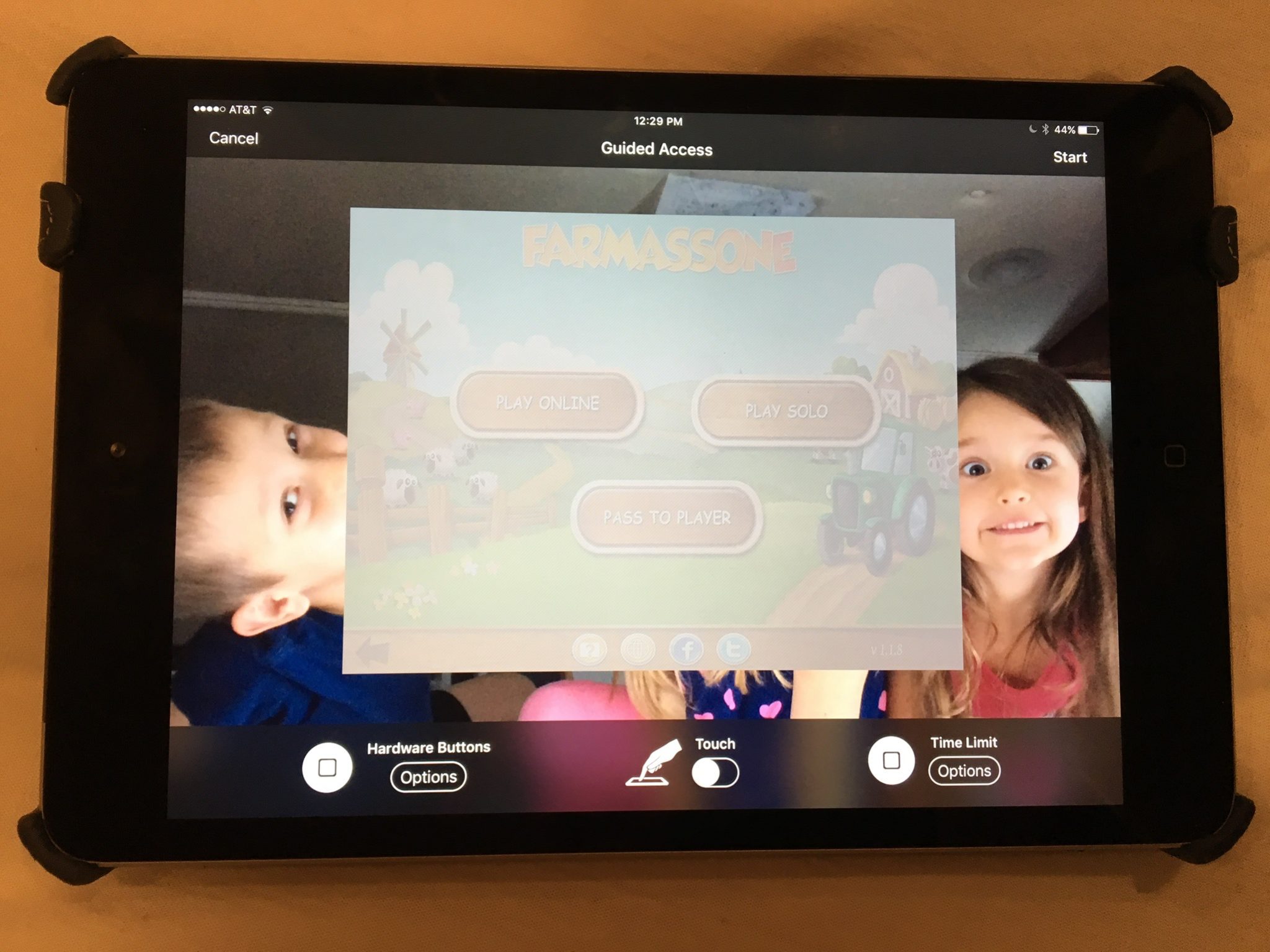
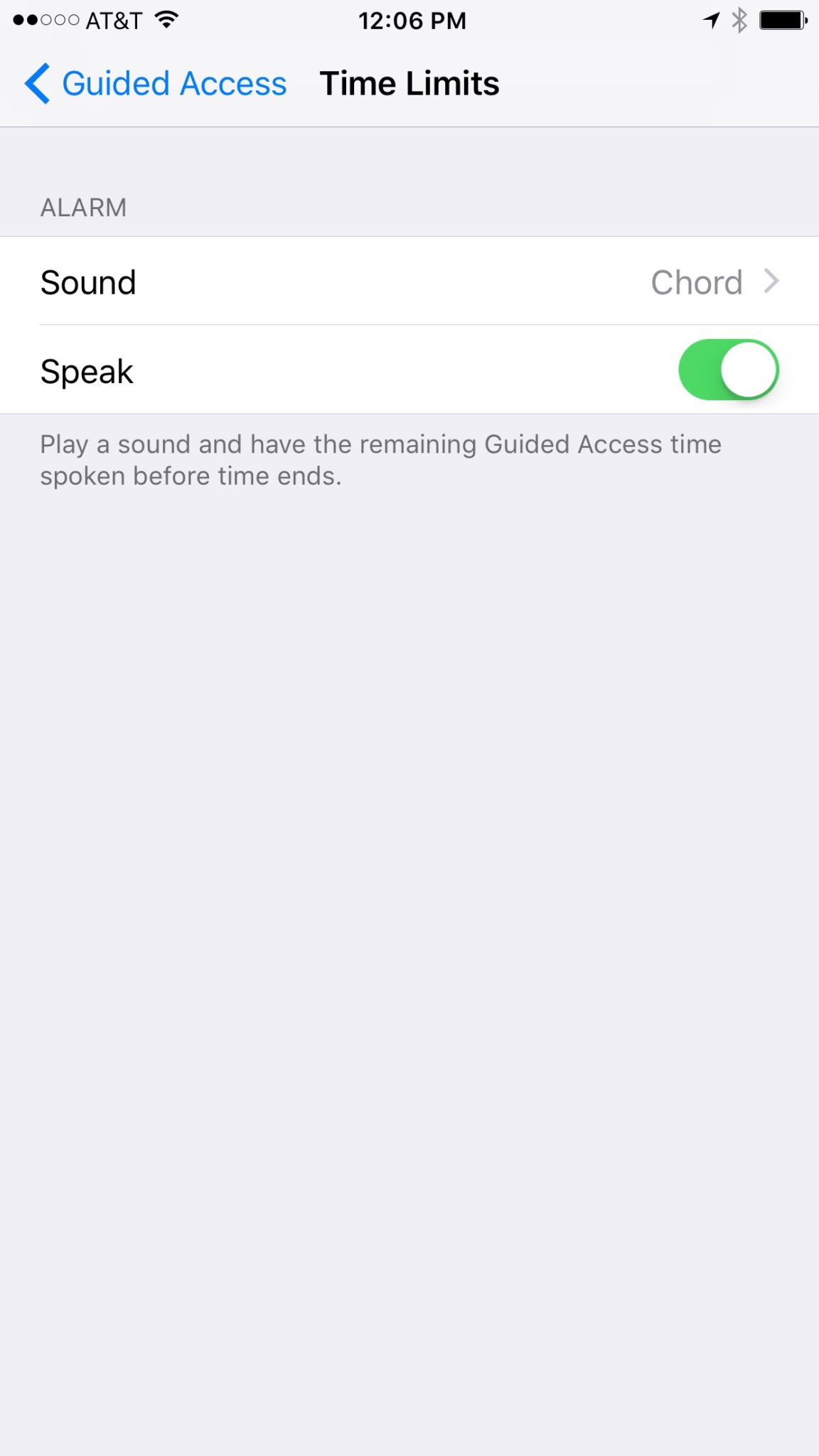
    You may have known about Guided Access for a while but if you haven’t looked at the settings recently you may be surprised at some of the new options that are available. You can turn off the sleep button, turn on the volume buttons, lock the motion (whether the screen rotates when you turn it,) turn on and off the keyboard, touch screen, and time limits. All of these settings are really helpful to customize the guided access for each app you allow your kids too use based on their age and ability to use the iPhone/iPad.

    (*Settings look different on iPhone but they work the same.)

    For example, my two year old likes to mess with the screen while he’s watching something. (He even touches our TV screen if he’s allowed to sit close enough.) This would cause the show to pause or skip or back out of the episode entirely. If you turn off the touchscreen it doesn’t matter what he does, it won’t change the show. Now, of course we are trying to teach him to leave the screen alone but this is helpful while he’s still a defiant little two year old “cutie”. For our older kids we will lock into their school apps so they can’t back out and play Lego Star Wars or something. We also use the time limit extensively, they don’t have their own devices so this helps us make them take turns.

    What Parents Should Know

    You should know how to set up Guided Access. (See the slideshow below) Use it for, especially, your younger kids. Keep them away from apps that will link to the internet. Also, you can draw on areas on the screen to keep them from tapping there, this will keep them from tapping ads or the parental control settings button. We are learning that our kids benefit less and less from using screens but if we are going to give them the privilege it’s important to do it safely. You may give them your iPad or iPhone with an app that is safe for them but if they can back out of it and open something else you’re not doing them any favors. Guided Access gives you some peace of mind, knowing that you can protect them while they are on that device and you don’t have to be looking over their shoulder the whole time. Use the slideshow below to help you set up Guided Access and if you’d prefer a video, check it out here.

  • The Past and Future Combine with PBS Kids’ New 24hr Kids Channel

    The Past and Future Combine with PBS Kids’ New 24hr Kids Channel

    Our Young Kids are Learning from Screens

    The number of children who are viewing educational entertainment broadcasted to their home television grew by two percent over the past year. Most of those families are in lower income homes. PBS has always catered to that demographic with their free television content and now they’re extending that privilege to children. Starting today, January 16 2016, PBSKids will have it’s own 24/7 channel.

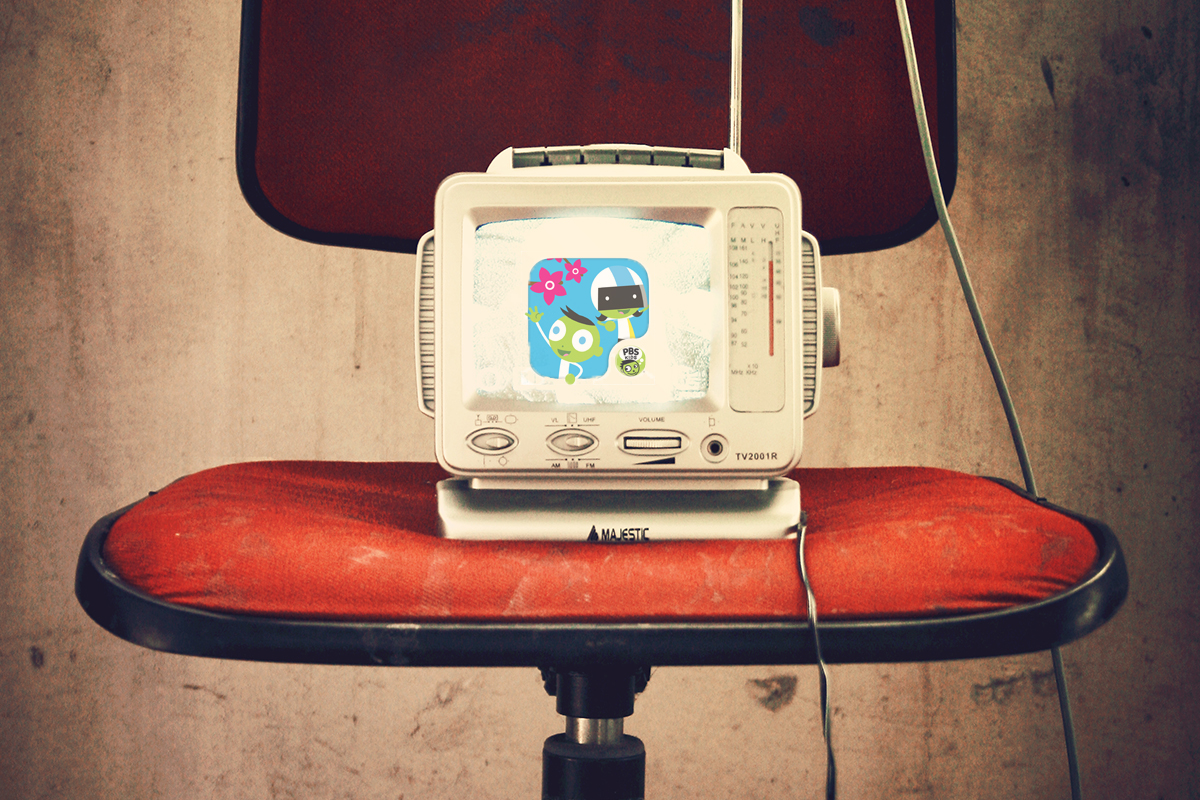
    Yes, Daniel Tiger, Peg + Cat, and Sesame Street will all be aired on a single PBS channel dedicated to children’s programming. The best part is that it isn’t just a channel, the content will be streaming on the PBSKids app that you probably already have. The online streaming content will also be free.

    PBS has said that they understand the need for educational television for those who can’t afford cable or satellite TV, while they also understand that the majority of children are watching their shows on smaller screens these days. The free broadcast/streaming content is unprecedented in a world where everyone is trying to convince you to pay this or that for their content. PBS is sticking to their model of educational entertainment for all. 

    The plan is to roll out the channel on 73 stations across the United States first and have 107 of the US PBS stations carrying the channel later this year. This will mean that free 24 hour children’s education content will be available to ninety percent of the homes in the united states. The streaming content on their app will increase the audience even further.

    Finally the plans include a Family Movie Night and integrating games into the show content. Characters will prompt the young viewers to further their educational experience by taking part in games and activities on the app that will correlate with what they are viewing. PBS says that research on children’s education has inspired this feature and that the feature will increase the opportunity to learn while consuming their content.

    What Parents Should Know.

    If you don’t already have the PBS App I recommend it for your younger children. The shows on the app are safe and educational and there are no ads or anything that would cause them to click away from the app. The games on the app are clean, safe, and fun. Learning is obviously the first focus of every show and game and short of a few annoying characters, you’ll feel totally glad your kids are getting their entertainment from the PBS App.

  • Snapchat’s Search Update Can Connect Your Kid to their Favorite Celebrity Influence

    Snapchat’s Search Update Can Connect Your Kid to their Favorite Celebrity Influence

    Snapchat’s interface has been a topic of conflict for some users of the app. It’s a bit counter-intuitive and there hasn’t been any simple way to find and connect with other users. Discover, Stories, and group chat have been parts of recent updates that seem to be an attempt to attract more users to the app. Their newest update is an attempt to simplify the experience with a search bar.

    The development team has used this update as an opportunity to replace the search bars located at different sections of the app with one centrally located search tool that will search the entire app. Not only will users be able to find their friend’s most recent stories, the group chats and stories they’ve been apart of, and stories related to the same event or location, but they’ll also be able to find users they don’t yet follow and stories from “Discover Media” partners as well. That crazy article they heard their friends talking about is now just a search away, whether they follow the poster or not.

              Also Check Out: Snapchat Spectacles: Now You CAN Document Every Meaningless Second

    The update is starting slow and rolling out to Android users first. It will be available on iOS very soon though. Snapchat’s user-base is growing steadily and the majority of their users (sixty percent) are under 24 years old. While it’s popularity with millennials is growing their teen user numbers aren’t dwindling so your son or daughter are likely to use Snapchat or if they don’t they probably want to.

    What Parents Should Know


    Whether or not Snapchat is a no-go for your family is obviously up to you. It’s important, either way, to understand the functions and purpose of the app. The main goal of Snapchat is social connection. That’s all well and good between your kids and their friends, the concern is the access that brands have to the users of the app. Gone are the days when you could go to the bathroom and miss or just sit and ignore a commercial. We are raising our children in a world where the brands they use allow them to become fans and communicate directly to them.

    This new update will make it even easier for your kid or teen to become a follower of their favorite celebrity or product. If you prefer to have some kind of say over what products and famous people are able to share their “message” with your children then you should pay very close attention to Snapchat and apps like it. (Instagram, Musical.ly) On iOS you can use Family Sharing to keep an eye on what your kids are downloading. If you don’t want to or can’t set-up Family Sharing then the old fashion take the phone and give it a look is always a good option as well. Either way, don’t ignore the messages your children are getting through their social media accounts. You may be surprised how different those messages may be than the lessons you try to teach them every day.

  • Your Device May Not Have Parental Controls 

    Your Device May Not Have Parental Controls 

    Setup is Key

    In every Digital Boundaries Workshop I do I encourage parents to set up the built in parental controls on their devices. I’ve now been in several homes to do these setups for them and I’ve noticed a troubling trend. Many of the devices kids are using don’t have any parental controls built into them. That’s right, you should check out your phone and check the operating system because on many of them there is no way to setup filters or monitors of any kind.

    Android before Jellybean

    Android phones have no family safety settings before version 4.2. If your Android phone or tablet is running something older than 4.2 (Jellybean) then you have to install a third party software like Parental Control or NetNanny.

    Windows Before 8

    Many Windows users delay the upgrades of their PC for one reason or another. If your PC is running something older than Windows 8 you won’t have a built in parental control option and you’ll need to run separate software. My recommendation is K9 or NetNanny. K9 is free and a pretty good filter with some customization options but it’s not the absolute strongest filter and doesn’t have a lot of support. Also, the “backend” controls on it can be a little out of date and tough to understand. NetNanny is a “whole page scanning” filter that protects you from a proxy and has some easy to understand controls. You can use THIS LINK to sign up for NetNanny and help BecauseFamily out with a little kick back.

    iPhones and iPads Should be Good

    Apple introduced parental controls on the mobile device when they launched iOS3. Almost every iPhone or iPad will have parental controls built in but if they don’t NetNanny is a good option for those too.

    Update Your Software or Upgrade Your Device. 

    Your best option is to keep your technology updated. If you’re running a PC and it meets the requirements you should upgrade to the latest operating system. The parental controls alone are worth the time it takes to learn some of the nuance of the new user interface. If your devices are too old to upgrade and you don’t know how or want to install new software you need to sell that device on eBay (probably for parts) and upgrade to something new. 

    Parental Controls is Step One

    Using parental control software to protect your children is step one of internet safety. I highly recommend finding out what’s available for your operating system and setting that up. If you need to install something else then don’t be afraid to invest in a software that will protect your kids at the level you need. Obviously you’re going to have different needs if your kids are young and you want to keep them from finding something on accident than if you have a child who has been sneaking around online. Know what it is you need, know what your technology offers, and then act by setting something up or installing something new.


  • You Can Vote For Monopoly Tokens to Reflect the Culture

    You Can Vote For Monopoly Tokens to Reflect the Culture

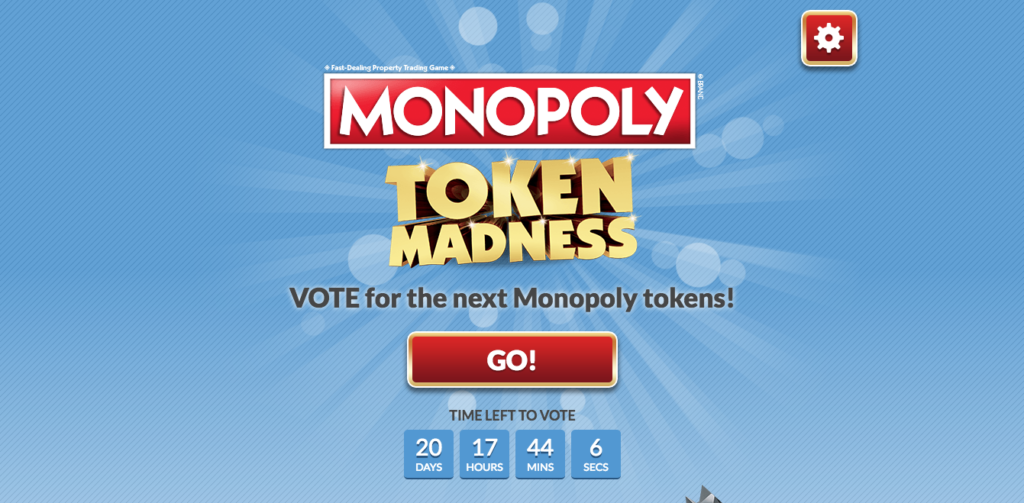
    Does art reflect culture or does culture reflect art? It’s a chicken or the egg level conundrum but Hasbro’s classic board game Monopoly is letting their fans decide. A new website is making it possible, and even fun, to help them choose the next series of tokens or game pieces for their game.  They have over fifty options and the run the gamut from the classic thimble and battleship to new, tech inspired tokens like a hashtag or wink emoji.


    Monopoly has been around for a long time and they always seem to be updating to encourage you to upgrade your version of the game. They’ve added credit cards in the past, they have make different versions for different age groups or interest types, now they are letting fans of the game be involved in the design process. The site is even fun to use. It’s set up like a house and you click your way through different rooms that feature different tokens. When you click on one you like you see it more close up and see the name they call it. You can chose to vote for it there on that popup or you can click an arrow to see the next on the list already in that zoomed in mode. It’s easy to use and fun to look around seeing what they’ve come up with.


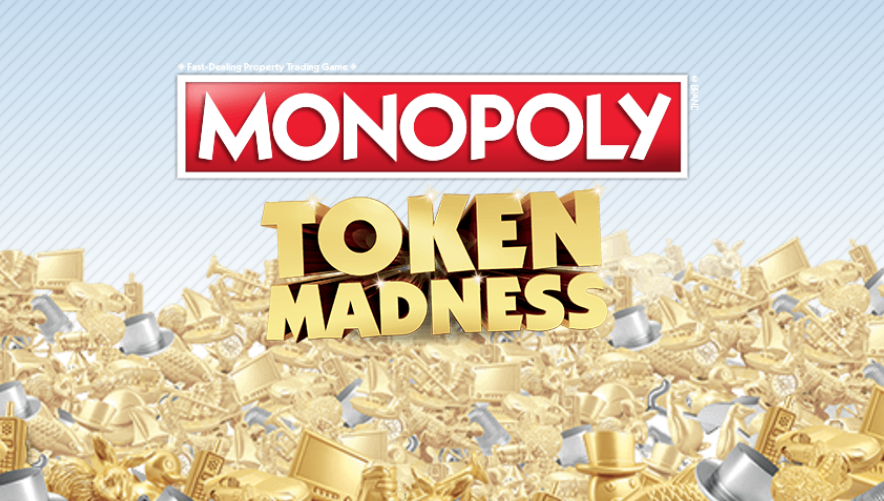
    The new version of the game with the winning designs will be available this summer and for the purists like myself, (I HAVE to be the battleship!)  a “Token Madness” edition will be available that will include the classic tokens as well as the newest, fan selected, versions. You can vote until January 31 so head on over and chime in.

    When Tech Bleeds Into the Board Game

    My family loves to play board games. My wife and I even spend the majority of our date nights playing a two-player version of some tabletop game. You will often see the digital world work it’s way to the analog products we enjoy. It’s obviously a way to try and stay relevant and attract buyers. I remember seeing “Words with Friends” the board game in Target and my wife and I laughing at each other…”Isn’t that scrabble???” Maybe, as parents of digital natives, we can use this as an advantage. Use an offline version of a mobile game like “Words with Friends” to encourage a few hours of family time. Maybe some emoji tokens in Monopoly will provide a bit of delight that will cause your 16 and 12 year olds to want to sit down with you and play for a while. Try it out sometime soon. But first, go vote on the new Monopoly Tokens.

  • The iPhone Turns 10 and a Life of Balance for Your Family

    The iPhone Turns 10 and a Life of Balance for Your Family

    I remember being 18 years old and telling my friends I’ll never have a cell phone. “I just don’t want to be reachable all the time,” I would say. “Sometimes I want to be out of pocket.” Boy did that ever change. Now, 14 years later, I’m connected to every single person I know through my phone. Since I have a smartphone, I don’t even have to call anyone anymore. Text messaging and social media are the new “real world” and we are all fully aware of how we were kidding ourselves with that self-righteous “No cell phone for me” talk.

    The iPhone turning ten years old today made me realize that many of our kids have never lived in a world without smartphone technology. Our kids are being called “digital natives.” They are comfortable in a world where all desired information is a few taps on a screen away. They can connect with the people they know without ever leaving home. They are accessible all of the time and many of them don’t know any different. As parents, how can we help our kids understand the importance of balance in an extra-digital society?

    Take Influence Seriously

    Influence is a resource. The impact we have on our children as parents is the most significant force in their lives. Even being uninvolved causes ripples in their lives, behavior, decisions, and thoughts. When it comes to technology our influence over them is just as significant as in any other area of life. Whether it’s the example we set with our tech use or the boundaries we lay out for them for theirs, we have to keep in mind the influence we are having over our kids and their use of their many mobile devices.

    As we model a life of balance our children are able to, sometimes without knowing it, have a healthy view of our technology as resources instead of a way of life. Even parents like me, who are tied to their mobile phone or laptop for work, have to make obvious and intentional decisions to separate ourselves from our tech so that we can model a life of balance for our children. A major part of why this site was started in the first place was to help parents make the most of being the first influence in the lives of their children. If our kids are seeing us tapping our tablet screen all day and that’s it, they aren’t being influenced by us in the way that will help them grow into healthy, quality adults.

    Dinnertime is FaceTime

    There are multiple studies that have been released that show the value of a family mealtime. A common recommendation is at least once a week. Schedule a day when everyone must be home for dinner. Cook or order in something and sit around the table together. Make a rule that the wifi is off or paused and phones are set on a shelf or counter somewhere to charge during the planned dinner time. You may spend the first few attempts staring at each other but it will eventually be the activity that bonds your family like no other experience can. There are even websites and apps dedicated to giving you conversation starter ideas to help you break the ice for those first few experimental attempts.

    Balance is not something you find. It’s something you create. – Jana Kingsford (MumsJugglingAct.com)

    If we are going to create balance we have to either stop living at either extreme or find a way to exist in each extreme equally. If we take the time to sit and eat a meal together as a family every day or week we can start working towards a more balanced life as a family. If we are always headed our separate ways and even our times together at home are spent using our separate devices in separate areas of our house we will continue to see ourselves grow apart. Balance is the key and a family dinnertime is a great way to start your path toward that balance of screen-time vs facetime.

    Understand that Digital is the New Reality

    We aren’t living in a passing phase of technology. The digital and social media culture is here to stay and is going to get even more different as the years progress. If the three days of following CES taught me anything it’s that our world is only getting more digital. With virtual and augmented reality becoming a very real option for gaming, movies, and other entertainment it’s only a matter of time until we are updating our instagram stories by hitting a button on our smart-glasses or blinking a pattern so our contacts recognize what we are trying to post. It sounds like science fiction but it’s becoming more and more a reality.

    Since this world is becoming increasingly real, we have to understand what’s happening and get on board with helping our children use these new inventions in a healthy way. We can’t blame inventors and CEOs of companies for bringing down our culture with their products when we are the ones buying them and letting our kids have full control of their usage.

    I remember being told hundreds of times that folks aren’t ever going to want to type messages on a screen. “You have to have real buttons so you can feel them. I can’t handle that touchscreen stuff.” Well, ten years after the iPhone was announced, it’s hard to find a laptop that doesn’t fold into a touchscreen tablet. We live in the future and it’s coming faster than ever. No matter how futuristic the world seems the same principles apply. Mom and dad have to be the first influence in their children’s lives. This is how we raise kids who are safe, healthy, and whole.

    Information about our work with families can be found at SAFE.BecauseFamily.org/about.

  • The Connectivity of Your Home is a Main Feature at CES 2017

    The Connectivity of Your Home is a Main Feature at CES 2017

    If this year’s Consumer Electronics Show is any indication, your home is going to get smarter and smarter. The idea is that the things you used most can help you become better at what you use them for. If they can all communicate with each-other they can do even more, including lower your energy use and costs, increase convenience, and educate you and your family. Check out some of the smart home products, some great, some kind of silly, that you may be buying in the next several years.

    Smart Mirror

    The smart mirror is a connection hub for you to start your day with the info you want to see most. You set it up to show you what you’d like to see. Maybe your instagram and twitter feeds, perhaps you want to know the weather or news, or just watch your favorite YouTube channel. The smart mirror will respond to your hand gestures or voice commands to provide you with the convenience level you desire.

    Smart Bed

    Sleep number is at CES showing off their smart bed. Yes, apparently a bed can be smart. This bed will warm your feet, decrease the mattress firmness if you toss and turn, and even tilt your head up if you start to snore. You didn’t know you needed a smart bed did you?

    Smart Hairbrush

    File this one under more stuff you didn’t know you needed. A smart hairbrush will track your hair brushing technique and teach you how to brush your hair better. The designers of the brush say it will help keep your hair healthier and look better. Maybe this will go in the “stuff you definitely don’t need” file. That’s just my opinion though.
    Smart Toothbrush

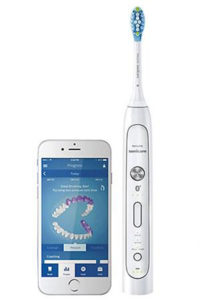
    This toothbrush has computer components built in that will track your brushing habits and give you recommendations to do a better job. The verge’s article says it’s “you-missed-a-spot for dental hygiene.” For someone like me who thinks brushing my teeth is boring, it’s a struggle to do it for as long as is recommended. A smart toothbrush would be pretty good accountability for me. Plus, since I’m a tech nerd, it would probably make me a bit less annoyed to stand in one spot for two minutes with a brush in my mouth.

    Toothbrush Game Controller

    There’s also a smart toothbrush option for the kids but theirs has a game built in. I know, the kids get all the good stuff. The game helps coach the kids to brush all of their teeth and take all the time necessary. It will distract them from the time they are spending brushing by letting them battle monsters by moving the brush to different areas of their mouths. The app on a phone or tablet provides the instructions and how well they follow those instructions will determine if they win the game or not.

    Connected Appliances 

    Another major product being featured at CES is the connected appliance. I wrote about the washer and dryer yesterday but there are refrigerators, ovens, trash compactors, dishwashers, and even a toaster that will communicate with each-other and allow you to control them from your smartphone or other controller. The apps will let you adjust settings on your washer and dryer, monitor your home while you’re away, and even turn off the off the oven if you’re coming home late. It’s all connected and it’s becoming the majority of what these appliance companies are producing.


    Should Your Family Be So Connected?

    I look at a smarthome like social media. There are things that make sense for some folks that don’t for others. Is it cool to be on the fringe beginnings of the latest trend? Sure it is, but it isn’t always practical. I, for instance, use Facebook to promote our ministry and this blog and I use Instagram to keep track of friends, Twitter is where I turn for professional growth and information. These smarthome and connected appliances fall into a similar category for me. There are those who are going to feel like they need a smart hairbrush, I will never see the need but some will. I may like having my kitchen all connected and controllable from an app on my phone but you may not. Chalk it up to “different strokes for different folks.”

    As for safety and security, the more connected you become,  the more you’ll have to keep an eye on how you’re protecting your family. This entire site is dedicated to the fact the being connected online comes with risks. While your oven may not lead your kids down a road to temptation, what if you daughter uses that smart mirror to compare herself with photos of people she thinks is more beautiful? What if your son is using it to watch videos you wouldn’t normally allow him to watch. Some of these smart products are just new screens and new screens mean new parental controls to set up. Do you know how to do that? You should.